Superpowered vs Noty AI
Explore the showdown between Superpowered vs Noty AI and find out which AI Meeting Assistant tool wins. We analyze upvotes, features, reviews, pricing, alternatives, and more.
In a face-off between Superpowered and Noty AI, which one takes the crown?
When we contrast Superpowered with Noty AI, both of which are exceptional AI-operated meeting assistant tools, and place them side by side, we can spot several crucial similarities and divergences. The users have made their preference clear, Superpowered leads in upvotes. Superpowered has garnered 6 upvotes, and Noty AI has garnered 4 upvotes.
Not your cup of tea? Upvote your preferred tool and stir things up!
Superpowered
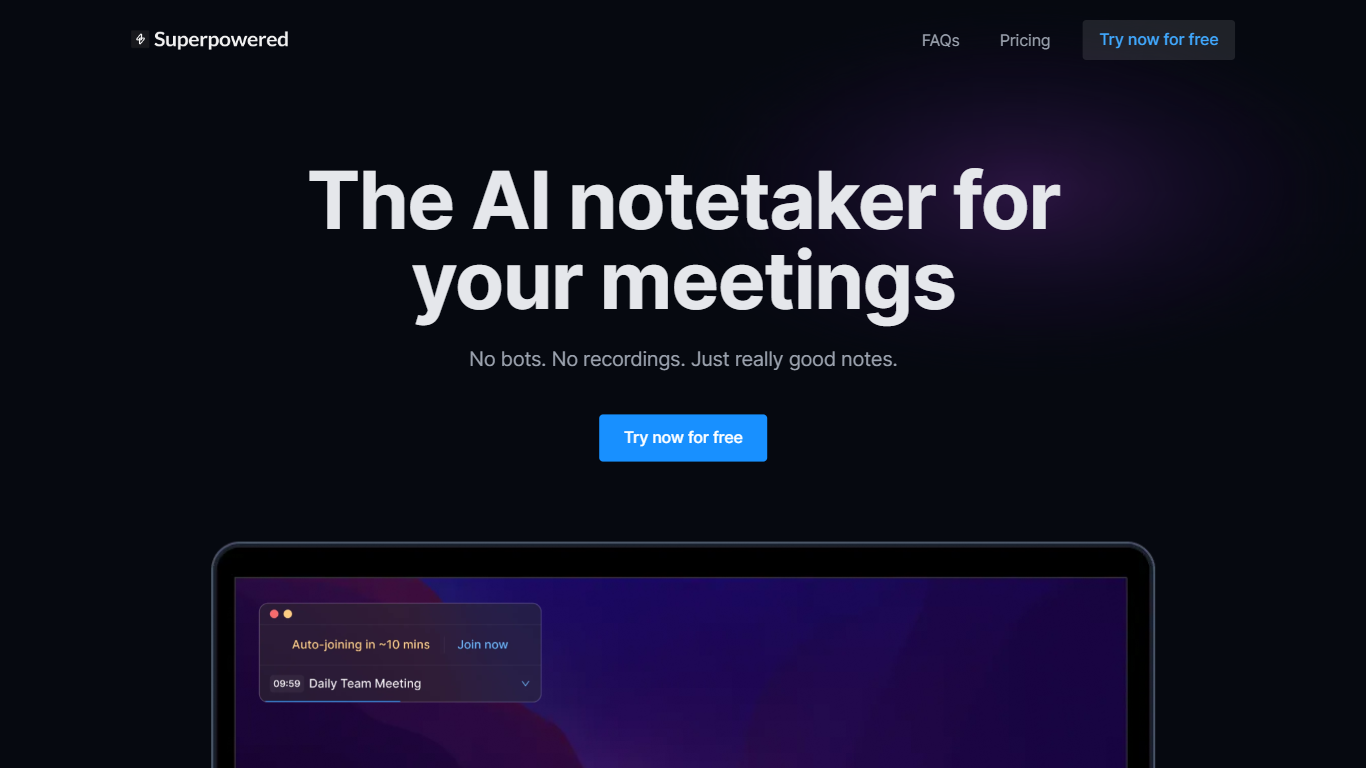

What is Superpowered?
Superpowered is your ultimate AI-powered assistant for seamless notetaking during meetings. This AI notetaker skillfully transcribes meetings in real-time without the need for bots or recordings, ensuring privacy and efficiency. Superpowered offers features like AI Templates and AI Chat, enhancing note accuracy and providing you with the perfect memory for all your meetings. It's designed to work with various meeting platforms and supports a diverse range of languages. Trusted by a wide range of companies worldwide, Superpowered ensures industry-standard compliance with SOC-2 Type II and GDPR, guaranteeing security and privacy. With varying pricing plans, including a free option, it caters to individual preferences and offers integrations with popular services such as Slack, Notion, Google Drive, and more. Embrace the power of AI and never worry about meeting notes again!
Noty AI
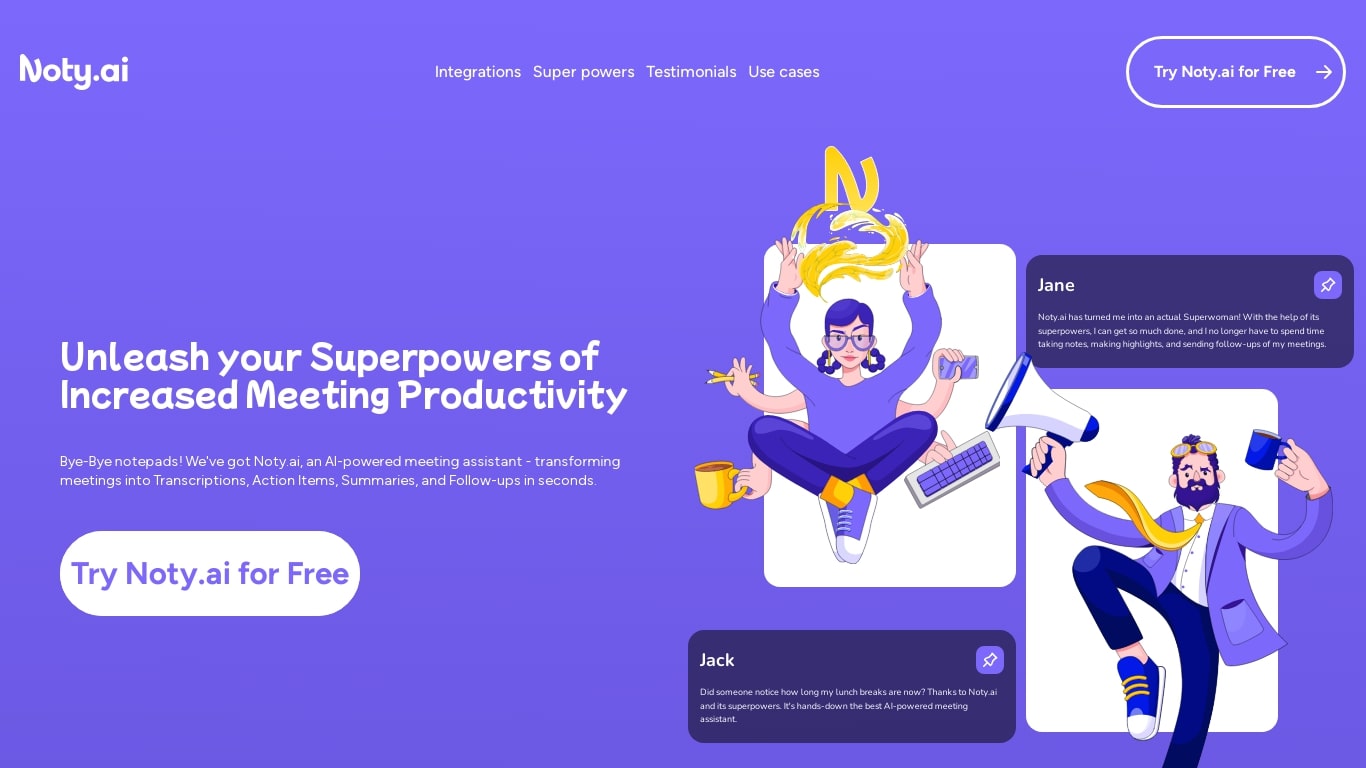
What is Noty AI?
Noty AI is a meeting assistant that turns live calls into transcripts, summaries, and tasks your team can act on. It records conversations in real time, highlights key moments during the call, and generates post-meeting recaps so nothing discussed gets lost between sessions.
The product works with Google Meet, Zoom, and Microsoft Teams. Transcription runs while the meeting is in progress, and you can search transcripts afterward, add comments, or chat with Noty to pull specific details from a past discussion.
After each call, Noty builds summaries, detects action items with deadlines and assignees, and drafts follow-up messages you can send to participants. Meetings are organized in a searchable workspace with exports to Docs, PDF, or plain text.
Project managers, customer success teams, and remote workers use Noty to cut post-meeting admin and keep projects moving without manual note-taking.
Superpowered Upvotes
Noty AI Upvotes
Superpowered Top Features
AI Notetaker: Transcribe meetings in real time without bots or recordings.
AI Templates: Enforce notetaking best practices with customizable templates.
AI Chat: A chat feature that lets you interact with an AI that 'attended' your meetings.
No Recordings: Everything is transcribed live and no recordings are stored to ensure privacy.
Multi-Language Support: Supports an extensive list of languages for transcription.
Noty AI Top Features
Live transcription during Google Meet, Zoom, and Teams calls with searchable transcripts afterward
Post-meeting summaries you can review, edit, comment on, or query through in-app chat
Action items, deadlines, and assignees pulled from conversation into a shared to-do list
One-click follow-ups that send recap emails with takeaways and tasks to participants
Global search across all meeting data with export to Docs, PDF, or plain text
Superpowered Category
- Meeting Assistant
Noty AI Category
- Meeting Assistant
Superpowered Pricing Type
- Freemium
Noty AI Pricing Type
- Freemium