TabMate vs Scribe
Compare TabMate vs Scribe and see which AI Productivity tool is better when we compare features, reviews, pricing, alternatives, upvotes, etc.
Which one is better? TabMate or Scribe?
When we compare TabMate with Scribe, which are both AI-powered productivity tools, The users have made their preference clear, Scribe leads in upvotes. The number of upvotes for Scribe stands at 17, and for TabMate it's 6.
Feeling rebellious? Cast your vote and shake things up!
TabMate
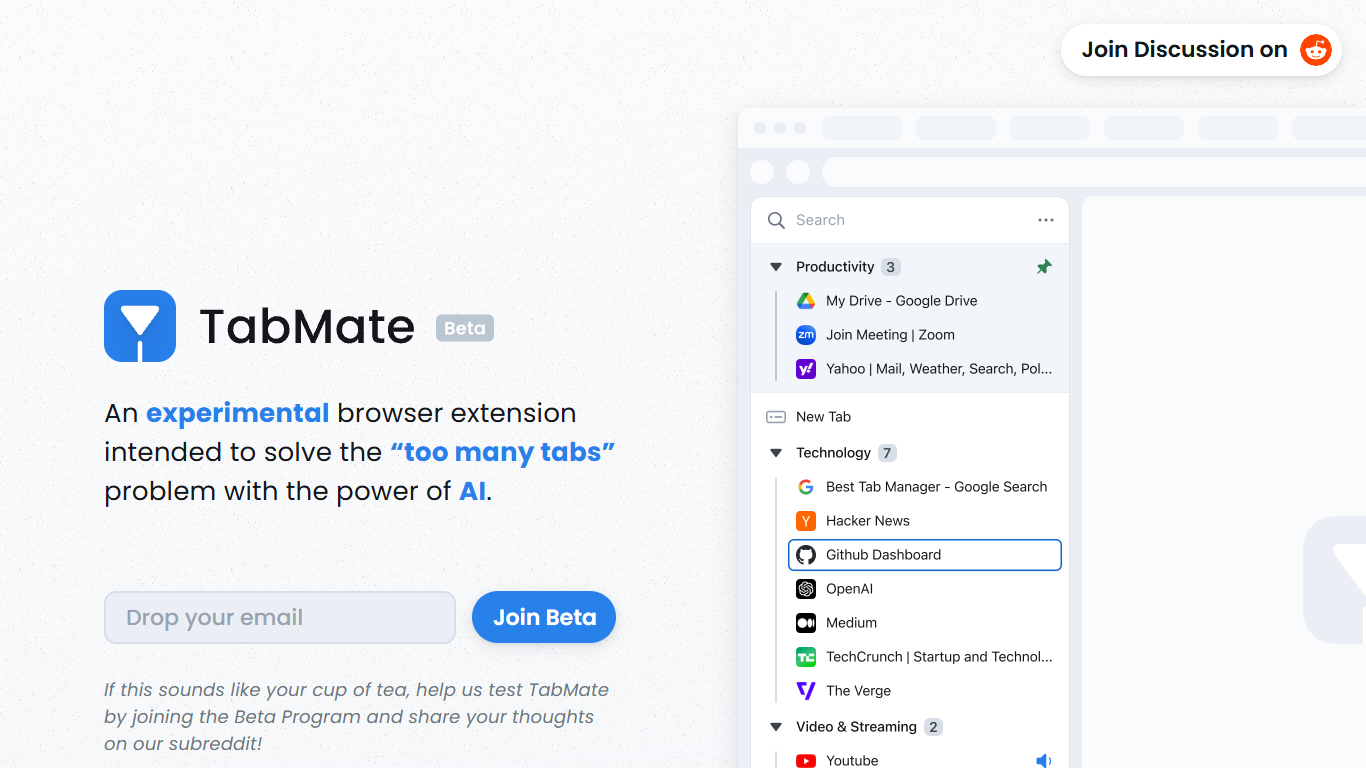

What is TabMate?
TabMate is a browser extension that uses AI to categorize and organize open tabs when you have too many. It is built for people who keep dozens of tabs open while researching, comparing options, or jumping between projects and want a cleaner browser without closing everything.
You browse normally and open tabs as usual. TabMate then groups and categorizes those tabs automatically, and you can reorganize, pin, or label groups however you like. The site describes it as an experimental approach to the classic too many tabs problem.
TabMate runs in Chrome and most Chromium-based browsers, including Edge, Brave, and Vivaldi, on macOS and Windows. The product is currently available through a beta program on the TabMate website.
Scribe
What is Scribe?
Scribe captures how work actually gets done and turns it into step-by-step guides your team and AI agents can follow. It records workflows as people perform them in the browser, desktop, or mobile apps, then generates documentation without manual screenshots or write-ups. Teams use it for SOPs, training, onboarding, and feeding workflow context to AI tools.
Where most documentation tools expect you to write guides from memory or schedule walkthroughs, Scribe watches real workflows and documents them automatically. Capture surfaces the processes teams run most often and turns them into shareable guides, while Optimize maps inefficiencies across approved apps and recommends where to automate or invest in AI.
Operations, IT, HR, and enablement teams rely on Scribe to share tribal knowledge before someone goes on PTO. Companies rolling out new software or building AI agent roadmaps use it to give bots accurate workflow context through MCP and enterprise search APIs.
TabMate Upvotes
Scribe Upvotes
TabMate Top Features
AI auto-categorizes open tabs so you can declutter without closing them
Customize which tabs and sites the AI groups together
Pin tabs and groups to keep important pages at the top
Keyboard shortcuts let you manage tabs mostly without a mouse
Group tabs by date, domain, or nested tree structures
Dark and black mode for late-night browsing sessions
Scribe Top Features
Records any workflow and outputs a polished step-by-step guide automatically
Chrome and Edge extensions plus desktop apps capture web, mobile, and desktop processes
Export guides to PDF, HTML, Markdown, or Word, or embed them anywhere
Pro Team starts at 5 seats with comments and collaboration on shared guides
Feed workflow context to AI assistants through MCP and enterprise search API
Enterprise auto-redaction for PII and PHI with SOC 2 Type II and HIPAA compliance
TabMate Category
- Productivity
Scribe Category
- Productivity
TabMate Pricing Type
- Free
Scribe Pricing Type
- Freemium