Talk to Jo vs Coginiti AI
Compare Talk to Jo vs Coginiti AI and see which AI Analytics tool is better when we compare features, reviews, pricing, alternatives, upvotes, etc.
Which one is better? Talk to Jo or Coginiti AI?
When we compare Talk to Jo with Coginiti AI, which are both AI-powered analytics tools, The upvote count reveals a draw, with both tools earning the same number of upvotes. Join the aitools.fyi users in deciding the winner by casting your vote.
Not your cup of tea? Upvote your preferred tool and stir things up!
Talk to Jo
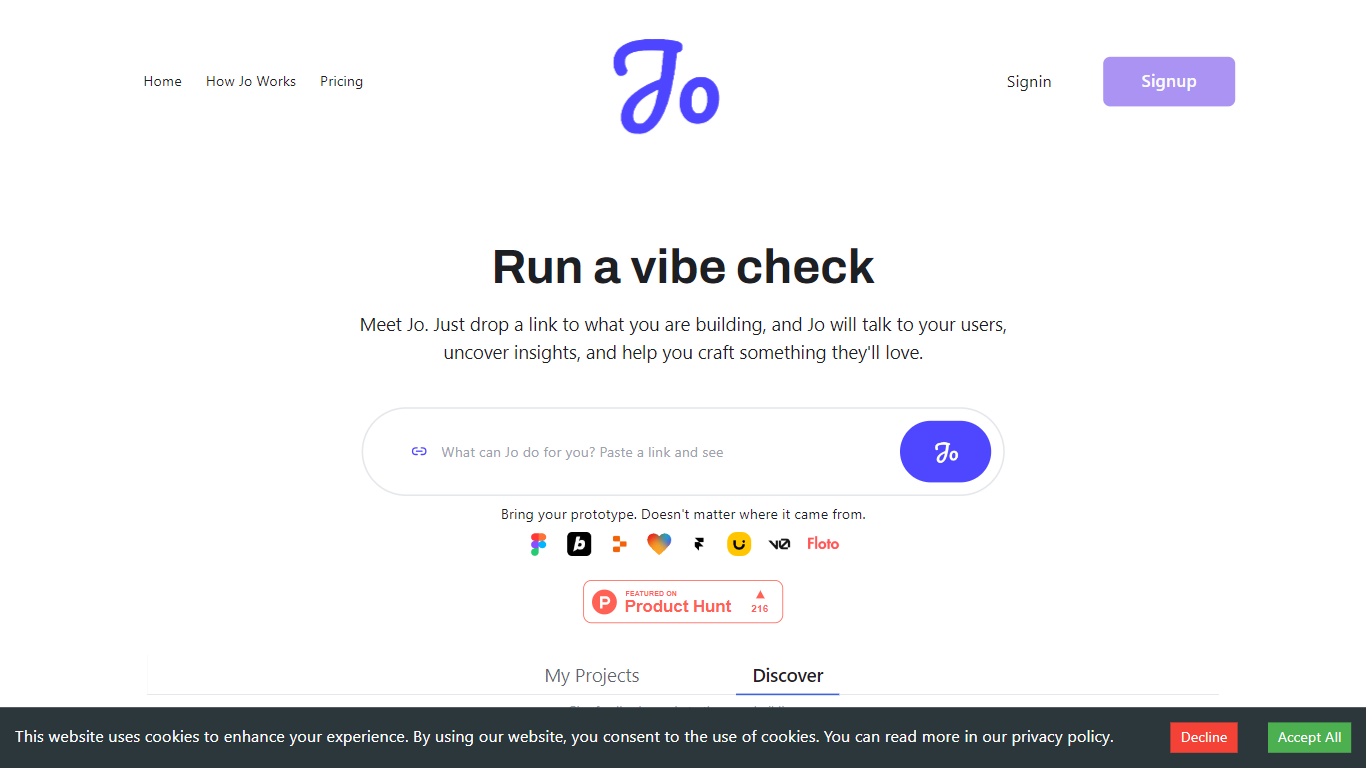

What is Talk to Jo?
Talk to Jo runs design audits, persona simulations, flow checks, and user interview synthesis from inside Figma or through a shareable project link. Floto built it so product teams get structured feedback analytics without scheduling live research sessions for every iteration.
Most Figma feedback plugins stop at generic AI commentary. Jo layers credit-priced actions (audits at 20 credits, persona tests at 50, flow tests at 75) with a link-based user research mode where Jo interviews real people and synthesizes their answers. Product Hunt listings describe a Feedback Team of PM, design, and user-research agents that react instantly while live interviews run in the background.
Product teams and UX designers who ship in Figma are the core audience. The free tier grants 200 credits per week; Pro is $10 per month for 1,500 credits. Teams plans pool 2,500 credits per seat at $10 each with a three-seat minimum. Floto reports 8,000+ designers on the platform with installs via Figma Community and a Chrome extension.
Coginiti AI
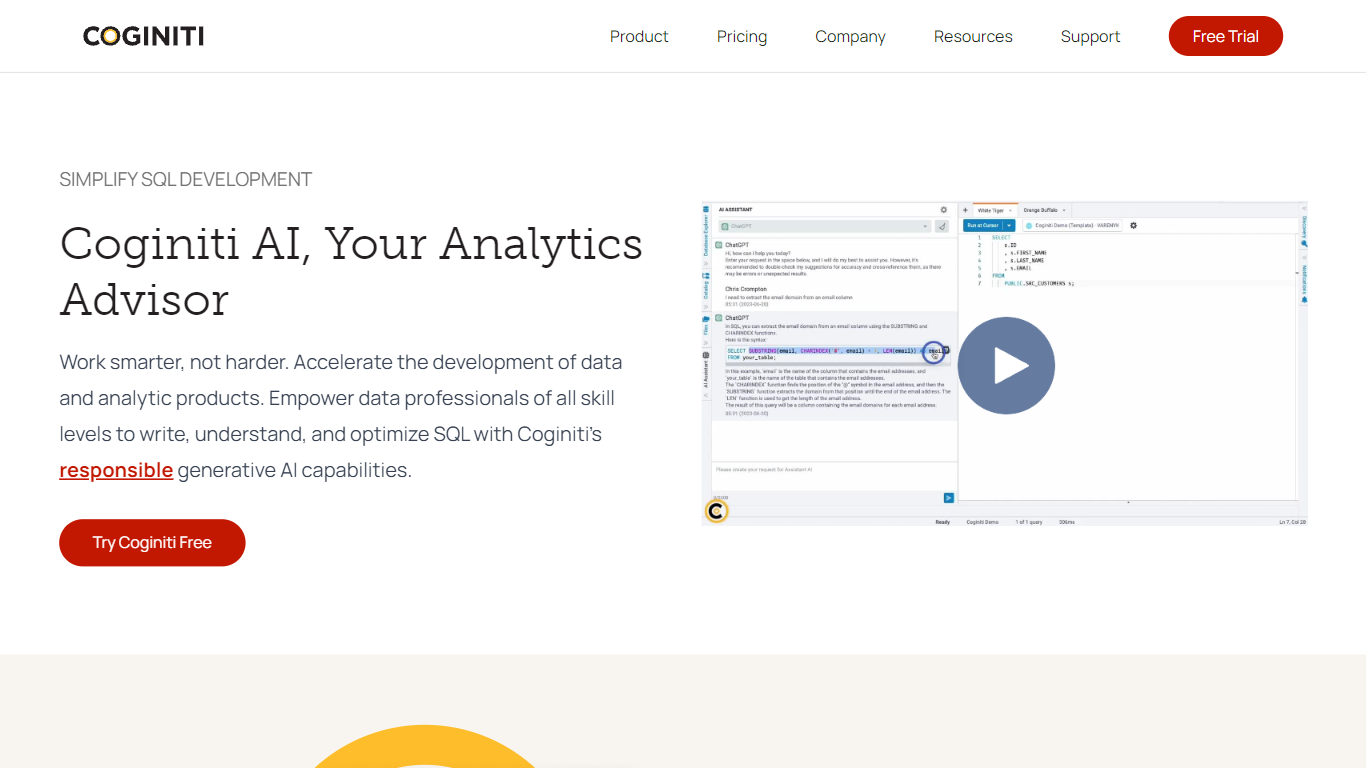
What is Coginiti AI?
Coginiti AI is a platform designed to help data professionals of all skill levels write, understand, and optimize SQL using generative AI technology. It simplifies SQL development by allowing users to interact with an AI writing module through everyday language, which identifies syntax errors, suggests improvements, and explains query execution plans. This approach saves time and reduces frustration during data and analytic product development.
The platform supports learning by answering questions, providing explanations for complex concepts, and offering sample queries. Its AI advisor adapts with each interaction to tailor recommendations to individual user needs. Coginiti AI also focuses on improving query performance by helping users leverage indexes, optimize joins, and reduce response times, leading to faster insights and lower compute costs.
Troubleshooting and debugging SQL code is made easier with AI-driven recommendations that guide users to identify and fix errors efficiently. Importantly, Coginiti AI’s generative AI features are optional and always involve a human in the loop. Users can enable or disable AI assistance and connect to their preferred AI models without exposing their data platforms directly to third-party AI.
Coginiti AI targets individuals, teams, and enterprises looking to boost productivity in data analytics and SQL development. It offers deployment options on Windows and MacOS desktops, as well as web deployment for teams and enterprises. The platform integrates features like shared analytics catalogs, scheduling, alerting, and security administration to support collaborative environments.
By combining AI-powered SQL assistance with comprehensive data analytics tools, Coginiti AI helps users build trusted data products with confidence. Its evolving AI advisor and flexible deployment options make it a valuable tool for accelerating analytic workflows and enhancing data literacy across organizations.
Talk to Jo Upvotes
Coginiti AI Upvotes
Talk to Jo Top Features
Design Audit costs 20 credits per run and critiques UI with specific fix recommendations
Persona Testing costs 50 credits and simulates user reactions to your Figma frames
Flow and Prototype Testing costs 75 credits to trace how users move through a prototype
Free plan includes 200 credits per week covering audits, persona tests, flow analysis, and design diff
Pro plan is $10 per month with 1,500 credits and no rate limits
Teams plan pools 2,500 credits per seat at $10 per seat with a 3-seat minimum
Figma Community plugin and Chrome extension installs for in-canvas feedback
Coginiti AI Top Features
📝 AI-Powered SQL Writing: Use natural language to get help writing and improving SQL queries, reducing errors and speeding development.
⚡ Query Performance Tips: Receive suggestions to optimize joins and indexes, cutting down response times and compute costs.
🔍 Interactive Learning: Ask questions and get explanations on complex data concepts and sample queries to boost your skills.
🐞 Debugging Assistance: Identify and fix SQL errors quickly with AI-driven troubleshooting guidance.
👥 Team Collaboration Tools: Share analytics catalogs, connection templates, and schedule alerts to streamline team workflows.
Talk to Jo Category
- Analytics
Coginiti AI Category
- Analytics
Talk to Jo Pricing Type
- Freemium
Coginiti AI Pricing Type
- Paid