CalcGen AI vs Talk to Jo
Dive into the comparison of CalcGen AI vs Talk to Jo and discover which AI Analytics tool stands out. We examine alternatives, upvotes, features, reviews, pricing, and beyond.
When comparing CalcGen AI and Talk to Jo, which one rises above the other?
When we compare CalcGen AI and Talk to Jo, two exceptional analytics tools powered by artificial intelligence, and place them side by side, several key similarities and differences come to light. There's no clear winner in terms of upvotes, as both tools have received the same number. Since other aitools.fyi users could decide the winner, the ball is in your court now to cast your vote and help us determine the winner.
Don't agree with the result? Cast your vote and be a part of the decision-making process!
CalcGen AI
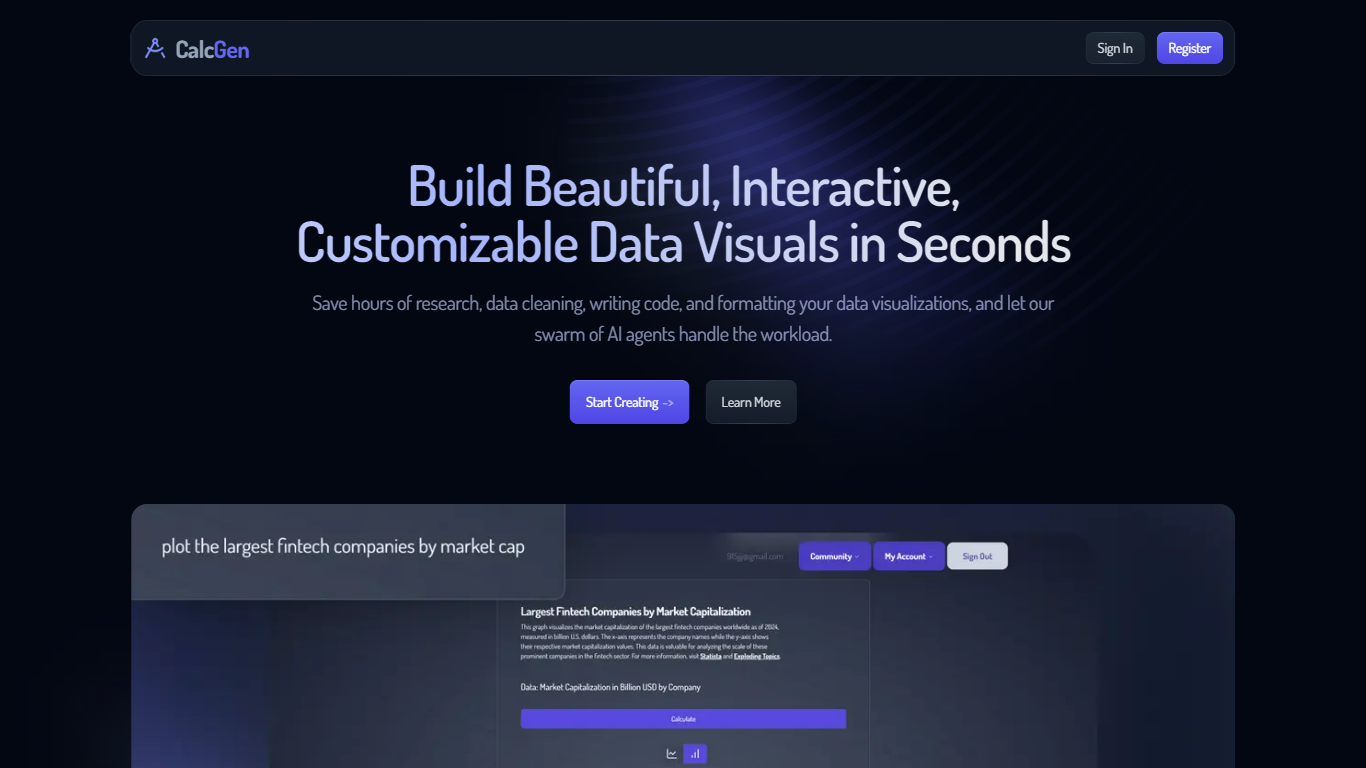

What is CalcGen AI?
CalcGen AI is a powerful multi-agent platform designed to create beautiful, interactive, and customizable data visualizations in a matter of seconds. Its core functionality revolves around automating the tedious tasks of research, data cleaning, and formatting, allowing users to focus on the insights derived from their data. By leveraging a swarm of AI agents, CalcGen AI can handle complex queries and generate visualizations that are not only aesthetically pleasing but also informative and accurate. This makes it an invaluable tool for anyone looking to present data effectively without the usual hassle of manual preparation.
The target audience for CalcGen AI includes professionals, educators, and students who require quick and reliable data visualizations for presentations, reports, or educational purposes. Whether you are a business analyst needing to visualize sales data, a teacher preparing a lesson, or a student working on a project, CalcGen AI caters to a wide range of users who value efficiency and quality in data representation. The platform's user-friendly interface ensures that even those with minimal technical skills can create stunning visuals effortlessly.
One of the unique value propositions of CalcGen AI is its ability to automate the entire process of data visualization. Users can simply input a prompt, and the AI agents will collaborate to produce a visualization that meets their specifications. This not only saves time but also reduces the likelihood of errors that can occur during manual data handling. Additionally, the platform provides links to credible sources used in the research process, enhancing the reliability of the visualizations created.
Key differentiators of CalcGen AI include its intuitive interface, customizable themes, and the ability to integrate seamlessly with various platforms such as Notion, PowerPoint, and WordPress. Users can tailor their visualizations to align with their brand's design language, ensuring that the final product is not only functional but also visually appealing. Furthermore, the platform offers full support through a library of tutorials and guides, making it easy for users to get started and maximize the tool's potential.
In terms of technical implementation, CalcGen AI utilizes advanced AI algorithms to facilitate data research and visualization. The platform's architecture allows for the integration of multiple data sources and the application of various filters and sorting options, giving users the flexibility to present their data in the most effective way possible. With plans starting at just $9.99, CalcGen AI is accessible to a wide audience, making it a go-to solution for anyone in need of high-quality data visualizations.
Talk to Jo
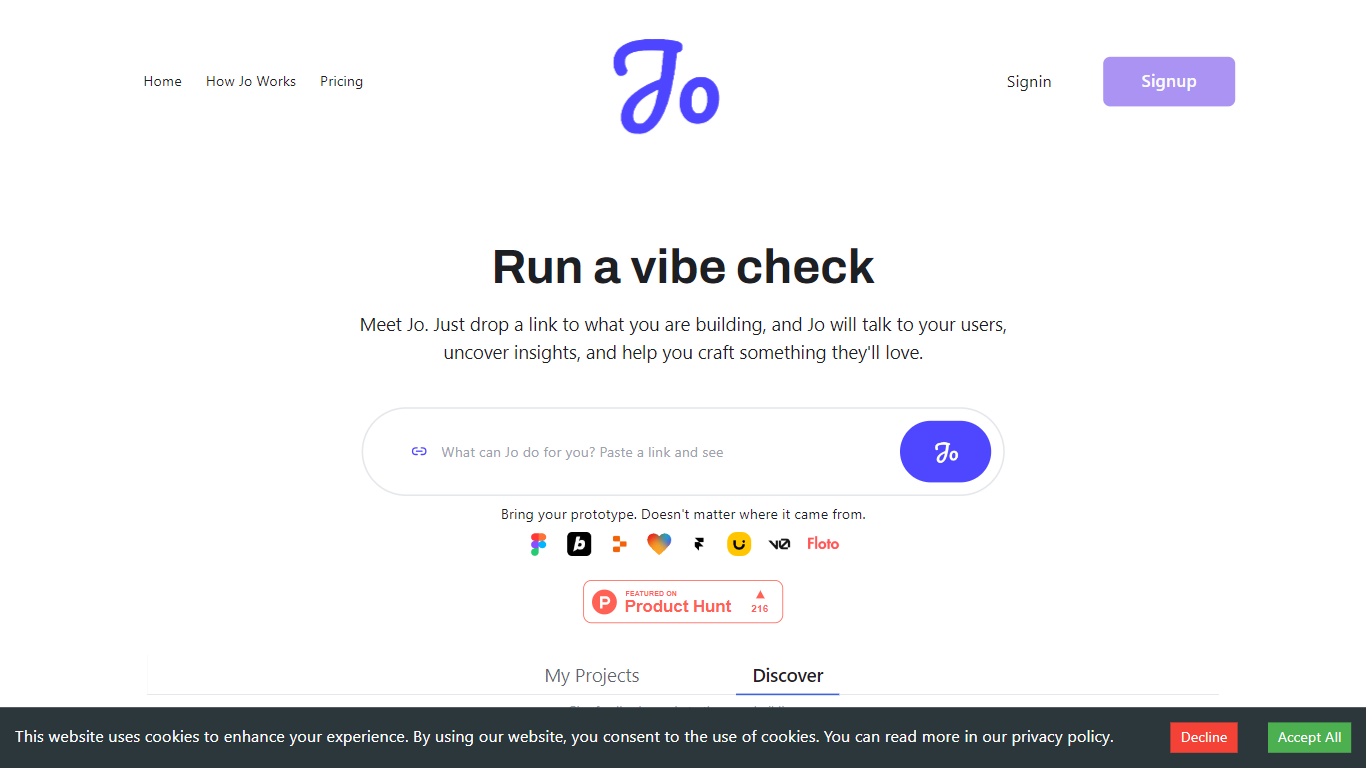
What is Talk to Jo?
Talk to Jo runs design audits, persona simulations, flow checks, and user interview synthesis from inside Figma or through a shareable project link. Floto built it so product teams get structured feedback analytics without scheduling live research sessions for every iteration.
Most Figma feedback plugins stop at generic AI commentary. Jo layers credit-priced actions (audits at 20 credits, persona tests at 50, flow tests at 75) with a link-based user research mode where Jo interviews real people and synthesizes their answers. Product Hunt listings describe a Feedback Team of PM, design, and user-research agents that react instantly while live interviews run in the background.
Product teams and UX designers who ship in Figma are the core audience. The free tier grants 200 credits per week; Pro is $10 per month for 1,500 credits. Teams plans pool 2,500 credits per seat at $10 each with a three-seat minimum. Floto reports 8,000+ designers on the platform with installs via Figma Community and a Chrome extension.
CalcGen AI Upvotes
Talk to Jo Upvotes
CalcGen AI Top Features
Automated Data Research: CalcGen AI can search the internet for relevant data and sources, saving users time and effort in finding information.
Customizable Visualizations: Users can tailor their charts and graphs to match their brand's style, ensuring a cohesive look across all presentations.
Intuitive Interface: The platform allows users to simply describe their data needs, and the AI agents handle the rest, making it easy for anyone to create visuals.
Integration Capabilities: CalcGen AI can be easily embedded into popular platforms like Notion, PowerPoint, and WordPress, allowing for versatile use.
Full Support and Resources: The platform offers a library of tutorials and guides, along with email support, to help users get started and troubleshoot any issues.
Talk to Jo Top Features
Design Audit costs 20 credits per run and critiques UI with specific fix recommendations
Persona Testing costs 50 credits and simulates user reactions to your Figma frames
Flow and Prototype Testing costs 75 credits to trace how users move through a prototype
Free plan includes 200 credits per week covering audits, persona tests, flow analysis, and design diff
Pro plan is $10 per month with 1,500 credits and no rate limits
Teams plan pools 2,500 credits per seat at $10 per seat with a 3-seat minimum
Figma Community plugin and Chrome extension installs for in-canvas feedback
CalcGen AI Category
- Analytics
Talk to Jo Category
- Analytics
CalcGen AI Pricing Type
- Paid
Talk to Jo Pricing Type
- Freemium