TalkFlow vs Flux
Explore the showdown between TalkFlow vs Flux and find out which AI tool wins. We analyze upvotes, features, reviews, pricing, alternatives, and more.
In a face-off between TalkFlow and Flux, which one takes the crown?
When we contrast TalkFlow with Flux, both of which are exceptional AI-operated tools, and place them side by side, we can spot several crucial similarities and divergences. The upvote count favors Flux, making it the clear winner. Flux has attracted 11 upvotes from aitools.fyi users, and TalkFlow has attracted 6 upvotes.
Want to flip the script? Upvote your favorite tool and change the game!
TalkFlow

What is TalkFlow ?
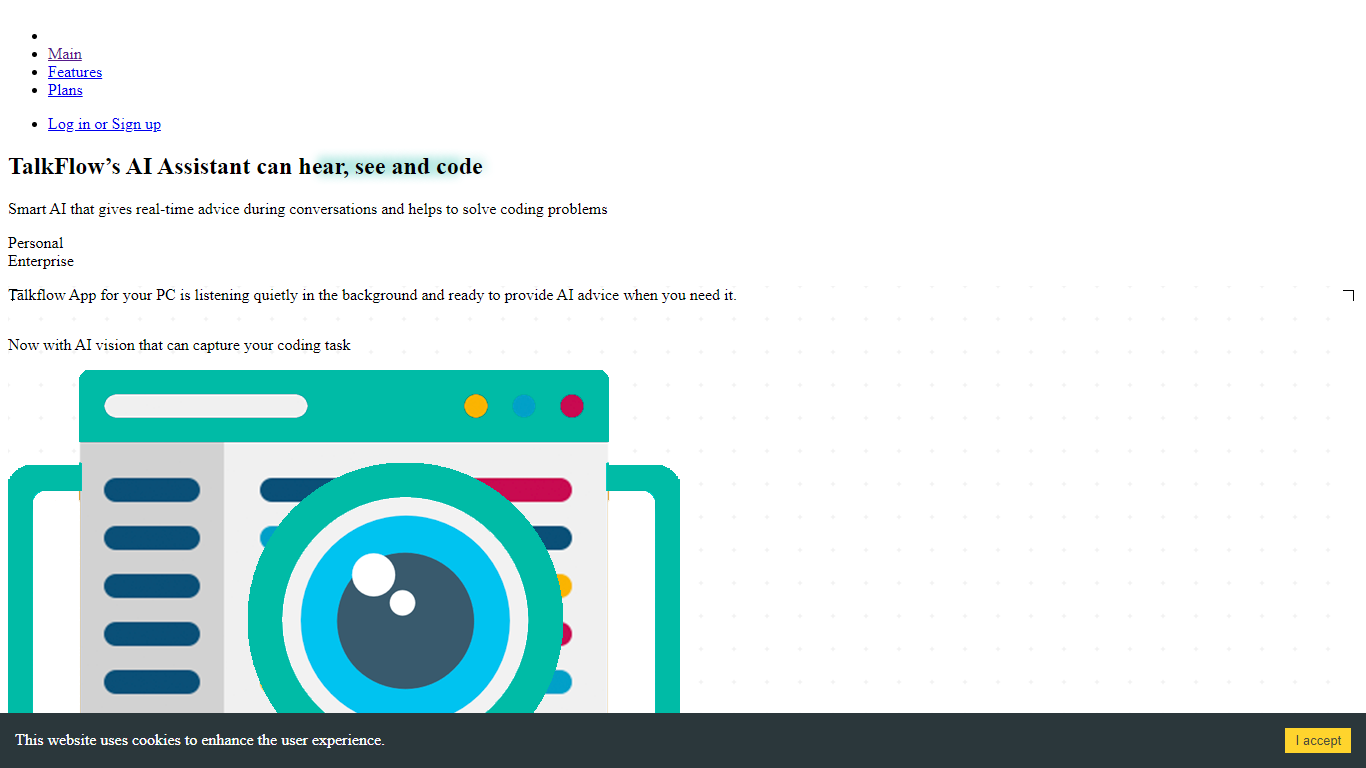
TalkFlow is a desktop meeting assistant that listens to live interview calls on Zoom, Google Meet, Teams, or Webex and transcribes both sides in real time. It surfaces STAR-style answer suggestions in a private overlay drawn from your resume, role brief, and uploaded prep notes.
Otter and Fireflies focus on post-meeting summaries. TalkFlow is built for live interview rounds: the overlay stays outside the screen-share layer on macOS and Windows, and you can attach a single coding window for HackerRank, CoderPad, or LeetCode prompts. It also records meetings, writes session notes, and debriefs talk time after each call.
Job seekers running behavioral, product, sales, or live coding interviews are the target users. Native apps ship for macOS 13+, Windows 10/11, and an iPhone companion for voice notes. Plans start at $9.99 per week with hourly caps on assisted interview time.
Flux

What is Flux?
Flux runs ECAD in the browser so hardware engineers design printed circuit boards from idea through manufacturing without desktop installs. You describe what you want to build, and Flux Copilot plans the work, generates schematics and layouts, and checks in before key steps so you stay in control.
Compared with traditional desktop ECAD suites, Flux combines collaborative schematic and layout editing with live component data, supply chain pricing, and explainable automation in one workspace. Copilot handles planning, part research, BoM generation, placement, routing, and design reviews while you approve key steps instead of clicking through every net manually.
Flux supports multi-layer PCBs up to eight layers for IoT devices, wearables, robotics, and production-bound hardware. You can import from Altium, Cadence, KiCad, Eagle, and EasyEDA, then export Gerbers, drill files, BoMs, pick-and-place files, and standard netlists for fabrication.
TalkFlow Upvotes
Flux Upvotes
TalkFlow Top Features
Transcribes mic and system audio with speaker labels during Zoom, Meet, Teams, and Webex calls
Private overlay suggests STAR-style answers from your resume and role brief within seconds
Overlay is excluded from ordinary screen shares, recordings, and screenshots on macOS and Windows
Attach one coding window for live help on HackerRank, CoderPad, LeetCode, and CodeSignal
Weekly plan is $9.99 with 3 hours of assisted interviews and 5 hours of meeting recordings
Post-call debrief scores talk time, filler words, and flags answers to tighten before the next round
Flux Top Features
Describe a board in plain language and Copilot maps a plan for approval
Generates schematics, BoMs, and layouts with placement and routing
Runs design reviews for unconnected pins, missing caps, and tolerance issues
Multi-layer PCBs up to eight layers, from prototype to production
Imports Altium, Cadence, KiCad, Eagle, and EasyEDA projects
Exports Gerbers, drill files, BoM, pick-and-place, and netlists
14-day free trial covers all features before Explore, Build, or Pro billing starts
TalkFlow Category
- Meeting Assistant
Flux Category
- Design
TalkFlow Pricing Type
- Paid
Flux Pricing Type
- Freemium