Tandem GPT vs ScreenApp
When comparing Tandem GPT vs ScreenApp, which AI Education tool shines brighter? We look at pricing, alternatives, upvotes, features, reviews, and more.
Between Tandem GPT and ScreenApp, which one is superior?
When we put Tandem GPT and ScreenApp side by side, both being AI-powered education tools, With more upvotes, ScreenApp is the preferred choice. ScreenApp has received 7 upvotes from aitools.fyi users, while Tandem GPT has received 6 upvotes.
Feeling rebellious? Cast your vote and shake things up!
Tandem GPT
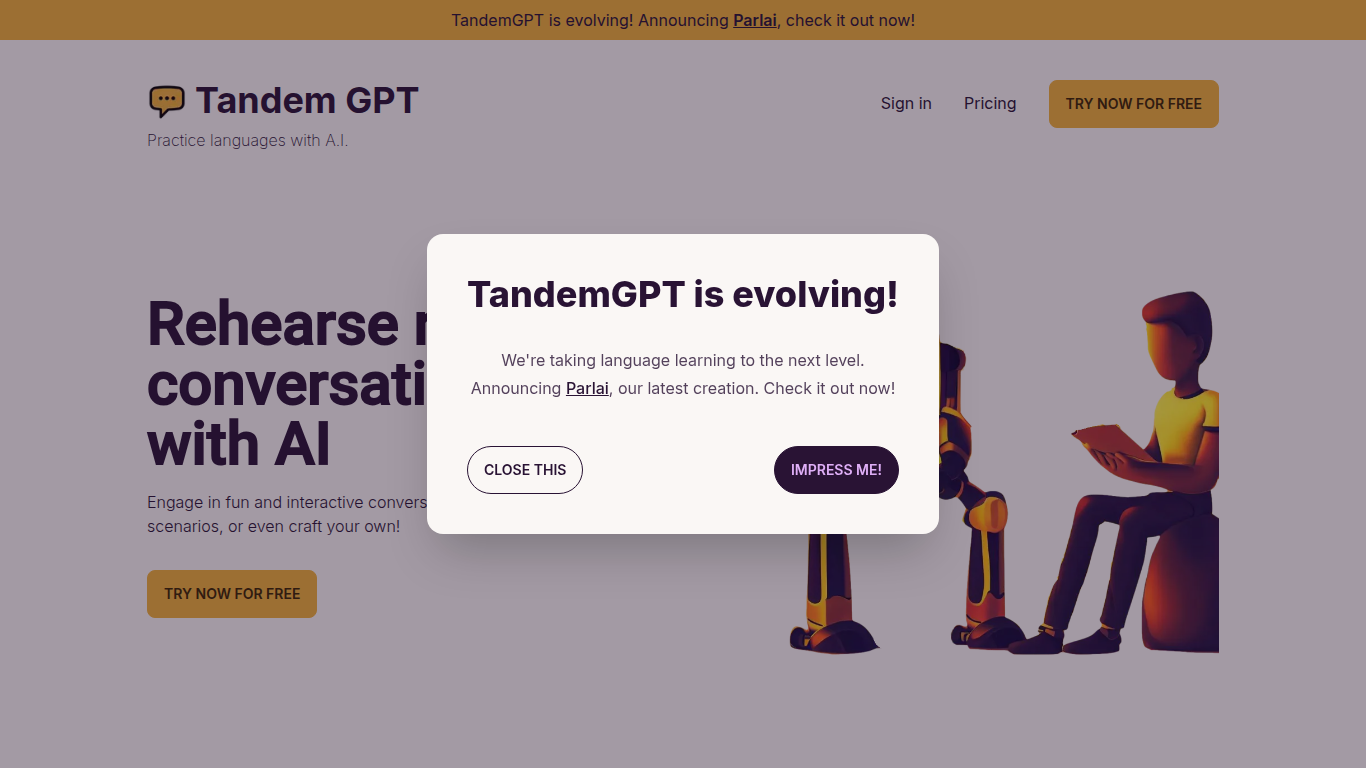

What is Tandem GPT?
Tandem GPT puts you in realistic back-and-forth chats with an AI partner so you practice speaking a language, not just memorizing words. Pick from pre-built scenarios or write your own, then talk by text or voice message whenever you have a few minutes. The homepage advertises 24/7 access so sessions fit commutes or late-night study blocks.
Most language apps optimize for vocabulary drills and grammar exercises. Tandem GPT bets on open-ended dialogue, which is closer to how you actually need to speak when traveling or working abroad. You trade structured lesson progression for scenario flexibility, and the built-in voice messaging pushes you past typing-only comfort zones. The team notes they are evolving the product into Parlai, a separate app linked from the homepage.
Self-directed learners and busy professionals use Tandem GPT when they want conversational reps without booking a human tutor every week. Juan and Felipe, two Colombian software engineers based in Austria, built it after struggling with German immersion. The site reports more than 8,000 AI conversations and 900 new users, with a free entry point at tandem-gpt.com/new.
ScreenApp
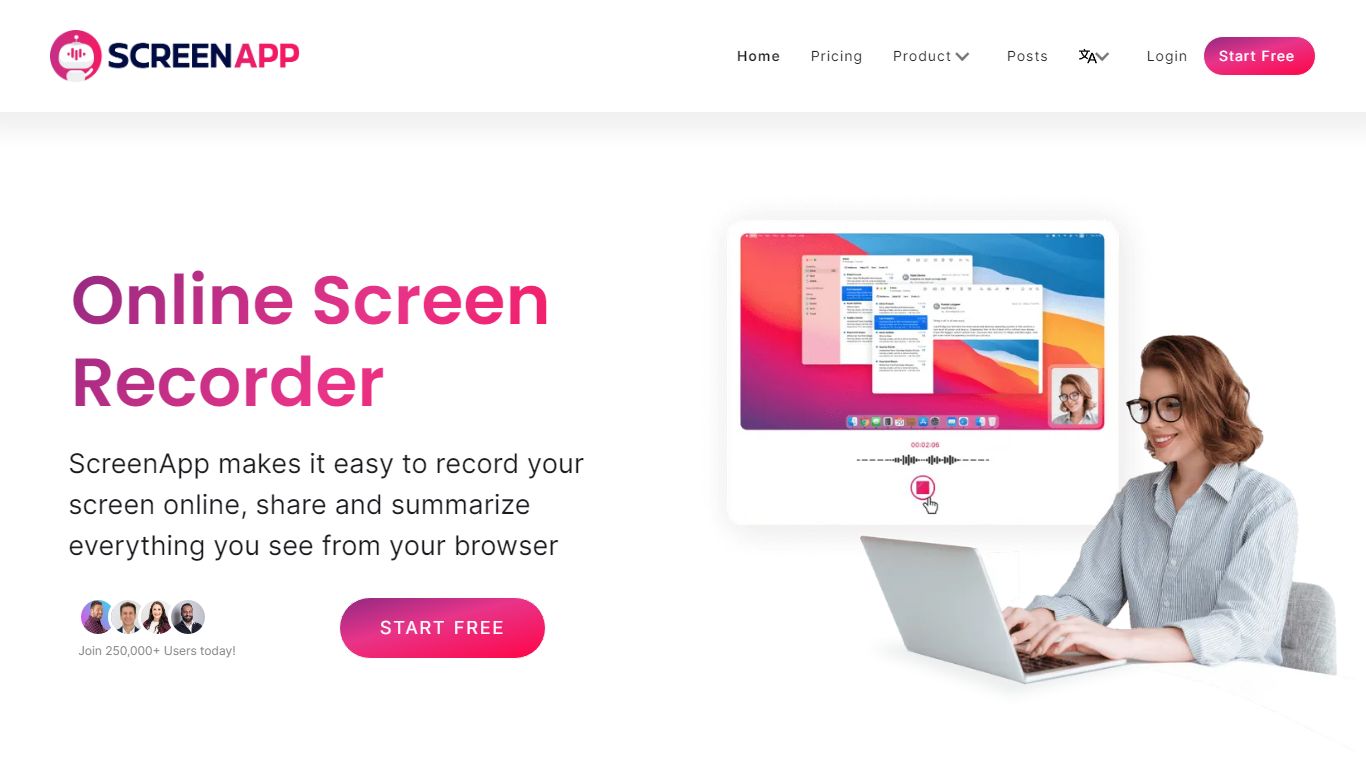
What is ScreenApp?
ScreenApp records your screen, webcam, or in-person audio in the browser and turns those captures into searchable transcripts, summaries, and notes. Teachers, trainers, and students use it as an education-focused recorder when they need lecture clips, meeting walkthroughs, or tutorial videos without installing desktop software first. The free tier includes 3 recordings with AI summaries and a full transcript on each file.
Compared with basic screen recorders that stop at MP4 exports, ScreenApp layers AI chat, templates, and cross-file search on top of every recording. Growth and Business plans add a meeting bot, video frame analysis, and API access, while the site advertises 351 feature-specific tools from lecture note taking to SOP generation. That breadth makes it closer to an AI video workspace than a single-purpose capture button.
ScreenApp runs on the web plus Chrome, Mac, Windows, iOS, and Android apps, so teams can record a class session on a laptop and review AI notes on a phone. It fits educators recording lessons, sales teams sharing async demos, and anyone who wants spoken content turned into text they can skim later.
Tandem GPT Upvotes
ScreenApp Upvotes
Tandem GPT Top Features
Pre-built conversation scenarios plus a custom scenario builder for practice topics you choose
Voice message support alongside text chat for speaking and listening practice
24/7 availability with no scheduled session required to start a conversation
Free try flow at tandem-gpt.com/new where you pick a language and conversation format
Sign-in accounts to save progress across practice sessions
Homepage demo video walks through setup in about 90 seconds
ScreenApp Top Features
Free plan with 3 recordings, full transcripts, and 3 AI generations per month
Growth plan at $19 per month (billed annually) with 600 AI credits per year and unlimited recordings
Meeting bot on paid plans that joins calls and produces summaries without a visible bot avatar on some flows
Video analysis on Business plans with up to 120 analyses per year and unlimited on Enterprise
351 listed AI feature pages covering transcription, lecture notes, SOP generation, and converters
Apps for Web, Chrome extension, Mac, Windows, iOS, and Android with SOC 2 Type II certification
Tandem GPT Category
- Education
ScreenApp Category
- Education
Tandem GPT Pricing Type
- Freemium
ScreenApp Pricing Type
- Freemium