Targum Video vs Readable
In the battle of Targum Video vs Readable, which AI Translation tool comes out on top? We compare reviews, pricing, alternatives, upvotes, features, and more.
Between Targum Video and Readable, which one is superior?
Upon comparing Targum Video with Readable, which are both AI-powered translation tools, Interestingly, both tools have managed to secure the same number of upvotes. Be a part of the decision-making process. Your vote could determine the winner.
Feeling rebellious? Cast your vote and shake things up!
Targum Video
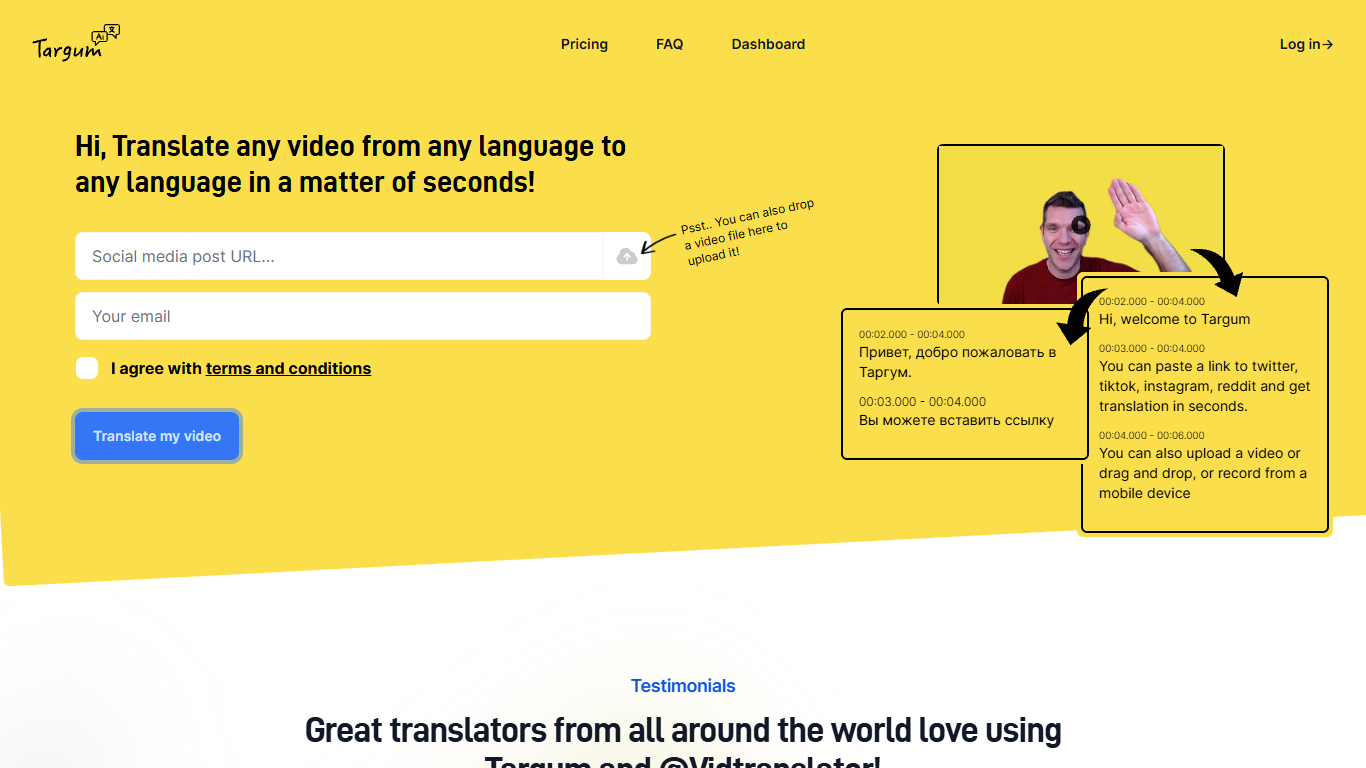

What is Targum Video?
Targum Video translates videos between languages in seconds. Paste a link from Twitter, TikTok, Instagram, or Reddit, upload an MP4, or record from a mobile device, and get subtitles and translations across 99+ languages.
The name Targum comes from Ancient Aramaic for translation, referring to one of the earliest known translation traditions. Targum Inc. runs the platform as a web dashboard and via the @vidtranslator bot on Twitter, with Telegram bot access on paid plans.
The tool targets translators, content creators, journalists, and anyone who needs to understand video in a foreign language without manual subtitle work. Free access lets you start translating immediately; paid tiers add download options, longer videos, and higher monthly minute limits.
Readable
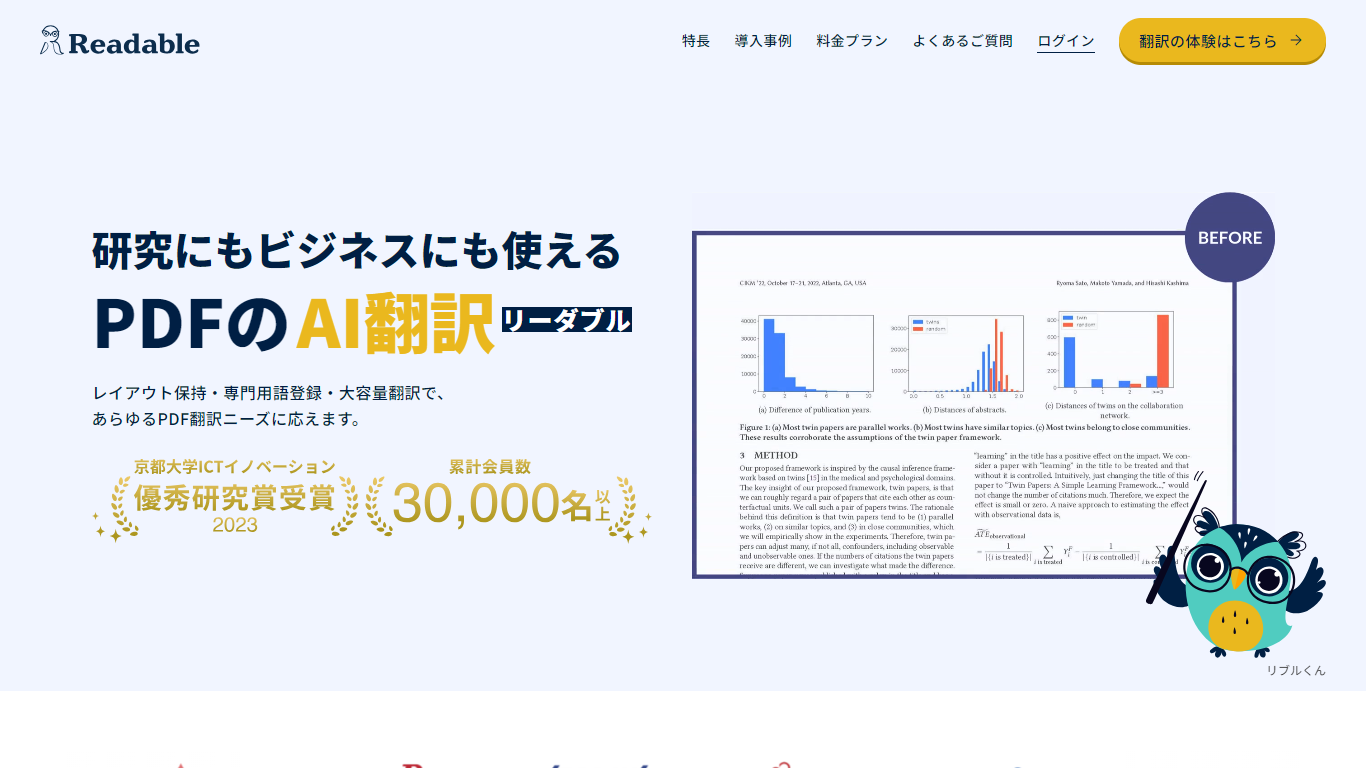
What is Readable?
Readable translates PDF files into Japanese while keeping the original layout intact, including tables, figures, and images. Built by NextLab Inc., it targets researchers reading academic papers and business teams working through manuals, reports, and contracts without rebuilding documents by hand.
The reader shows original and translated text side by side so you can scan a translation and jump back to the source line when something needs a closer look. Premium users can register custom dictionaries so product names, abbreviations, and field-specific terms translate the same way every time.
Readable runs in the browser and through a Chrome extension for quick file translation. Pro Standard focuses on English-to-Japanese PDFs, while Pro Premium adds 200+ source languages, larger file limits, and optional ChatGPT-based translation engines.
Targum Video Upvotes
Readable Upvotes
Targum Video Top Features
Paste Twitter, TikTok, Instagram, or Reddit links and get a translated video back in seconds
Upload MP4 files with drag-and-drop, or record video from a mobile device
Translate between 99+ languages from the web dashboard
Download translated MP4 files and SRT subtitle files on paid plans
Use @vidtranslator on Twitter for in-feed video translation
Telegram bot access on Basic and Creator plans for translation outside the dashboard
Readable Top Features
Tables, charts, and images stay in place in the translated PDF
Original and Japanese text sit side by side for faster research reading
Custom dictionaries pin product names and technical terms to your preferred wording
Premium translates up to 1,000 pages or 200 MB in a single upload
Chrome extension handles one-click translation for online files
Targum Video Category
- Translation
Readable Category
- Translation
Targum Video Pricing Type
- Freemium
Readable Pricing Type
- Freemium