Text-Mixer vs Paraphrasing Tool
In the face-off between Text-Mixer vs Paraphrasing Tool, which AI Paraphraser tool takes the crown? We scrutinize features, alternatives, upvotes, reviews, pricing, and more.
In a face-off between Text-Mixer and Paraphrasing Tool, which one takes the crown?
If we were to analyze Text-Mixer and Paraphrasing Tool, both of which are AI-powered paraphraser tools, what would we find? Both tools have received the same number of upvotes from aitools.fyi users. You can help us determine the winner by casting your vote and tipping the scales in favor of one of the tools.
Don't agree with the result? Cast your vote and be a part of the decision-making process!
Text-Mixer

What is Text-Mixer?
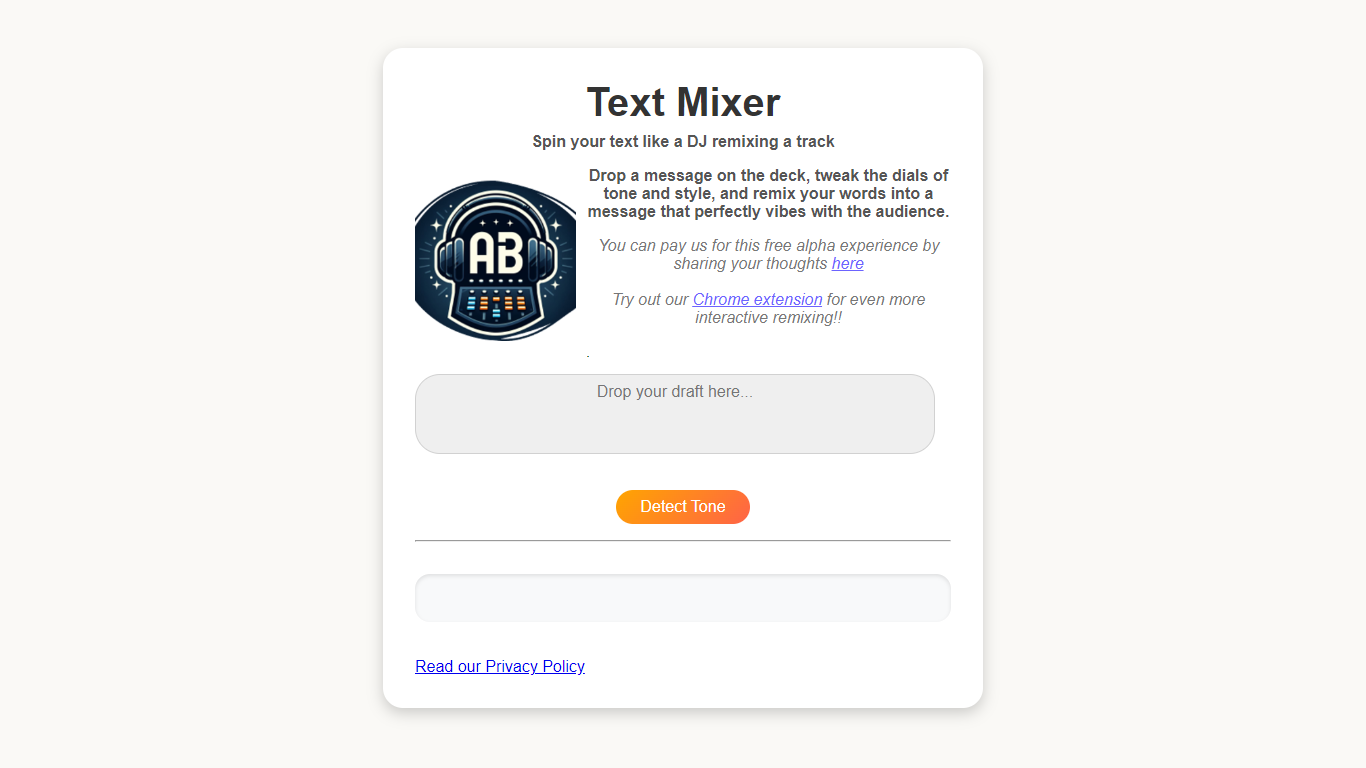
Text-Mixer lets you reshape written messages by adjusting tone and style with dial controls. Paste your text, tune the dials, and get a rewritten version aimed at your audience.
The interface uses a DJ deck metaphor. You can detect tone from your input, add style dials, and refresh the remix in place. A Chrome extension brings the same workflow to any text you select in the browser.
Built for writers, marketers, and anyone who needs to nudge an email, social post, or message toward a different vibe without starting from scratch.
Paraphrasing Tool
What is Paraphrasing Tool?
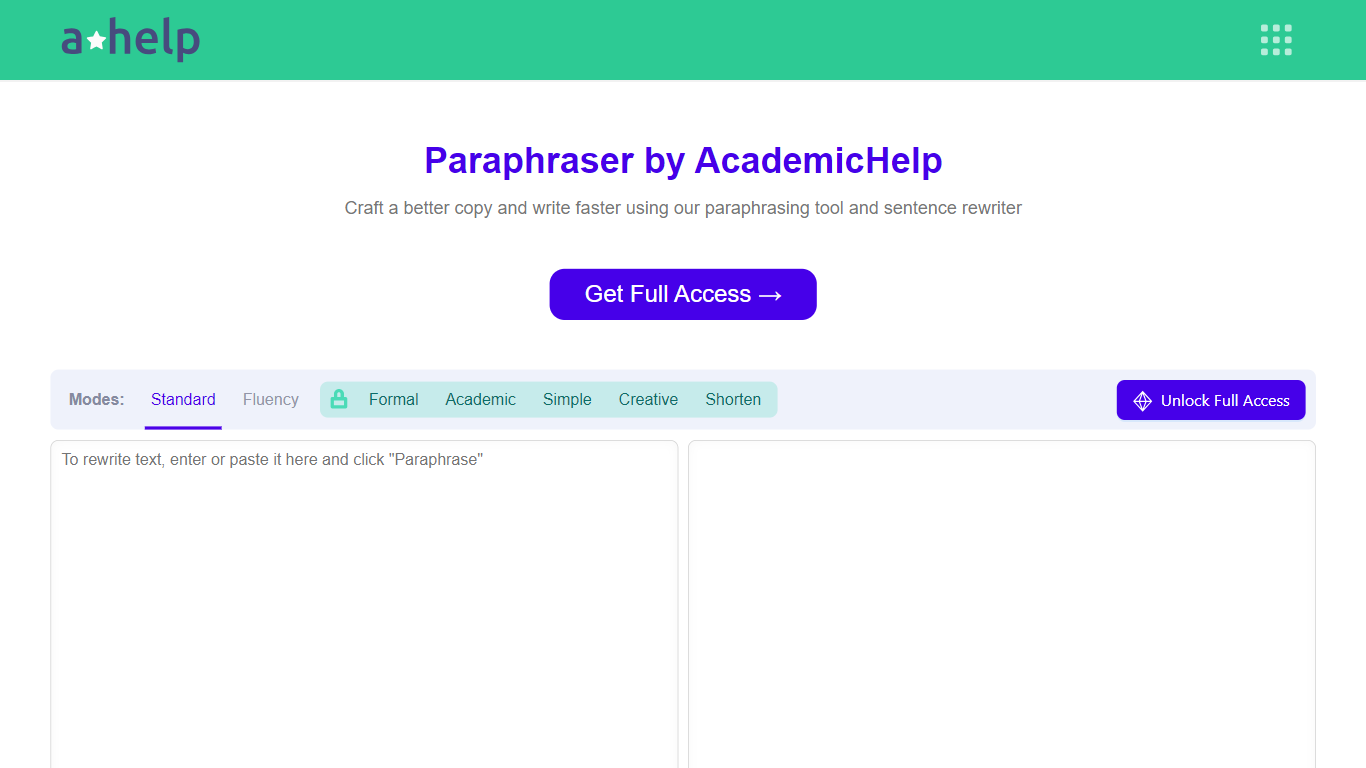
The Paraphrasing Tool by Academichelp offers advanced rewriting capabilities that go beyond simple word swaps. It analyzes the context of your sentences to create fresh, readable content while preserving the original meaning. This makes it ideal for students, educators, and professionals who want to avoid plagiarism and improve clarity.
Users can choose from seven paraphrasing modes, including formal, academic, creative, concise, and simpler tones, allowing tailored rewrites for different writing needs. The tool supports nine languages, expanding its usefulness for multilingual users.
It accepts various file formats such as PDF, DOC, DOCX, RTF, ODT, and TXT, and can handle documents up to 6,000 words in one go, saving time on long essays or reports. Browser extensions for Chrome and Edge provide easy access to paraphrasing assistance across devices.
The tool’s focus on maintaining the original intent while rephrasing helps users produce unique, plagiarism-free content suitable for academic and professional contexts. Its user-friendly interface and free access make it a practical choice for those seeking reliable text transformation.
Overall, the Paraphrasing Tool combines contextual understanding with flexible rewriting options, supporting a wide range of writing styles and languages. It stands out by offering file uploads and browser integration, making it convenient for diverse writing tasks.
Text-Mixer Upvotes
Paraphrasing Tool Upvotes
Text-Mixer Top Features
Paste text and spin out a remixed version with tone and style dials
One-click tone detection reads the vibe of your draft before you tweak
Add extra style dials to fine-tune how the output reads
Chrome extension remixes selected text from any page in your browser
Free alpha access with no account signup on the web app
Paraphrasing Tool Top Features
Context-based rewriting preserves original meaning 🧠
Seven paraphrasing modes for tone and style 🎨
Supports nine languages for global users 🌍
Uploads PDFs and docs up to 6,000 words 📄
Chrome and Edge extensions for easy access 🔌
Text-Mixer Category
- Paraphraser
Paraphrasing Tool Category
- Paraphraser
Text-Mixer Pricing Type
- Free
Paraphrasing Tool Pricing Type
- Freemium