Text to Speech Online vs Free TTS
Compare Text to Speech Online vs Free TTS and see which AI Text to Speech (TTS) tool is better when we compare features, reviews, pricing, alternatives, upvotes, etc.
Which one is better? Text to Speech Online or Free TTS?
When we compare Text to Speech Online with Free TTS, which are both AI-powered text to speech (tts) tools, The users have made their preference clear, Free TTS leads in upvotes. Free TTS has attracted 19 upvotes from aitools.fyi users, and Text to Speech Online has attracted 6 upvotes.
Disagree with the result? Upvote your favorite tool and help it win!
Text to Speech Online
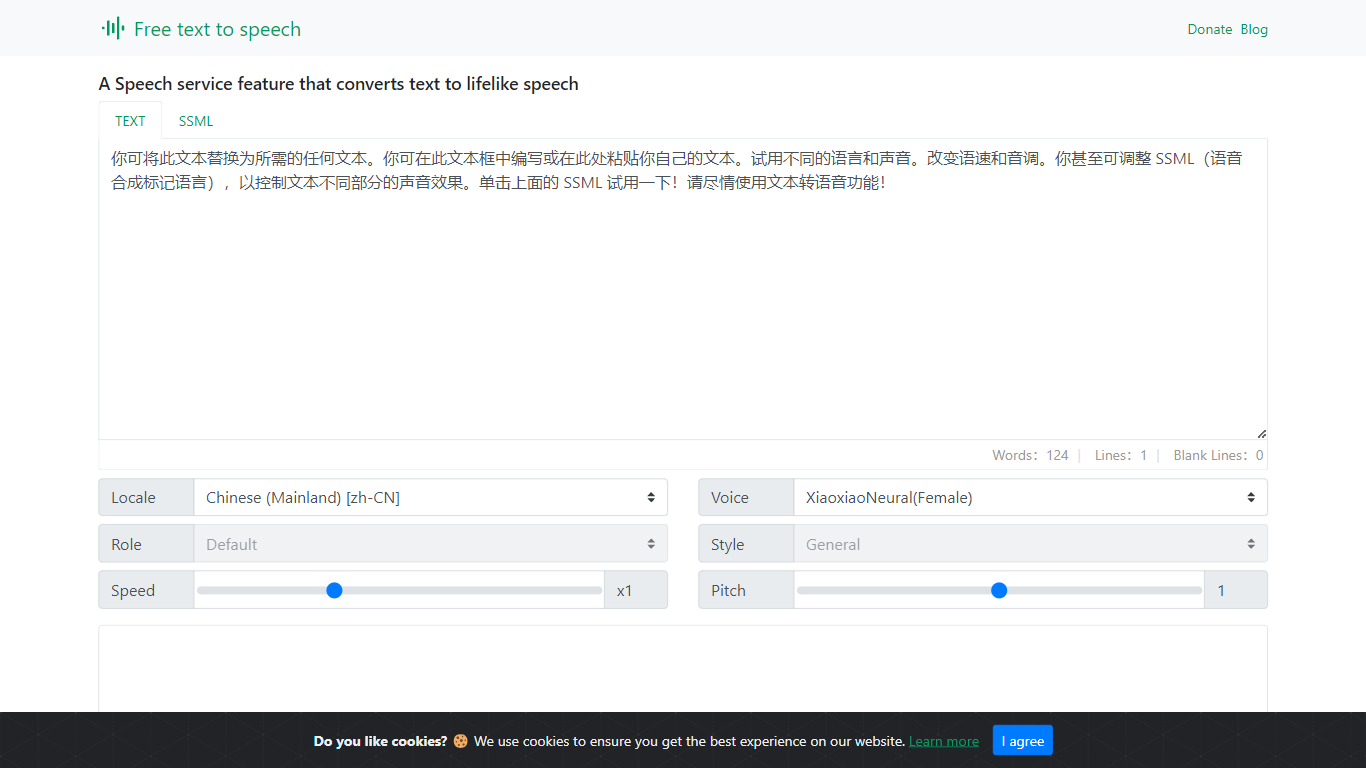

What is Text to Speech Online?
Text to Speech Online is a free browser tool that converts written text into lifelike speech with more than 100 AI voices. Users pick a language, gender, and voice style, adjust speed and pitch, then preview or generate audio for download as MP3 or WAV files.
The interface supports dozens of languages, voice search, file import, subtitle output, and autoplay after generation. Use cases highlighted on the site include video dubbing, audiobook production, podcasts, education materials, voice assistants, and multilingual localization.
The service is positioned as a no-cost text-to-voice generator with tutorial articles, support pages, and optional donations rather than a subscription checkout.
Free TTS
What is Free TTS?
Free TTS is an online audio workspace that brings together text to speech, speech to text, vocal removal, voice enhancement, and browser-based audio editing on one site. You can turn scripts into spoken audio, transcribe recordings, split song vocals, clean up noisy voice tracks, and handle everyday format work without installing desktop software.
The platform keeps free browser tools separate from credit-based cloud text to speech. Utilities like the audio cutter, joiner, converter, and compressor run in the browser when possible, while AI Cloud TTS uses monthly character allowances and optional paid top-ups for Google and AWS voices.
Text to speech offers three paths: Device TTS for instant local playback, AI Local TTS with offline models after sign-in, and AI Cloud TTS with cloud voices and short-term history. Speech to text runs server-side with Whisper AI, supports auto language detection, and exports plain text transcripts.
Podcasters, educators, content creators, and musicians who need narration, transcription, karaoke tracks, or quick file cleanup without opening a full DAW can cover those jobs from a single dashboard.
Text to Speech Online Upvotes
Free TTS Upvotes
Text to Speech Online Top Features
100+ natural AI voices across dozens of languages
Speed and pitch controls from -50% to +50% and -100% to +200%
MP3 and WAV export with preview before generating full audio
Voice search, file import, and optional autoplay after generation
Usage guides for dubbing, audiobooks, podcasts, and education content
Free TTS Top Features
Three TTS modes cover Device playback, AI Local offline voices, and AI Cloud with Google and AWS voices
Whisper-backed speech to text transcribes MP3, WAV, OGG, and FLAC up to 25 MB with auto language detect
Vocal remover splits uploaded songs into separate vocal and instrumental tracks for karaoke or remixing
Voice enhancer reduces background noise and sharpens spoken recordings for podcasts and meetings
Browser audio cutter, joiner, converter, and compressor support MP3, WAV, OGG, FLAC, AAC, M4A, and batch jobs
Text to Speech Online Category
- Text to Speech (TTS)
Free TTS Category
- Text to Speech (TTS)
Text to Speech Online Pricing Type
- Free
Free TTS Pricing Type
- Freemium