TMate AI vs Flux
In the contest of TMate AI vs Flux, which AI tool is the champion? We evaluate pricing, alternatives, upvotes, features, reviews, and more.
If you had to choose between TMate AI and Flux, which one would you go for?
When we examine TMate AI and Flux, both of which are AI-enabled tools, what unique characteristics do we discover? The community has spoken, Flux leads with more upvotes. Flux has 11 upvotes, and TMate AI has 8 upvotes.
Disagree with the result? Upvote your favorite tool and help it win!
TMate AI
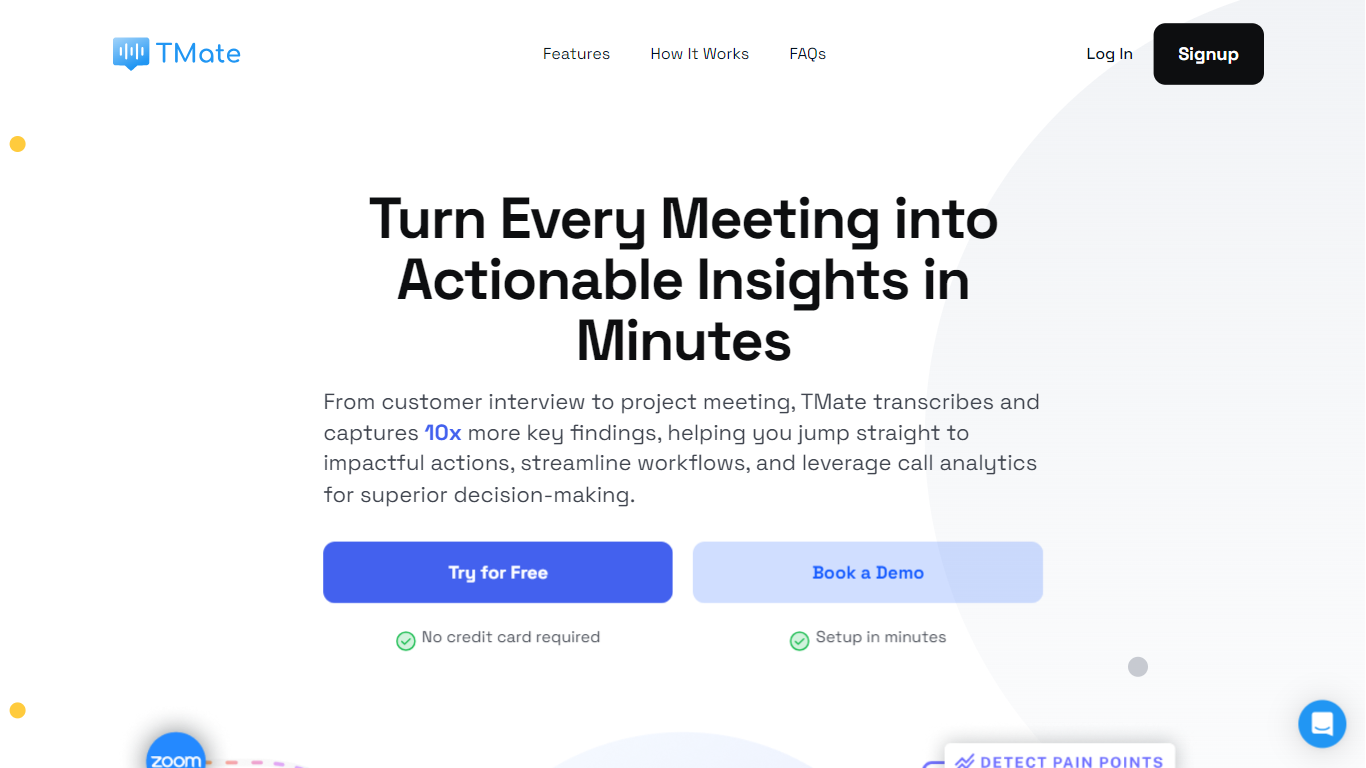

What is TMate AI?
TMate offers an advanced AI meeting assistant designed to supercharge your meeting outcomes. Seamlessly transcribe, analyze, and highlight pivotal points from every discussion, ensuring no critical point goes unnoticed. Harness the power of TMate's Chatbot to instantly find key information, uncover trends, and identify patterns across multiple meetings. TMate enhances team efficiency and offers time-saving features by automating routine tasks.
1️⃣ Review hour long meetings in a matter of minutes
- With automated transcripts, summary, and AI-curated highlights, TMate does the heavy-lifting to analyze your conversations in minutes.
- Ask AI Assistant anything about your meeting using natural language – Instantly find key information, generate custom summaries, or draft follow-up emails.
2️⃣ Streamline your post-meeting workflow like never before
- Effortless Automation: TMate does the heavy lifting, turning conversations into high-standard, actionable content, primed for your next steps. Say goodbye to manual, time-consuming post-meeting tasks.
- Curated templates tailored for diverse meetings: Whether you need a “Customer Interview Snapshot” or precise “Meeting Minutes,” our automated outputs ensure data richness and relevance, every time.
3️⃣ Drive business forward with conversation intelligence
- In-depth Analysis: Identify trends, clusters insights, and track topics to enhance your understanding of user or project needs.
- Prompt Action: Stay on top of project issues. Instantly recognize complaints, barriers, and knowledge gaps, empowering you to take immediate action.
- Synthesize: Aggregate key findings across multiple conversations into a holistic view to help you gain a comprehensive understanding and make informed decisions.
💡 Built for every role and knowledge worker:
✅ Product Manager: Distill insights from customer interviews, understanding customer feedback on features, pain points, and unmet needs ✅ Project Manager: For automated documentation of meetings, allowing for a swift transition from talk to action, ensuring project timelines are met. ✅ Customer Success: For immediate insights into client meetings, allowing for faster response times and more tailored service. ✅ Sales: To automatically generate quick recaps of client calls, highlighting key concerns, ensuring follow-ups are on-point and personalized. ✅ Consulting: Streamline review of client meetings & capture essential business insights, leading to more impactful client recommendations and strategies.
🔥 Your Meetings. Supercharged with Insights. With TMate AI, you’re always a step ahead, making the most of every meeting.
Flux

What is Flux?
Flux runs ECAD in the browser so hardware engineers design printed circuit boards from idea through manufacturing without desktop installs. You describe what you want to build, and Flux Copilot plans the work, generates schematics and layouts, and checks in before key steps so you stay in control.
Compared with traditional desktop ECAD suites, Flux combines collaborative schematic and layout editing with live component data, supply chain pricing, and explainable automation in one workspace. Copilot handles planning, part research, BoM generation, placement, routing, and design reviews while you approve key steps instead of clicking through every net manually.
Flux supports multi-layer PCBs up to eight layers for IoT devices, wearables, robotics, and production-bound hardware. You can import from Altium, Cadence, KiCad, Eagle, and EasyEDA, then export Gerbers, drill files, BoMs, pick-and-place files, and standard netlists for fabrication.
TMate AI Upvotes
Flux Upvotes
TMate AI Top Features
With automated transcripts, summary, and AI-curated highlights, TMate does the heavy-lifting to analyze your conversations in minutes.
Ask AI Assistant anything about your meeting using natural language – Instantly find key information, generate custom summaries, or draft follow-up emails.
Curated templates tailored for diverse meetings: Whether you need a “Customer Interview Snapshot” or precise “Meeting Minutes,” our automated outputs ensure data richness and relevance, every time.
In-depth Analysis: Identify trends, clusters insights, and track topics to enhance your understanding of user or project needs.
Synthesize: Aggregate key findings across multiple conversations into a holistic view to help you gain a comprehensive understanding and make informed decisions.
Flux Top Features
Describe a board in plain language and Copilot maps a plan for approval
Generates schematics, BoMs, and layouts with placement and routing
Runs design reviews for unconnected pins, missing caps, and tolerance issues
Multi-layer PCBs up to eight layers, from prototype to production
Imports Altium, Cadence, KiCad, Eagle, and EasyEDA projects
Exports Gerbers, drill files, BoM, pick-and-place, and netlists
14-day free trial covers all features before Explore, Build, or Pro billing starts
TMate AI Category
- Meeting Assistant
Flux Category
- Design
TMate AI Pricing Type
- Paid
Flux Pricing Type
- Freemium