TranscribeAudio vs ChadView
Compare TranscribeAudio vs ChadView and see which AI Meeting Assistant tool is better when we compare features, reviews, pricing, alternatives, upvotes, etc.
Which one is better? TranscribeAudio or ChadView?
When we compare TranscribeAudio with ChadView, which are both AI-powered meeting assistant tools, The upvote count reveals a draw, with both tools earning the same number of upvotes. Join the aitools.fyi users in deciding the winner by casting your vote.
Think we got it wrong? Cast your vote and show us who's boss!
TranscribeAudio

What is TranscribeAudio?
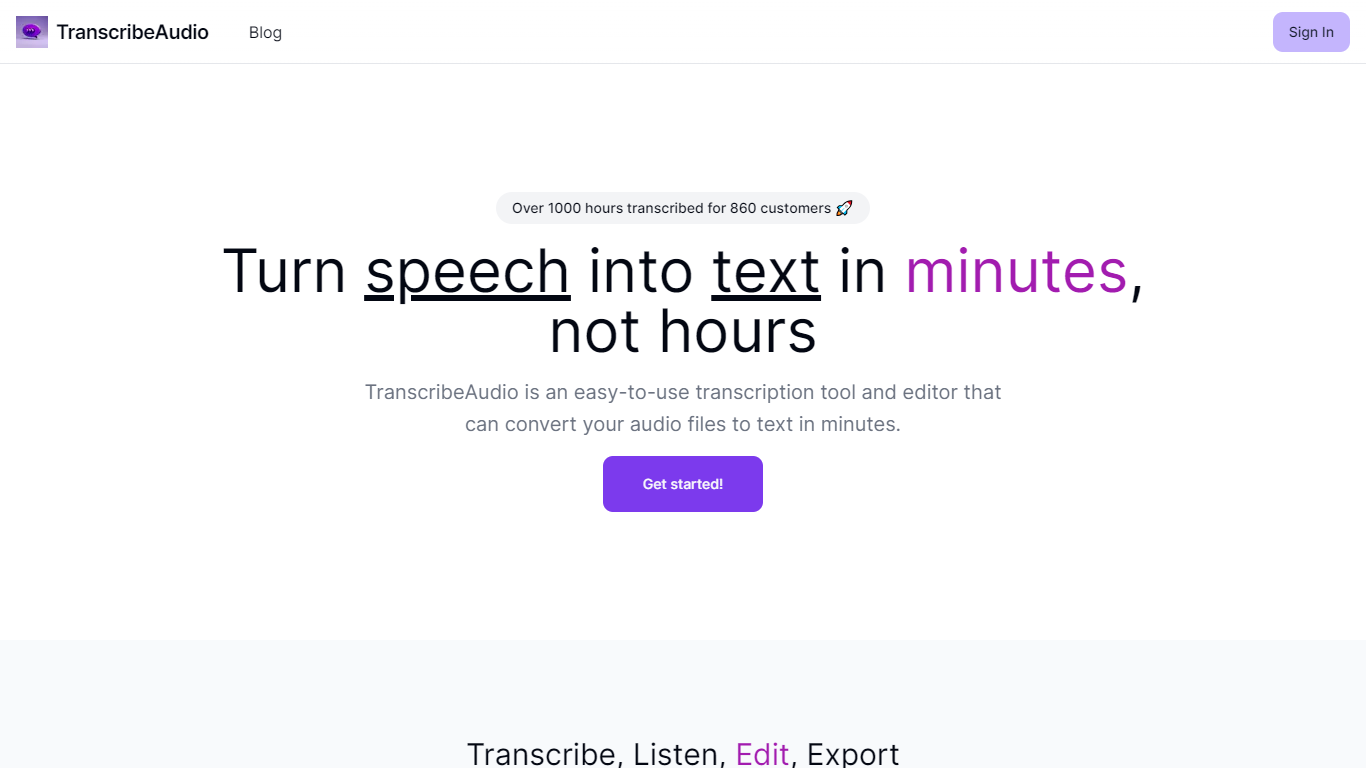
TranscribeAudio is a Chrome extension that turns any audio playing in your browser into live text. Instead of uploading recordings or inviting a bot into your meeting, you click Start on a tab and captions appear in a floating overlay you can drag anywhere on screen.
The extension captures audio directly from the browser tab, so it works with Zoom, Google Meet, YouTube, podcasts, and any other site playing sound in Chrome. Transcription runs on OpenAI's Whisper-based speech recognition and supports 57 languages.
It fits anyone who wants real-time captions during meetings, lectures, or videos without managing separate recording files or waiting for upload-based transcripts to process.
ChadView
What is ChadView?
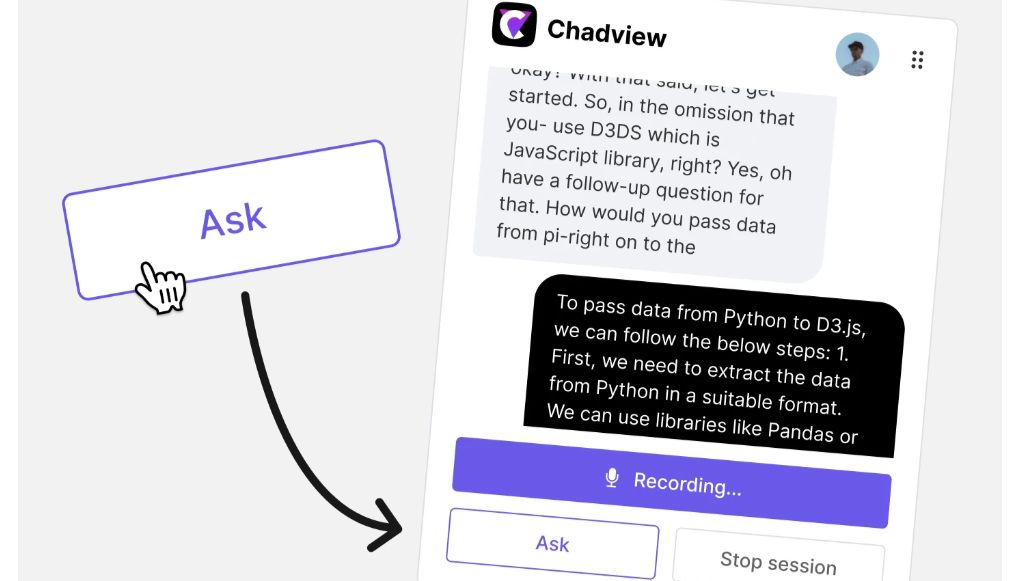
ChatGPT real-time meetings assistant for job interviews. Our extension listens to your Zoom, Google Meet and Teams call in real-time and answers any questions instantly.
Install Chrome extension
Use our Chrome extension for Zoom, Microsoft Teams, or Google Meet calls. It captures audio directly from your browser, so it's important to conduct your video conference within the browser. Buy a 39 USD subscription and unlimited monthly access to the service.
TranscribeAudio Upvotes
ChadView Upvotes
TranscribeAudio Top Features
Captures audio from any Chrome tab and streams live captions without using your microphone
Whisper-based speech recognition with support for 57 languages and regional accents
Floating overlay you can drag anywhere while watching videos or joining calls
Works with Zoom, Google Meet, YouTube, Vimeo, and other sites playing audio in Chrome
Export transcriptions as TXT files for notes and sharing
No meeting bots or participant notifications when transcribing calls
ChadView Top Features
Receive instant answers in real-time: During the video call, simply press the "Ask" button, and our extension will deliver answers to any questions asked. The extension continuously records the conversation. When you press the "Ask" button, it reviews the previous 30 seconds, identifies the question, and generates a suitable response for you in 3-4 seconds.
Power of OpenAI: Our extension is powered by the ChatGPT API, providing you with accurate answers to questions on programming, analytics, and math. Save time by not having to type out answers or research information—simply listen to the interviewer's question, and the answer will appear right before your eyes.
TranscribeAudio Category
- Meeting Assistant
ChadView Category
- Meeting Assistant
TranscribeAudio Pricing Type
- Freemium
ChadView Pricing Type
- Freemium