Transcript Download vs Noty AI
In the clash of Transcript Download vs Noty AI, which AI tool emerges victorious? We assess reviews, pricing, alternatives, features, upvotes, and more.
If you had to choose between Transcript Download and Noty AI, which one would you go for?
Let's take a closer look at Transcript Download and Noty AI, both of which are AI-driven tools, and see what sets them apart. The users have made their preference clear, Transcript Download leads in upvotes. Transcript Download has 6 upvotes, and Noty AI has 4 upvotes.
Disagree with the result? Upvote your favorite tool and help it win!
Transcript Download
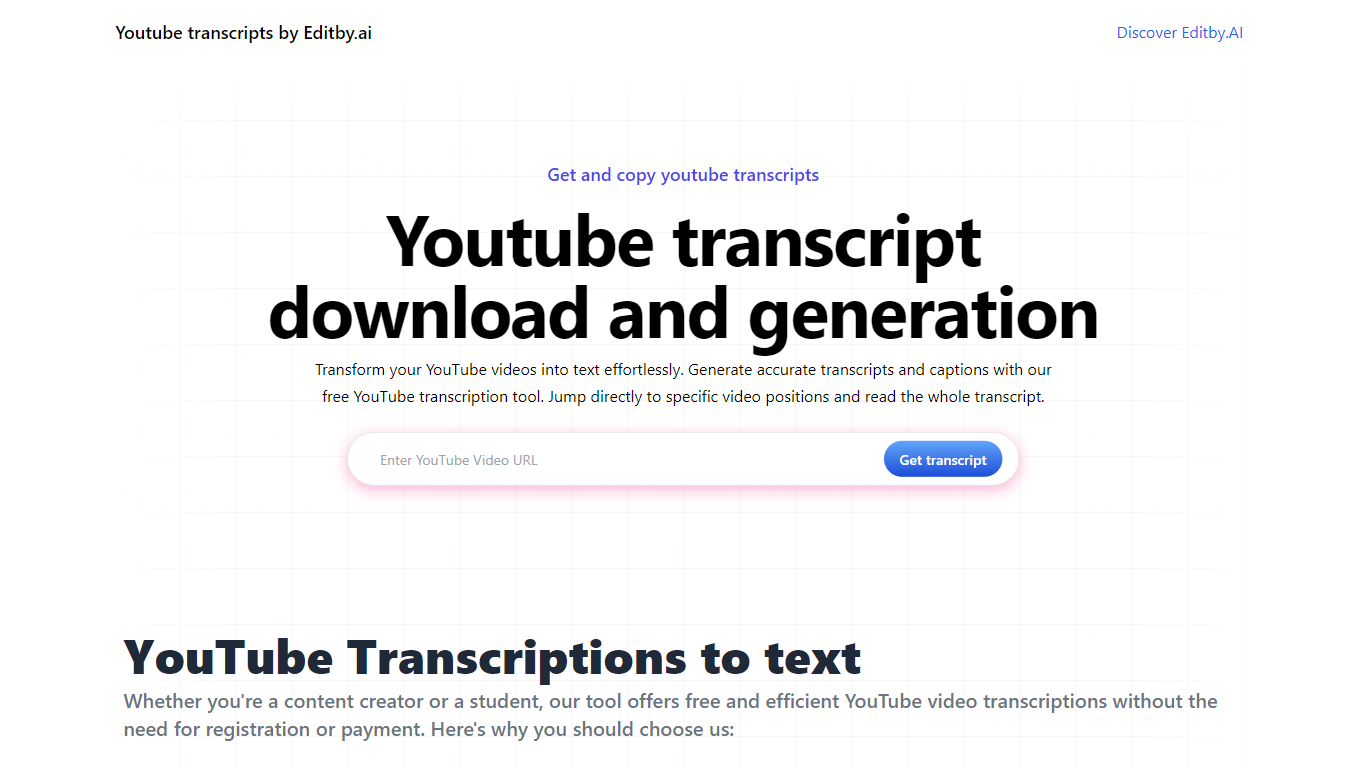

What is Transcript Download?
Unlock the full potential of your YouTube videos with Editby.AI's YouTube Transcription Tool. Our user-friendly platform caters to a range of users including students, researchers, content creators, and SEO professionals by providing an efficient way to generate accurate transcripts and captions. With our tool, there's no need for manual transcription. Simply input a YouTube URL and receive instant transcripts. Highlighted search terms, direct video position jumps, auto-scrolling features, and easy clipboard copying and downloading options streamline your workflow. Our commitment to user privacy is unmatched, requiring no sign-up or personal information. Enhance your productivity and save time with Editby.AI's transcription tool, all at no cost.
Noty AI
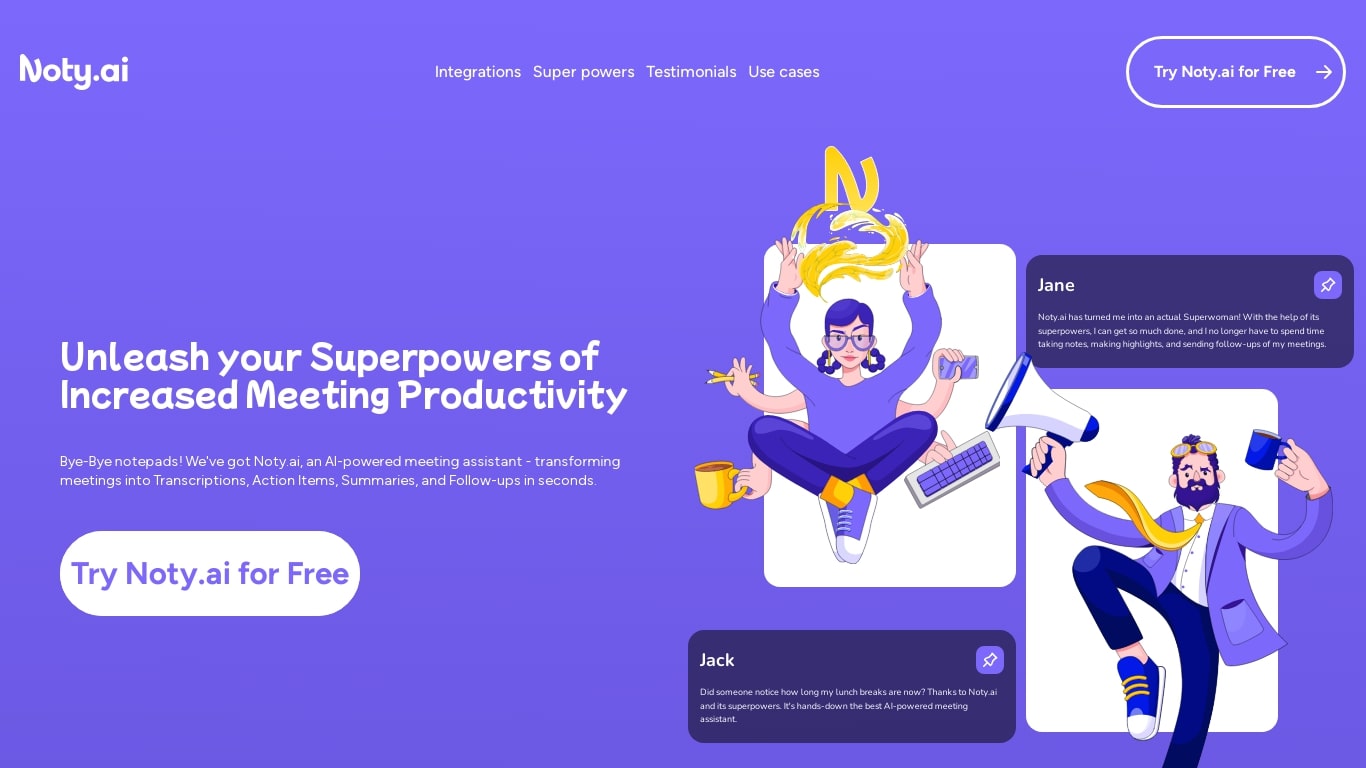
What is Noty AI?
Noty AI is a meeting assistant that turns live calls into transcripts, summaries, and tasks your team can act on. It records conversations in real time, highlights key moments during the call, and generates post-meeting recaps so nothing discussed gets lost between sessions.
The product works with Google Meet, Zoom, and Microsoft Teams. Transcription runs while the meeting is in progress, and you can search transcripts afterward, add comments, or chat with Noty to pull specific details from a past discussion.
After each call, Noty builds summaries, detects action items with deadlines and assignees, and drafts follow-up messages you can send to participants. Meetings are organized in a searchable workspace with exports to Docs, PDF, or plain text.
Project managers, customer success teams, and remote workers use Noty to cut post-meeting admin and keep projects moving without manual note-taking.
Transcript Download Upvotes
Noty AI Upvotes
Transcript Download Top Features
Instant Transcripts: Paste a YouTube URL and receive transcripts instantly.
Downloadable Transcripts: Easily download transcripts with a single click.
Jump to Video Position: Navigate directly to specific video segments from the transcript.
Autoscroll Transcripts: Enjoy synchronized transcripts that auto-scroll as the video plays.
No Registration Needed: Access the transcription tool without any account or personal details.
Noty AI Top Features
Live transcription during Google Meet, Zoom, and Teams calls with searchable transcripts afterward
Post-meeting summaries you can review, edit, comment on, or query through in-app chat
Action items, deadlines, and assignees pulled from conversation into a shared to-do list
One-click follow-ups that send recap emails with takeaways and tasks to participants
Global search across all meeting data with export to Docs, PDF, or plain text
Transcript Download Category
- Translation
Noty AI Category
- Meeting Assistant
Transcript Download Pricing Type
- Freemium
Noty AI Pricing Type
- Freemium