Lexibird (formerly Translatium for Mac & PC) vs Transcript Download
Explore the showdown between Lexibird (formerly Translatium for Mac & PC) vs Transcript Download and find out which AI Translation tool wins. We analyze upvotes, features, reviews, pricing, alternatives, and more.
When comparing Lexibird (formerly Translatium for Mac & PC) and Transcript Download, which one rises above the other?
When we contrast Lexibird (formerly Translatium for Mac & PC) with Transcript Download, both of which are exceptional AI-operated translation tools, and place them side by side, we can spot several crucial similarities and divergences. Both tools have received the same number of upvotes from aitools.fyi users. Your vote matters! Help us decide the winner among aitools.fyi users by casting your vote.
Does the result make you go "hmm"? Cast your vote and turn that frown upside down!
Lexibird (formerly Translatium for Mac & PC)
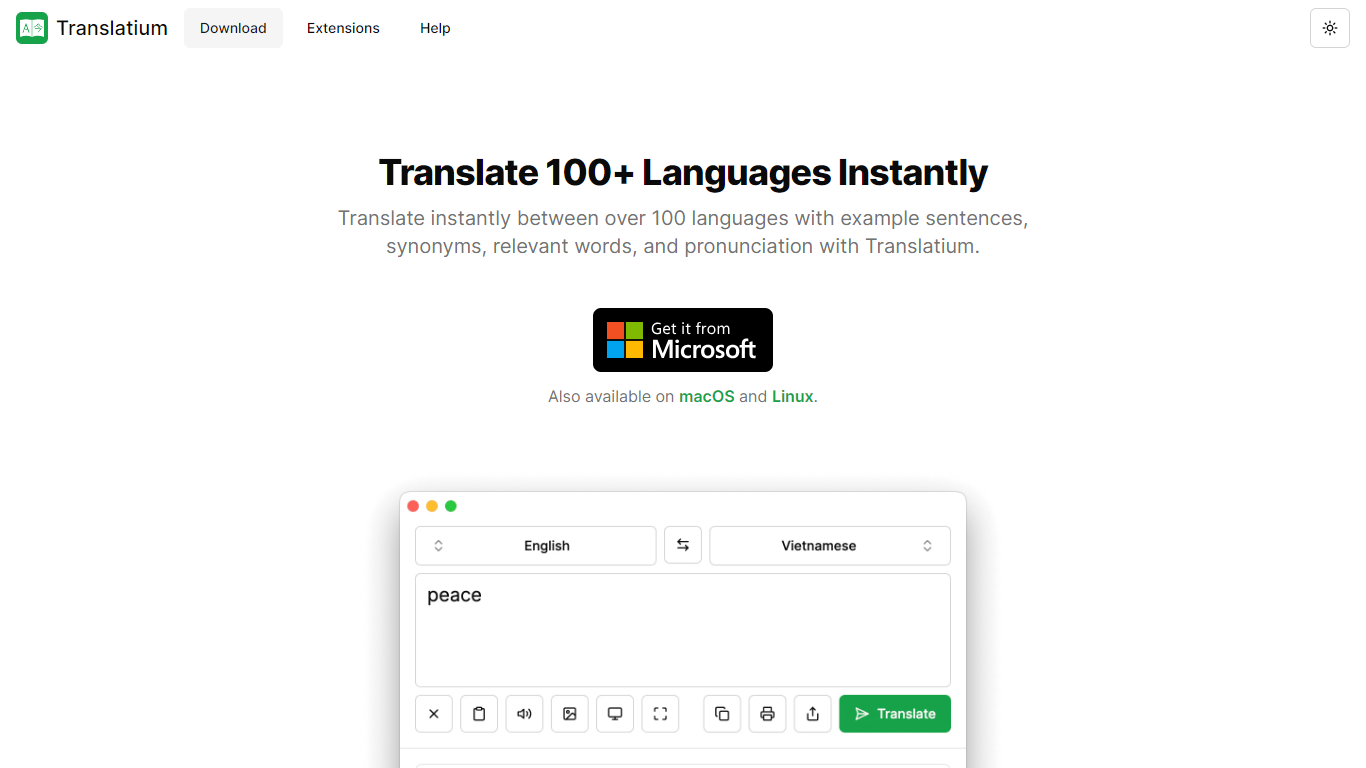

What is Lexibird (formerly Translatium for Mac & PC)?
Lexibird is the translation platform from WebCatalog that replaced Translatium. It targets businesses and professionals who need secure, accurate translation across text, images, audio, and documents in more than 200 languages.
The product runs as native desktop apps on macOS and Windows, with browser extensions for Chrome, Firefox, Edge, Opera, Brave, and Vivaldi, plus a PopClip extension for translating selected text in other apps. Beyond straight translation, Lexibird bundles a dictionary with definitions and synonyms, OCR for images and screenshots, real-time voice dictation, text-to-speech, and audio transcription.
Lexibird fits teams and individuals who translate constantly during their workday: support staff handling multilingual tickets, writers working across languages, and anyone who needs quick lookups without opening a separate browser tab. Credit-based plans scale from a free tier to Pro and Business subscriptions with higher monthly limits.
Transcript Download
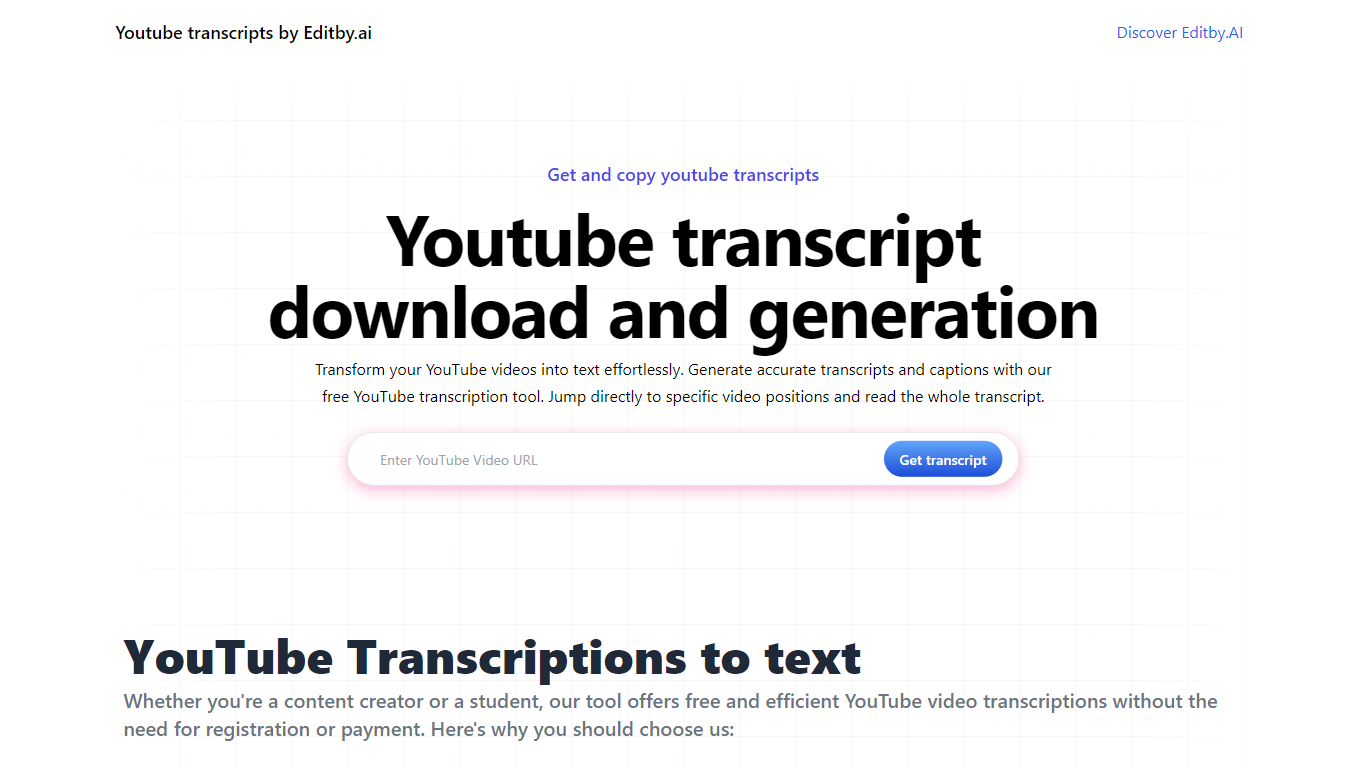
What is Transcript Download?
Unlock the full potential of your YouTube videos with Editby.AI's YouTube Transcription Tool. Our user-friendly platform caters to a range of users including students, researchers, content creators, and SEO professionals by providing an efficient way to generate accurate transcripts and captions. With our tool, there's no need for manual transcription. Simply input a YouTube URL and receive instant transcripts. Highlighted search terms, direct video position jumps, auto-scrolling features, and easy clipboard copying and downloading options streamline your workflow. Our commitment to user privacy is unmatched, requiring no sign-up or personal information. Enhance your productivity and save time with Editby.AI's transcription tool, all at no cost.
Lexibird (formerly Translatium for Mac & PC) Upvotes
Transcript Download Upvotes
Lexibird (formerly Translatium for Mac & PC) Top Features
200+ languages for text, images, audio, and document translation
OCR extracts and translates text from screenshots and photos
Real-time voice dictation with audio transcription built in
Natural text-to-speech voices read translations aloud
Dictionary lookups with definitions, synonyms, and usage examples
Native macOS and Windows apps plus extensions for six browsers and PopClip
Transcript Download Top Features
Instant Transcripts: Paste a YouTube URL and receive transcripts instantly.
Downloadable Transcripts: Easily download transcripts with a single click.
Jump to Video Position: Navigate directly to specific video segments from the transcript.
Autoscroll Transcripts: Enjoy synchronized transcripts that auto-scroll as the video plays.
No Registration Needed: Access the transcription tool without any account or personal details.
Lexibird (formerly Translatium for Mac & PC) Category
- Translation
Transcript Download Category
- Translation
Lexibird (formerly Translatium for Mac & PC) Pricing Type
- Freemium
Transcript Download Pricing Type
- Freemium