Typeframes vs EasySub
Explore the showdown between Typeframes vs EasySub and find out which AI Video Editing tool wins. We analyze upvotes, features, reviews, pricing, alternatives, and more.
In a face-off between Typeframes and EasySub, which one takes the crown?
When we contrast Typeframes with EasySub, both of which are exceptional AI-operated video editing tools, and place them side by side, we can spot several crucial similarities and divergences. The upvote count reveals a draw, with both tools earning the same number of upvotes. Your vote matters! Help us decide the winner among aitools.fyi users by casting your vote.
Feeling rebellious? Cast your vote and shake things up!
Typeframes


What is Typeframes?
Typeframes converts simple text prompts into engaging product videos optimized for social media platforms like YouTube, Instagram, and TikTok. It enables users to produce high-quality videos quickly without advanced video editing skills.
What sets Typeframes apart is its AI-driven approach that simplifies video production by offering customizable templates and automated suggestions to boost engagement. Unlike traditional video editors, it focuses on speed and ease of use, allowing creators to generate videos in minutes rather than hours.
The platform supports exporting videos in multiple resolutions tailored for different social media formats, including vertical videos. This makes Typeframes especially useful for content creators and marketers aiming to produce consistent, platform-optimized video content efficiently.
By streamlining the video creation process, Typeframes helps users save time and resources while enhancing their social media presence with visually appealing videos.
EasySub
What is EasySub?
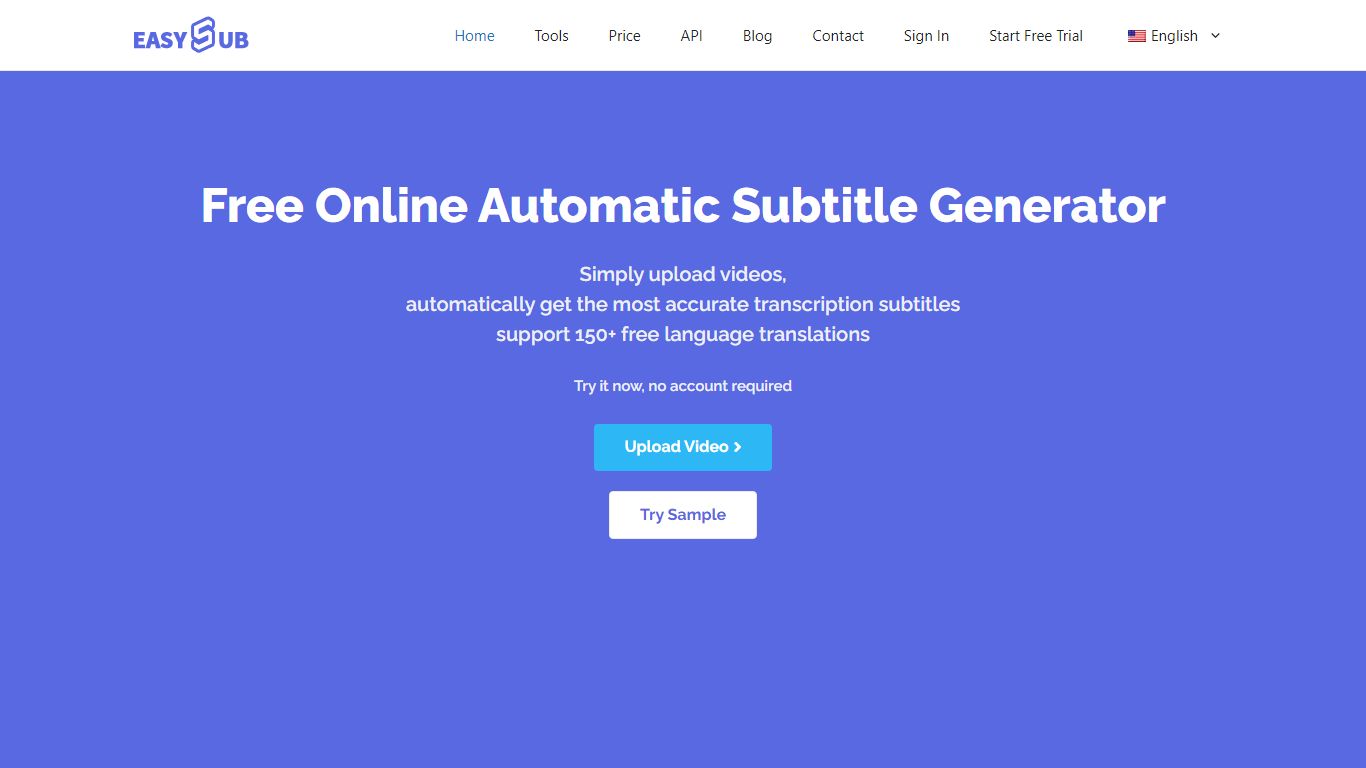
EasySub generates and edits video subtitles, captions, and transcripts in the browser for creators working on long-form or movie-length footage. Upload a video, get automatic speech-to-text, translate captions into 150+ languages, tweak timing in the subtitle editor, and export SRT files for YouTube, TikTok, or editing suites. The marketing site claims 99% transcription accuracy and highlights tools for transcription, captioning, video translation, and subtitle conversion.
Dedicated transcript apps often stop at plain text. EasySub keeps the workflow inside captioning: automatic subtitles, a subtitle translator, a free downloader, and an API for teams that want to embed generation in their own products. Pay-as-you-go pricing at $0.20 per minute suits occasional uploads, while Pro and Teams bundles trade monthly hours for unlimited exports and shared seats.
YouTubers, course creators, and localization teams use EasySub when they need multilingual captions without rebuilding subtitles manually. The free tier includes limited monthly transcription minutes with tool access, and new users can buy a 2-hour starter pack for $5. Refunds are offered if the service does not fit your workflow, per the pricing FAQ.
Typeframes Upvotes
EasySub Upvotes
Typeframes Top Features
Transform text prompts into engaging videos quickly
Customize templates to match your brand style easily
Create vertical videos optimized for social platforms
Simple interface requires no video editing skills
Export videos in multiple resolutions including high quality
AI-driven suggestions to boost video engagement
EasySub Top Features
Marketing site claims 99% accurate automatic subtitle generation for long videos
Supports transcription and translation across 150+ languages
Pay-as-you-go rate is $0.20 per minute, equal to $12 per hour on the pricing page
Pro plan lists $9 per month with 3 hours of transcription and unlimited exports
Toolkit includes subtitle editor, converter, translator, speech-to-text, and video translator
API workspace is available for developers integrating subtitle generation
Typeframes Category
- Video Editing
EasySub Category
- Video Editing
Typeframes Pricing Type
- Freemium
EasySub Pricing Type
- Freemium