Typeframes vs Gemoo
In the battle of Typeframes vs Gemoo, which AI Video Editing tool comes out on top? We compare reviews, pricing, alternatives, upvotes, features, and more.
Between Typeframes and Gemoo, which one is superior?
Upon comparing Typeframes with Gemoo, which are both AI-powered video editing tools, Typeframes stands out as the clear frontrunner in terms of upvotes. Typeframes has been upvoted 7 times by aitools.fyi users, and Gemoo has been upvoted 6 times.
Disagree with the result? Upvote your favorite tool and help it win!
Typeframes


What is Typeframes?
Typeframes converts simple text prompts into engaging product videos optimized for social media platforms like YouTube, Instagram, and TikTok. It enables users to produce high-quality videos quickly without advanced video editing skills.
What sets Typeframes apart is its AI-driven approach that simplifies video production by offering customizable templates and automated suggestions to boost engagement. Unlike traditional video editors, it focuses on speed and ease of use, allowing creators to generate videos in minutes rather than hours.
The platform supports exporting videos in multiple resolutions tailored for different social media formats, including vertical videos. This makes Typeframes especially useful for content creators and marketers aiming to produce consistent, platform-optimized video content efficiently.
By streamlining the video creation process, Typeframes helps users save time and resources while enhancing their social media presence with visually appealing videos.
Gemoo
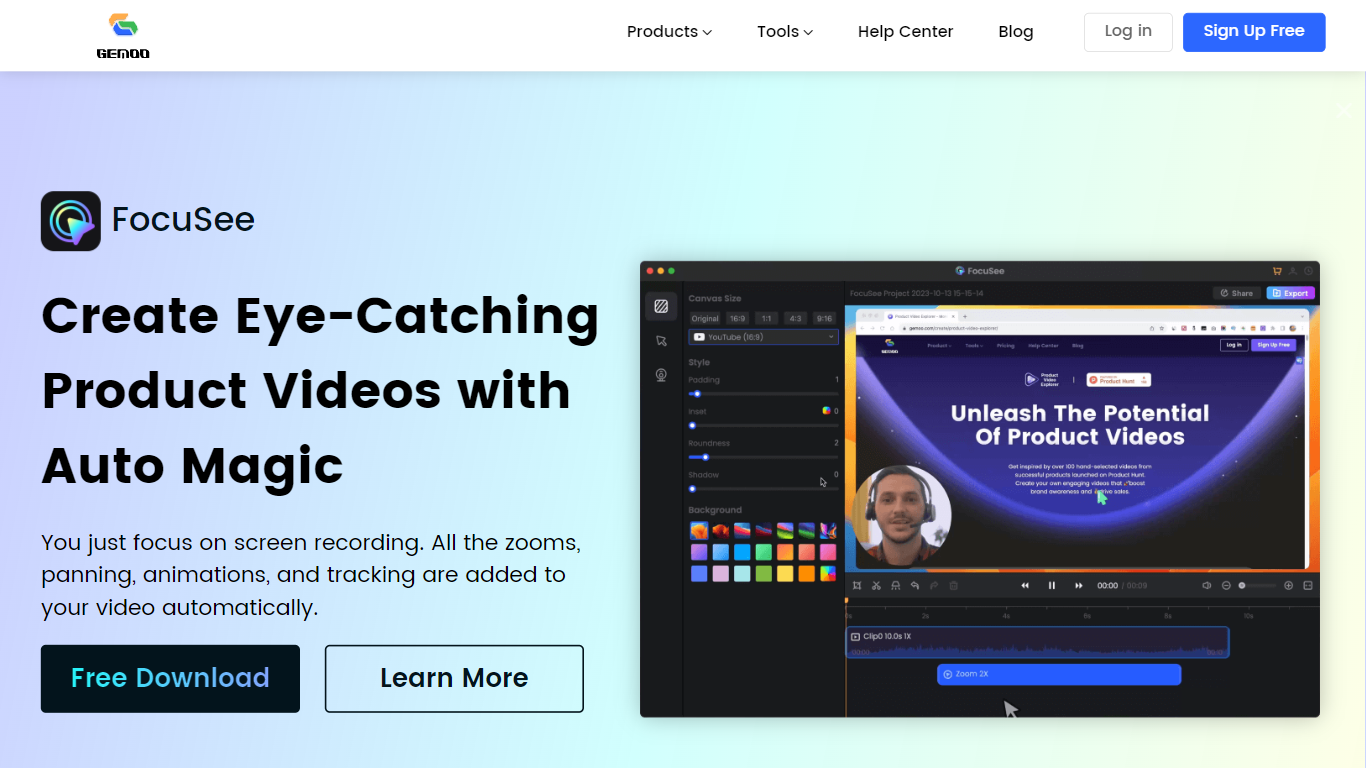
What is Gemoo?
Gemoo bundles screen recording, video editing, and sharing tools for product demos and tutorials. Its recorder captures screen, webcam, and microphone together, then adds zooms, panning, and motion highlights automatically so you are not rebuilding edits frame by frame. Clippa is the browser-based editor for trimming and exporting without watermarks.
Compared with a general screen recorder, Gemoo targets polished product walkthroughs rather than raw captures. TalkEze adds speaker notes for recorded presentations, and the site also lists utilities like a YouTube transcript tool. The workflow assumes you record once and publish a link rather than handing files through multiple apps.
Marketing teams, customer success reps, and founders use it for launch videos, onboarding clips, and sales demos. Educators recording software lessons fit the same pattern. During the July 2026 enrichment check, the public homepage showed a scheduled maintenance notice, so plan details below come from the last stored product description rather than a live pricing page.
Typeframes Upvotes
Gemoo Upvotes
Typeframes Top Features
Transform text prompts into engaging videos quickly
Customize templates to match your brand style easily
Create vertical videos optimized for social platforms
Simple interface requires no video editing skills
Export videos in multiple resolutions including high quality
AI-driven suggestions to boost video engagement
Gemoo Top Features
Gemoo Recorder captures screen, webcam, and microphone in one session
Auto zoom, pan, and motion tracking applied to screen recordings without manual keyframing
Clippa browser editor exports videos without watermarks
TalkEze supports talking-head recordings with on-screen speaker notes
Instant share links for recorded clips plus local download option
Typeframes Category
- Video Editing
Gemoo Category
- Video Editing
Typeframes Pricing Type
- Freemium
Gemoo Pricing Type
- Freemium