
Last updated 07-29-2026
Category:
Reviews:
Join thousands of AI enthusiasts in the World of AI!
Gemoo
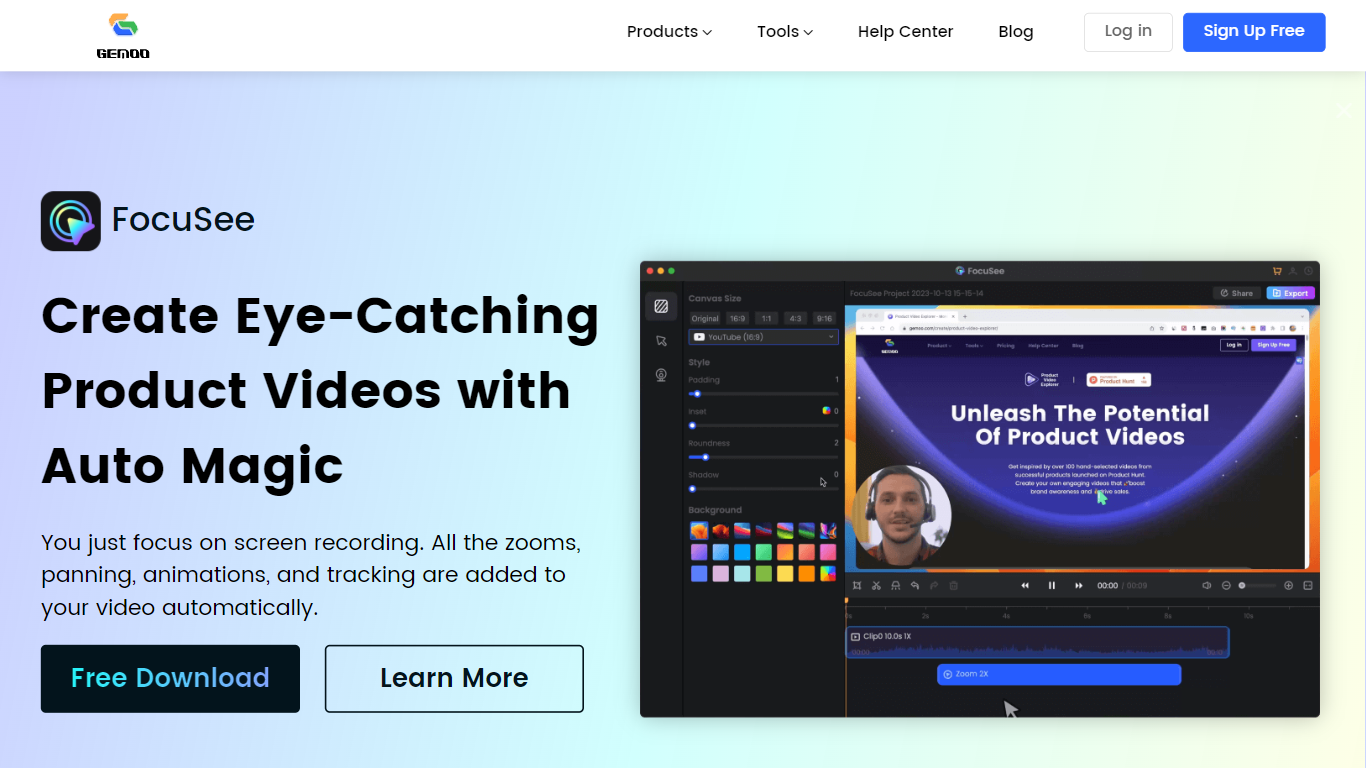
Gemoo bundles screen recording, video editing, and sharing tools for product demos and tutorials. Its recorder captures screen, webcam, and microphone together, then adds zooms, panning, and motion highlights automatically so you are not rebuilding edits frame by frame. Clippa is the browser-based editor for trimming and exporting without watermarks.
Compared with a general screen recorder, Gemoo targets polished product walkthroughs rather than raw captures. TalkEze adds speaker notes for recorded presentations, and the site also lists utilities like a YouTube transcript tool. The workflow assumes you record once and publish a link rather than handing files through multiple apps.
Marketing teams, customer success reps, and founders use it for launch videos, onboarding clips, and sales demos. Educators recording software lessons fit the same pattern. During the July 2026 enrichment check, the public homepage showed a scheduled maintenance notice, so plan details below come from the last stored product description rather than a live pricing page.
Gemoo Recorder captures screen, webcam, and microphone in one session
Auto zoom, pan, and motion tracking applied to screen recordings without manual keyframing
Clippa browser editor exports videos without watermarks
TalkEze supports talking-head recordings with on-screen speaker notes
Instant share links for recorded clips plus local download option
Automatic zoom and pan reduce manual editing on software demos
Clippa exports without watermarks from the browser
Single recorder handles screen, webcam, and mic together
Share links make handoff to prospects or teammates fast
Public homepage showed maintenance mode during the latest enrichment fetch
Pricing and plan limits were not visible on the live site at check time
Feature set spans multiple tools, so the learning curve is wider than a plain screen recorder
What does Gemoo record?
Gemoo records your screen, webcam, and microphone together through Gemoo Recorder. You can add annotations during capture and share the finished clip via link or download.
Does Gemoo add edits automatically?
Yes. Gemoo applies zooms, panning, animations, and tracking to screen recordings automatically so demo videos look polished without manual timeline editing.
What is Clippa in Gemoo?
Clippa is Gemoo's online video editor. It runs in the browser and lets you trim and export videos without watermarks.
Can Gemoo help with YouTube content?
Gemoo lists a YouTube transcript tool alongside its recorder and editor. The site positions it for creators who need captions or text from existing videos.
Is Gemoo available right now?
Gemoo's homepage showed a scheduled maintenance message during the July 2026 enrichment check. Core product details above reflect the last published feature set before that notice.