Typeframes vs Vidiofy
In the battle of Typeframes vs Vidiofy, which AI Video Editing tool comes out on top? We compare reviews, pricing, alternatives, upvotes, features, and more.
Between Typeframes and Vidiofy, which one is superior?
Upon comparing Typeframes with Vidiofy, which are both AI-powered video editing tools, Typeframes stands out as the clear frontrunner in terms of upvotes. The number of upvotes for Typeframes stands at 7, and for Vidiofy it's 6.
Feeling rebellious? Cast your vote and shake things up!
Typeframes


What is Typeframes?
Typeframes converts simple text prompts into engaging product videos optimized for social media platforms like YouTube, Instagram, and TikTok. It enables users to produce high-quality videos quickly without advanced video editing skills.
What sets Typeframes apart is its AI-driven approach that simplifies video production by offering customizable templates and automated suggestions to boost engagement. Unlike traditional video editors, it focuses on speed and ease of use, allowing creators to generate videos in minutes rather than hours.
The platform supports exporting videos in multiple resolutions tailored for different social media formats, including vertical videos. This makes Typeframes especially useful for content creators and marketers aiming to produce consistent, platform-optimized video content efficiently.
By streamlining the video creation process, Typeframes helps users save time and resources while enhancing their social media presence with visually appealing videos.
Vidiofy
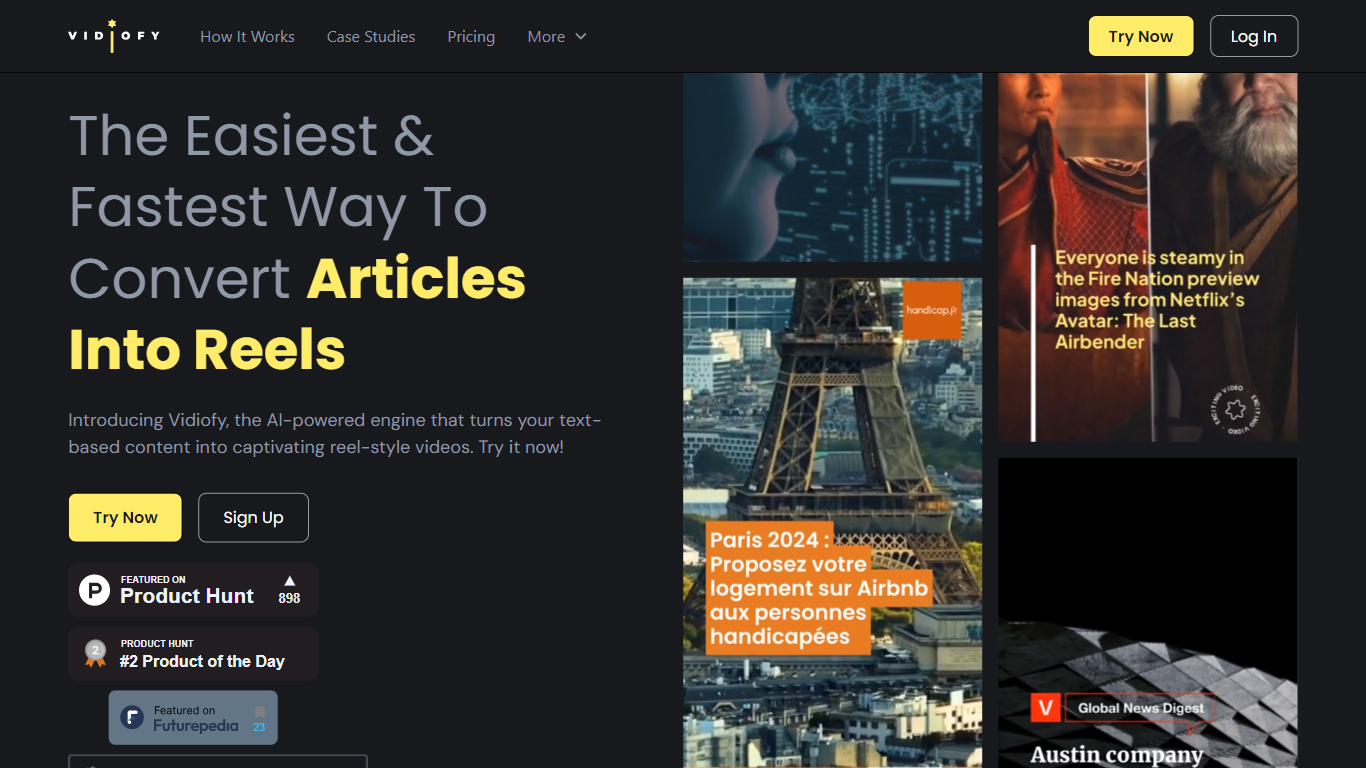
What is Vidiofy?
Vidiofy transforms text prompts, scripts, and article excerpts into high-quality videos within seconds using advanced AI technology. It generates videos in various styles, from photorealistic scenes to stylized animations, enabling users to create cinematic storytelling, marketing content, educational videos, and social media clips without filming or editing skills.
What sets Vidiofy apart is its professional camera controls, realistic physics, and synchronized audio that deliver broadcast-quality results directly in the browser. The platform maintains character consistency across scenes and supports diverse visual styles, making it versatile for filmmakers, marketers, educators, and content creators.
Vidiofy operates entirely in the cloud with a browser-based interface, requiring no installation or special hardware. Users can repurpose articles into short vertical reels optimized for social media by converting key points into mini-scripts. This tool democratizes video production by providing unlimited creative control through natural language prompts, enabling rapid iteration and experimentation with lighting, camera angles, and visual effects.
Typeframes Upvotes
Vidiofy Upvotes
Typeframes Top Features
Transform text prompts into engaging videos quickly
Customize templates to match your brand style easily
Create vertical videos optimized for social platforms
Simple interface requires no video editing skills
Export videos in multiple resolutions including high quality
AI-driven suggestions to boost video engagement
Vidiofy Top Features
🎥 Text to Video: Turn simple text prompts into professional videos instantly.
🎬 Cinematic Camera Control: Specify camera moves like tracking or dolly shots for dynamic scenes.
🔄 Character Consistency: Maintain the same character appearance across multiple scenes.
🔊 Synchronized Audio: Add ambient sounds and voiceovers automatically with video generation.
🌐 Browser-Based: Create videos from any device without downloads or special hardware.
Typeframes Category
- Video Editing
Vidiofy Category
- Video Editing
Typeframes Pricing Type
- Freemium
Vidiofy Pricing Type
- Freemium