UI to Code vs Code Translator
In the clash of UI to Code vs Code Translator, which AI Code Assistant tool emerges victorious? We assess reviews, pricing, alternatives, features, upvotes, and more.
When we put UI to Code and Code Translator head to head, which one emerges as the victor?
Let's take a closer look at UI to Code and Code Translator, both of which are AI-driven code assistant tools, and see what sets them apart. The users have made their preference clear, Code Translator leads in upvotes. Code Translator has attracted 7 upvotes from aitools.fyi users, and UI to Code has attracted 6 upvotes.
Want to flip the script? Upvote your favorite tool and change the game!
UI to Code
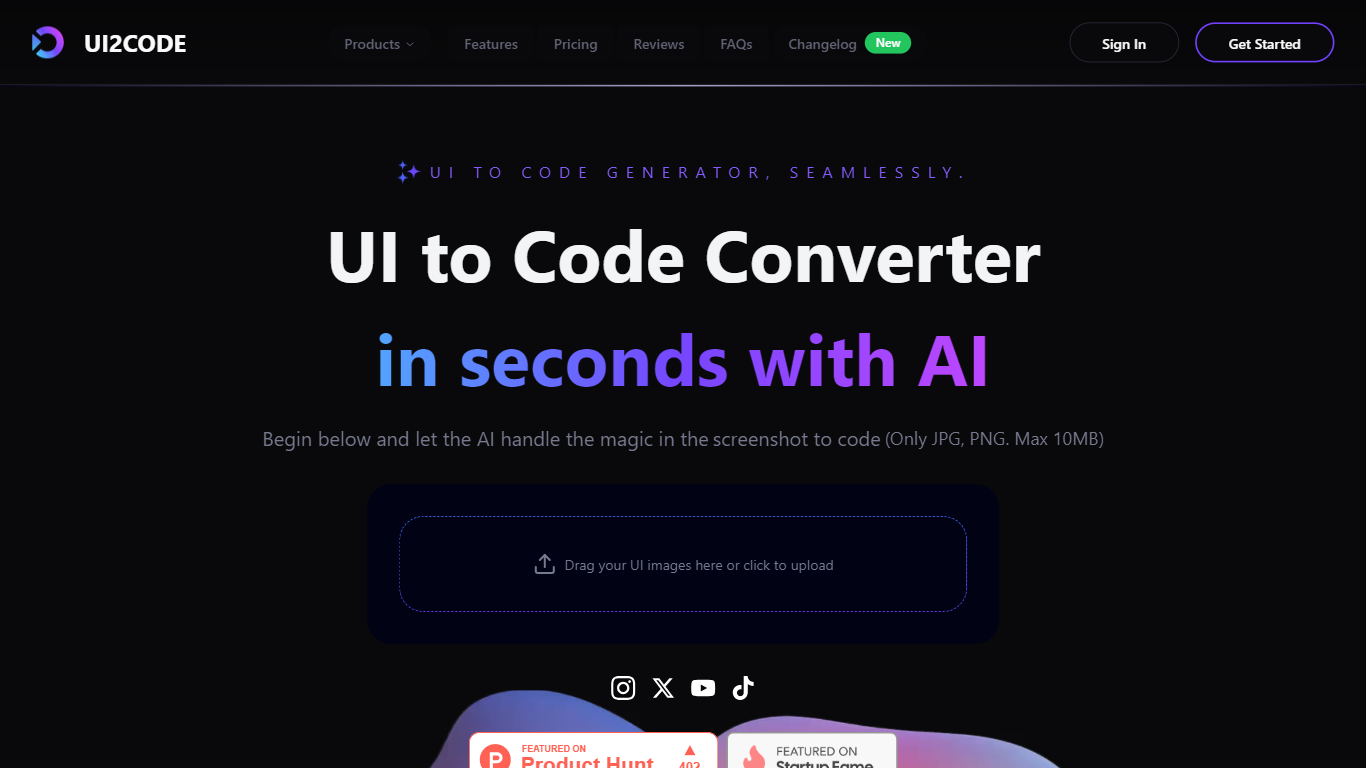

What is UI to Code?
UI to Code (UI2CODE) is a design-to-code assistant that turns screenshots, images, PDFs, and Figma frames into front-end code you can preview and export. You upload a visual, pick a stack like React, Vue, or plain HTML/CSS, and get component-based output with a live sandbox. It fits designers and front-end developers who want to skip hand-coding static layouts from mockups.
Unlike general code assistants that start from a text prompt, UI to Code is built around visual input. It maps layout groups, spacing, and typography from the uploaded file rather than inventing a UI from description alone. That narrow focus trades flexibility for fidelity on screenshot and Figma workflows, where the goal is pixel-level reproduction rather than generating backend logic.
Product designers, front-end developers, and agencies use it to prototype landing pages, dashboards, and component libraries without rebuilding every screen manually. Teams working in React with Tailwind, Vue 3 with Composition API, or plain HTML/CSS get exports that map to those stacks directly.
Code Translator
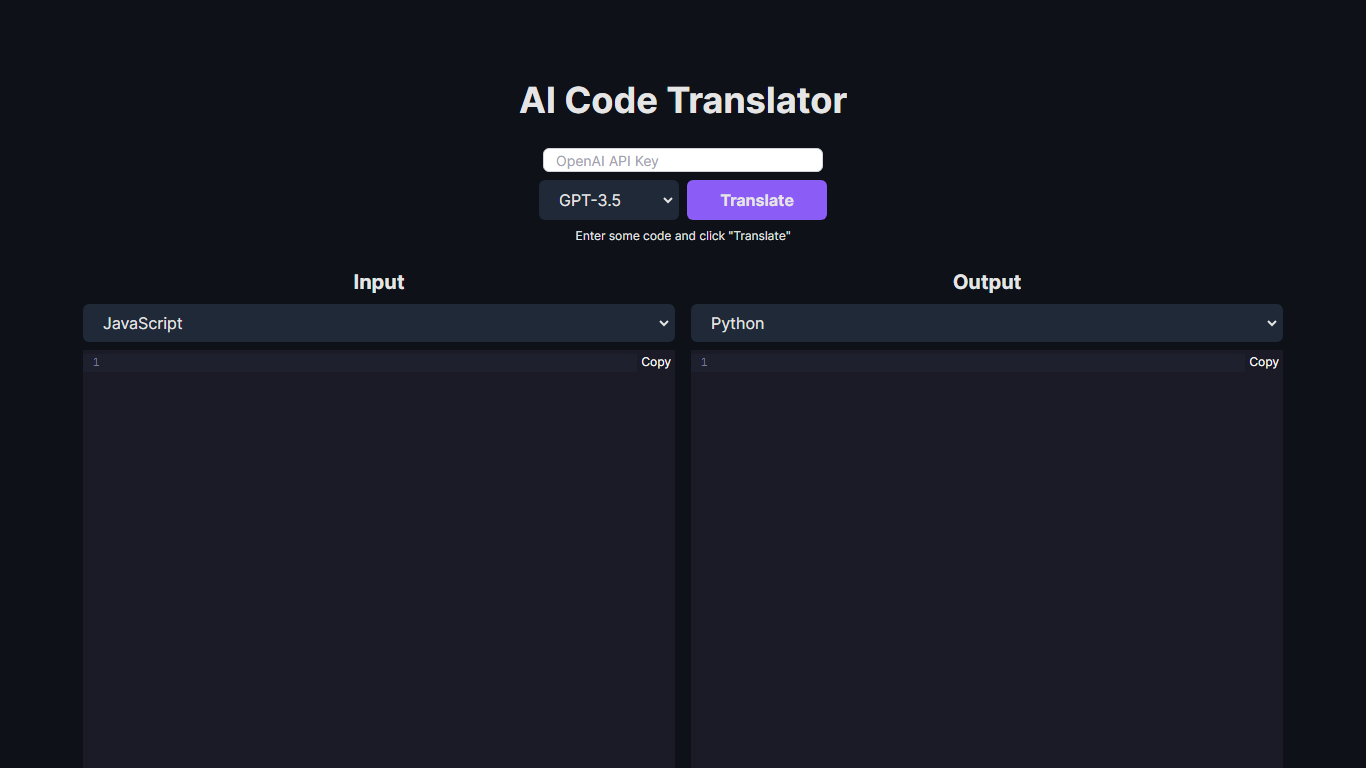
What is Code Translator?
Unlock the potential of code conversion with our cutting-edge AI Code Translator. This dynamic tool bridges the gap between different programming languages, making it a breeze for developers to translate code snippets with ease. With support for a wide array of languages including Assembly, C++, Python, Java, and many more, the AI-driven translator is the ultimate companion for code enthusiasts and professionals.
Experience the power of GPT-3.5 and GPT-4 technology as you effortlessly convert code from one syntax to another. Whether you're looking to translate code for educational purposes, cross-platform development, or simply to understand a new language syntax, our Code Translator is tailored to meet your needs. Just "Enter some code and click 'Translate'" for instant results. With user-friendly design and the ability to copy outputs directly, coding has never been more accessible.
UI to Code Upvotes
Code Translator Upvotes
UI to Code Top Features
Accepts JPG, PNG, PDF, and PSD uploads up to 10 MB per file
Exports React, Vue, Next.js, HTML/CSS, Svelte, and Angular stacks
PRO plan includes $40 monthly credit with Figma and PSD import
Live browser sandbox previews code before ZIP or component export
BASIC plan provides $10 monthly credit with HTML output and AI chat
Figma to React path outputs TypeScript components styled with Tailwind CSS
ULTIMATE tier adds GitHub export, version history, and one-click cloud deploy
Code Translator Top Features
Efficient Translation: Quick and accurate translation across a vast selection of programming languages.
Cutting-Edge Technology: Powered by the advanced AI models of GPT-3.5 and GPT-4.
User-Friendly Interface: Simple "Enter and Translate" process for seamless user experience.
Wide Language Support: From mainstream languages like Java and Python to niche ones like COBOL and Racket.
Instant Copy Functionality: Easy to copy translated code for immediate use or further development.
UI to Code Category
- Code Assistant
Code Translator Category
- Code Assistant
UI to Code Pricing Type
- Freemium
Code Translator Pricing Type
- Free