UI to Code vs Copilot Chat
Dive into the comparison of UI to Code vs Copilot Chat and discover which AI Code Assistant tool stands out. We examine alternatives, upvotes, features, reviews, pricing, and beyond.
In a comparison between UI to Code and Copilot Chat, which one comes out on top?
When we compare UI to Code and Copilot Chat, two exceptional code assistant tools powered by artificial intelligence, and place them side by side, several key similarities and differences come to light. Interestingly, both tools have managed to secure the same number of upvotes. You can help us determine the winner by casting your vote and tipping the scales in favor of one of the tools.
Want to flip the script? Upvote your favorite tool and change the game!
UI to Code
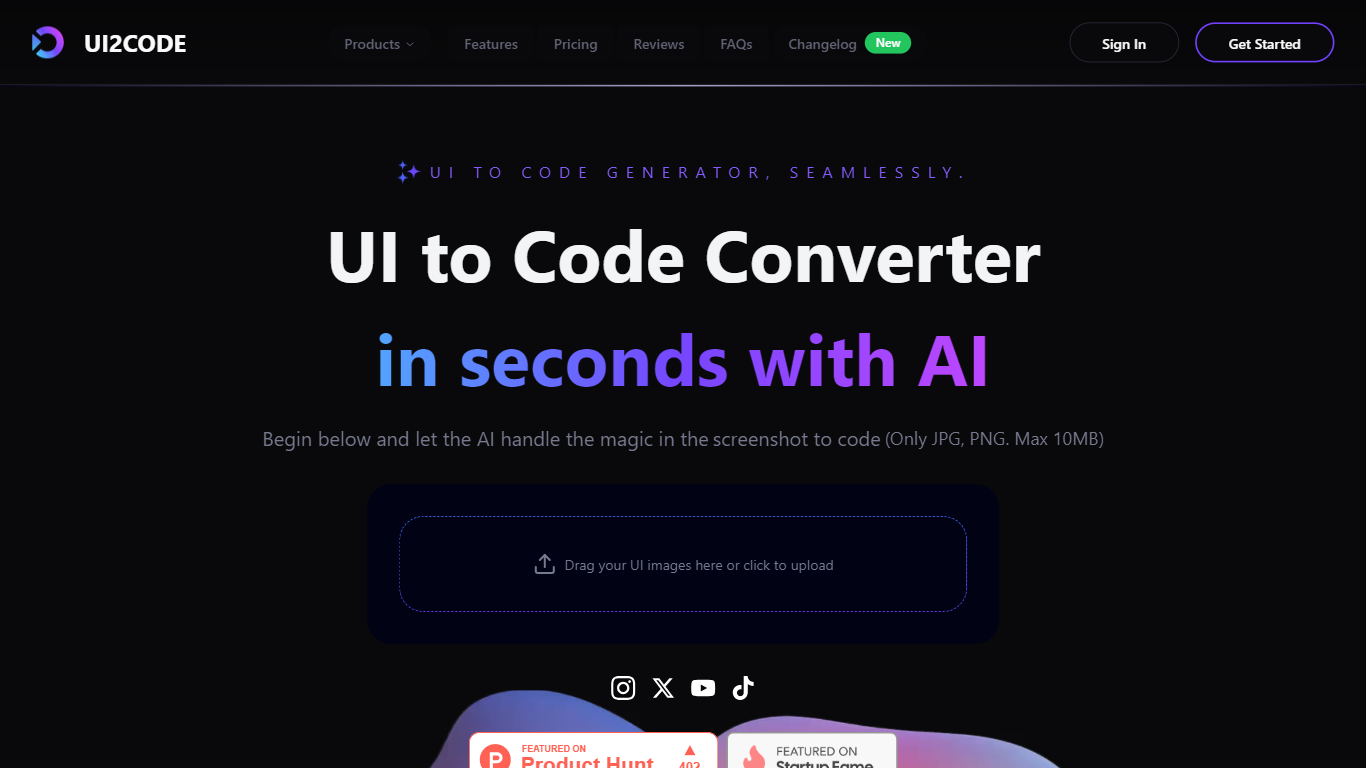

What is UI to Code?
UI to Code AI is a powerful tool designed to transform user interface designs into production-ready code without requiring any coding knowledge. The core functionality of this tool allows users to upload their design files, such as JPG or PNG images, and instantly receive clean, optimized code in various programming languages like Flutter, Swift, Kotlin, and HTML. This process is facilitated by advanced AI technology that automates the coding workflow, making it accessible to both designers and developers alike.
The target audience for UI to Code AI includes designers, developers, and anyone involved in creating user interfaces who may not have extensive coding skills. This tool is particularly beneficial for those who want to save time and reduce development costs by automating the coding process. By providing a user-friendly interface, it allows users to focus on their design work while the AI handles the technical aspects of code generation.
One of the unique value propositions of UI to Code AI is its ability to deliver accurate and efficient code generation in a matter of seconds. Users can expect high-quality output that requires minimal adjustments, making it a reliable choice for professionals in the field. The tool's ability to handle complex layouts and produce production-ready code sets it apart from other similar solutions in the market.
Key differentiators include the tool's multi-language support, which allows users to generate code in various popular programming languages, and its quick setup process that enables users to start generating code within just one minute. Additionally, the positive testimonials from users highlight the tool's effectiveness and user-friendliness, reinforcing its reputation as a game-changer in the coding landscape.
In terms of technical implementation, UI to Code AI leverages cutting-edge AI technology to interpret design inputs and convert them into precise code snippets. This innovative approach not only enhances the accuracy of the generated code but also streamlines the overall development process, making it an essential tool for modern designers and developers. The AI's ability to understand and translate complex images into functional code is a testament to its advanced capabilities and commitment to quality.
Copilot Chat
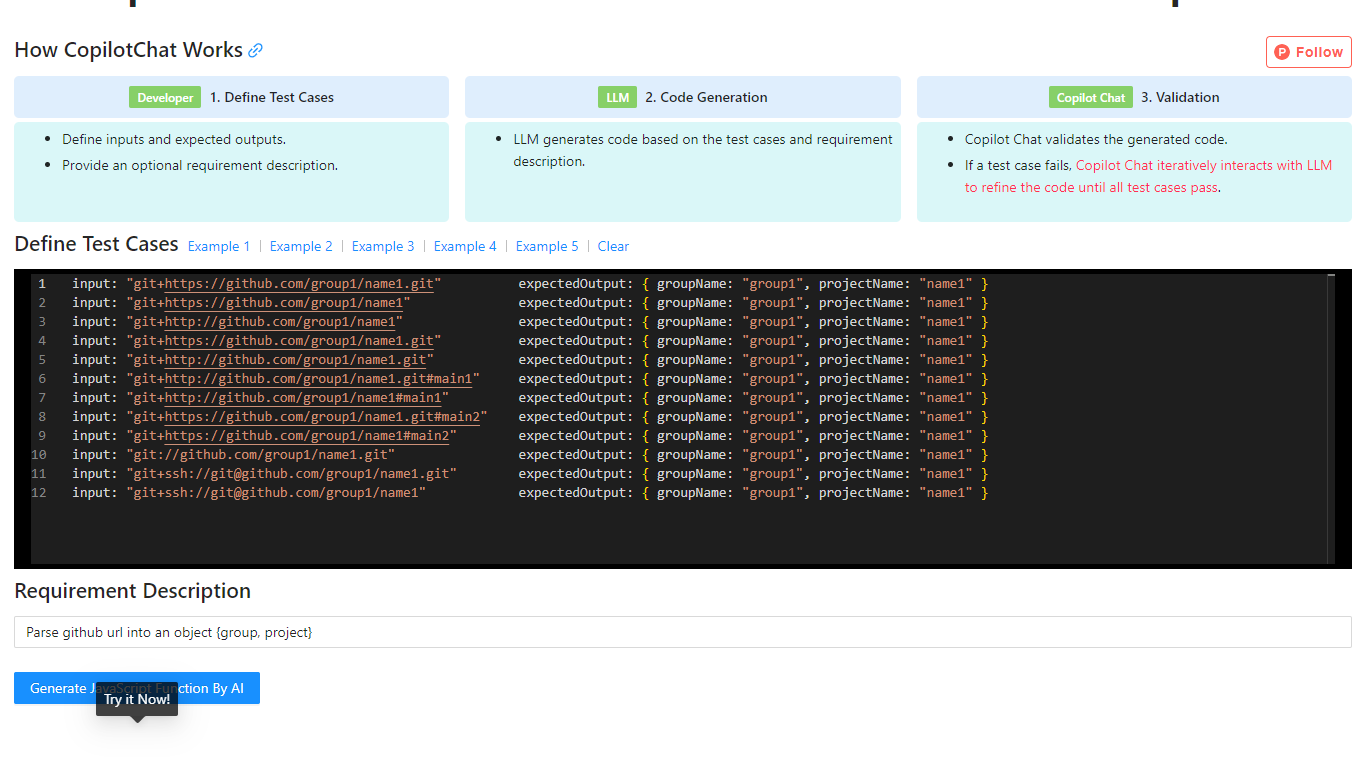
What is Copilot Chat?
Copilot Chat is a test-driven code generation tool that helps developers produce JavaScript functions from input-output test cases. You define inputs, expected outputs, and an optional requirement description, then the tool uses an LLM to generate code and validate it against your tests.
If a test fails, Copilot Chat iteratively refines the generated code with the model until every case passes. The site includes worked examples for tasks like parsing GitHub URLs, parsing CSS color strings, and capitalizing words in a string.
The workflow is inspired by test-driven development and flow-engineering ideas similar to TypeChat and AlphaCodium, focusing on repeatable validation instead of one-shot prompt output.
UI to Code Upvotes
Copilot Chat Upvotes
UI to Code Top Features
Instant Code Generation: Upload your design and receive ready-to-use code in seconds, saving you time and effort.
Multi-Language Support: Generate clean code in popular programming languages like Flutter, Swift, Kotlin, and HTML, catering to diverse development needs.
User-Friendly Interface: The platform is designed for ease of use, allowing anyone to upload designs and generate code without technical skills.
High Accuracy: The AI produces precise and efficient code, requiring minimal adjustments, which enhances productivity for developers.
Quick Setup: Get started in just one minute with a simple upload process, making it easy to integrate into your workflow.
Copilot Chat Top Features
Define input and expected output test cases before code is generated
Uses an LLM to generate JavaScript based on your tests and requirement notes
Automatically validates generated code against every test case
Iteratively refines failed outputs until all tests pass
Includes built-in examples for Git URL parsing, CSS color parsing, and string manipulation
UI to Code Category
- Code Assistant
Copilot Chat Category
- Code Assistant
UI to Code Pricing Type
- Freemium
Copilot Chat Pricing Type
- Free