Unity AI vs Booom AI
Dive into the comparison of Unity AI vs Booom AI and discover which AI Gaming tool stands out. We examine alternatives, upvotes, features, reviews, pricing, and beyond.
When comparing Unity AI and Booom AI , which one rises above the other?
When we compare Unity AI and Booom AI , two exceptional gaming tools powered by artificial intelligence, and place them side by side, several key similarities and differences come to light. The upvote count reveals a draw, with both tools earning the same number of upvotes. The power is in your hands! Cast your vote and have a say in deciding the winner.
Want to flip the script? Upvote your favorite tool and change the game!
Unity AI


What is Unity AI?
Unity AI puts Assistant and Generators inside Unity 6.2 so you can batch-edit scenes, draft C# scripts, and spin up sprites, textures, sounds, and animations without leaving the Editor. The Assistant reads your scene hierarchy, installed packages, and console errors, which keeps answers tied to the project on screen. Generators write output straight into Unity assets for sprites, Texture2D images, sound clips, animations, and materials.
Compared with bolt-on chat tools, Unity AI runs inside the Editor and replaces Muse Chat, Muse Generators, and Sentis with packages that share project context. Assistant exposes /ask, /run, and /code modes: ask for read-only answers, run to automate batch edits with generated scripts, and code to draft C# against the Unity API. Inference Engine work stays local for runtime models while Assistant and Generators run through Unity Cloud.
Indie studios, mobile teams, and technical artists use it to scatter objects across terrain, rename assets in bulk, explain stack traces, and spin up placeholder art before production assets land. You need Unity 6.2 or later plus a linked Unity Cloud project for the full Assistant and Generators feature set.
Booom AI
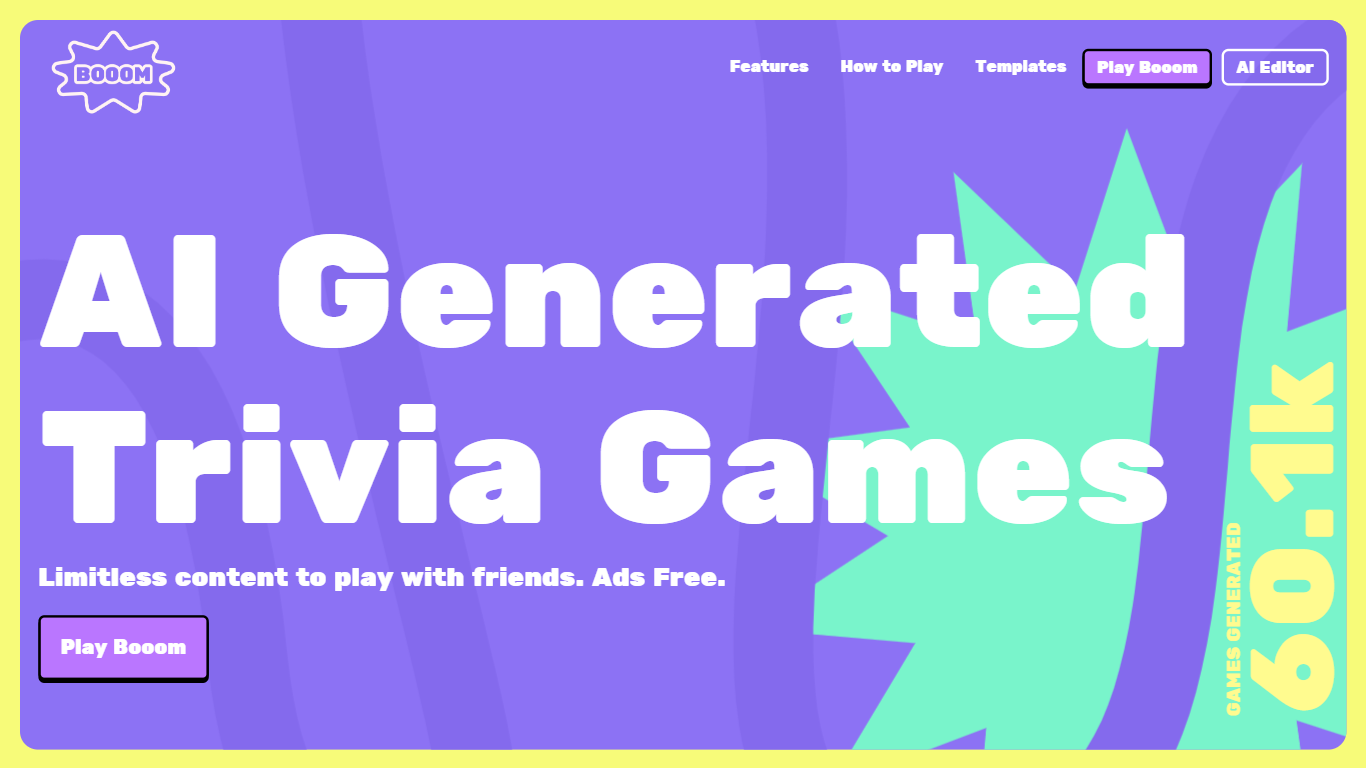
What is Booom AI ?
Booom is an interactive platform that turns the classic trivia game experience into something truly dynamic with the help of AI. Engage in battle with your friends, colleagues, and family to see who possesses the most knowledge. One of the key highlights of Booom is the AI Generated Trivia Games feature, which offers limitless content, allowing you to play an array of trivia games completely ad-free. The convenience of multiplayer capacity lets you invite up to 8 friends to join the fun by simply sharing a QR code.
Additionally, the platform includes a Beta AI Editor, enabling you to generate and customize your own trivia games using AI assistance. Get creative by uploading animated stickers with GIF support or set the tone by including a 5-second video as your game background, enhancing the visual appeal. The platform ensures competitiveness with a built-in leaderboard and amplifies the fun by allowing you to stream the game screen for collective play.
Booom also offers tutorials to assist new players in understanding how to play the games, ensuring that everyone can jump in without confusion. To further inspire creativity, Booom provides templates such as Anime Trivia, Creator Challenge, Guess the Count, and Truth And Lie, which can be remixed to create new gaming experiences. The platform leverages the robust Playroom suite for creation and fosters a community through creator partnerships, maintaining a presence on social networks like Discord and Twitter.
Unity AI Upvotes
Booom AI Upvotes
Unity AI Top Features
Assistant /ask mode answers documentation and project questions without modifying files
Assistant /run mode automates batch renames and scene edits through generated Editor scripts
Generators package creates sprites, Texture2D, sound, animation, and material assets in one workflow
Inference Engine runs local inference for runtime AI models inside Unity projects
Organization admins can disable Assistant and Generators from the Unity Dashboard for all users
Partner models from Scenario and Layer AI back Generators alongside first-party Unity models
Booom AI Top Features
AI Generated Trivia Games: Enjoy limitless trivia content with friends completely ad-free.
Multiplayer: Invite up to 8 friends to play together by sharing a QR code.
AI Editor: Use the Beta AI Editor to generate and customize your own trivia games.
Interactive Elements: Enhance your games with GIFs and video backgrounds and utilize the built-in leaderboard to keep things competitive.
Social Play: Stream your game screen to enable collective gameplay and use the various templates to inspire new trivia challenges.
Unity AI Category
- Gaming
Booom AI Category
- Gaming
Unity AI Pricing Type
- Freemium
Booom AI Pricing Type
- Freemium