Usage Pro vs CX Analytics
In the battle of Usage Pro vs CX Analytics, which AI Analytics tool comes out on top? We compare reviews, pricing, alternatives, upvotes, features, and more.
Which one is better? Usage Pro or CX Analytics?
Upon comparing Usage Pro with CX Analytics, which are both AI-powered analytics tools, Both tools have received the same number of upvotes from aitools.fyi users. Every vote counts! Cast yours and contribute to the decision of the winner.
You don't agree with the result? Cast your vote to help us decide!
Usage Pro

What is Usage Pro?
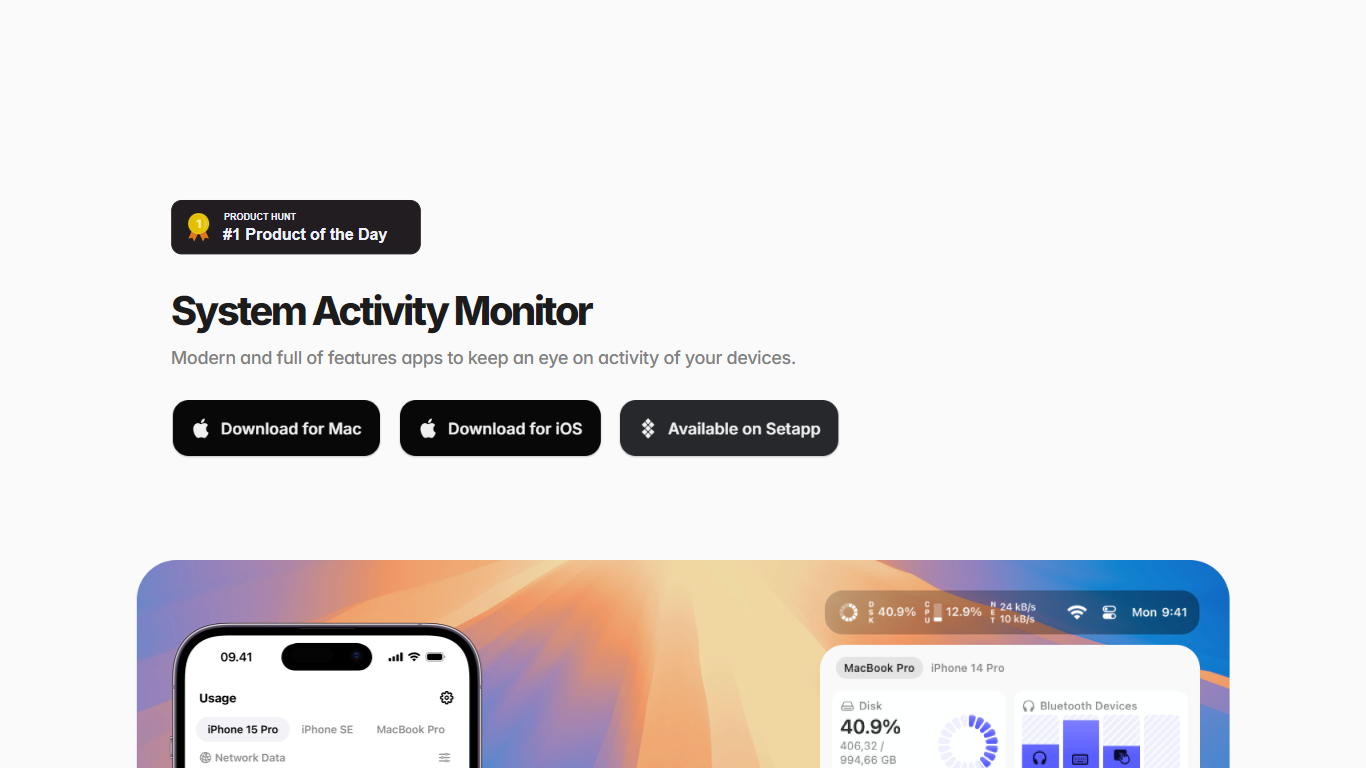
Usage Pro tracks CPU, memory, disk, network, battery, temperature, fans, graphics, processes, and connected Bluetooth devices on Mac, iPhone, and iPad. Widgets and a customizable menu bar with over 40 components show past and present stats without opening a full dashboard. The app positions itself as an analytics layer for Apple device performance rather than a generic utility dump.
Where generic macOS monitors dump every sensor on screen at once, Usage Pro emphasizes lightweight monitoring. The site calls it the most CPU-friendly system activity app in its class, and the design centers on picking only the metrics you care about rather than running a second heavy utility in the background.
Mac power users, iPhone owners watching data usage, and anyone who wants iCloud-synced history across Apple devices will get the most from Usage Pro. A separate Helper app (notarized by Apple) unlocks temperature, fan speed, graphics, and per-process stats that Mac App Store sandboxing blocks in the main app alone.
CX Analytics
What is CX Analytics?
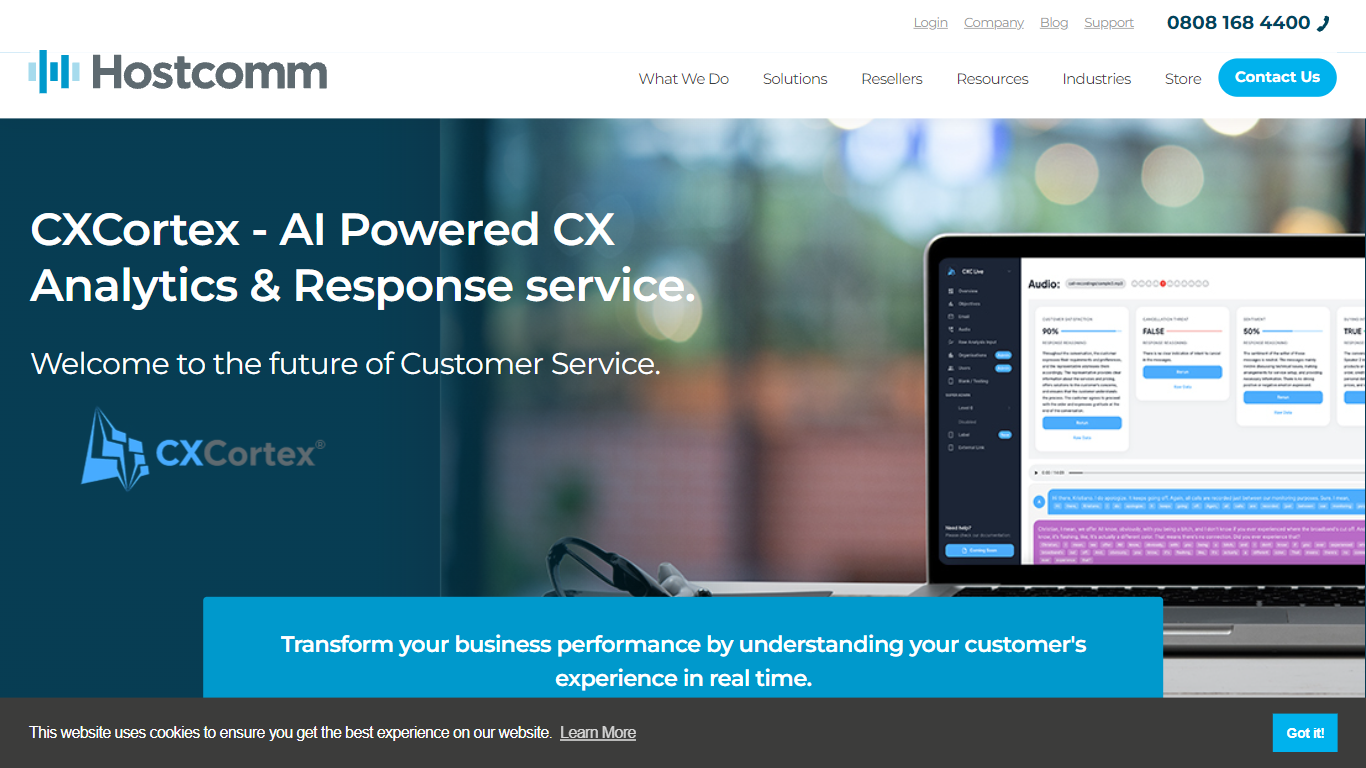
CX Analytics is Hostcomm's analytics platform for contact centers that turns voice, chat, and email interactions into real-time quality and compliance insights. Sold as Interaction Analytics on hostcomm.co.uk, it applies AI transcription and scoring across your full interaction database so QA teams stop sampling random calls.
Where traditional QA teams manually review a fraction of conversations, CX Analytics automates quality checks and tracks behavior, compliance, and resolution rates across distributed multilingual teams from one dashboard. Custom AI prompts let you define the metrics and behaviors you care about instead of relying on fixed scorecards.
Alerts reach managers through email, Slack, Teams, or WhatsApp when compliance risks surface, and Power BI integration pushes the same data into familiar BI views. Hostcomm has operated UK contact center technology since 2004 and holds PCI DSS Level 1 and G-Cloud accreditation.
Usage Pro Upvotes
CX Analytics Upvotes
Usage Pro Top Features
Customizable menu bar with over 40 components for CPU, network, disk, and battery stats
Home screen and lock screen widgets show past and present usage at a glance
iCloud sync keeps monitoring history consistent across Mac, iPhone, and iPad
Tracks 12 metric categories including fans, graphics, Bluetooth battery, and remote volumes
Mac Helper app (Apple-notarized) unlocks temperature, fan, graphics, and process monitoring blocked by App Store sandboxing
Available in 14 languages on the App Store with localized interface strings
Also listed on Setapp alongside direct App Store download
CX Analytics Top Features
AI transcription and analysis across voice, chat, and email in one unified analytics workflow
Automated QA scoring across your entire call database instead of manual spot checks
Custom AI prompts let teams track specific metrics and agent behaviors
Real-time compliance and service alerts via email, Slack, Teams, and WhatsApp
Power BI integration exports interaction analytics into existing BI dashboards
Unified CX dashboard monitors distributed multilingual agent teams globally
API integration pushes risk alerts into existing systems for automated response
Usage Pro Category
- Analytics
CX Analytics Category
- Analytics
Usage Pro Pricing Type
- Freemium
CX Analytics Pricing Type
- Paid