ValueProp vs Regex.ai
Explore the showdown between ValueProp vs Regex.ai and find out which AI Automation tool wins. We analyze upvotes, features, reviews, pricing, alternatives, and more.
In a face-off between ValueProp and Regex.ai, which one takes the crown?
When we contrast ValueProp with Regex.ai, both of which are exceptional AI-operated automation tools, and place them side by side, we can spot several crucial similarities and divergences. There's no clear winner in terms of upvotes, as both tools have received the same number. Join the aitools.fyi users in deciding the winner by casting your vote.
Want to flip the script? Upvote your favorite tool and change the game!
ValueProp

What is ValueProp?
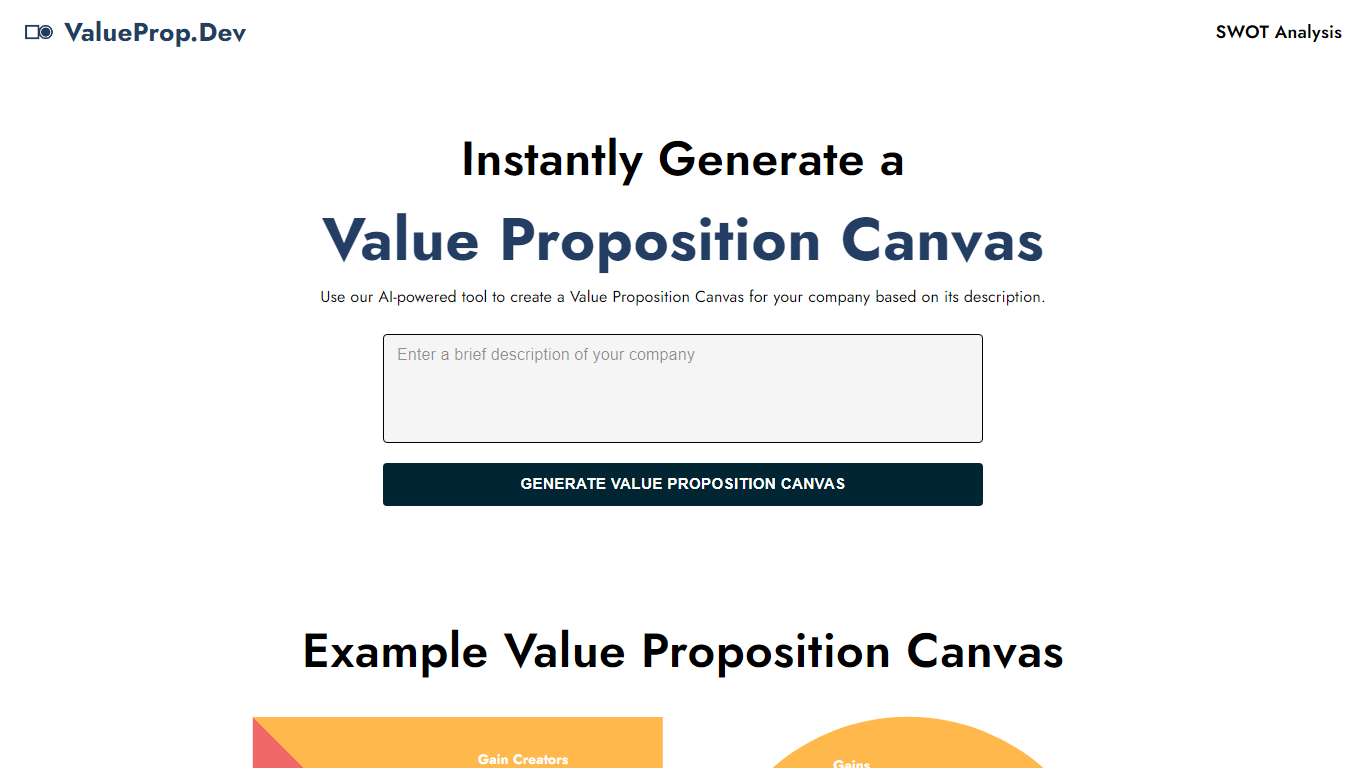
ValueProp turns a short company description into a filled Value Proposition Canvas with six blocks: Customer Jobs, Pains, Gains, Products and Services, Pain Relievers, and Gain Creators. Paste your text, click Generate, and the automation fills every section in one pass. Click any field to edit it, then download the finished canvas as an image. No account signup is required.
Most value proposition tools hand you a blank template or expect a long workshop. ValueProp skips that setup and fills every canvas section from a single text box. That makes it a fast draft generator rather than a facilitated strategy session, which is the trade-off if you need stakeholder workshops or version history.
Product managers, startup founders, and marketers who need a first-pass canvas before a pitch or launch planning session are the typical audience. It fits early positioning work when you have a product description but not a structured customer profile yet.
Regex.ai
What is Regex.ai?
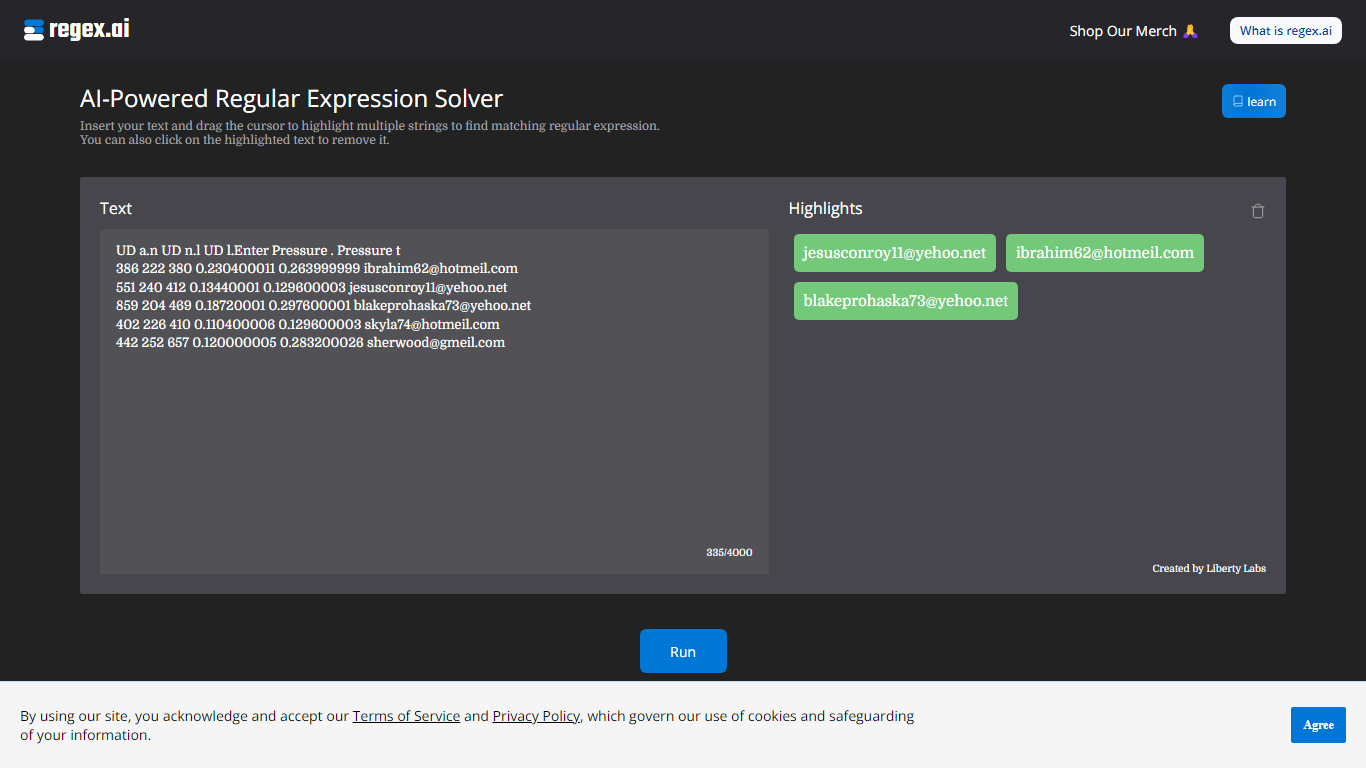
Regex.ai builds regular expressions from highlighted text samples in your browser. You paste a block of text, drag the cursor to mark the strings you want to match, and the site returns candidate regex patterns instead of making you write them by hand. It turns messy real-world strings into reusable search patterns for log parsing, data cleanup, and validation scripts in automation workflows.
Most regex generators ask you to describe the pattern in words or pick from templates. Regex.ai runs four separate agents on the same highlights, each with a different strategy: Agent A generalizes like a human would, Agent B finds a pattern from highlights and surrounding text, Agent C handles adjacent single characters, and Agent D focuses on character counts and types. You compare four outputs side by side and pick the one that fits your data.
The tool is built for developers, data analysts, and QA engineers who hit regex walls during extraction or validation work. Paste sample rows from a CSV, log file, or email list, highlight the parts that repeat, and walk away with a pattern you can drop into Python, JavaScript, or your ETL pipeline. A built-in documentation section covers metacharacters and special sequences for anyone still learning regex syntax.
ValueProp Upvotes
Regex.ai Upvotes
ValueProp Top Features
Fills all six Value Proposition Canvas sections from one company description input
Edit any generated field inline by clicking before you export
Download the finished canvas as an image file
Free to use with no account required
Homepage example canvas shows all six blocks: Jobs, Pains, Gains, Products, Pain Relievers, Gain Creators
Regex.ai Top Features
Four agents (A through D) each return a different regex pattern from the same highlighted text
Paste up to 4,000 characters of sample text and highlight multiple strings with a drag cursor
Agent B returns lookbehind patterns like (?<=\s)\w+@\w+.(?:com|net) for .com and .net email matching
Agent D adds broader matches such as \w+@\w+.(?:com|net) that include addresses like [email protected]
Built-in documentation page lists 11 metacharacters and 12 special sequences with worked examples
Discord community at discord.com/invite/AZPWnBUGmP linked from the about page for regex help
ValueProp Category
- Automation
Regex.ai Category
- Automation
ValueProp Pricing Type
- Free
Regex.ai Pricing Type
- Free