Veggie AI vs Pictory AI
In the clash of Veggie AI vs Pictory AI, which AI Video Generation tool emerges victorious? We assess reviews, pricing, alternatives, features, upvotes, and more.
When we put Veggie AI and Pictory AI head to head, which one emerges as the victor?
Let's take a closer look at Veggie AI and Pictory AI, both of which are AI-driven video generation tools, and see what sets them apart. The users have made their preference clear, Pictory AI leads in upvotes. Pictory AI has garnered 41 upvotes, and Veggie AI has garnered 6 upvotes.
Not your cup of tea? Upvote your preferred tool and stir things up!
Veggie AI
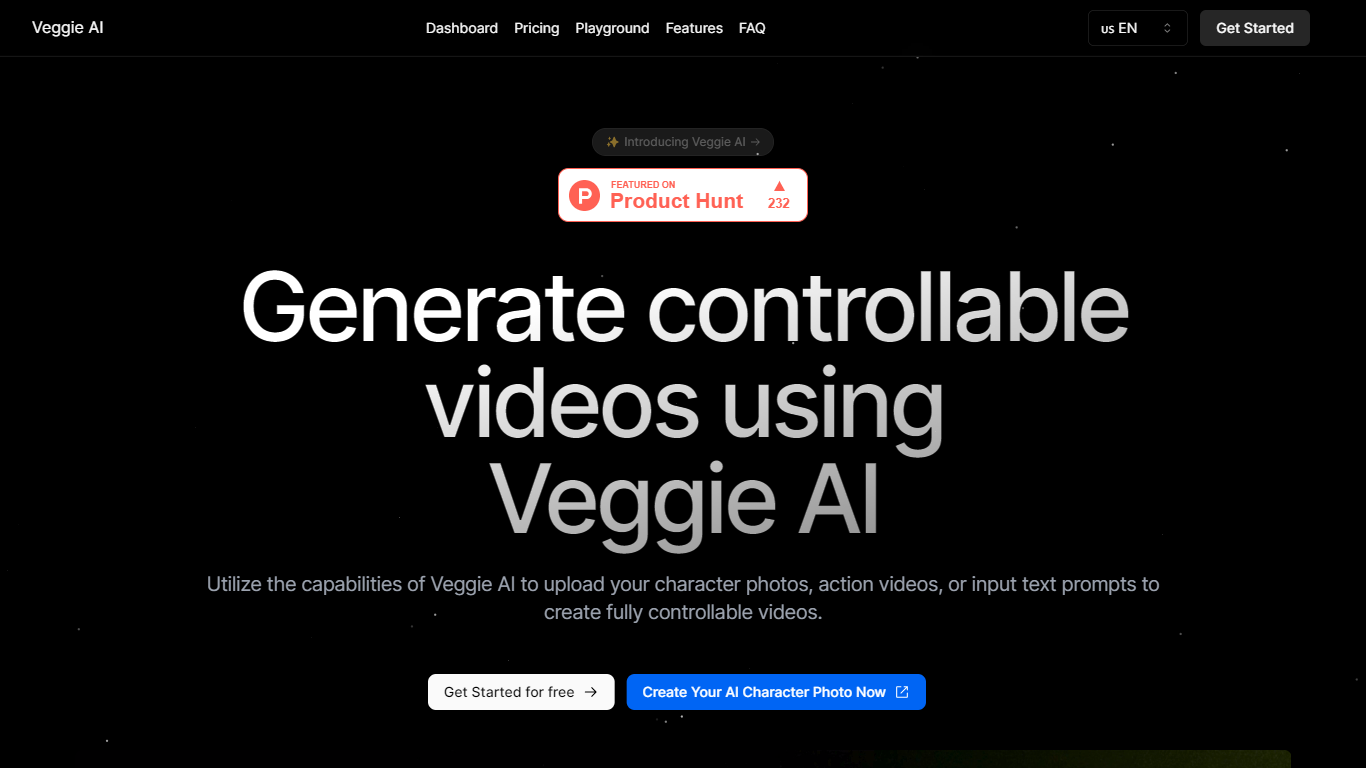

What is Veggie AI?
Veggie AI turns still character images into short, controllable action videos in your browser. Upload a photo of a real person, anime character, or illustrated figure, pair it with an action reference video or text motion prompt, and the tool generates a clip that follows those movements. Four creation modes (Mix, Animate, Ideate, and Stylize) cover different input combinations, from transferring motion off a reference clip to generating both character and action from text alone. A separate Live Portrait workflow animates faces from a still photo plus a driver video.
Most text-to-video generators invent scenes from prompts alone. Veggie AI instead locks motion to something you supply, either a reference video whose actions get mapped onto your character image, or text that describes specific movement. That trade-off suits creators who need a particular pose sequence or facial performance repeated on a custom character, not open-ended scene generation.
Marketers, social media managers, and indie animators use Veggie AI for character clips without building rigs or filming talent. The Pro and Unlimited plans include a commercial license for ads and client work. Generation runs in the browser on any connected device, and outputs download as MP4 files.
Pictory AI
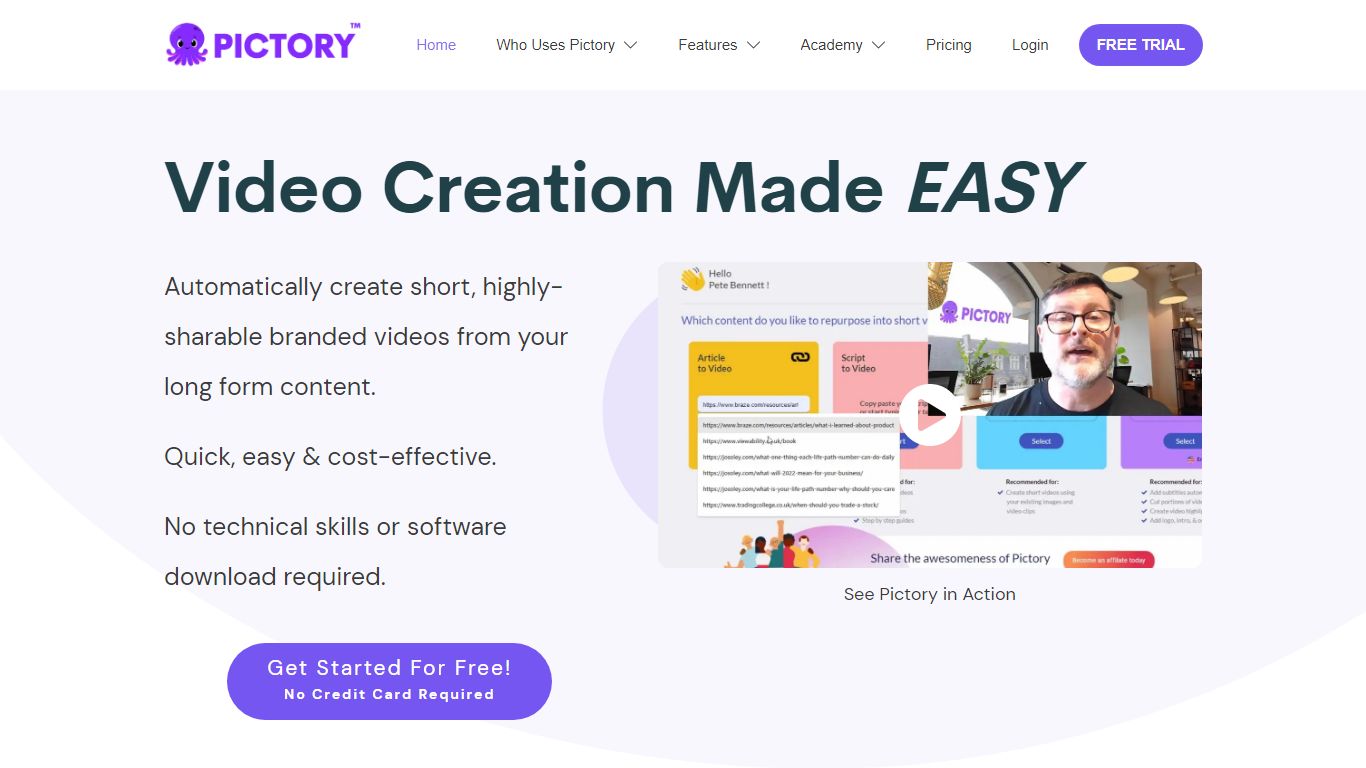
What is Pictory AI?
Pictory AI turns scripts, blog posts, PowerPoint decks, URLs, audio files, and screen recordings into finished marketing videos without a traditional timeline editor. You feed text or existing media into Pictory, and it builds scenes with stock footage, Gen AI visuals, automatic captions, realistic voices, and optional AI avatars ready for social or training channels.
Desktop editors expect you to hunt B-roll and manually chop long webinars into clips. Pictory automates structure, highlights key moments from long recordings, and resizes exports for multiple platforms, which is why teams use it to repurpose Zoom calls and articles instead of rebuilding each cut by hand.
Marketers, course creators, and enterprise video teams adopt Pictory to ship more video from content they already own. The homepage advertises a 14-day free trial with no credit card required and plans that start at $25 per month on annual billing.
Veggie AI Upvotes
Pictory AI Upvotes
Veggie AI Top Features
Four creation modes: Mix, Animate, Ideate, and Stylize cover image-plus-video, image-plus-text, text-only, and style-transfer workflows
Live Portrait animates a JPEG or PNG photo from an MP4 driver video in about 3 minutes for 4 credits
Basic plan includes 100 credits per month at $7.9; Pro adds 500 credits and a commercial license at $13.9 per month
Accepts JPEG and PNG images plus MP4 reference videos as input materials
Unlimited yearly plan at $199 removes monthly credit caps for one year
Pictory AI Top Features
14-day free trial includes 3 video project exports on pictory.ai
Starter plan is $25 per month billed annually with 2,400 video minutes per year
Professional plan adds custom avatars and voice cloning at $35 per month annually
Library includes 5 million Getty Images and Storyblocks clips on Starter
Rated 4.7 out of 5 on G2 according to the Pictory homepage
Veggie AI Category
- Video Generation
Pictory AI Category
- Video Generation
Veggie AI Pricing Type
- Paid
Pictory AI Pricing Type
- Freemium