Video Editor By VIDIO vs quso.ai (formerly Vidyo AI)
Dive into the comparison of Video Editor By VIDIO vs quso.ai (formerly Vidyo AI) and discover which AI Video Editing tool stands out. We examine alternatives, upvotes, features, reviews, pricing, and beyond.
When comparing Video Editor By VIDIO and quso.ai (formerly Vidyo AI), which one rises above the other?
When we compare Video Editor By VIDIO and quso.ai (formerly Vidyo AI), two exceptional video editing tools powered by artificial intelligence, and place them side by side, several key similarities and differences come to light. The upvote count favors quso.ai (formerly Vidyo AI), making it the clear winner. quso.ai (formerly Vidyo AI) has attracted 7 upvotes from aitools.fyi users, and Video Editor By VIDIO has attracted 6 upvotes.
Want to flip the script? Upvote your favorite tool and change the game!
Video Editor By VIDIO


What is Video Editor By VIDIO?
Video Editor By VIDIO lets you edit videos in the browser by describing changes in plain language instead of clicking through timeline menus. Upload a clip, tell the assistant what you want changed, and export the result without installing desktop software. It supports GIF, MP4, MOV, WEBM, and other common formats with a 3GB upload cap.
Traditional editors pack dozens of panels most casual creators never open. Video Editor By VIDIO deliberately keeps the workflow to three steps: upload, chat your request, download. That narrow focus fits social clips, quick captioning, and cleanup jobs where opening Premiere would be overkill.
The tool handles short-form cuts, auto captions, color filters, audio extraction, silence detection, and background noise removal through the same chat interface. VIDIO reports more than 500,000 users, with ratings of 4.8 on G2 and 4.7 on Trustpilot. Content creators, social media managers, and small teams use it when they need fast edits from any device.
quso.ai (formerly Vidyo AI)
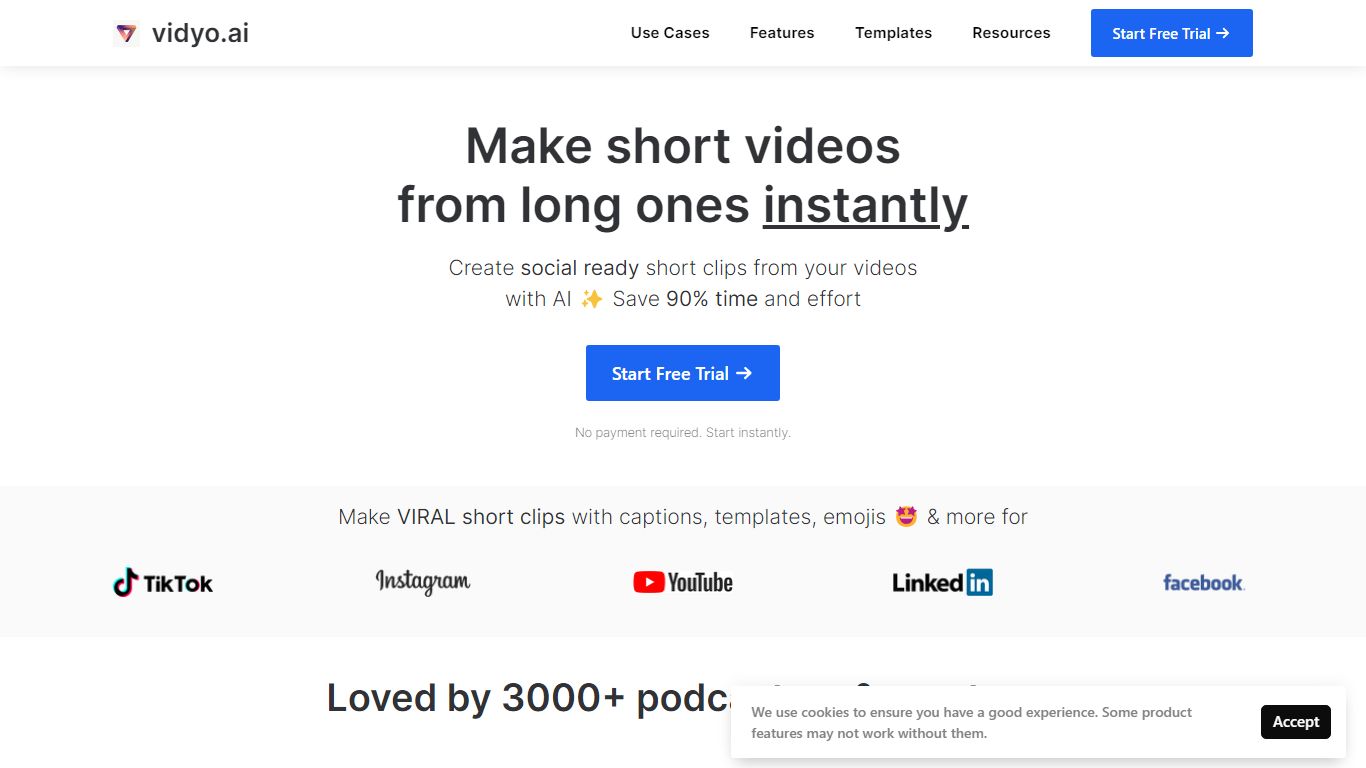
What is quso.ai (formerly Vidyo AI)?
quso.ai helps creators turn one long video into a batch of short, vertical clips with captions, reframing, and scheduling built in. The homepage headline promises one long upload can yield about ten clips in a single pass, and the product bundles clipping, subtitles, a text-based editor, and a social calendar instead of stitching together separate apps.
For podcasters and YouTube-first teams, the workflow matters as much as the headline. quso.ai imports from YouTube, Zoom, Twitch, Loom, and file uploads on the free tier, then scores moments for virality before you publish to TikTok, Reels, Shorts, LinkedIn, and X from one place. That end-to-end path is what separates it from clip-only tools that stop after export.
The site now presents quso.ai as the active brand while keeping Vidyo.ai URLs in circulation, which can confuse bookmarks but keeps legacy links working. Pricing starts free without a credit card, with paid plans from $29 per month across three tiers.
Video Editor By VIDIO Upvotes
quso.ai (formerly Vidyo AI) Upvotes
Video Editor By VIDIO Top Features
Natural-language editing accepts plain-text requests instead of manual timeline work
Supports GIF, MP4, MOV, MPG, WEBM, and MPEG uploads up to 3GB per file
Stitches up to 5 video clips together in a single conversational edit project
Handles captions, color filters, audio extraction, silence detection, and noise removal
Runs entirely in the browser with no local installation required
Free Basic plan available; Pro 20 starts at $8 per month with 20 credits
Rated 4.8 on G2 and 4.7 on Trustpilot across VIDIO's user base
quso.ai (formerly Vidyo AI) Top Features
AI clip generator that scores moments for virality from one long upload
Word-level animated captions and subtitles in 100+ languages with filler-word removal
Imports from YouTube, Zoom, Twitch, Loom, LinkedIn, Google Drive, Dropbox, and local files
Social media scheduler for TikTok, Instagram Reels, YouTube Shorts, LinkedIn, Facebook, and X
Text-based video editor with CutMagic scene detection and Intelliclips moment picking
Brand Kit to lock fonts, colors, and logo across exported clips
Video Editor By VIDIO Category
- Video Editing
quso.ai (formerly Vidyo AI) Category
- Video Editing
Video Editor By VIDIO Pricing Type
- Freemium
quso.ai (formerly Vidyo AI) Pricing Type
- Freemium