Video Transcriber AI vs AdutorAI
In the clash of Video Transcriber AI vs AdutorAI, which AI Meeting Assistant tool emerges victorious? We assess reviews, pricing, alternatives, features, upvotes, and more.
When we put Video Transcriber AI and AdutorAI head to head, which one emerges as the victor?
Let's take a closer look at Video Transcriber AI and AdutorAI, both of which are AI-driven meeting assistant tools, and see what sets them apart. Video Transcriber AI is the clear winner in terms of upvotes. Video Transcriber AI has been upvoted 7 times by aitools.fyi users, and AdutorAI has been upvoted 6 times.
Does the result make you go "hmm"? Cast your vote and turn that frown upside down!
Video Transcriber AI

What is Video Transcriber AI?
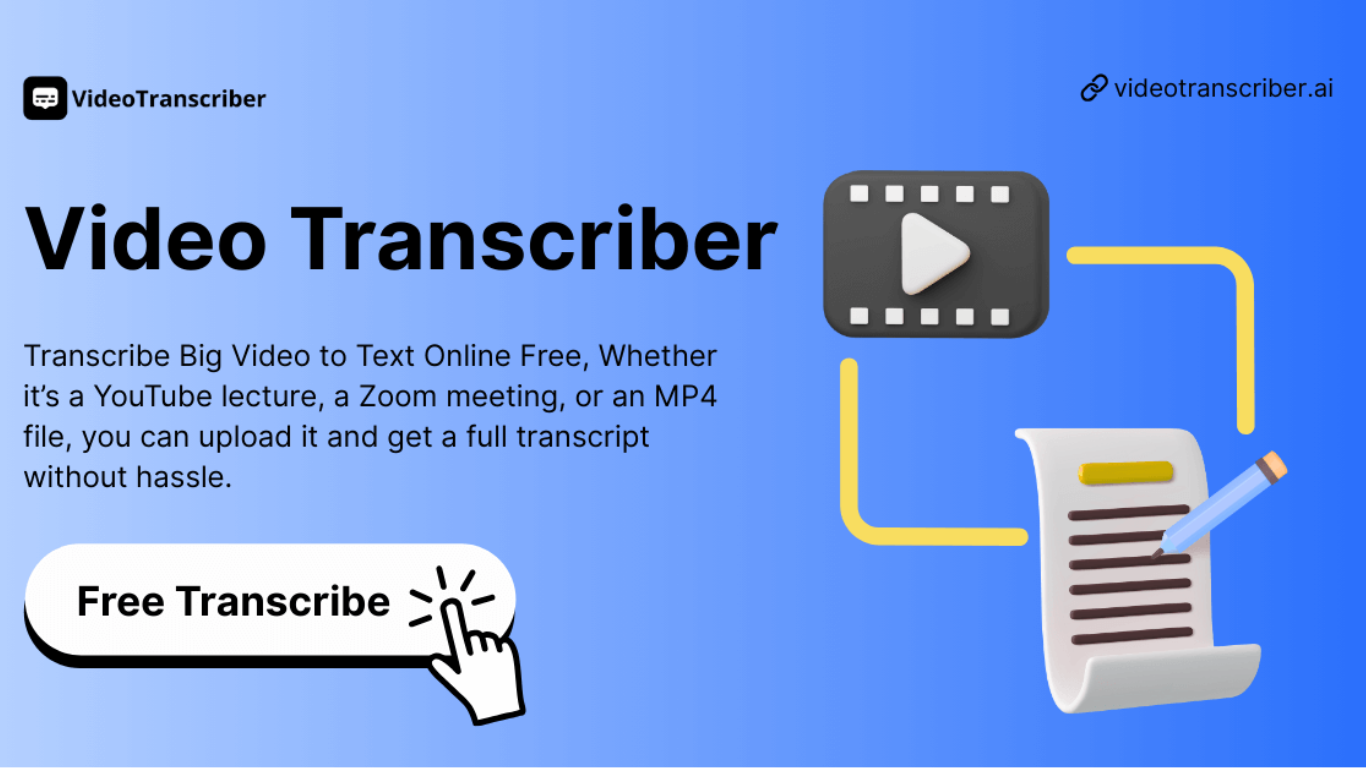
Video Transcriber AI is a meeting and media transcription web app that turns uploaded videos, audio files, or platform links into editable text with speaker labels. You drag in MP4, WAV, or a YouTube URL, pick a note mode like Smart Summary, and download TXT or SRT output from the browser.
Many transcription sites cap free users hard or hide speaker diarization behind enterprise tiers. Video Transcriber AI splits work into Basic and Premium quotas: the free plan allows 10 Basic quotas per day (up to 20 minutes of transcript or translation) while paid plans raise monthly limits and file size caps from 500 MB to 5 GB per upload.
It fits creators, journalists, students, and teams who need YouTube, TikTok, Zoom, or local file support in one place. The product also ships a Transcript API with timestamped JSON, SRT, and VTT export for developers who want the same engine inside their own apps.
AdutorAI
What is AdutorAI?
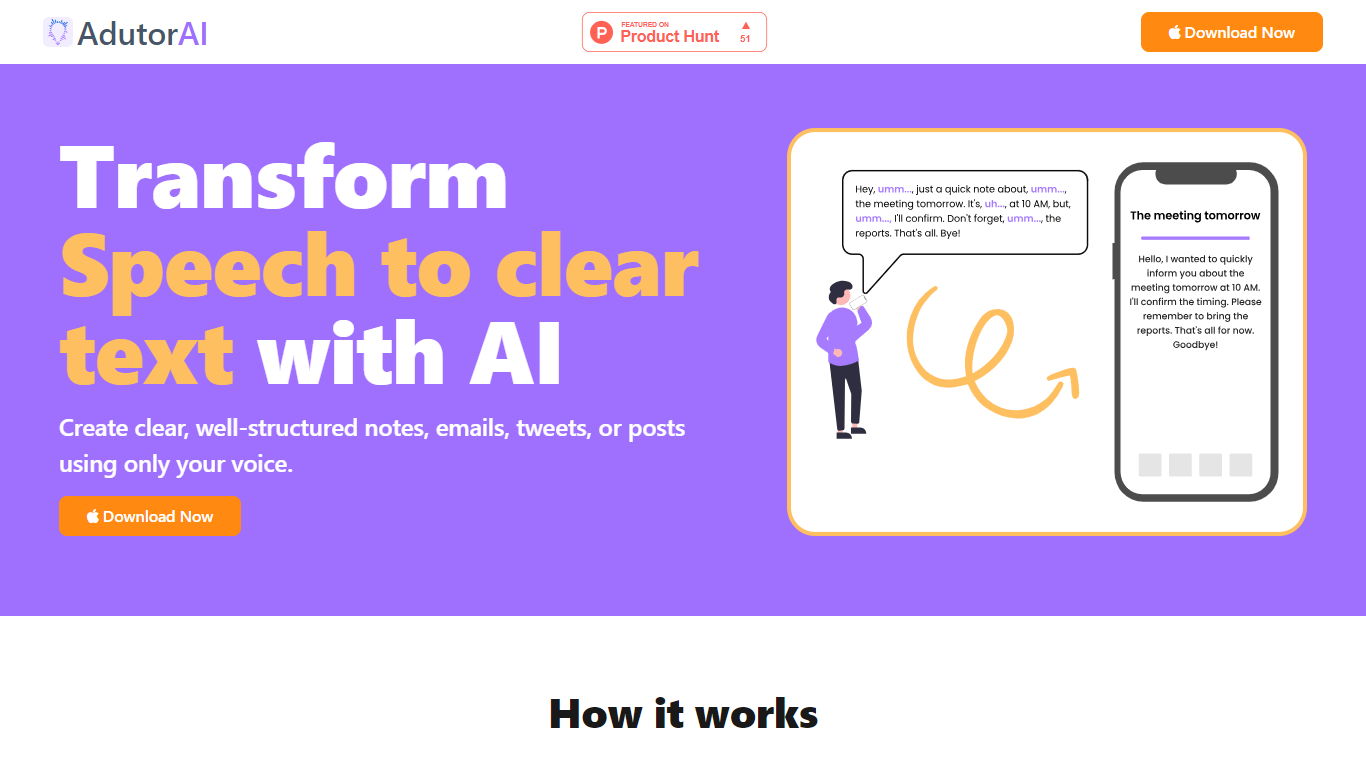
AdutorAI harnesses advanced AI technology to convert spoken words into clear, error-free text, making it an essential tool for creating structured notes, emails, tweets, or social media posts. With the capability to process audio clips up to 3 minutes in length, it caters to quick meetings, interview snippets, or any short audio needs.
AdutorAI not only transcribes but also provides a suite of tools for reviewing, organizing, and styling the generated text. It promotes increased efficiency with features like summarization, translation, and restyling, allowing users to customize their output as desired. The intuitive interface ensures ease of use from recording to saving transcriptions, with options to adjust notes for length and style.
The continuous learning algorithms guarantee improvements in transcription quality over time, ensuring that AdutorAI remains on the cutting edge of speech-to-text technology.
Video Transcriber AI Upvotes
AdutorAI Upvotes
Video Transcriber AI Top Features
Free tier includes 10 Basic quotas per day covering up to 20 minutes of transcript work
Supports 200+ languages with automatic detection and translation
Processes up to 5 audio or video files simultaneously in the queue
Paid plans raise per-file limits from 500 MB on Free to 5 GB on Basic and above
Transcript API accepts YouTube, TikTok, Instagram, and direct uploads in one REST endpoint
Exports SRT, VTT, TXT, and timestamped JSON for subtitles or developer pipelines
AdutorAI Top Features
Audio to Clear Text: AdutorAI converts spoken words into clear and error-free text.
Edit Note: Customize and refine transcriptions with an intuitive editing feature.
Summarize: Generate time-saving summaries that capture key points and essential information.
Translate: Break language barriers with AI-powered translation into multiple languages.
Write in Different Styles: Adjust the text style to suit different purposes and preferences.
Video Transcriber AI Category
- Meeting Assistant
AdutorAI Category
- Meeting Assistant
Video Transcriber AI Pricing Type
- Freemium
AdutorAI Pricing Type
- Freemium