Video Transcriber AI vs Circleback.ai
In the clash of Video Transcriber AI vs Circleback.ai, which AI Meeting Assistant tool emerges victorious? We assess reviews, pricing, alternatives, features, upvotes, and more.
When we put Video Transcriber AI and Circleback.ai head to head, which one emerges as the victor?
Let's take a closer look at Video Transcriber AI and Circleback.ai, both of which are AI-driven meeting assistant tools, and see what sets them apart. The upvote count favors Video Transcriber AI, making it the clear winner. Video Transcriber AI has 7 upvotes, and Circleback.ai has 6 upvotes.
Disagree with the result? Upvote your favorite tool and help it win!
Video Transcriber AI

What is Video Transcriber AI?
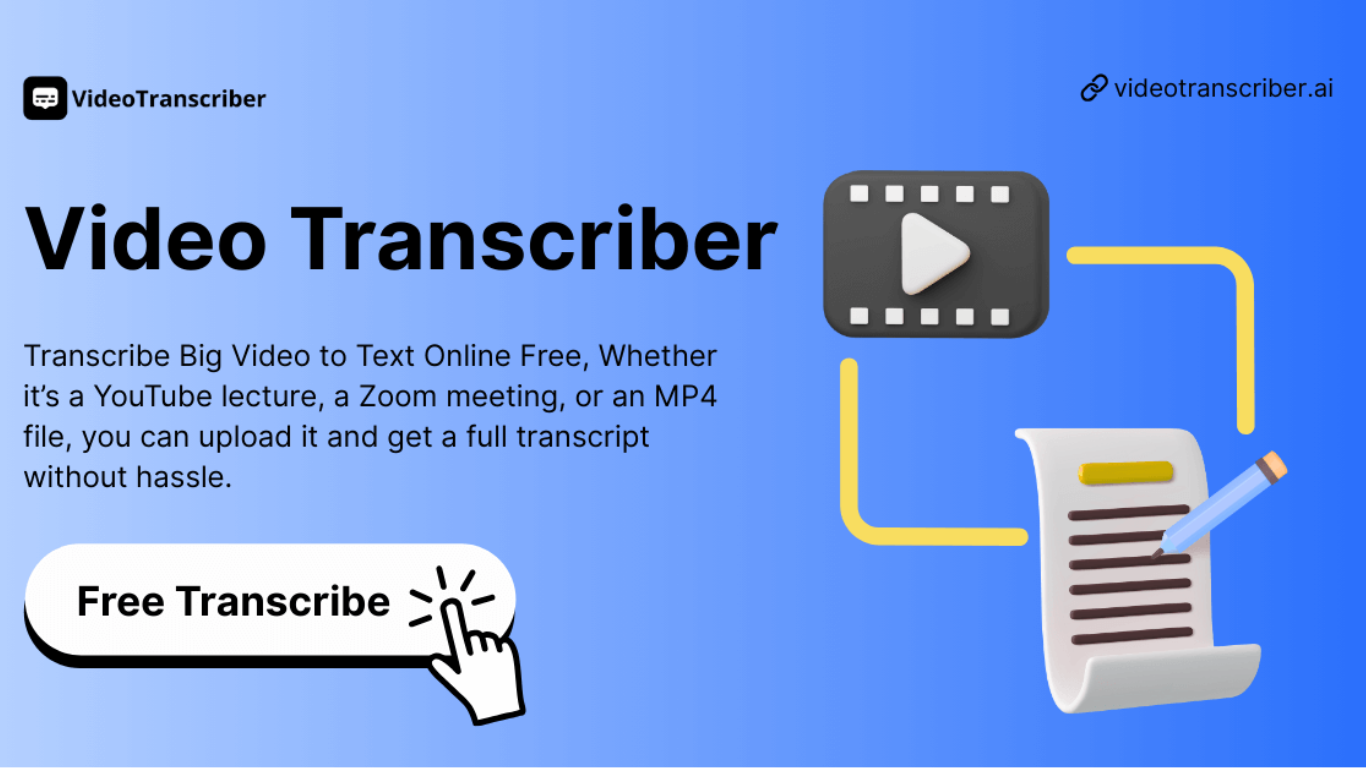
Video Transcriber AI is a meeting and media transcription web app that turns uploaded videos, audio files, or platform links into editable text with speaker labels. You drag in MP4, WAV, or a YouTube URL, pick a note mode like Smart Summary, and download TXT or SRT output from the browser.
Many transcription sites cap free users hard or hide speaker diarization behind enterprise tiers. Video Transcriber AI splits work into Basic and Premium quotas: the free plan allows 10 Basic quotas per day (up to 20 minutes of transcript or translation) while paid plans raise monthly limits and file size caps from 500 MB to 5 GB per upload.
It fits creators, journalists, students, and teams who need YouTube, TikTok, Zoom, or local file support in one place. The product also ships a Transcript API with timestamped JSON, SRT, and VTT export for developers who want the same engine inside their own apps.
Circleback.ai
What is Circleback.ai?
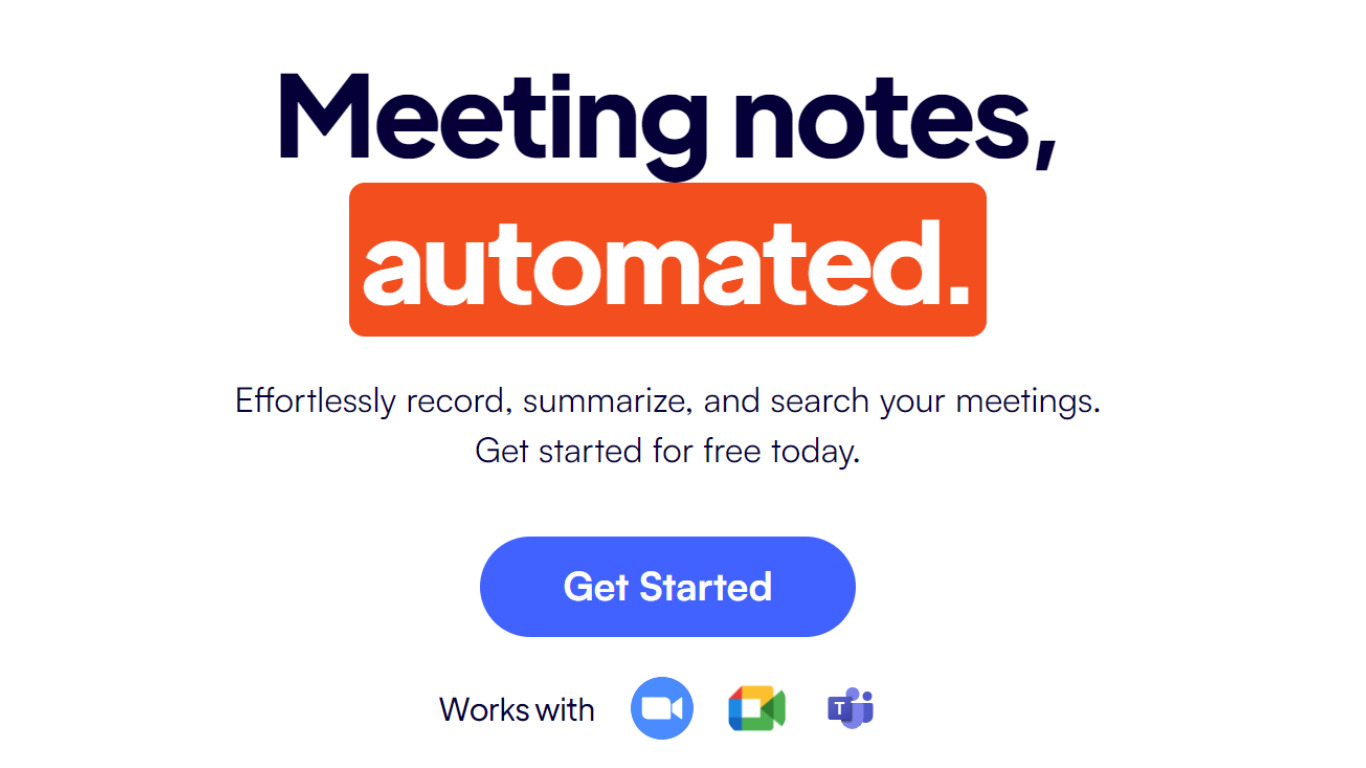
Circleback joins your meetings and turns conversations into notes, assigned action items, and searchable transcripts you can replay later. It records video calls or in-person sessions, identifies speakers, and runs post-meeting automations that push updates into Slack, Notion, HubSpot, and other tools.
Most meeting bots stop at a summary paragraph. Circleback adds automations that create tasks, update CRM records, and answer questions across your full conversation history. Its pricing page also highlights AI search across every past meeting and support for 100+ languages with named speaker attribution.
Solo founders, sales reps, and small teams that live in Zoom or Google Meet are the core users. Y Combinator-backed Circleback lists customers like Box, TikTok, and Samsung, with Team plans adding shared meeting libraries, retention controls, and centralized billing.
Video Transcriber AI Upvotes
Circleback.ai Upvotes
Video Transcriber AI Top Features
Free tier includes 10 Basic quotas per day covering up to 20 minutes of transcript work
Supports 200+ languages with automatic detection and translation
Processes up to 5 audio or video files simultaneously in the queue
Paid plans raise per-file limits from 500 MB on Free to 5 GB on Basic and above
Transcript API accepts YouTube, TikTok, Instagram, and direct uploads in one REST endpoint
Exports SRT, VTT, TXT, and timestamped JSON for subtitles or developer pipelines
Circleback.ai Top Features
Individual plan costs $20.83 per user per month with unlimited AI meeting notes
Team plan costs $25 per user per month with shared meetings and team automations
Auto-assigned action items with transcription and speaker recognition
Post-meeting automations integrate with 1,000+ apps including Slack and Notion
Search and ask questions across all recorded conversations
Supports 100+ languages with named speaker identification
Desktop and mobile apps for recording in-person meetings and importing past files
Video Transcriber AI Category
- Meeting Assistant
Circleback.ai Category
- Meeting Assistant
Video Transcriber AI Pricing Type
- Freemium
Circleback.ai Pricing Type
- Freemium