Video Transcriber AI vs MeetGeek
In the contest of Video Transcriber AI vs MeetGeek, which AI Meeting Assistant tool is the champion? We evaluate pricing, alternatives, upvotes, features, reviews, and more.
If you had to choose between Video Transcriber AI and MeetGeek, which one would you go for?
When we examine Video Transcriber AI and MeetGeek, both of which are AI-enabled meeting assistant tools, what unique characteristics do we discover? MeetGeek stands out as the clear frontrunner in terms of upvotes. The upvote count for MeetGeek is 17, and for Video Transcriber AI it's 7.
You don't agree with the result? Cast your vote to help us decide!
Video Transcriber AI

What is Video Transcriber AI?
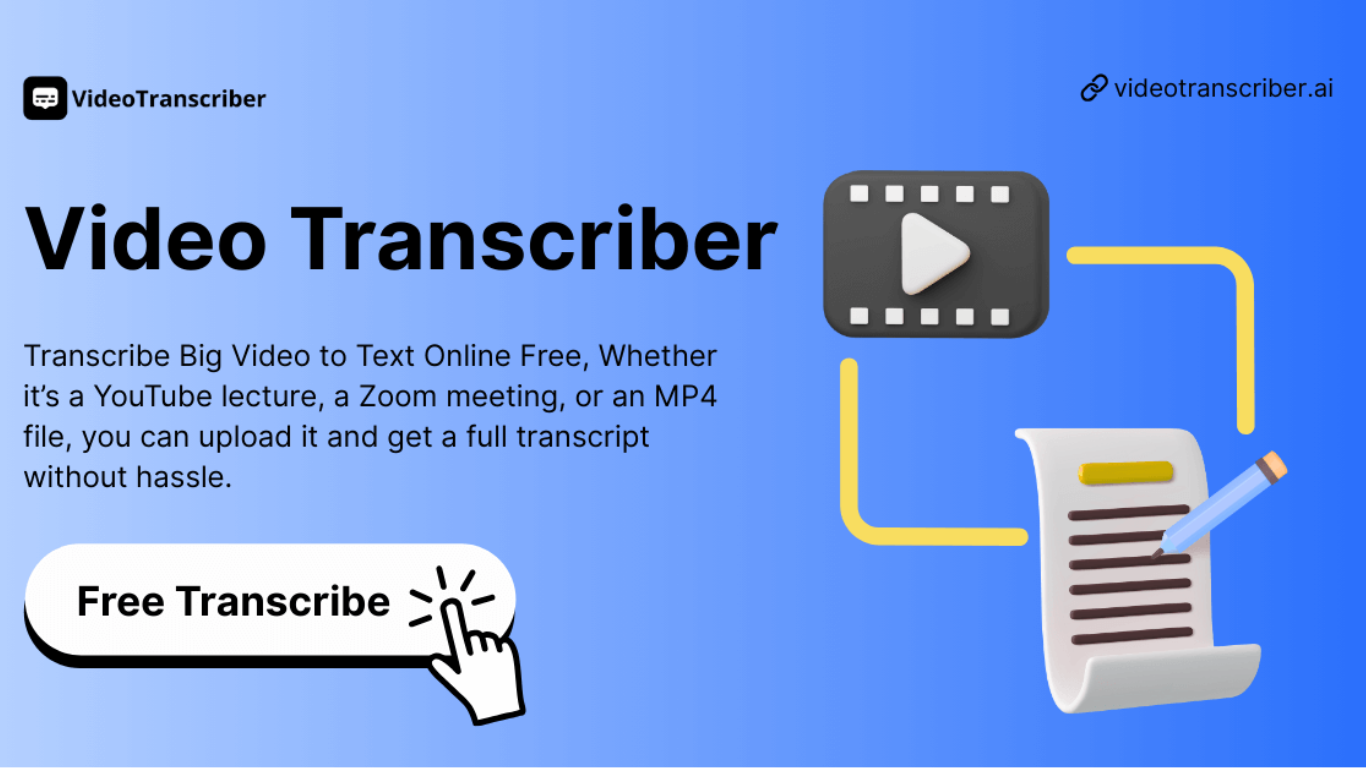
Video Transcriber AI is a meeting and media transcription web app that turns uploaded videos, audio files, or platform links into editable text with speaker labels. You drag in MP4, WAV, or a YouTube URL, pick a note mode like Smart Summary, and download TXT or SRT output from the browser.
Many transcription sites cap free users hard or hide speaker diarization behind enterprise tiers. Video Transcriber AI splits work into Basic and Premium quotas: the free plan allows 10 Basic quotas per day (up to 20 minutes of transcript or translation) while paid plans raise monthly limits and file size caps from 500 MB to 5 GB per upload.
It fits creators, journalists, students, and teams who need YouTube, TikTok, Zoom, or local file support in one place. The product also ships a Transcript API with timestamped JSON, SRT, and VTT export for developers who want the same engine inside their own apps.
MeetGeek
What is MeetGeek?
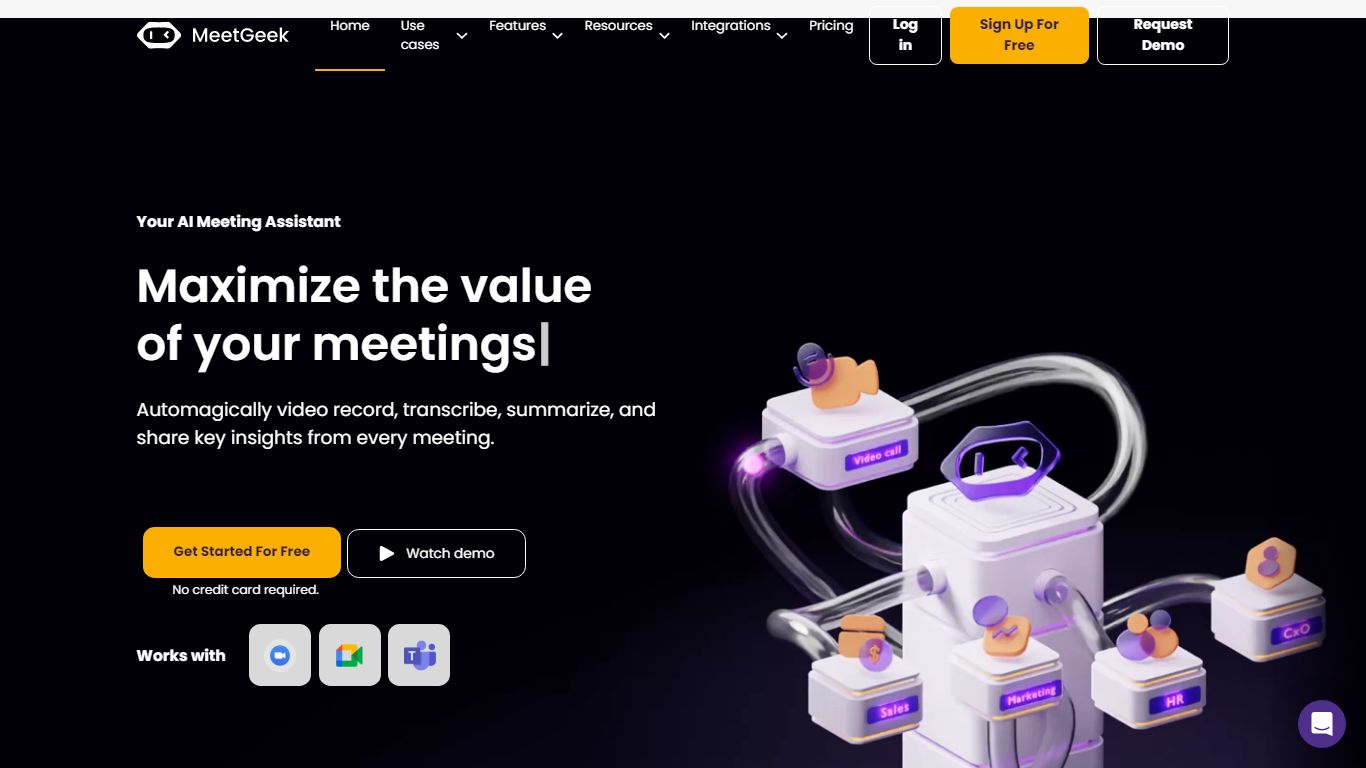
MeetGeek is a meeting assistant that records, transcribes, and summarizes calls across Zoom, Google Meet, Microsoft Teams, and other conferencing tools. It stores searchable transcripts, AI chat over past meetings, and workflow automations so teams can share notes without rewatching every recording.
Unlike lightweight note bots that only dump a summary, MeetGeek layers meeting templates, CRM integrations, and no-bot browser recording on top of transcription. That stack targets teams that need governance, analytics, and Zapier-style automation rather than a single post-call email.
Sales, customer success, and product teams use MeetGeek for customer calls, interviews, and internal standups. Educators and agencies also adopt it for online classes and client meetings where shared folders and role-based access matter.
Video Transcriber AI Upvotes
MeetGeek Upvotes
Video Transcriber AI Top Features
Free tier includes 10 Basic quotas per day covering up to 20 minutes of transcript work
Supports 200+ languages with automatic detection and translation
Processes up to 5 audio or video files simultaneously in the queue
Paid plans raise per-file limits from 500 MB on Free to 5 GB on Basic and above
Transcript API accepts YouTube, TikTok, Instagram, and direct uploads in one REST endpoint
Exports SRT, VTT, TXT, and timestamped JSON for subtitles or developer pipelines
MeetGeek Top Features
Auto-detects 100+ languages with speaker identification
Records Zoom, Google Meet, Microsoft Teams, and Webex calls
30+ meeting summary templates with meeting type auto-detection
No-bot recording via browser extension and desktop app
CRM sync to HubSpot, Salesforce, Pipedrive, and Zoho
API and MCP access for custom meeting workflows
Video Transcriber AI Category
- Meeting Assistant
MeetGeek Category
- Meeting Assistant
Video Transcriber AI Pricing Type
- Freemium
MeetGeek Pricing Type
- Freemium