Video Transcriber AI vs WavoAI
In the clash of Video Transcriber AI vs WavoAI , which AI Meeting Assistant tool emerges victorious? We assess reviews, pricing, alternatives, features, upvotes, and more.
When we put Video Transcriber AI and WavoAI head to head, which one emerges as the victor?
Let's take a closer look at Video Transcriber AI and WavoAI , both of which are AI-driven meeting assistant tools, and see what sets them apart. The community has spoken, Video Transcriber AI leads with more upvotes. Video Transcriber AI has attracted 7 upvotes from aitools.fyi users, and WavoAI has attracted 6 upvotes.
You don't agree with the result? Cast your vote to help us decide!
Video Transcriber AI

What is Video Transcriber AI?
Video Transcriber AI is a meeting and media transcription web app that turns uploaded videos, audio files, or platform links into editable text with speaker labels. You drag in MP4, WAV, or a YouTube URL, pick a note mode like Smart Summary, and download TXT or SRT output from the browser.
Many transcription sites cap free users hard or hide speaker diarization behind enterprise tiers. Video Transcriber AI splits work into Basic and Premium quotas: the free plan allows 10 Basic quotas per day (up to 20 minutes of transcript or translation) while paid plans raise monthly limits and file size caps from 500 MB to 5 GB per upload.
It fits creators, journalists, students, and teams who need YouTube, TikTok, Zoom, or local file support in one place. The product also ships a Transcript API with timestamped JSON, SRT, and VTT export for developers who want the same engine inside their own apps.
WavoAI
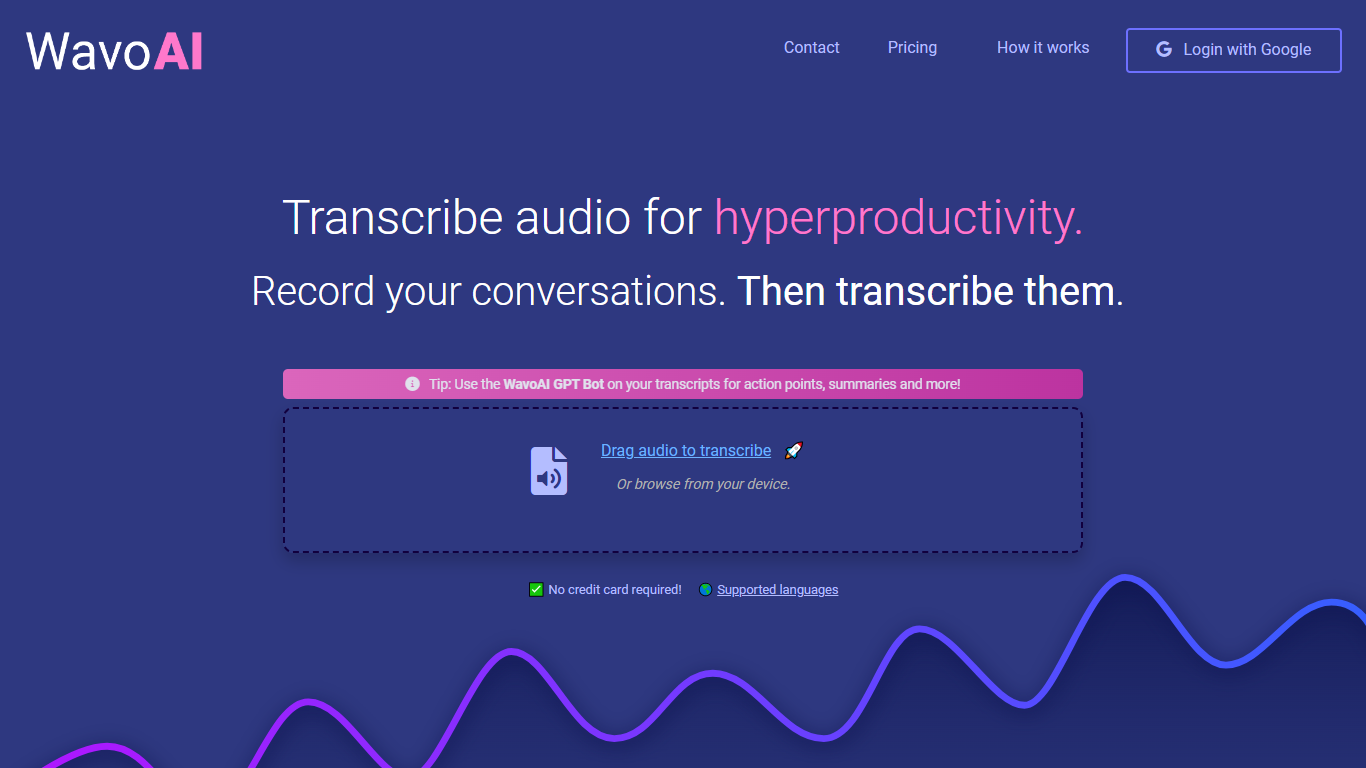
What is WavoAI ?
WavoAI is a meeting assistant that turns uploaded or recorded audio into searchable transcripts with speaker labels and AI-generated summaries. You drag an audio file onto the page or use the Google Meet Chrome extension to capture a call, then get a diarized transcript with annotations and action points from the built-in GPT bot.
Most transcription tools stop at raw text. WavoAI layers an interactive AI assistant on top of each transcript so you can ask for summaries, to-do lists, and key takeaways without re-reading the full recording. The Google Meet extension records and transcribes calls directly from the browser, which cuts out the manual upload step that tools like Otter and Fireflies still require for some workflows.
Podcasters, researchers, legal teams, and remote workers who sit through long meetings use WavoAI to pull structured notes from audio. The free trial gives one hour of transcription to test accuracy before committing to the 8.99 dollar per month Pro plan.
Video Transcriber AI Upvotes
WavoAI Upvotes
Video Transcriber AI Top Features
Free tier includes 10 Basic quotas per day covering up to 20 minutes of transcript work
Supports 200+ languages with automatic detection and translation
Processes up to 5 audio or video files simultaneously in the queue
Paid plans raise per-file limits from 500 MB on Free to 5 GB on Basic and above
Transcript API accepts YouTube, TikTok, Instagram, and direct uploads in one REST endpoint
Exports SRT, VTT, TXT, and timestamped JSON for subtitles or developer pipelines
WavoAI Top Features
Drag-and-drop audio upload with support for multiple languages, accents, and dialects
Speaker identification (diarization) labels who said what in each transcript
WavoAI GPT Bot generates summaries, action points, and to-do lists from transcripts
Google Meet Chrome extension records and transcribes video calls in the browser
Free trial includes 1 hour of transcription with partial AI content analysis
Pro plan at 8.99 dollars per month includes unlimited audio and full AI analysis
Transcript annotations let you mark and navigate key moments in long recordings
Video Transcriber AI Category
- Meeting Assistant
WavoAI Category
- Meeting Assistant
Video Transcriber AI Pricing Type
- Freemium
WavoAI Pricing Type
- Freemium