VideoIdeas.ai vs RaveDJ
In the battle of VideoIdeas.ai vs RaveDJ, which AI Video Generation tool comes out on top? We compare reviews, pricing, alternatives, upvotes, features, and more.
Which one is better? VideoIdeas.ai or RaveDJ?
Upon comparing VideoIdeas.ai with RaveDJ, which are both AI-powered video generation tools, VideoIdeas.ai is the clear winner in terms of upvotes. VideoIdeas.ai has attracted 77 upvotes from aitools.fyi users, and RaveDJ has attracted 6 upvotes.
Think we got it wrong? Cast your vote and show us who's boss!
VideoIdeas.ai
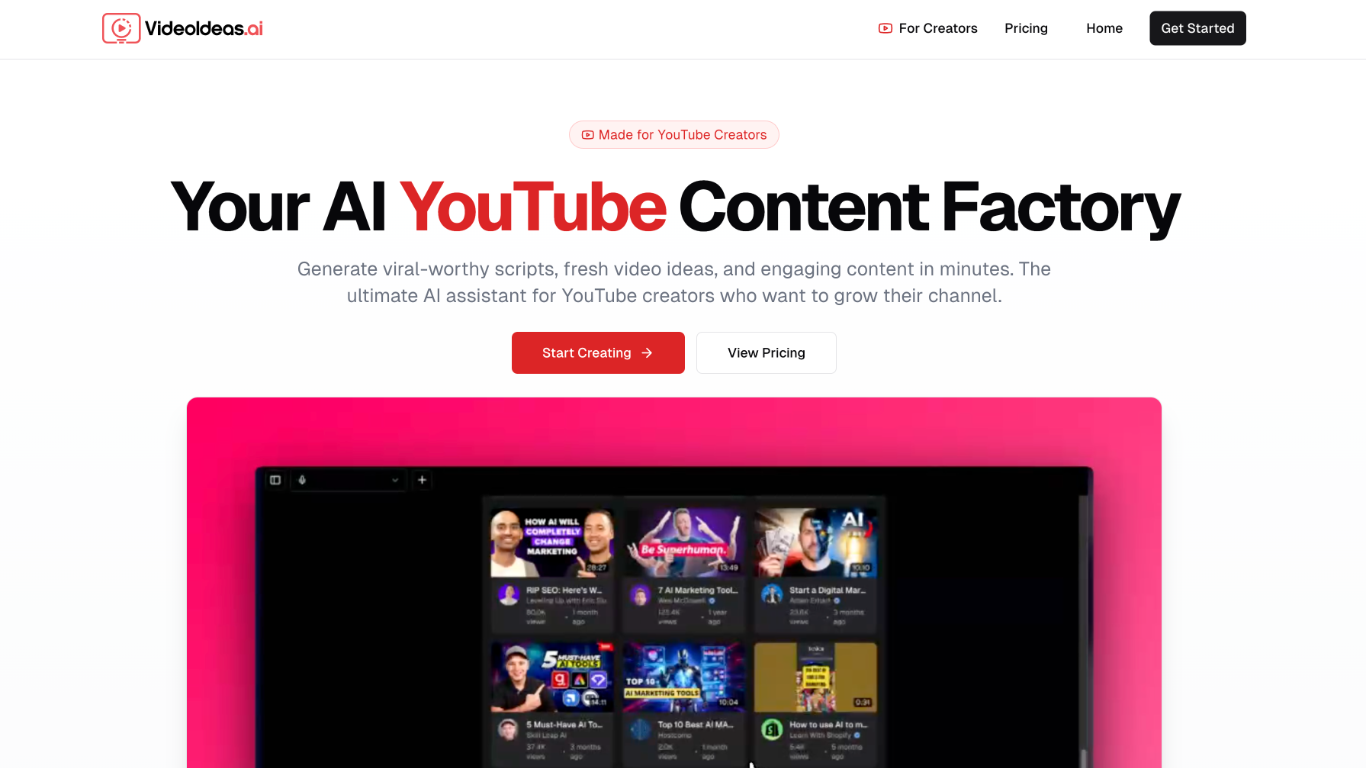

What is VideoIdeas.ai?
VideoIdeas.ai is a game-changer for YouTube creators who want to save time and stay consistent with high-performing content. It helps you generate fresh ideas, ready-to-shoot scripts, catchy hooks, and even full outlines—so you can focus more on filming and less on planning. Whether you're creating long-form videos, Shorts, or ads, this tool has you covered.
One of its most unique features is style cloning. It analyzes your existing videos and mimics your tone and delivery, making sure every script sounds like you. That means your content stays on-brand, cohesive, and authentic, even when the AI is doing the heavy lifting.
VideoIdeas.ai also gives you smart recommendations to help grow your channel, backed by AI-powered SEO optimization. Everything it creates—from titles to talking points—is designed to hook viewers and boost engagement.
If you’re tired of creative blocks or just want to level up your YouTube game, this tool makes content creation faster, easier, and way more strategic. It’s like having your own scriptwriter, content planner, and strategist all in one.
RaveDJ
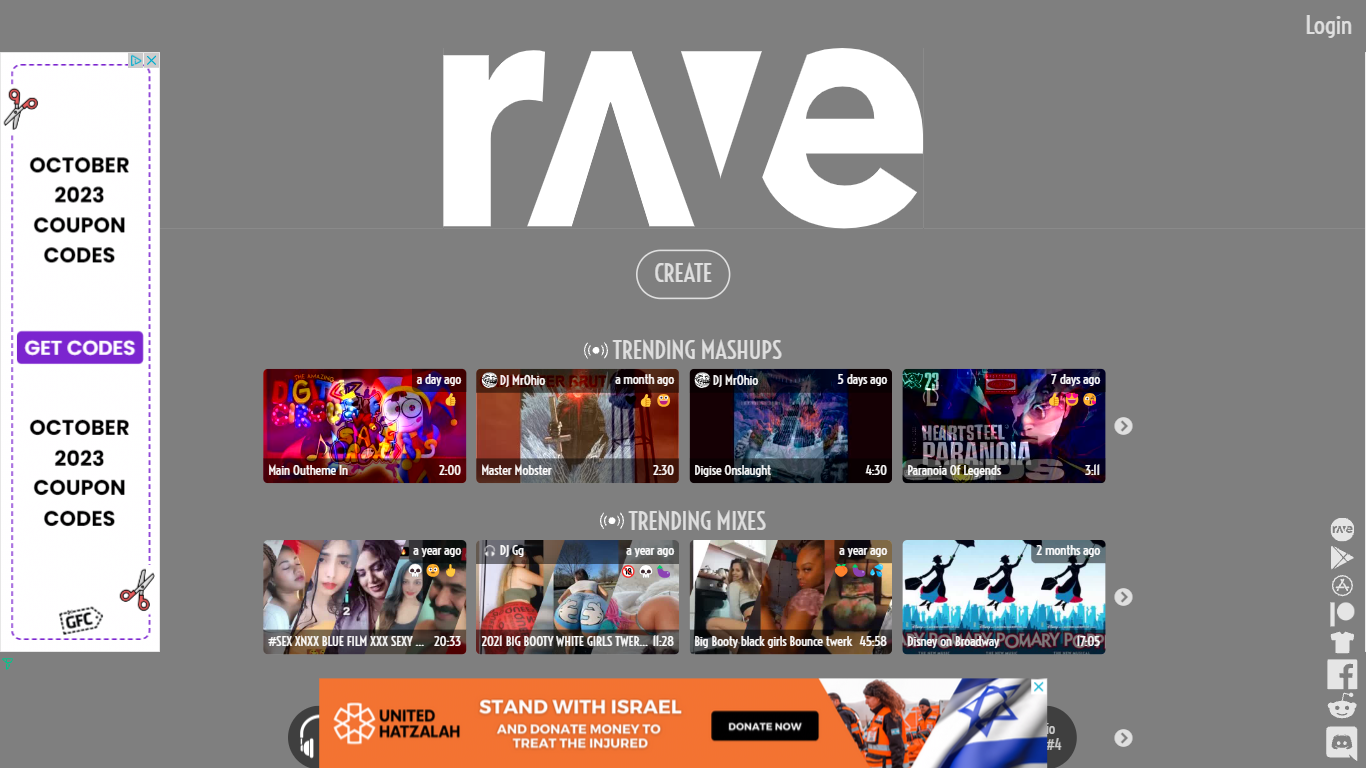
What is RaveDJ?
RaveDJ is an innovative website that offers a unique and exciting way to create custom mixes and mashups of your favorite songs. With the help of artificial intelligence, RaveDJ allows you to effortlessly combine and blend songs from YouTube and Spotify, making it the world's first AI-powered DJ. Whether you're looking for a high-energy mix for the gym or a playlist for a party, RaveDJ has got you covered.
Using RaveDJ is incredibly easy. Simply select the songs or playlists that you want to mix, and let the AI do the rest. The advanced algorithms analyze the tempo, key, and structure of the songs to create seamless transitions and harmonious blends. You can customize the mix even further by adjusting the length, intensity, and other parameters to suit your preferences.
One of the standout features of RaveDJ is its extensive library of songs and playlists. With access to both YouTube and Spotify, you have an endless array of music at your fingertips. Whether you're into the latest pop hits, classic rock anthems, or underground dance tracks, RaveDJ has something for everyone.
Not only can you create your own mixes, but RaveDJ also offers a wide variety of pre-made mixes and mashups created by other users. This allows you to discover new music and genres, and provides endless inspiration for your own creations. You can also save and share your mixes with friends and fellow music enthusiasts, making RaveDJ a social platform for music lovers.
RaveDJ is completely free to use, making it accessible to anyone who wants to unleash their inner DJ. Whether you're a music enthusiast, aspiring DJ, or just someone who loves to dance, RaveDJ offers a fun and creative way to explore and enjoy music.
VideoIdeas.ai Upvotes
RaveDJ Upvotes
VideoIdeas.ai Top Features
AI-Powered Script Generation: Automatically generates complete video scripts, outlines, and hooks tailored to specific topics, significantly reducing planning time for creators.
Channel Analysis Tool: Provides fresh video ideas based on the analysis of existing content, helping creators to maintain relevance and engagement with their audience.
Style Cloning Feature: Analyzes and replicates the tone and style of any YouTube creator, allowing users to create content that resonates with their target audience.
Short-Form Content Creation: Generates engaging scripts specifically designed for YouTube Shorts, optimizing for viewer engagement and retention.
Content Strategy Recommendations: Offers AI-driven insights and recommendations to help creators grow their channels strategically, ensuring long-term success.
RaveDJ Top Features
No top features listedVideoIdeas.ai Category
- Video Generation
RaveDJ Category
- Video Generation
VideoIdeas.ai Pricing Type
- Freemium
RaveDJ Pricing Type
- Freemium