Vidiofy vs AI Portrait in Filmora
Dive into the comparison of Vidiofy vs AI Portrait in Filmora and discover which AI Video Editing tool stands out. We examine alternatives, upvotes, features, reviews, pricing, and beyond.
When comparing Vidiofy and AI Portrait in Filmora, which one rises above the other?
When we compare Vidiofy and AI Portrait in Filmora, two exceptional video editing tools powered by artificial intelligence, and place them side by side, several key similarities and differences come to light. The upvote count reveals a draw, with both tools earning the same number of upvotes. Your vote matters! Help us decide the winner among aitools.fyi users by casting your vote.
Disagree with the result? Upvote your favorite tool and help it win!
Vidiofy
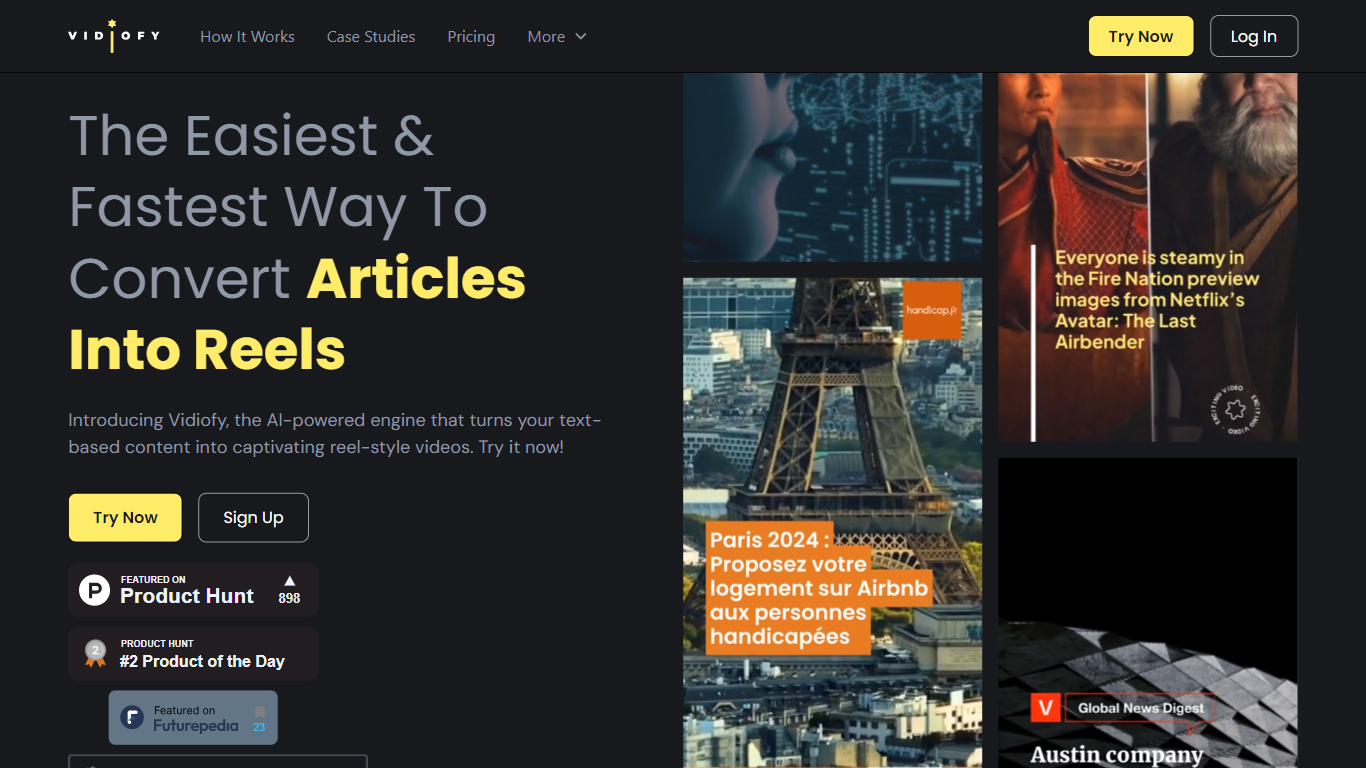

What is Vidiofy?
Vidiofy transforms text prompts, scripts, and article excerpts into high-quality videos within seconds using advanced AI technology. It generates videos in various styles, from photorealistic scenes to stylized animations, enabling users to create cinematic storytelling, marketing content, educational videos, and social media clips without filming or editing skills.
What sets Vidiofy apart is its professional camera controls, realistic physics, and synchronized audio that deliver broadcast-quality results directly in the browser. The platform maintains character consistency across scenes and supports diverse visual styles, making it versatile for filmmakers, marketers, educators, and content creators.
Vidiofy operates entirely in the cloud with a browser-based interface, requiring no installation or special hardware. Users can repurpose articles into short vertical reels optimized for social media by converting key points into mini-scripts. This tool democratizes video production by providing unlimited creative control through natural language prompts, enabling rapid iteration and experimentation with lighting, camera angles, and visual effects.
AI Portrait in Filmora
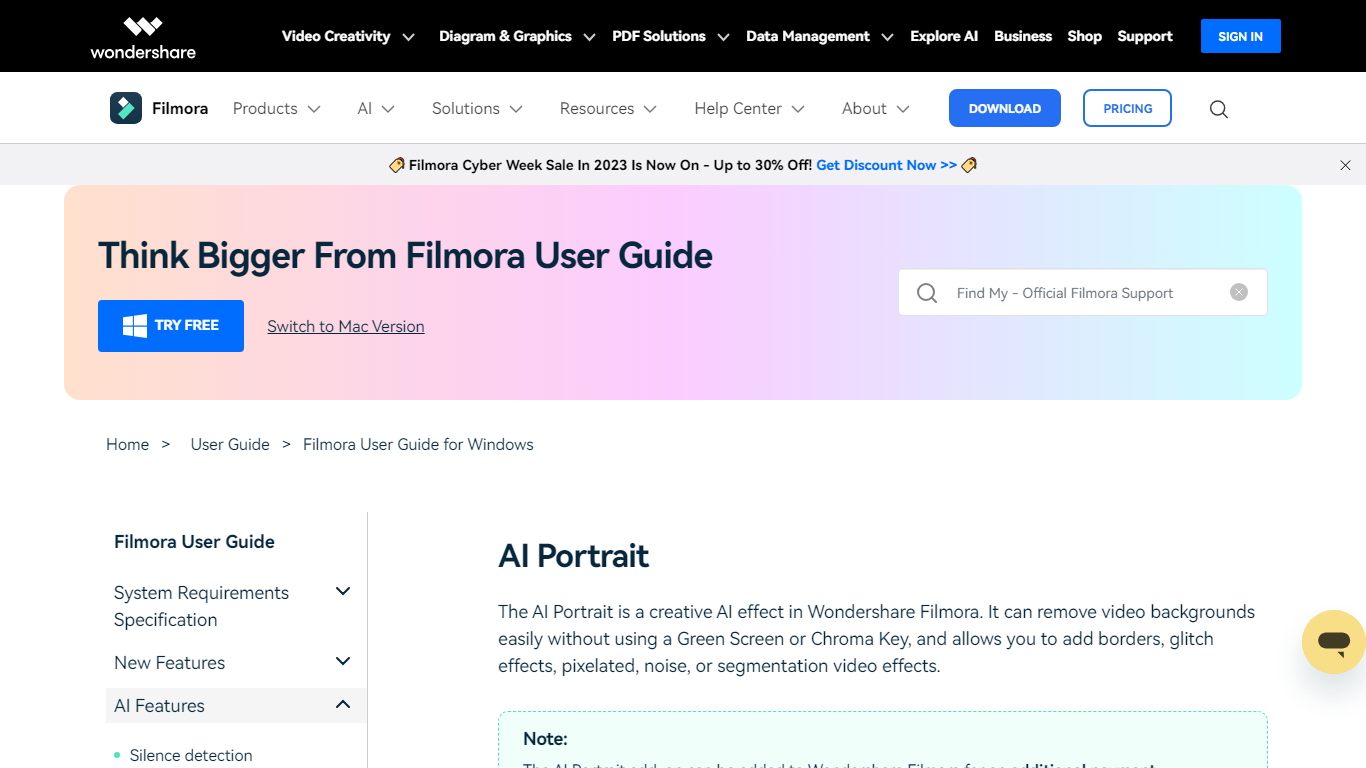
What is AI Portrait in Filmora?
Elevate your video editing experience with Filmora—a comprehensive and user-friendly AI Video Editor designed to cater to your creative vision. Whether you're an amateur filmmaker or a seasoned professional, Filmora empowers you with the tools to edit faster, smarter, and easier. Harness the power of AI portrait effects to transform your footage with a touch of artistry.
Discover a suite of Video Creativity Products that include Filmora, your complete video editing tool; DemoCreator for efficient tutorial video making; UniConverter for high-speed media conversion; Virbo for AI-driven video generation; and Presentory for creating AI-powered video presentations.
Filmora is not just a video editing software; it's part of a larger ecosystem of creative tools that also brings you Diagram & Graphics Products, PDF Solutions, and Data Management products to enhance your workflow in every aspect. With intuitive interfaces and seamless integration, these products work in harmony to support your multimedia projects.
Whether you are looking to recover lost files with Recoverit, design with Mockitt, manage PDFs with PDFelement or protect your family with FamiSafe, Filmora's suite has something for every need. Maximize your creativity and efficiency with Filmora—where powerful technology meets user-friendly design.
Vidiofy Upvotes
AI Portrait in Filmora Upvotes
Vidiofy Top Features
🎥 Text to Video: Turn simple text prompts into professional videos instantly.
🎬 Cinematic Camera Control: Specify camera moves like tracking or dolly shots for dynamic scenes.
🔄 Character Consistency: Maintain the same character appearance across multiple scenes.
🔊 Synchronized Audio: Add ambient sounds and voiceovers automatically with video generation.
🌐 Browser-Based: Create videos from any device without downloads or special hardware.
AI Portrait in Filmora Top Features
Complete Video Editing Tool: Provides a comprehensive range of editing capabilities for video projects.
AI Portrait Effects: Enhance videos with advanced artificial intelligence portrait effects.
High-Speed Media Conversion: Utilize UniConverter for quick file format changes.
AI Video Generation: Create videos effortlessly with Virbo the robust AI video generator.
Creative Tool Ecosystem: Access a collection of tools for graphics PDF solutions and data management.
Vidiofy Category
- Video Editing
AI Portrait in Filmora Category
- Video Editing
Vidiofy Pricing Type
- Freemium
AI Portrait in Filmora Pricing Type
- Freemium