Vidu vs Mootion
When comparing Vidu vs Mootion , which AI Video Generation tool shines brighter? We look at pricing, alternatives, upvotes, features, reviews, and more.
In a comparison between Vidu and Mootion , which one comes out on top?
When we put Vidu and Mootion side by side, both being AI-powered video generation tools, In the race for upvotes, Vidu takes the trophy. The upvote count for Vidu is 79, and for Mootion it's 6.
Don't agree with the result? Cast your vote and be a part of the decision-making process!
Vidu
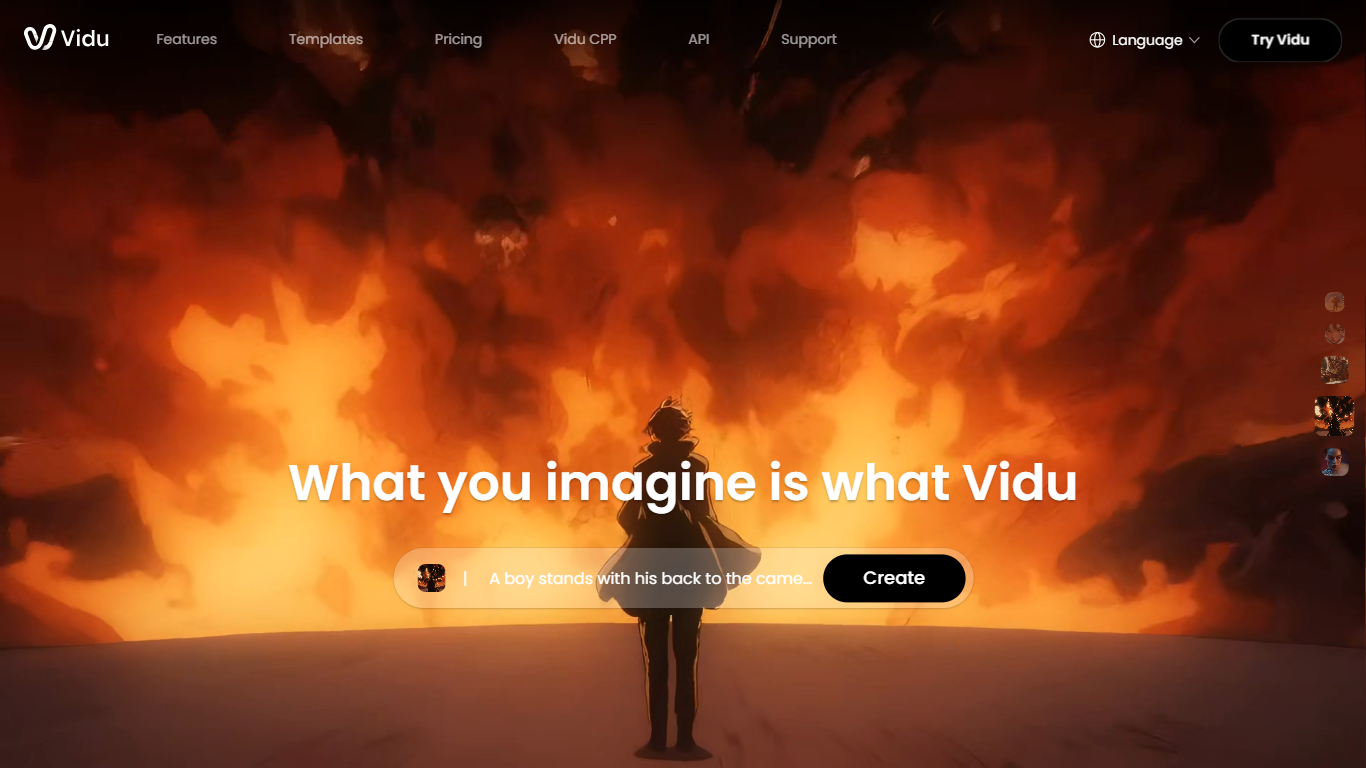

What is Vidu?
Vidu turns text prompts, still images, and reference photos into finished video clips up to 1080p. Independent creators and production teams use it to skip a traditional post pipeline and go from idea to export in the browser. The core modes are text-to-video, image-to-video, and reference-to-video.
Reference-to-video is where Vidu stands out. Upload up to seven images to keep characters, objects, and scenes consistent across a clip, or save assets in My References for reuse on later projects. The Vidu Q3 model adds native audio in the same generation pass, so dialogue, voiceover, sound effects, and music land with the picture instead of in a separate editing step.
Creators working in anime, advertising, social content, and short-form film use Vidu for everything from template-based viral clips to 16-second narrative shots with frame-level camera control. Studios and marketers also use image-to-video to animate product shots or swap ad backgrounds while keeping subjects on-model.
New accounts receive starter credits, with more available through daily logins, subscriptions, and platform events.
Mootion
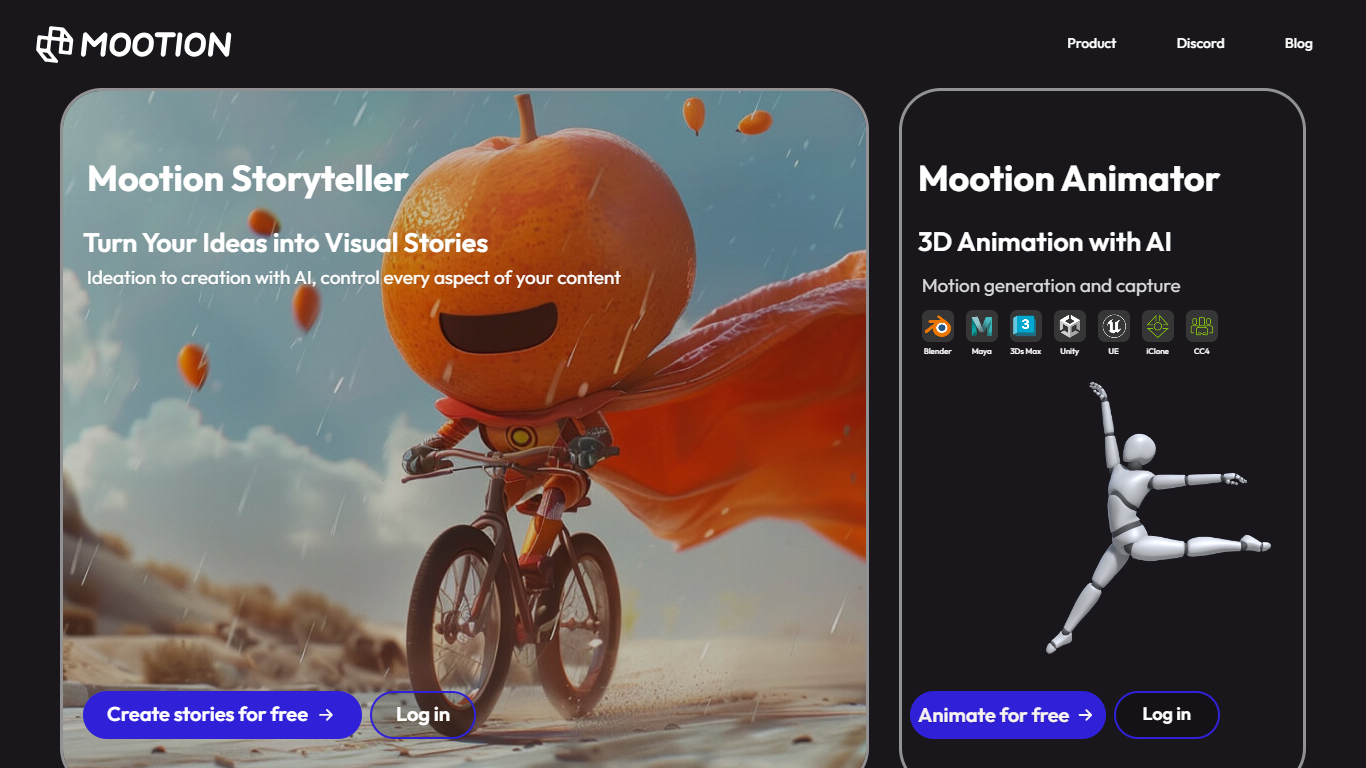
What is Mootion ?
Mootion turns text prompts, scripts, images, and recordings into finished cinematic videos with synced motion, voice, music, and scene-level control. Creators, educators, marketers, and storytellers use it to go from a rough idea to a publish-ready video without traditional editing software.
The platform plans structure, pacing, visuals, and sound in one workflow. You can start from a short idea, paste your own script, or upload audio and let Mootion build a storyboard of editable scenes with narration, dialogue, and background music.
Templates cover social clips, education lessons, kids stories, and marketing ads. Mootion also offers standalone tools for thumbnails, image editing, background removal, and image-to-video, plus a REST API for teams that want generation inside their own apps.
Vidu Upvotes
Mootion Upvotes
Vidu Top Features
Generates a full video in about 10 seconds flat
Upload up to 7 reference images and the output stays consistent across all of them
Set the first and last frame, and Vidu fills in the motion between them
Vidu Q3 bakes dialogue, sound effects, and music directly into the video in one pass
Unlimited free video generation in Off-Peak Mode with no credits required
Mootion Top Features
One prompt can produce a full-length video with structure, pacing, visuals, and sound planned end to end
Start from prompts, scripts, audio recordings, files, or links in the same workspace
Storyboard editor lets you add, split, merge, and delete scenes before export
Choose from models like Veo 3.1, Seedance, and Wan with per-second credit billing
Royalty-free music library and ultra-realistic voiceovers built into the workflow
Export watermark-free videos plus downloadable scripts, images, and clips as a ZIP
REST API for embedding Mootion video generation in external apps and workflows
Vidu Category
- Video Generation
Mootion Category
- Video Generation
Vidu Pricing Type
- Freemium
Mootion Pricing Type
- Paid