
Last updated 07-24-2026
Category:
Reviews:
Join thousands of AI enthusiasts in the World of AI!
Mootion
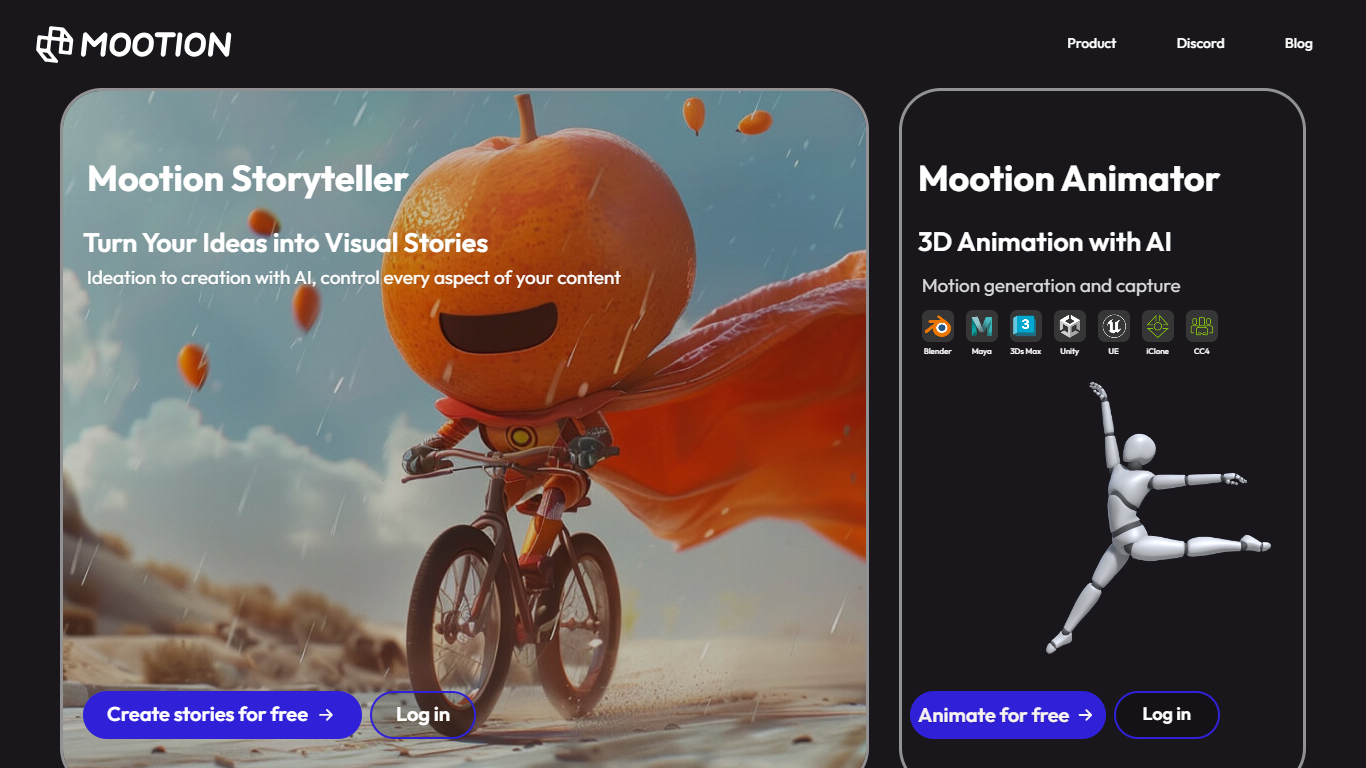
Mootion turns text prompts, scripts, images, and recordings into finished cinematic videos with synced motion, voice, music, and scene-level control. Creators, educators, marketers, and storytellers use it to go from a rough idea to a publish-ready video without traditional editing software.
The platform plans structure, pacing, visuals, and sound in one workflow. You can start from a short idea, paste your own script, or upload audio and let Mootion build a storyboard of editable scenes with narration, dialogue, and background music.
Templates cover social clips, education lessons, kids stories, and marketing ads. Mootion also offers standalone tools for thumbnails, image editing, background removal, and image-to-video, plus a REST API for teams that want generation inside their own apps.
One prompt can produce a full-length video with structure, pacing, visuals, and sound planned end to end
Start from prompts, scripts, audio recordings, files, or links in the same workspace
Storyboard editor lets you add, split, merge, and delete scenes before export
Choose from models like Veo 3.1, Seedance, and Wan with per-second credit billing
Royalty-free music library and ultra-realistic voiceovers built into the workflow
Export watermark-free videos plus downloadable scripts, images, and clips as a ZIP
REST API for embedding Mootion video generation in external apps and workflows
Supports multiple input types including prompts, scripts, recordings, files, and links.
Storyboard editor gives scene-level control before export.
14 output languages cover a wide international audience.
Offers a REST API for embedding generation in external products.
Videos ship under Creative Commons 4.0 for platform publishing.
No free tier; a paid subscription is required to create and download videos.
Credit costs rise quickly on premium video models like Veo 3.1.
The EDU discount requires a separate teacher verification application.
Is Mootion free to use?
No. Mootion is a paid product, and you need a subscription to create and download videos. Plans start at $15 per month on the Standard tier, with annual billing available at a discount.
What creation modes does Mootion offer?
Mootion supports Idea to Video, Script to Video, and Recording to Video. Idea to Video writes the script from your prompt, Script to Video uses your uploaded text, and Recording to Video syncs visuals to your own audio or camera recording.
How many languages does Mootion support for video output?
Mootion supports 14 output languages including English, German, Spanish, French, Portuguese, Japanese, Chinese, Korean, Arabic, Malay, Vietnamese, Indonesian, Thai, Russian, and Italian.
Can I use Mootion videos on YouTube?
Yes. Mootion content is released under the Creative Commons 4.0 license, so you can publish videos on YouTube and other platforms without copyright concerns from Mootion itself.
Does Mootion have an API?
Yes. Mootion offers a REST API for integrating its video generation into external products and workflows. Documentation is available on the Mootion API page, and enterprise teams can contact [email protected] for demos.
How does Mootion credit billing work?
Each paid plan includes monthly credits that refresh every billing cycle. Video generation costs vary by model, from 6 credits per second on the Base model up to 50 credits per second on premium models like Veo 3.1 and Seedance 2.0.