Vidu vs RaveDJ
In the battle of Vidu vs RaveDJ, which AI Video Generation tool comes out on top? We compare reviews, pricing, alternatives, upvotes, features, and more.
Which one is better? Vidu or RaveDJ?
Upon comparing Vidu with RaveDJ, which are both AI-powered video generation tools, Vidu is the clear winner in terms of upvotes. Vidu has received 79 upvotes from aitools.fyi users, while RaveDJ has received 6 upvotes.
Does the result make you go "hmm"? Cast your vote and turn that frown upside down!
Vidu


What is Vidu?
Vidu is an all-in-one platform for generating images and videos from text, still images, or references. It is built for independent creators and production teams who want to turn ideas into finished clips without a traditional post pipeline. The core modes are text-to-video, image-to-video, and reference-to-video, with output up to 1080p.
Reference-to-video is where Vidu stands out. Upload up to seven images to keep characters, objects, and scenes consistent across a clip, or save assets in My References for reuse on later projects. The Vidu Q3 model adds native audio in the same generation pass, so dialogue, voiceover, sound effects, and music land with the picture instead of in a separate editing step.
Creators working in anime, advertising, social content, and short-form film use Vidu for everything from template-based viral clips to 16-second narrative shots with frame-level camera control. Studios and marketers also use image-to-video to animate product shots or swap ad backgrounds while keeping subjects on-model.
New accounts receive starter credits, with more available through daily logins, subscriptions, and platform events.
RaveDJ
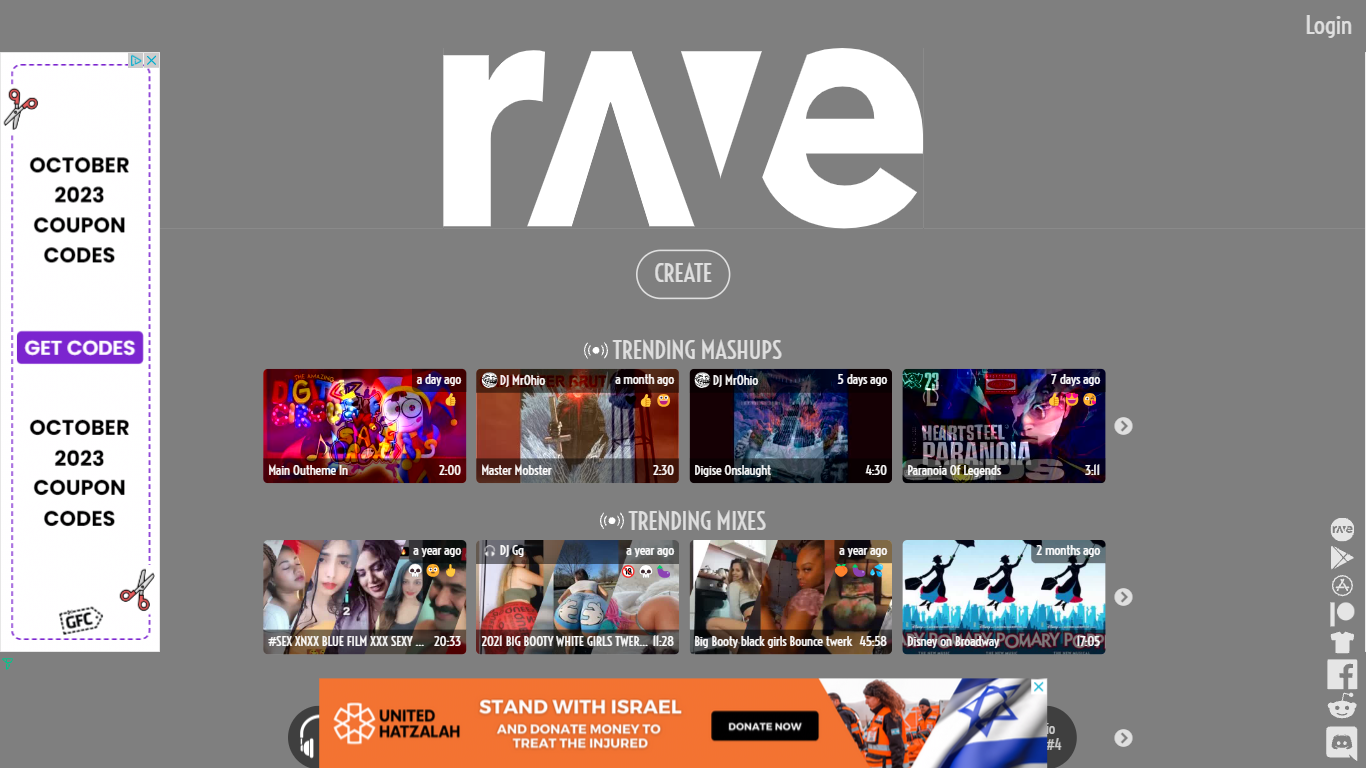
What is RaveDJ?
RaveDJ is an innovative website that offers a unique and exciting way to create custom mixes and mashups of your favorite songs. With the help of artificial intelligence, RaveDJ allows you to effortlessly combine and blend songs from YouTube and Spotify, making it the world's first AI-powered DJ. Whether you're looking for a high-energy mix for the gym or a playlist for a party, RaveDJ has got you covered.
Using RaveDJ is incredibly easy. Simply select the songs or playlists that you want to mix, and let the AI do the rest. The advanced algorithms analyze the tempo, key, and structure of the songs to create seamless transitions and harmonious blends. You can customize the mix even further by adjusting the length, intensity, and other parameters to suit your preferences.
One of the standout features of RaveDJ is its extensive library of songs and playlists. With access to both YouTube and Spotify, you have an endless array of music at your fingertips. Whether you're into the latest pop hits, classic rock anthems, or underground dance tracks, RaveDJ has something for everyone.
Not only can you create your own mixes, but RaveDJ also offers a wide variety of pre-made mixes and mashups created by other users. This allows you to discover new music and genres, and provides endless inspiration for your own creations. You can also save and share your mixes with friends and fellow music enthusiasts, making RaveDJ a social platform for music lovers.
RaveDJ is completely free to use, making it accessible to anyone who wants to unleash their inner DJ. Whether you're a music enthusiast, aspiring DJ, or just someone who loves to dance, RaveDJ offers a fun and creative way to explore and enjoy music.
Vidu Upvotes
RaveDJ Upvotes
Vidu Top Features
Generates a full video in about 10 seconds flat
Upload up to 7 reference images and the output stays consistent across all of them
Set the first and last frame, and Vidu fills in the motion between them
Vidu Q3 bakes dialogue, sound effects, and music directly into the video in one pass
RaveDJ Top Features
No top features listedVidu Category
- Video Generation
RaveDJ Category
- Video Generation
Vidu Pricing Type
- Freemium
RaveDJ Pricing Type
- Freemium