Vidu vs Video Studio AI
In the battle of Vidu vs Video Studio AI, which AI Video Generation tool comes out on top? We compare reviews, pricing, alternatives, upvotes, features, and more.
Between Vidu and Video Studio AI, which one is superior?
Upon comparing Vidu with Video Studio AI, which are both AI-powered video generation tools, The users have made their preference clear, Vidu leads in upvotes. The number of upvotes for Vidu stands at 79, and for Video Studio AI it's 7.
Does the result make you go "hmm"? Cast your vote and turn that frown upside down!
Vidu
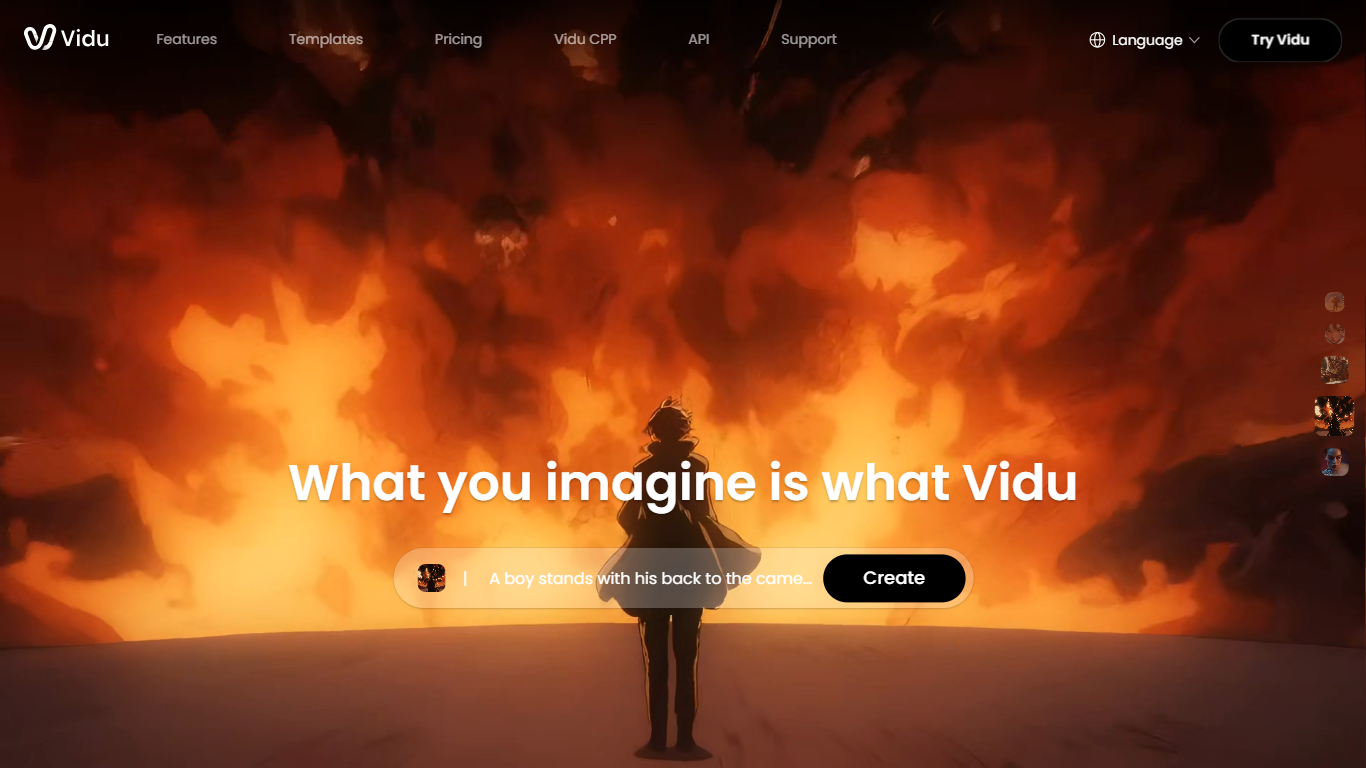

What is Vidu?
Vidu turns text prompts, still images, and reference photos into finished video clips up to 1080p. Independent creators and production teams use it to skip a traditional post pipeline and go from idea to export in the browser. The core modes are text-to-video, image-to-video, and reference-to-video.
Reference-to-video is where Vidu stands out. Upload up to seven images to keep characters, objects, and scenes consistent across a clip, or save assets in My References for reuse on later projects. The Vidu Q3 model adds native audio in the same generation pass, so dialogue, voiceover, sound effects, and music land with the picture instead of in a separate editing step.
Creators working in anime, advertising, social content, and short-form film use Vidu for everything from template-based viral clips to 16-second narrative shots with frame-level camera control. Studios and marketers also use image-to-video to animate product shots or swap ad backgrounds while keeping subjects on-model.
New accounts receive starter credits, with more available through daily logins, subscriptions, and platform events.
Video Studio AI
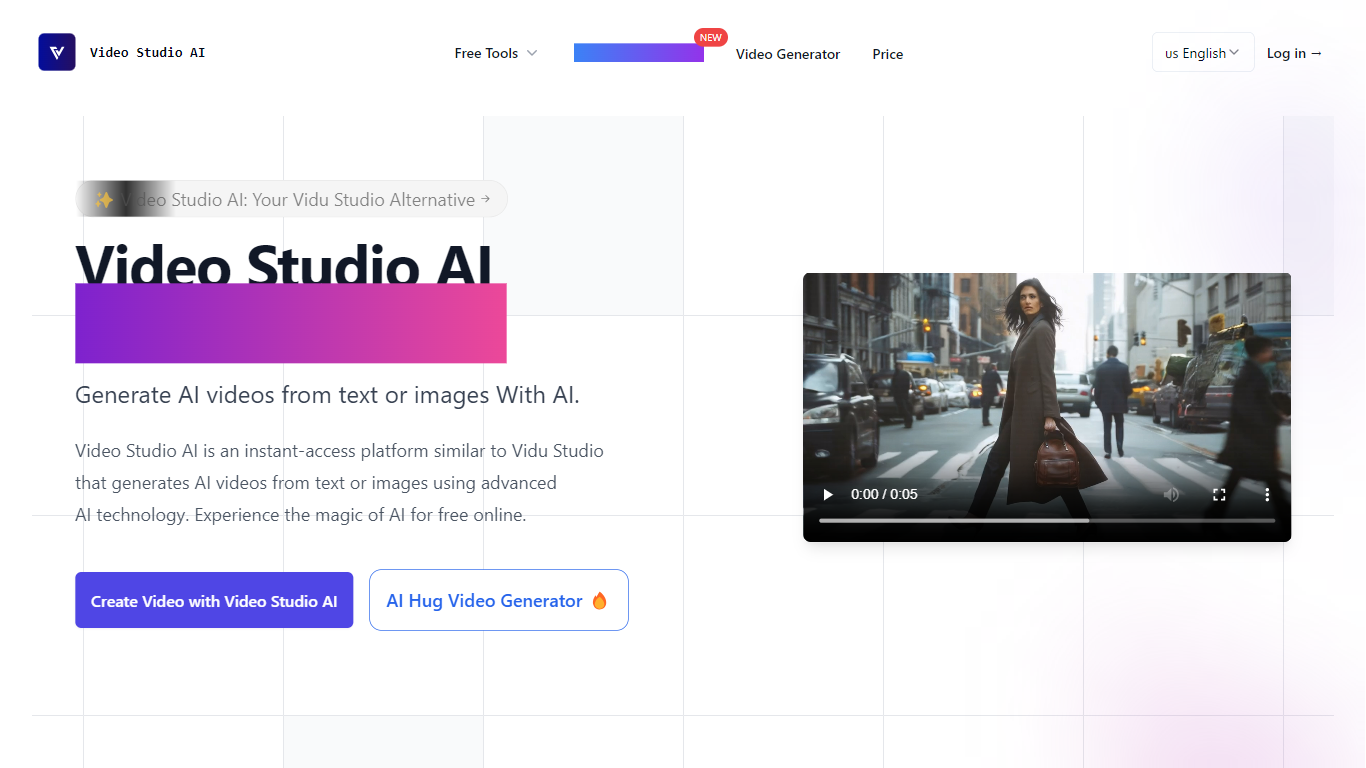
What is Video Studio AI?
Video Studio AI creates lifelike videos by animating still photos and generating video content from text prompts and images. It enables users to add natural motion, camera movements, and synchronized audio to bring static visuals to life.
What sets Video Studio AI apart is its variety of video models that offer different animation styles and speeds, along with precise control over clip length, aspect ratio, and audio synchronization. This flexibility allows creators to produce cinematic clips or quick social media videos tailored to their needs.
The platform supports HD video generation with fast rendering times and provides a user-friendly interface suitable for creators of all skill levels. Extensive tutorials and prompt guides help users maximize the tool's capabilities without requiring technical expertise.
Video Studio AI also offers a freemium pricing model with free credits and tiered paid plans, including features like batch image generation and unlimited upscaling in higher tiers. This makes it accessible for both casual users and professionals seeking advanced video creation tools.
Vidu Upvotes
Video Studio AI Upvotes
Vidu Top Features
Generates a full video in about 10 seconds flat
Upload up to 7 reference images and the output stays consistent across all of them
Set the first and last frame, and Vidu fills in the motion between them
Vidu Q3 bakes dialogue, sound effects, and music directly into the video in one pass
Unlimited free video generation in Off-Peak Mode with no credits required
Video Studio AI Top Features
Animate still photos into short videos with natural motion
Select from multiple video models for varied styles and speeds
Add synchronized audio including ambient sounds and lip-synced speech
Customize camera movements such as zoom, pan, and orbit
Generate HD clips up to 15 seconds with preview and editing options
Freemium pricing with free credits and tiered paid plans
Batch image generation and unlimited upscaling in paid subscriptions
Vidu Category
- Video Generation
Video Studio AI Category
- Video Generation
Vidu Pricing Type
- Freemium
Video Studio AI Pricing Type
- Freemium