Voice Generator By Murf vs SpeechGPT
In the face-off between Voice Generator By Murf vs SpeechGPT, which AI Audio Generation tool takes the crown? We scrutinize features, alternatives, upvotes, reviews, pricing, and more.
When we put Voice Generator By Murf and SpeechGPT head to head, which one emerges as the victor?
If we were to analyze Voice Generator By Murf and SpeechGPT, both of which are AI-powered audio generation tools, what would we find? The upvote count is neck and neck for both Voice Generator By Murf and SpeechGPT. Every vote counts! Cast yours and contribute to the decision of the winner.
Not your cup of tea? Upvote your preferred tool and stir things up!
Voice Generator By Murf
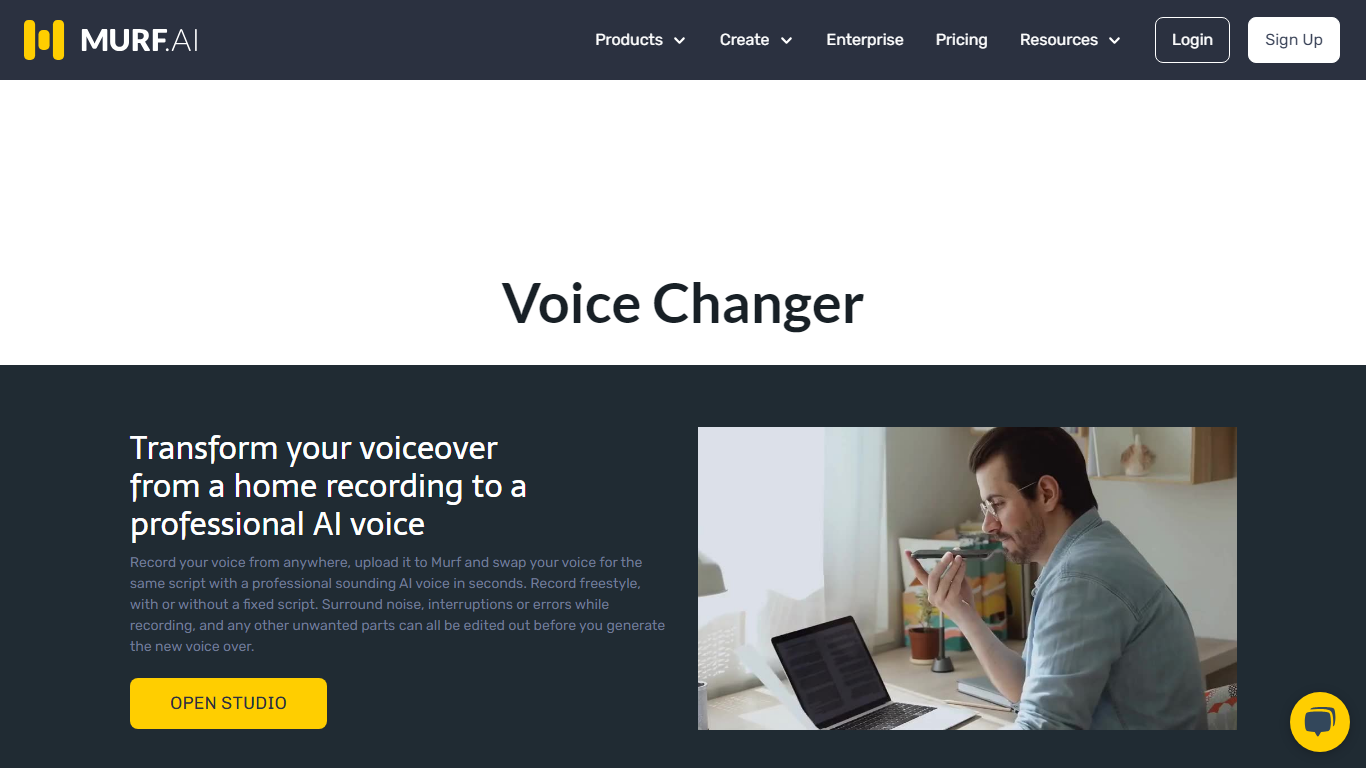

What is Voice Generator By Murf?
Murf's voice changer lets you upload a recording and swap it for one of 200+ AI voices without signing up for short clips. Drop an MP3, WAV, or FLAC file up to 3 minutes, pick a voice by language and gender, and download the transformed audio. The free web tool needs no account for files under 3 minutes.
Most voice changers sound robotic because they only shift pitch. Murf re-synthesizes your speech with a full AI voice model, and the Retain Prosody toggle keeps your original timing and intonation. That matters when you need a different speaker but want the delivery to stay natural, like re-voicing a podcast clip or localizing a training module.
Content creators, YouTubers, gamers, and e-learning authors use Murf's voice changer for quick voice swaps, identity masking, and multilingual versions of existing recordings. The same platform also powers Murf Studio text-to-speech, dubbing, and a developer API used by 300+ Forbes 2000 companies.
SpeechGPT

What is SpeechGPT?
SpeechGPT lets you hold voice conversations in the browser using your own OpenAI API key. You type or record messages, send them through a chat interface, and hear spoken replies without installing desktop software.
Unlike hosted TTS services that bundle model costs into a subscription, SpeechGPT runs in the browser and bills you only through the OpenAI, Azure Speech Services, or Amazon Polly accounts you connect. That makes it a lightweight option for developers and language learners who already have API access and want a simple voice chat front end.
The interface supports English, Spanish, and Chinese UI labels, includes a record button for speech input, and stores session data locally in the browser. It suits developers testing voice chat flows, language learners practicing spoken prompts, and anyone who wants a minimal ChatGPT voice client on mobile or desktop.
Voice Generator By Murf Upvotes
SpeechGPT Upvotes
Voice Generator By Murf Top Features
200+ AI voices across 20+ languages including American, British, and Australian English
Free voice changes on audio files up to 3 minutes with no signup required
Retain Prosody toggle keeps your original pitch and intonation on the new voice
Supports MP3, WAV, FLAC, ALAW, and ULAW upload formats plus live recording
Voice Changer API for production deployments in contact centers and apps
Free Studio plan includes 10 minutes of voice generation and 10 projects
SpeechGPT Top Features
Chat interface accepts typed messages or recorded speech input with Enter to send
Requires your OpenAI API key in settings before the app will run conversations
Optional Azure Speech Services or Amazon Polly access keys for alternate text-to-speech backends
UI available in English, Spanish, and Chinese from the in-app language selector
Shift plus Enter inserts a newline without sending the message
Runs as a web app on Vercel with no separate desktop install required
Voice Generator By Murf Category
- Audio Generation
SpeechGPT Category
- Audio Generation
Voice Generator By Murf Pricing Type
- Freemium
SpeechGPT Pricing Type
- Free