
Last updated 08-14-2026
Category:
Reviews:
Join thousands of AI enthusiasts in the World of AI!
Voice Generator By Murf
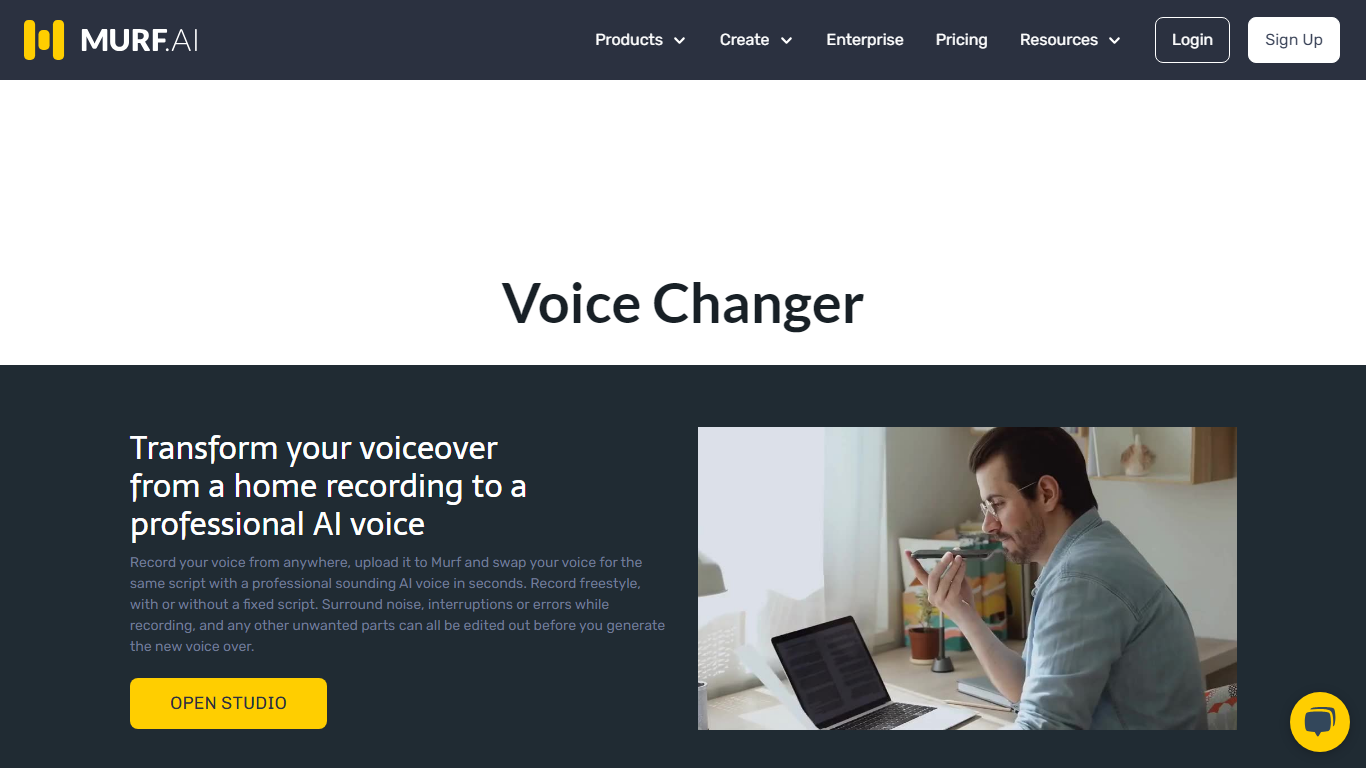
Murf's voice changer lets you upload a recording and swap it for one of 200+ AI voices without signing up for short clips. Drop an MP3, WAV, or FLAC file up to 3 minutes, pick a voice by language and gender, and download the transformed audio. The free web tool needs no account for files under 3 minutes.
Most voice changers sound robotic because they only shift pitch. Murf re-synthesizes your speech with a full AI voice model, and the Retain Prosody toggle keeps your original timing and intonation. That matters when you need a different speaker but want the delivery to stay natural, like re-voicing a podcast clip or localizing a training module.
Content creators, YouTubers, gamers, and e-learning authors use Murf's voice changer for quick voice swaps, identity masking, and multilingual versions of existing recordings. The same platform also powers Murf Studio text-to-speech, dubbing, and a developer API used by 300+ Forbes 2000 companies.
200+ AI voices across 20+ languages including American, British, and Australian English
Free voice changes on audio files up to 3 minutes with no signup required
Retain Prosody toggle keeps your original pitch and intonation on the new voice
Supports MP3, WAV, FLAC, ALAW, and ULAW upload formats plus live recording
Voice Changer API for production deployments in contact centers and apps
Free Studio plan includes 10 minutes of voice generation and 10 projects
No signup needed for free voice changes on clips under 3 minutes
200+ voices across 20+ languages with gender and accent filters
Retain Prosody keeps your original delivery when swapping voices
Same platform covers voice changer, TTS studio, dubbing, and developer API
Free no-signup tool caps audio at 3 minutes per file
Free Studio tier has no commercial rights and only 10 minutes of generation
Voice changer page focuses on audio; video file support requires Murf Studio
Is Murf's voice changer free?
Yes. Murf's voice changer lets you transform audio files under 3 minutes without signing up or entering a credit card. The free Studio plan also includes 10 minutes of voice generation per month.
What file formats does Murf voice changer accept?
Murf accepts MP3, WAV, FLAC, ALAW, and ULAW audio uploads. You can also record audio directly in the browser on Murf's voice changer page. Maximum duration for the free no-signup tool is 3 minutes.
How many voices does Murf offer?
Murf's voice changer provides 200+ AI-generated voices across 20+ languages and accents. Voices are filterable by language, gender, and age group including male, female, and non-binary options.
Can Murf change my voice to a different gender?
Yes. After Murf transcribes your audio, you can pick any voice from the library, including switching between male, female, and kid voices. The Retain Prosody option keeps your original delivery style.
Does Murf have a voice changer API?
Yes. Murf offers a Voice Changer API documented at murf.ai/api/docs/capabilities/voice-changer for developers building contact center, content, and conversational AI applications.
How much does Murf cost for voice generation?
Murf's Creator plan costs $19 per month with 24 hours of voice generation per year and commercial rights. The Business plan is $66 per month with 96 hours per year. A free tier includes 10 minutes of generation.