Top 10 AI tools for Celebrity Voice Changer App in 2026
In the ever-evolving world of technology, the integration of artificial intelligence (AI) has transformed the ability to mimic one's voice into that of a favorite celebrity from a whimsical fantasy into an impressive reality. Among the myriad of applications available, identifying the best celebrity voice changer app involves exploring a domain brimming with innovative AI-driven features, user-friendly interfaces, and astonishingly precise voice modulation capabilities.
These applications leverage sophisticated AI algorithms not only to entertain but also to empower content creators with the tools to add a distinctive flair to their productions or for individuals aiming to indulge in the amusement of impersonating their adored stars. With cutting-edge AI technology and extensive libraries of celebrity voice tones, the leading app in this space distinguishes itself by offering an immersive experience that is both captivating and extraordinarily realistic. Whether used for prank calls, social media content, or personal enjoyment, the best celebrity voice changer app, powered by artificial intelligence, promises to deliver a seamless and convincing auditory transformation that enthralls both users and their audience.
Celebrity Voice Changer
Why choose Celebrity Voice Changer?
Celebrity Voice Changer turns typed text or recorded audio into celebrity-style speech on iPhone and iPad. The iOS app, listed on the App Store as Funny Voice Changer: AI Effect, offers text-to-speech and voice changer modes powered by ElevenLabs voice synthesis.
Unlike browser-based voice changers that only pitch-shift recordings, Celebrity Voice Changer routes your text or audio through ElevenLabs to produce distinct voice styles ranging from playful to dramatic. The app supports 26 languages and runs on iPhone and iPad with iOS 16 or later.
The product moved from a Canva landing page to celebvoice.net, which now serves as the developer site while the app handles all voice generation. Users pick a voice style, enter text or record audio, and export shareable audio in seconds. In-app purchases cover weekly, monthly, and character-based plans starting at $4.99 per week.
Text-to-speech and voice changer modes powered by ElevenLabs API
26 language options including English, Spanish, French, German, and Japanese
Growing library of expressive voice styles from playful to dramatic tones
Export and share generated audio directly from the app
In-app purchases from $4.99 weekly to $29.99 for 12 weeks
4.5-star rating from 2,300 App Store reviews
Voice Generator By Murf
Why use Voice Generator By Murf? and how does it work?
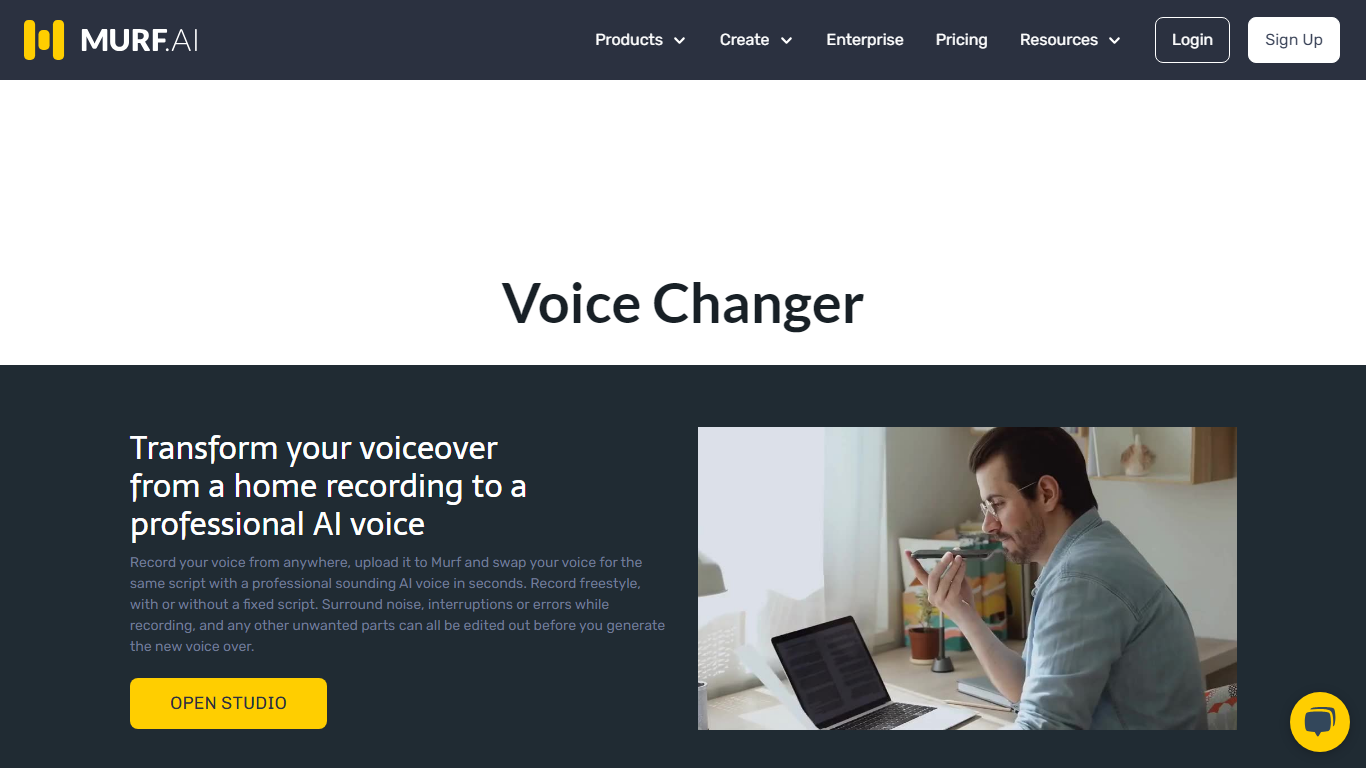
Murf's voice changer lets you upload a recording and swap it for one of 200+ AI voices without signing up for short clips. Drop an MP3, WAV, or FLAC file up to 3 minutes, pick a voice by language and gender, and download the transformed audio. The free web tool needs no account for files under 3 minutes.
Most voice changers sound robotic because they only shift pitch. Murf re-synthesizes your speech with a full AI voice model, and the Retain Prosody toggle keeps your original timing and intonation. That matters when you need a different speaker but want the delivery to stay natural, like re-voicing a podcast clip or localizing a training module.
Content creators, YouTubers, gamers, and e-learning authors use Murf's voice changer for quick voice swaps, identity masking, and multilingual versions of existing recordings. The same platform also powers Murf Studio text-to-speech, dubbing, and a developer API used by 300+ Forbes 2000 companies.
200+ AI voices across 20+ languages including American, British, and Australian English
Free voice changes on audio files up to 3 minutes with no signup required
Retain Prosody toggle keeps your original pitch and intonation on the new voice
Supports MP3, WAV, FLAC, ALAW, and ULAW upload formats plus live recording
Voice Changer API for production deployments in contact centers and apps
Free Studio plan includes 10 minutes of voice generation and 10 projects
Dubbing AI
What does Dubbing AI do?
Dubbing AI transforms your voice in real time for gaming, streaming, online calls, and content creation. It offers over 500 unique voice characters, including popular game and anime personas, celebrities, and original voices, accessible on Windows, macOS, iOS, and Android.
What distinguishes Dubbing AI is its low CPU usage of only 2-3%, running entirely on the CPU without relying on GPU, which ensures smooth performance without lag. It supports over 40 languages and local dialects with emotional expressions like screaming, sighing, and whispering, making voice transformations feel natural and expressive.
The tool integrates seamlessly with platforms such as Discord, Zoom, Twitch, OBS, and popular games like League of Legends, Valorant, Fortnite, and Roblox. It includes a customizable soundboard and a community sound library for sharing viral sound effects. Additional features include voice cloning, an online voice changer accessible via browser, and AI-powered tools like vocal and instrumental removers, audio converters, and a voice recorder.
Mobile users benefit from the Dubbing AI mobile app and real-time voice-changing earbuds, enabling voice transformation on the go for calls, streams, and gaming. Developers can integrate voice-changing capabilities into their own products using the provided SDK and API services.
Dubbing AI processes all voice data locally on the user's device, ensuring privacy by avoiding transmission to external servers. The software is free to download with a freemium model that rotates free voices daily and offers subscription plans for full access, providing a versatile and user-friendly voice transformation experience across multiple devices and platforms.
🎮 Real-Time Voice Changing with Low Latency: Switch voices instantly during games or streams with under 30ms delay for natural conversations.
🌍 Multi-Language Support: Access over 40 languages and dialects with emotional expressions like screaming, sighing, singing, mumbling, and whispering.
🔊 Customizable Soundboard & Community Sounds: Trigger and share viral sound effects from a library of over 100,000 clips to enhance chats and streams.
📱 Mobile App & Voice-Changing Earbuds: Transform your voice on the go with full iOS and Android compatibility and dedicated real-time voice-changing earbuds.
🛠️ Developer SDK & API: Integrate Dubbing AI’s voice-changing technology into your own apps and platforms easily.
🗣️ Extensive Voice Library: Choose from over 500 unique voices including game characters, anime personas, celebrities, and original voices.
💻 Low CPU Usage: Runs on CPU only with 2-3% usage, ensuring smooth performance without GPU reliance.
Voice Changer
What is Voice Changer?
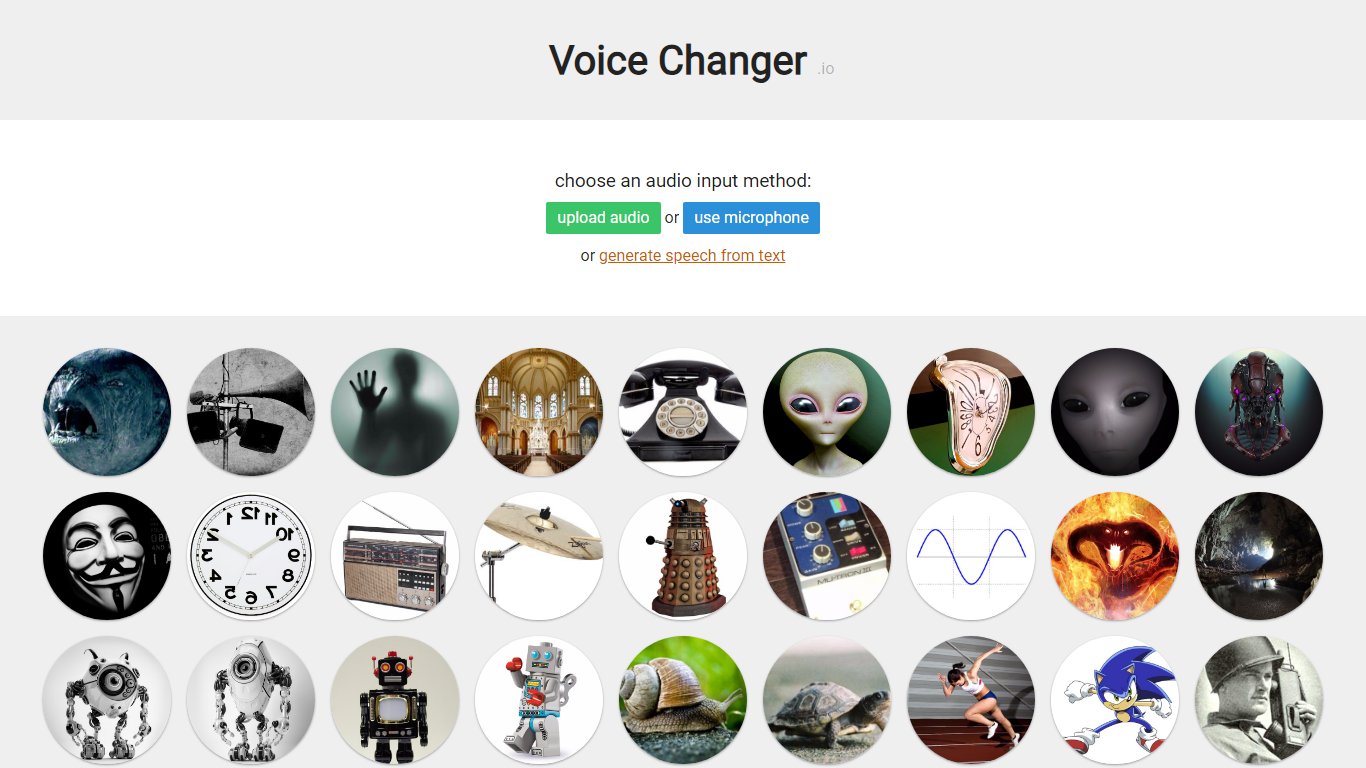
Voice Changer is a free online audio generation tool that applies voice effects to uploaded clips, live microphone recordings, or text you type in. Pick an input method, choose from dozens of named presets like robot, Dalek, demon, telephone, and chipmunk, then play or download the transformed audio in your browser.
Most effect pages explain the signal processing behind the sound, from ring modulators for Dalek voices to impulse-response convolution for cave echoes. That transparency helps if you are picking an effect for a specific project rather than clicking random filters.
The separate Voice Maker page lets you stack multiple effects in order, tweak slider values, and share a URL that reloads your custom chain. The site states all generated audio is free for commercial use with no credit required, which sets it apart from paid voice-mod apps that watermark exports.
Apply 40+ named voice effects including Dalek, demon, robot, telephone, and chipmunk presets
Record from your microphone, upload an audio file, or generate speech from typed text
Voice Maker stacks multiple effects in custom order with shareable URL links
Each effect page documents the audio technique used, like ring modulation or impulse convolution
Download or play transformed clips instantly with no account signup required
Commercial use allowed on all generated audio with no attribution required per the site FAQ
Voice AI
Why choose Voice AI? and how does it work?
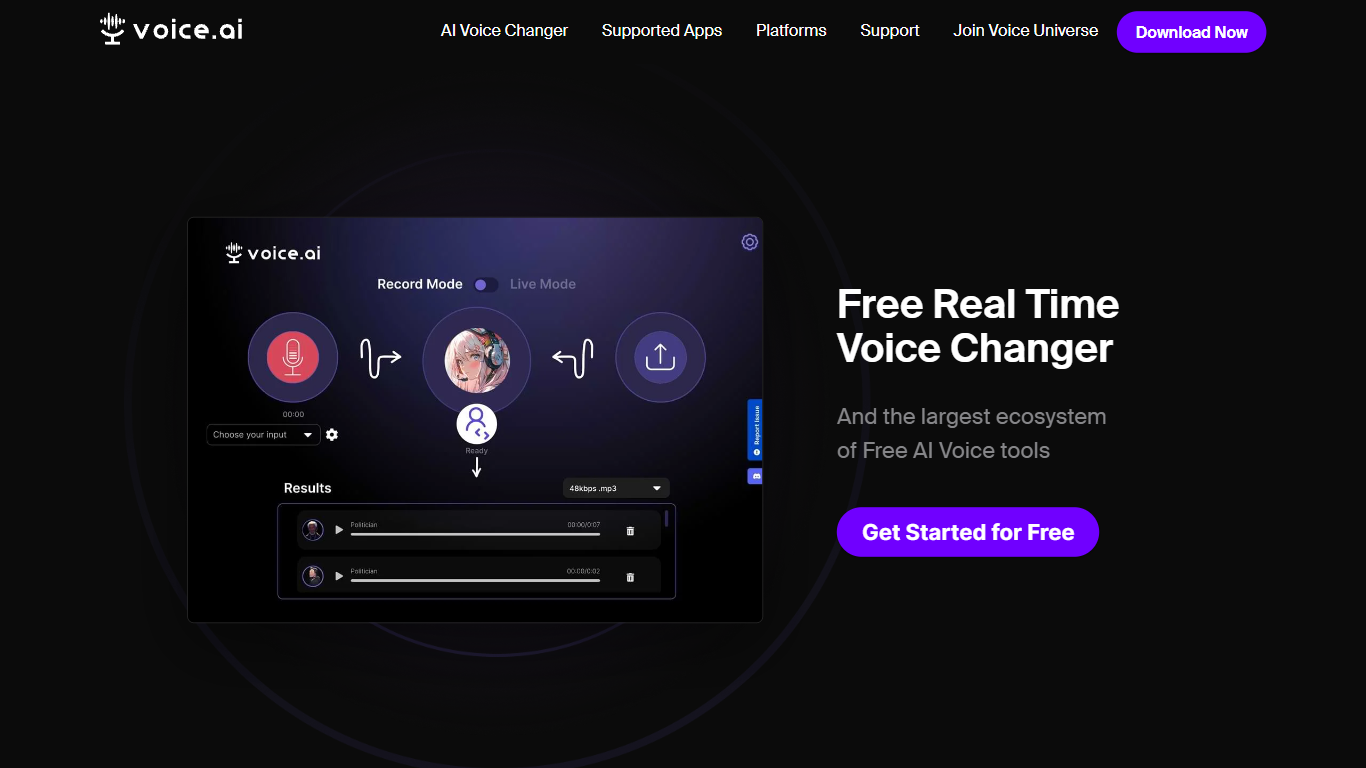
Voice.ai is a free real-time AI voice changer for PC and Mac that lets you sound like thousands of preset characters or clone your own voice from a 10-second audio sample. It runs as a desktop app and works with Discord, Zoom, Minecraft, Fortnite, Valorant, and most apps that accept a microphone input.
Beyond voice changing, Voice.ai has expanded into text-to-speech (15+ languages), voice cloning, and AI phone agents for inbound and outbound business calls. The platform claims 10M+ users and integrates with Salesforce, HubSpot, Zendesk, and Slack for enterprise voice agent deployments. That breadth sets it apart from single-purpose voice changers like Voicemod, though the free tier caps you at 5,000 credits per month and 500 characters per TTS conversion.
Streamers, gamers, and VTubers use it for live voice skins during broadcasts. Content creators build soundboard clips from celebrity or game character voices. Businesses deploy AI voice agents with GDPR, SOC 2, and HIPAA compliance options, plus on-premise deployment for regulated industries.
Real-time voice changing across Discord, Zoom, Minecraft, Fortnite, and 10+ apps
Voice cloning from just 10 seconds of audio with instant clone on paid plans
Text-to-speech in 15+ languages with studio-quality output
AI voice agents for inbound and outbound phone calls with CRM integrations
Free tier includes 5,000 credits/month and online voice changer access
Altered Studio
Why use Altered Studio? and how does it work?
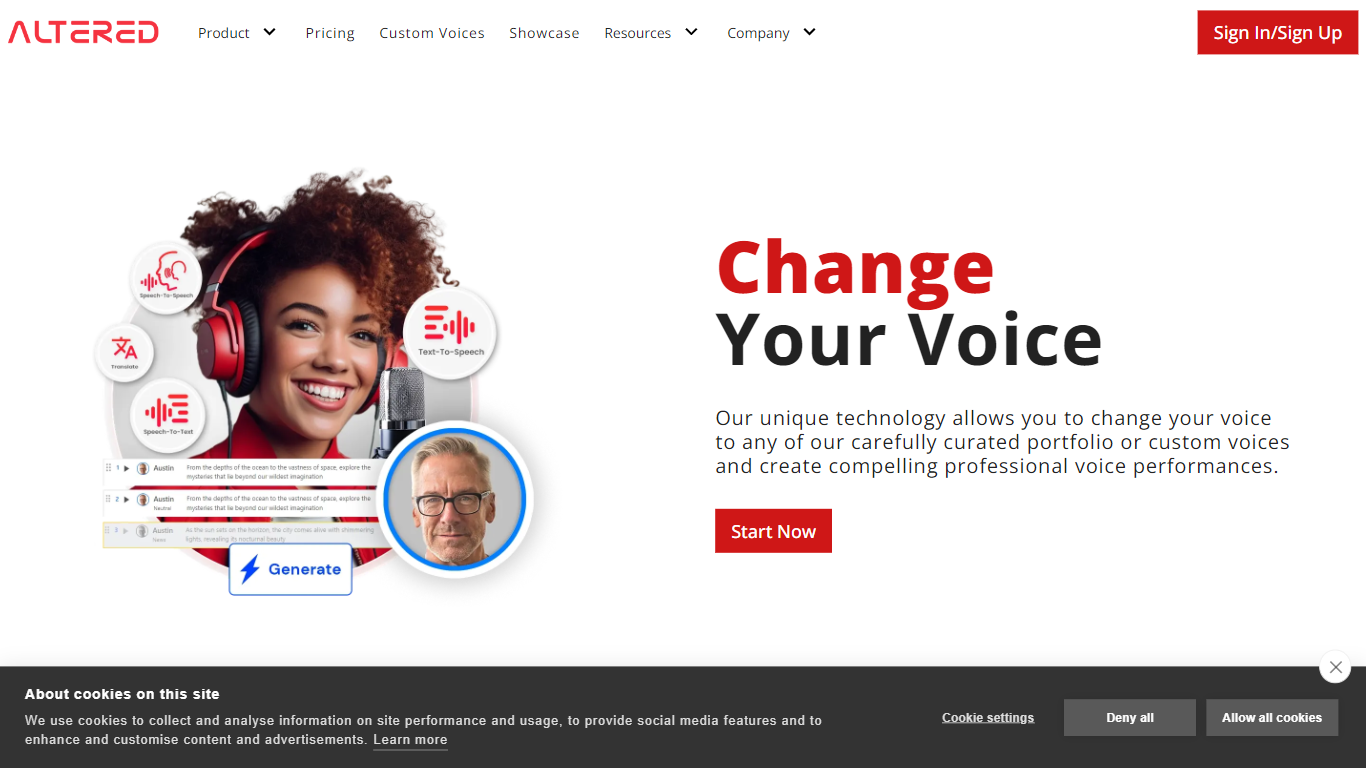
Altered Studio morphs recorded or live speech into curated or custom voices for media production and real-time calls. Its speech-to-speech engine runs in the browser or locally on Windows and Mac, with a separate Real-Time Pro app for gaming, call centers, and voice restoration during video calls.
Most voice changers trade quality for latency or the reverse. Altered splits the stack: media production morphing targets recording quality on GPUs with post-edit refinements, while Real-Time Pro uses 1 to 4 CPU cores for low-latency skins, accent translation, and Euphonia support for dysphonia and disfluencies.
Podcasters, game studios, and call-center teams use it to dub multi-character scenes, swap accents on live calls, and clean noisy dialogue. The Studio page offers transcription in 75+ languages, translation, and text-to-speech voice-over in 70+ languages from major providers in one editor.
Speech-to-speech voice morphing with performance-to-performance control in Altered Studio
Real-Time Pro Call Center plan at $12 per month with unlimited morphing and accent translation
Transcription in 75+ languages and text-to-speech voice-over in 70+ languages
Voice cloning from a few seconds of sample audio inside the Studio editor
Euphonia tier at $12 per month supports dysphonia and voice disfluency on live calls
Runs online or locally on Windows and Mac with optional cloud compute regions in US, EU, and India
Memix

How does Memix work?
Memix turns your recorded vocals into the voice of a famous rapper, singer, or public figure. You sign up, pick one of 40 AI voice models, upload an acapella or sing directly into the app, and download the transformed audio. The site targets casual creators who want cover songs or meme clips rather than professional voice production workflows.
Most AI voice tools focus on text-to-speech or generic voice cloning. Memix ships a fixed library of celebrity-style voices out of the box, so you skip the training step entirely. The voice catalog spans hip-hop artists, pop singers, and a handful of political figures, which makes it faster for short-form content than building a custom model from scratch.
TikTok creators making AI cover songs, friends putting together parody clips, and hobby musicians experimenting with different vocal styles are the main audience. The product is built in Rio de Janeiro and runs as a web app with Firebase authentication.
Library of 40 AI voice models spanning rappers, singers, and public figures
Upload an existing acapella or record vocals directly in the browser to convert
Individual voice pages for artists like Michael Jackson, Drake, and Taylor Swift
Paid plans advertise unlimited usage with the highest-quality models on the platform
Free signup lets you test voices before committing to a subscription
HitPaw VoicePea (formerly HitPaw Voice Changer)
How does HitPaw VoicePea (formerly HitPaw Voice Changer) work?
HitPaw VoicePea turns your microphone into 200+ live AI voices for games, streams, and calls on PC and Mac. Pick a character voice, map keybinds, trigger a built-in meme soundboard, and route the output through Discord, Zoom, Microsoft Teams, Twitch, YouTube, or Kick with ultra-low latency.
Most voice changers add noticeable delay that breaks game comms. HitPaw VoicePea targets real-time use with noise reduction, virtual audio routing, and one-click voice swaps mid-stream. The same app also covers AI cover songs, text-to-speech voiceovers, audio and video file voice replacement in 50+ formats, royalty-free AI music generation, and AI audio cleanup.
Gamers, streamers, VTubers, and remote workers who want privacy or character voices during live sessions are the core users. A free tier covers basic real-time voice changing, while paid plans on the HitPaw store start at $15.95 per month for the full VoicePea desktop app.
200+ AI voices for real-time voice changing on PC and Mac
Ultra-low latency processing for Discord, Zoom, Teams, Twitch, and YouTube
Built-in one-click meme soundboard with custom sound upload support
AI cover song generation from uploaded audio or YouTube links
Transform audio and video files in 50+ formats with AI voice replacement
Text-to-speech voiceovers with pitch, speed, and volume controls
16 supported languages with varied accent and character voice styles
Myvoicemod
What is Myvoicemod? and how does it work?
Myvoicemod is a browser-based voice changer that applies effects to live microphone input or uploaded audio files. Pick from presets like Robot, Chipmunks, Cave, Megaphone, or Underwater, record a clip, and download the modified file. No account or software install is required.
Desktop voice changers like Voicemod need a local install and often charge for premium effects. Myvoicemod runs entirely in the browser, which makes it handy for quick pranks, Discord clips, or testing how a recording sounds with a different pitch. The trade-off is fewer controls than a full desktop app and no real-time system-wide voice routing.
Gamers, content creators, and anyone who wants a fast voice effect for a message or prank are the target users. The service is free with at least 12 effect presets available online.
12 voice effects including Robot, Chipmunks, Cave, Megaphone, and Underwater
Record live from your microphone or upload an existing audio file
Stack multiple effects and compare variants before downloading
Works in the browser with no account or software installation
Download the processed clip to your computer or tablet
Voice Changer App - Celebrity Voices
Why choose Voice Changer App - Celebrity Voices?
Celebrity Voice Changer turns your speech into celebrity-style impressions using deep learning, not pitch shifting or echo filters. You tap a character icon, talk into the mic, and the app generates a short video clip with your words spoken in that voice. It runs on iPhone, iPad, and Android, and the developer says more than 25 million people have joined.
Most voice changer apps tweak pitch or add chipmunk effects. This one trains neural networks on large speech datasets to build voice fonts, so the output sounds closer to a specific person rather than a generic filter. The celebrity roster inside the app is larger than what the website lists, and you can request new voices through the app.
The app fits content creators, party hosts, and anyone making parody clips or prank calls. You record audio or video, share to social networks, and swap between voices like Donald Trump, Obama, or fictional characters. An internet connection is required because voice generation runs server-side.
Deep learning voice fonts trained on tens of thousands of hours of speech, not pitch-shift filters
25 million users cited on the App Store listing
Record voice or video clips and share them on social networks
Celebrity roster inside the app exceeds what the website displays
Request new celebrity voices through the app; developer adds popular requests
4.2-star rating from 32K App Store reviews
51.2 MB download size; runs on iOS 9.0+ and iPad