Voice Pen vs Text to Speech Online
In the face-off between Voice Pen vs Text to Speech Online, which AI Text to Speech (TTS) tool takes the crown? We scrutinize features, alternatives, upvotes, reviews, pricing, and more.
When we put Voice Pen and Text to Speech Online head to head, which one emerges as the victor?
If we were to analyze Voice Pen and Text to Speech Online, both of which are AI-powered text to speech (tts) tools, what would we find? The upvote count is neck and neck for both Voice Pen and Text to Speech Online. Since other aitools.fyi users could decide the winner, the ball is in your court now to cast your vote and help us determine the winner.
Disagree with the result? Upvote your favorite tool and help it win!
Voice Pen

What is Voice Pen?
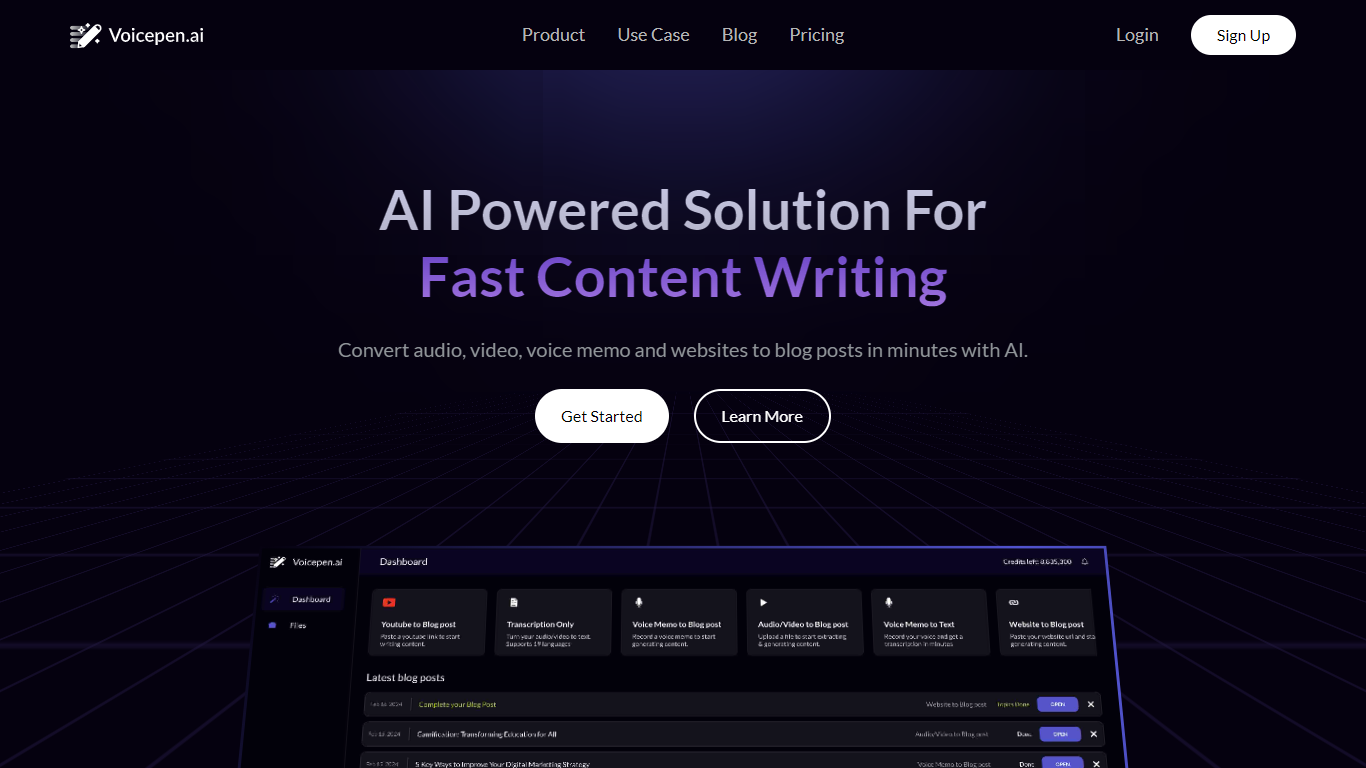
Voice Pen (Voicepen.ai) turns audio, video, voice memos, and websites into blog posts using AI. Upload a YouTube link, podcast episode, webinar recording, Zoom meeting, or audio file, and the app transcribes it, suggests blog topics, and drafts ready-to-edit posts.
The workflow covers four conversion types: YouTube and video, uploaded files (MP3, MP4, M4A, WAV), podcasts and webinars, and voice memos or meeting recordings. Each conversion includes a full transcription, SRT subtitle file, and a built-in post editor for refining the output.
Voice Pen targets marketers and content teams who want to repurpose existing media into written content without starting from scratch. Paste a URL or upload a file, wait for transcription, then pick topics and adjust the generated blog copy before publishing.
Text to Speech Online
What is Text to Speech Online?
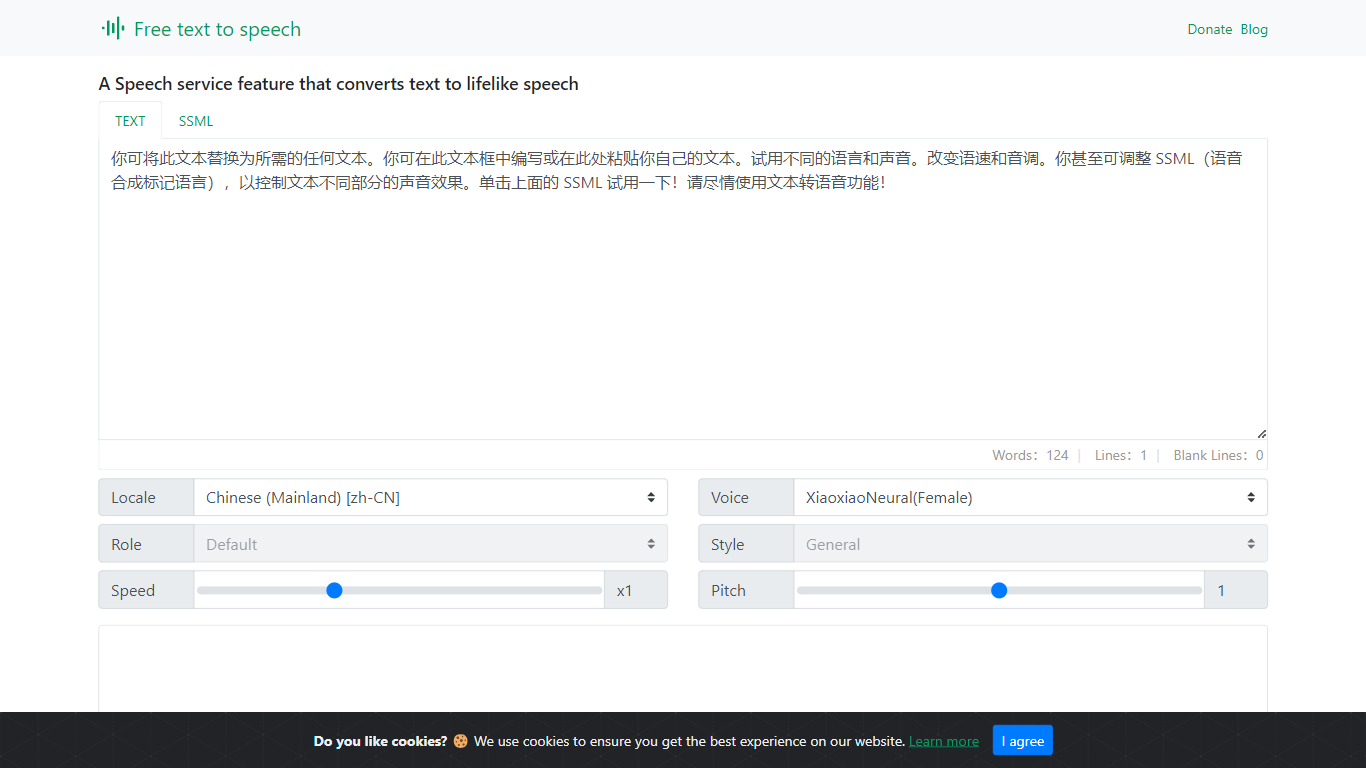
Text to Speech Online is a free browser tool that converts written text into lifelike speech with more than 100 AI voices. Users pick a language, gender, and voice style, adjust speed and pitch, then preview or generate audio for download as MP3 or WAV files.
The interface supports dozens of languages, voice search, file import, subtitle output, and autoplay after generation. Use cases highlighted on the site include video dubbing, audiobook production, podcasts, education materials, voice assistants, and multilingual localization.
The service is positioned as a no-cost text-to-voice generator with tutorial articles, support pages, and optional donations rather than a subscription checkout.
Voice Pen Upvotes
Text to Speech Online Upvotes
Voice Pen Top Features
Turn YouTube videos, podcasts, and webinars into blog posts from a pasted link or upload
Transcribe MP3, MP4, M4A, WAV, and voice memo files with SRT subtitle export
AI suggests blog topics and drafts post content you can edit in the built-in editor
Repurpose Zoom and Teams meeting recordings into written content
Credit-based plans scale from one-time packs to monthly Basic and Pro subscriptions
Text to Speech Online Top Features
100+ natural AI voices across dozens of languages
Speed and pitch controls from -50% to +50% and -100% to +200%
MP3 and WAV export with preview before generating full audio
Voice search, file import, and optional autoplay after generation
Usage guides for dubbing, audiobooks, podcasts, and education content
Voice Pen Category
- Text to Speech (TTS)
Text to Speech Online Category
- Text to Speech (TTS)
Voice Pen Pricing Type
- Freemium
Text to Speech Online Pricing Type
- Free