Voice to Text vs TTSMaker
In the face-off between Voice to Text vs TTSMaker, which AI Text to Speech (TTS) tool takes the crown? We scrutinize features, alternatives, upvotes, reviews, pricing, and more.
When we put Voice to Text and TTSMaker head to head, which one emerges as the victor?
If we were to analyze Voice to Text and TTSMaker, both of which are AI-powered text to speech (tts) tools, what would we find? The upvote count is neck and neck for both Voice to Text and TTSMaker. Every vote counts! Cast yours and contribute to the decision of the winner.
You don't agree with the result? Cast your vote to help us decide!
Voice to Text
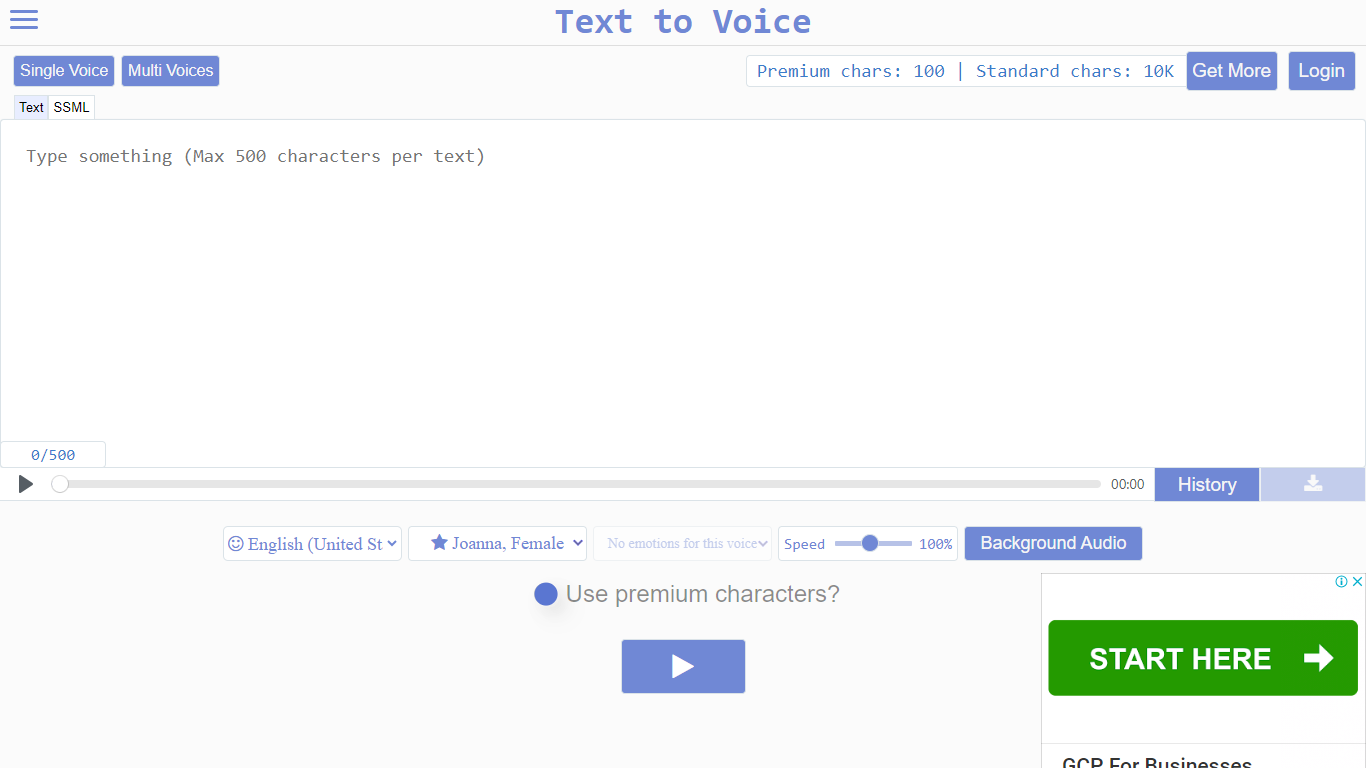

What is Voice to Text?
Text to Voice (texttovoice.online) is a browser-based text to speech platform that turns written text into downloadable MP3 voiceovers. You type or paste text, pick a language and voice, adjust speed and emotion, then play or download the result. No desktop install is required; it runs in the browser on Mac, Windows, and mobile.
The core converter supports a large catalog of languages and regional accents, with separate tools for standard voices, Gen2 voices, prompted voices, multi-speaker scripts, voice changing, voice cloning, and sound effects. Gen2 voices aim for more lifelike output with emotion inferred from text context. Premium voices use a more advanced algorithm for less robotic speech, while standard voices cover everyday use on a free character allowance.
Free accounts reset daily with premium and standard character pools. Paid plans add higher limits, commercial use, background audio, file history, sound effects, and API access on the top tier. Google sign-in is supported alongside email registration.
TTSMaker
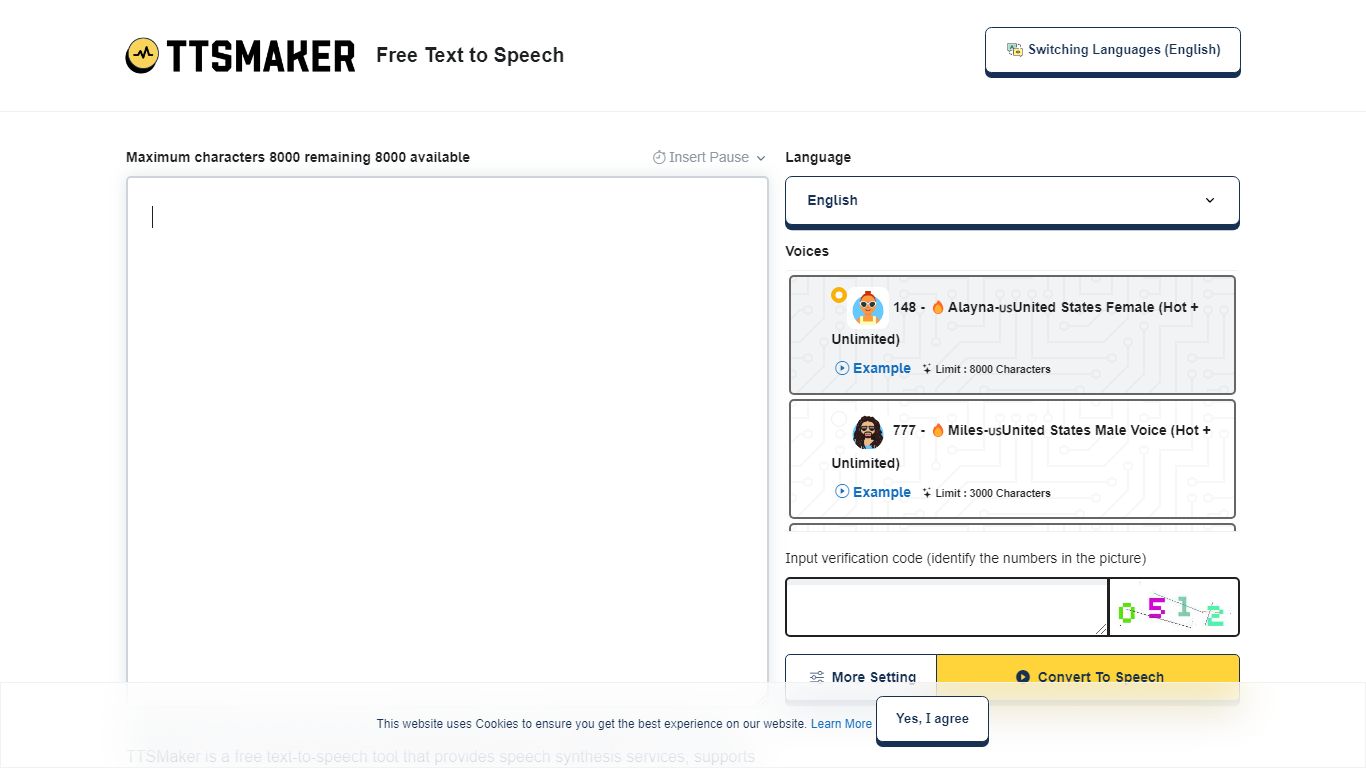
What is TTSMaker?
TTSMaker is a free online text-to-speech tool that converts written text into downloadable audio files. It supports 100+ languages and 600+ AI voices, so creators can generate voiceovers without hiring voice actors or recording themselves.
The tool runs in your browser. Paste text, pick a language and voice, adjust speed, volume, and pitch, then export audio in MP3, OGG, AAC, OPUS, or WAV. A separate multi-speaker dialogue generator lets you build conversations across multiple voice blocks, each with its own language and voice settings.
TTSMaker grants full commercial usage rights to generated audio on the free plan, with no attribution required. Paid TTSMaker Pro tiers add higher character limits, emotion controls, API access, and a dialogue editor with cloud project saving.
YouTube and TikTok creators, educators building listening materials, marketers producing ad voiceovers, and developers integrating TTS via API on Pro or Studio plans are the main audiences.
Voice to Text Upvotes
TTSMaker Upvotes
Voice to Text Top Features
Convert text to speech in dozens of languages with gender, accent, and emotion controls
Gen2 voices produce more lifelike audio with context-driven emotion and varied tone on replay
Multi-speaker mode builds scripts with different voices, speeds, and delays per line
Voice changer transforms uploaded audio into another voice while keeping source emotion
Clone a Gen2 voice from a clear 10+ second sample (Pro plan; clones expire after 30 days)
Download finished voiceovers as MP3 files with one click on the free tier
TTSMaker Top Features
600+ AI voices across 100+ languages, from US English to Hindi and Japanese
Full commercial usage rights on the free plan with no attribution required
Export audio as MP3, WAV, OGG, AAC, or OPUS with adjustable speed and pitch
Multi-speaker dialogue generator for conversations with different voices per block
SRT subtitle export and background music mixing built into the converter
Voice to Text Category
- Text to Speech (TTS)
TTSMaker Category
- Text to Speech (TTS)
Voice to Text Pricing Type
- Freemium
TTSMaker Pricing Type
- Freemium