waifu2x.booru.pics vs Colorcinch
When comparing waifu2x.booru.pics vs Colorcinch, which AI Photo Editing tool shines brighter? We look at pricing, alternatives, upvotes, features, reviews, and more.
In a comparison between waifu2x.booru.pics and Colorcinch, which one comes out on top?
When we put waifu2x.booru.pics and Colorcinch side by side, both being AI-powered photo editing tools, There's no clear winner in terms of upvotes, as both tools have received the same number. Since other aitools.fyi users could decide the winner, the ball is in your court now to cast your vote and help us determine the winner.
Disagree with the result? Upvote your favorite tool and help it win!
waifu2x.booru.pics
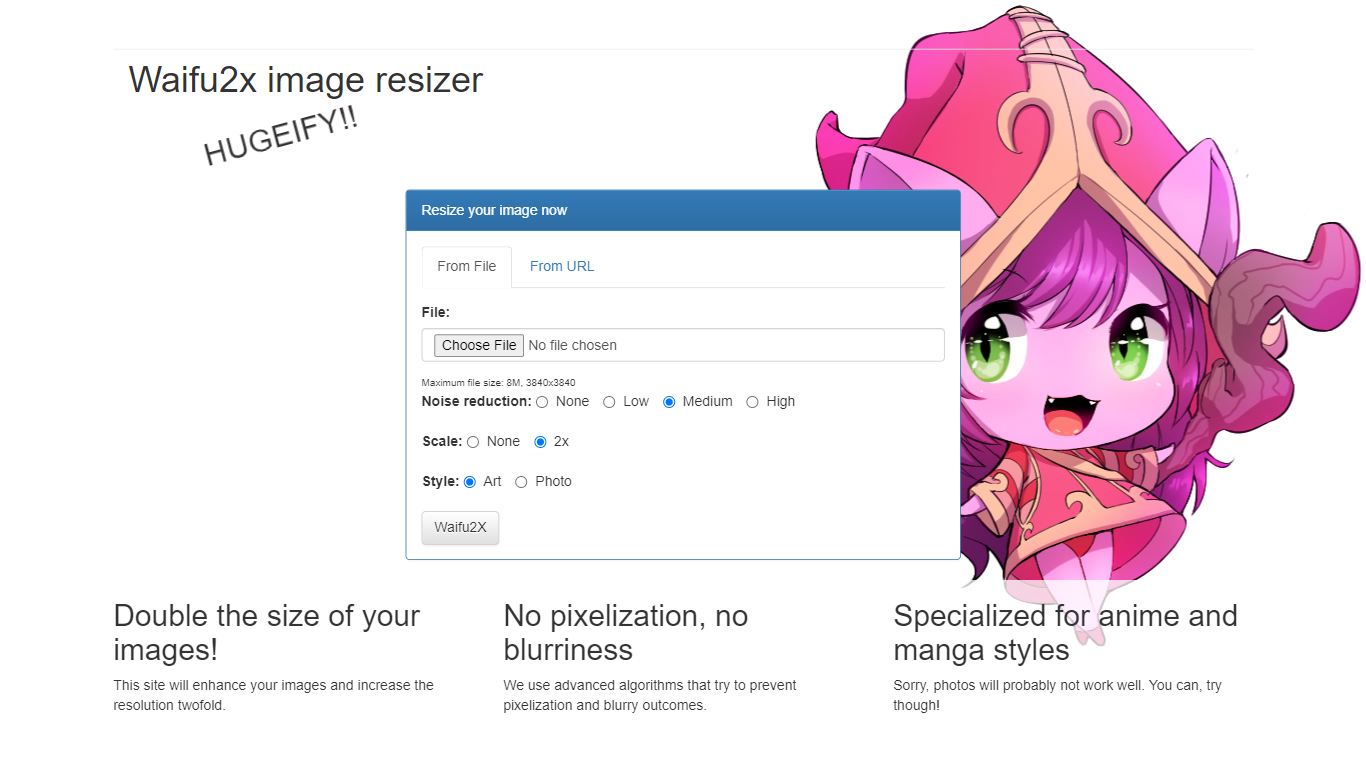

What is waifu2x.booru.pics?
waifu2x.booru.pics was a free online photo upscaler that ran the waifu2x algorithm for anime-style art and photos. You uploaded an image, picked noise reduction and upscale settings, and downloaded a higher-resolution file without paying or creating an account. The site operated as a community mirror of the open-source waifu2x project from 2016 through 2024.
Unlike the official waifu2x.net generator, this mirror stayed free for eight years by absorbing GPU costs without ads or subscriptions. Operators noted their models lagged slightly behind the original project, but the service handled the same core workflow: denoise JPEG artifacts and upscale images by factors like 2x.
The operators shut the site down to repurpose their GPU server for other projects, citing rapid advances in image generation and upscaling alternatives. The homepage now points visitors to waifu2x.net or self-hosted tools like Stable Diffusion WebUI and video2x.
Colorcinch

What is Colorcinch?
Colorcinch turns photos into cartoons, sketches, and stylized artwork from a browser editor at cartoonize.net. Upload a photo and pick from cartoonizer effects, background removal, upscaling, face restoration, inpainting, and collage tools without opening desktop software. The site also ships a mobile app for iOS and Android with the same one-tap effects.
Most cartoonizer sites stop at a single filter. Colorcinch bundles a full photo editor with layers, masks, overlays, 400 DPI print export, and a library of 4 million stock photos, vectors, and icons. That breadth targets creators who want stylized output plus cleanup tools in one tab.
Hobby photographers, social media creators, and small business owners use it for avatars, product shots, and quick marketing graphics. You can start without signing up, though premium assets and advanced exports may require an account.
The free tier covers basic uploads and editing, with paid options for heavier use. Projects can be accessed online or offline, and exports support JPG, PNG, and PDF formats.
waifu2x.booru.pics Upvotes
Colorcinch Upvotes
waifu2x.booru.pics Top Features
Free waifu2x upscaling with no account required during its 2016 to 2024 run
Processed both anime-style artwork and standard photos
Operated as a community mirror when official waifu2x servers went offline
Closure page links to waifu2x.net, Stable Diffusion WebUI, and video2x as alternatives
Colorcinch Top Features
One-click photo to cartoon, sketch, and specialty filter effects
AI background removal, inpainting, face restoration, and image upscale tools
4 million stock photos, vector graphics, and icon sets built in
Layer-based editor with masks, overlays, frames, and freehand drawing
Export images up to 400 DPI for print-ready output
Free iOS and Android app with cartoonize, restore, and HD export tools
waifu2x.booru.pics Category
- Photo Editing
Colorcinch Category
- Photo Editing
waifu2x.booru.pics Pricing Type
- Free
Colorcinch Pricing Type
- Freemium