WebWise ChatGPT vs Scribe
Compare WebWise ChatGPT vs Scribe and see which AI Productivity tool is better when we compare features, reviews, pricing, alternatives, upvotes, etc.
Which one is better? WebWise ChatGPT or Scribe?
When we compare WebWise ChatGPT with Scribe, which are both AI-powered productivity tools, The upvote count favors Scribe, making it the clear winner. Scribe has attracted 17 upvotes from aitools.fyi users, and WebWise ChatGPT has attracted 6 upvotes.
Think we got it wrong? Cast your vote and show us who's boss!
WebWise ChatGPT
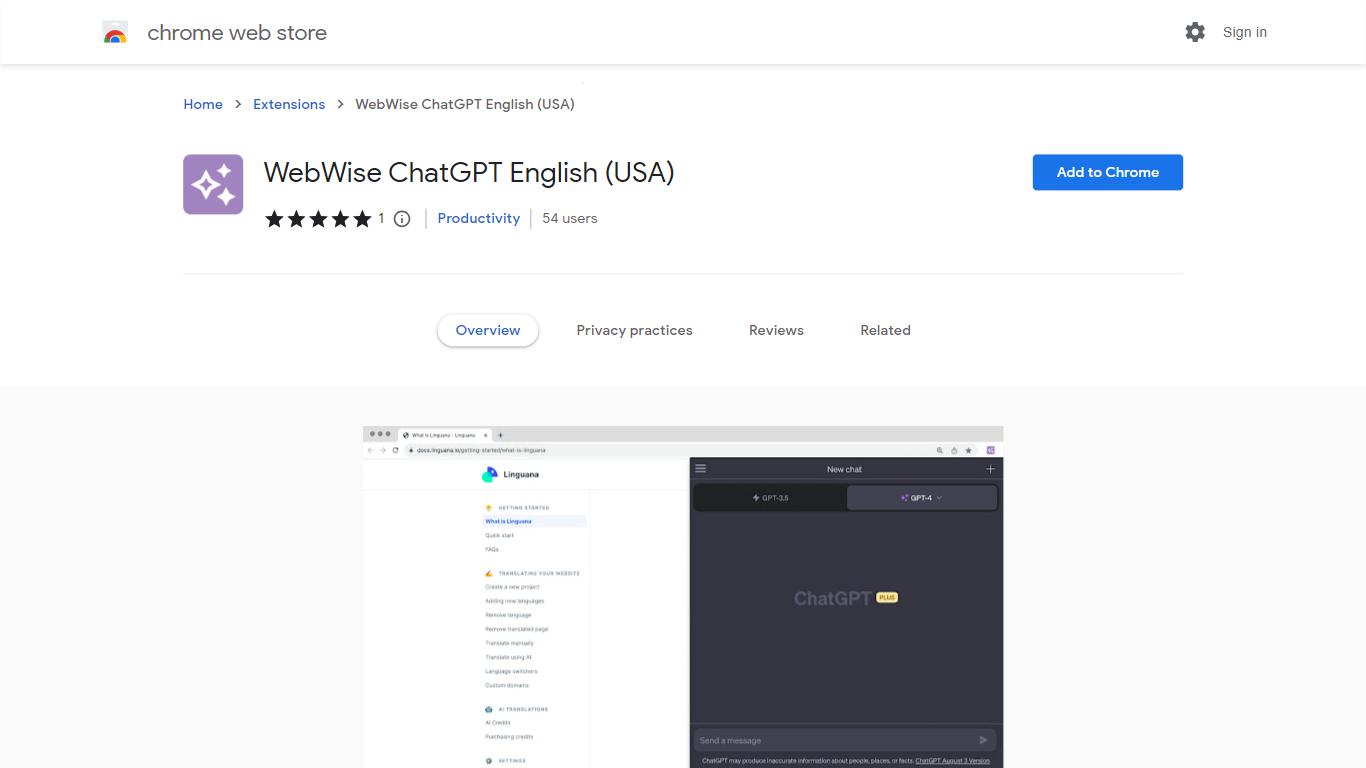

What is WebWise ChatGPT?
WebWise ChatGPT is a browser extension for Chrome that puts ChatGPT one click away in your toolbar, omnibox, context menu, and search result pages. It works with your existing ChatGPT Free or Plus login at chat.openai.com and does not require a separate API key.
Plenty of ChatGPT sidebar extensions add a floating panel, but WebWise focuses on fast entry points: open a popup from the toolbar, type gpt plus space in the address bar, or pull answers alongside Google, Bing, and Yahoo results. It also pings your ChatGPT session to keep it alive longer during long browsing stretches. The trade-off is that it depends entirely on OpenAI's web interface, so outages or login issues on chat.openai.com affect the extension too.
Researchers, students, and office workers who already pay for or use free ChatGPT install WebWise to avoid tab-switching. The extension lists 335 Chrome Web Store users, supports 54 languages, and last updated in August 2023 at version 1.0.1.
Scribe
What is Scribe?
Scribe captures how work actually gets done and turns it into step-by-step guides your team and AI agents can follow. It records workflows as people perform them in the browser, desktop, or mobile apps, then generates documentation without manual screenshots or write-ups. Teams use it for SOPs, training, onboarding, and feeding workflow context to AI tools.
Where most documentation tools expect you to write guides from memory or schedule walkthroughs, Scribe watches real workflows and documents them automatically. Capture surfaces the processes teams run most often and turns them into shareable guides, while Optimize maps inefficiencies across approved apps and recommends where to automate or invest in AI.
Operations, IT, HR, and enablement teams rely on Scribe to share tribal knowledge before someone goes on PTO. Companies rolling out new software or building AI agent roadmaps use it to give bots accurate workflow context through MCP and enterprise search APIs.
WebWise ChatGPT Upvotes
Scribe Upvotes
WebWise ChatGPT Top Features
Opens ChatGPT in a toolbar popup with one click, no API key required
Omnibox shortcut: type gpt then space in the address bar to launch ChatGPT
Shows ChatGPT answers alongside Google, Bing, Yahoo, and other search results
Context menu access to run ChatGPT on selected page content
Keeps ChatGPT web sessions alive longer with periodic background pings
Supports 54 languages and works with both ChatGPT Free and Plus accounts
Scribe Top Features
Records any workflow and outputs a polished step-by-step guide automatically
Chrome and Edge extensions plus desktop apps capture web, mobile, and desktop processes
Export guides to PDF, HTML, Markdown, or Word, or embed them anywhere
Pro Team starts at 5 seats with comments and collaboration on shared guides
Feed workflow context to AI assistants through MCP and enterprise search API
Enterprise auto-redaction for PII and PHI with SOC 2 Type II and HIPAA compliance
WebWise ChatGPT Category
- Productivity
Scribe Category
- Productivity
WebWise ChatGPT Pricing Type
- Free
Scribe Pricing Type
- Freemium