WhatLetter vs Readable
When comparing WhatLetter vs Readable, which AI Translation tool shines brighter? We look at pricing, alternatives, upvotes, features, reviews, and more.
In a comparison between WhatLetter and Readable, which one comes out on top?
When we put WhatLetter and Readable side by side, both being AI-powered translation tools, The upvote count reveals a draw, with both tools earning the same number of upvotes. Join the aitools.fyi users in deciding the winner by casting your vote.
Think we got it wrong? Cast your vote and show us who's boss!
WhatLetter
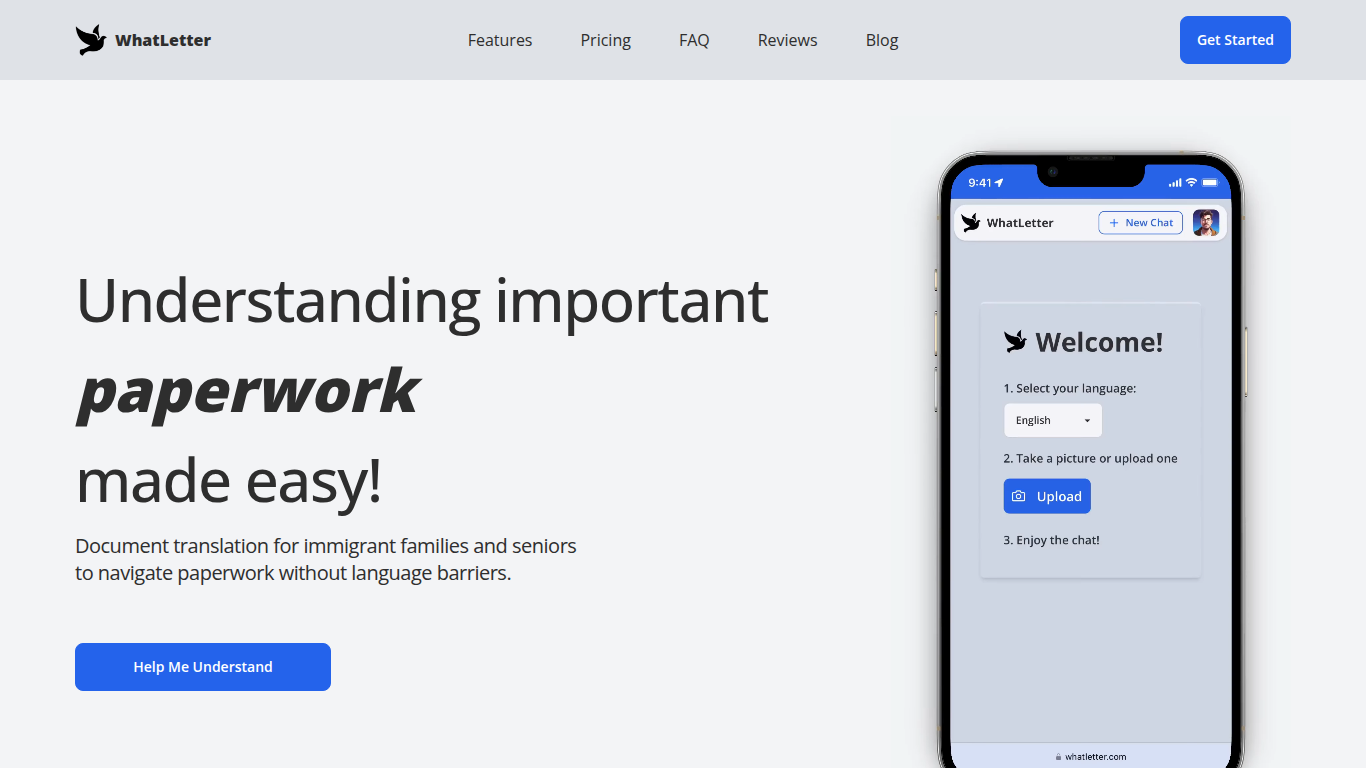

What is WhatLetter?
WhatLetter translates documents and texts into over 30 languages using photo capture and AI technology. Users can take pictures of menus, letters, or forms and receive instant translations in their preferred language. An AI chatbot further explains translated content and answers questions to clarify complex documents.
WhatLetter stands out by combining instant photo translation with an AI assistant that helps users understand the meaning behind translations. Unlike basic translators, it prioritizes privacy by not storing images or chat histories on servers. It is accessible through desktop and mobile browsers without requiring app downloads.
The tool serves diverse users such as immigrant families, seniors, and travelers who need quick, reliable translations for personal or business purposes. While the free plan offers limited translations, the WhatLetter Plus subscription unlocks unlimited access and enhanced AI features. Upcoming integrations with WhatsApp and Telegram will enable message translation within those platforms.
Readable
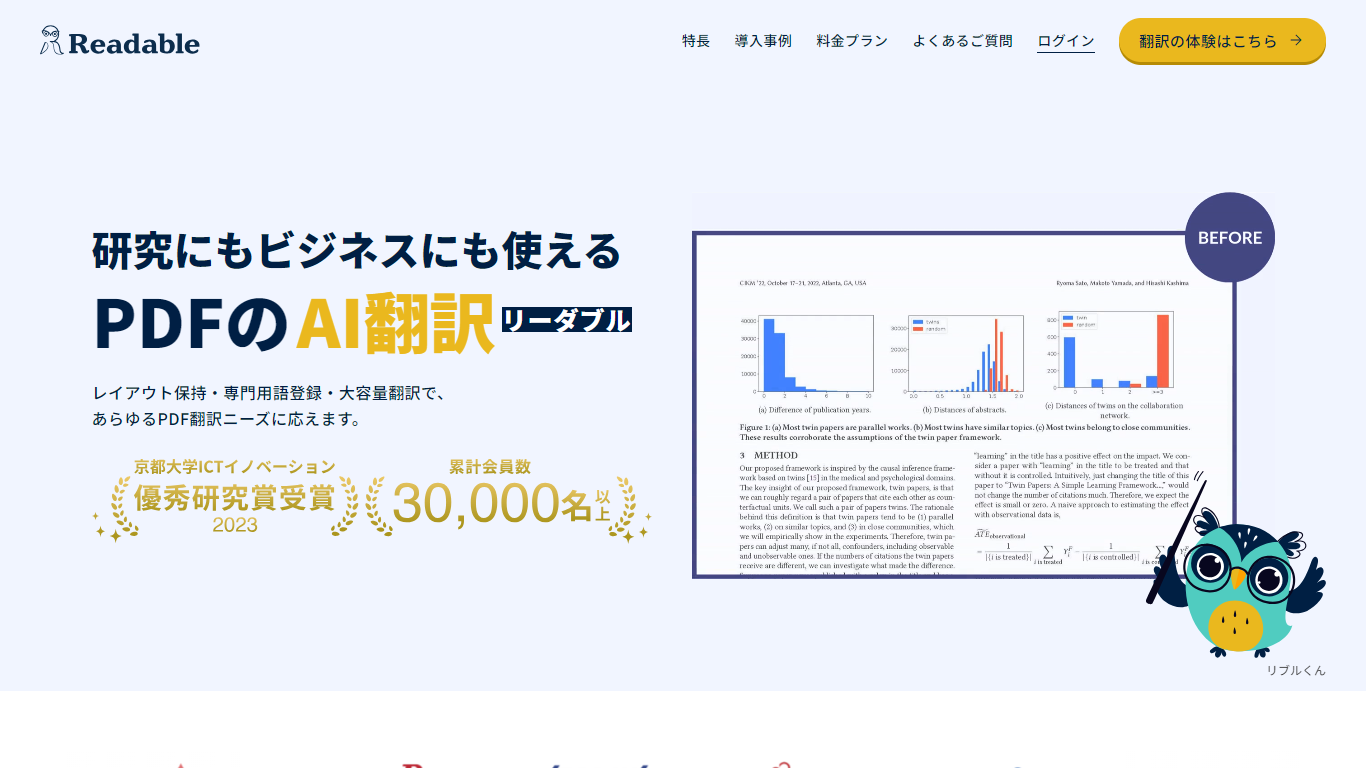
What is Readable?
Readable translates PDF files into Japanese while keeping the original layout intact, including tables, figures, and images. Built by NextLab Inc., it targets researchers reading academic papers and business teams working through manuals, reports, and contracts without rebuilding documents by hand.
The reader shows original and translated text side by side so you can scan a translation and jump back to the source line when something needs a closer look. Premium users can register custom dictionaries so product names, abbreviations, and field-specific terms translate the same way every time.
Readable runs in the browser and through a Chrome extension for quick file translation. Pro Standard focuses on English-to-Japanese PDFs, while Pro Premium adds 200+ source languages, larger file limits, and optional ChatGPT-based translation engines.
WhatLetter Upvotes
Readable Upvotes
WhatLetter Top Features
Instant photo translation in 30+ languages
AI chatbot explains translations and answers questions
No images or chat histories stored to protect privacy
Accessible on desktop and mobile browsers without app download
WhatLetter Plus plan offers unlimited translations and enhanced features
Upcoming WhatsApp and Telegram integrations for message translation
Readable Top Features
Tables, charts, and images stay in place in the translated PDF
Original and Japanese text sit side by side for faster research reading
Custom dictionaries pin product names and technical terms to your preferred wording
Premium translates up to 1,000 pages or 200 MB in a single upload
Chrome extension handles one-click translation for online files
WhatLetter Category
- Translation
Readable Category
- Translation
WhatLetter Pricing Type
- Freemium
Readable Pricing Type
- Freemium