Windframe vs Befront
Explore the showdown between Windframe vs Befront and find out which AI Design tool wins. We analyze upvotes, features, reviews, pricing, alternatives, and more.
In a face-off between Windframe and Befront, which one takes the crown?
When we contrast Windframe with Befront, both of which are exceptional AI-operated design tools, and place them side by side, we can spot several crucial similarities and divergences. The upvote count shows a clear preference for Windframe. Windframe has 7 upvotes, and Befront has 6 upvotes.
Don't agree with the result? Cast your vote and be a part of the decision-making process!
Windframe

What is Windframe?
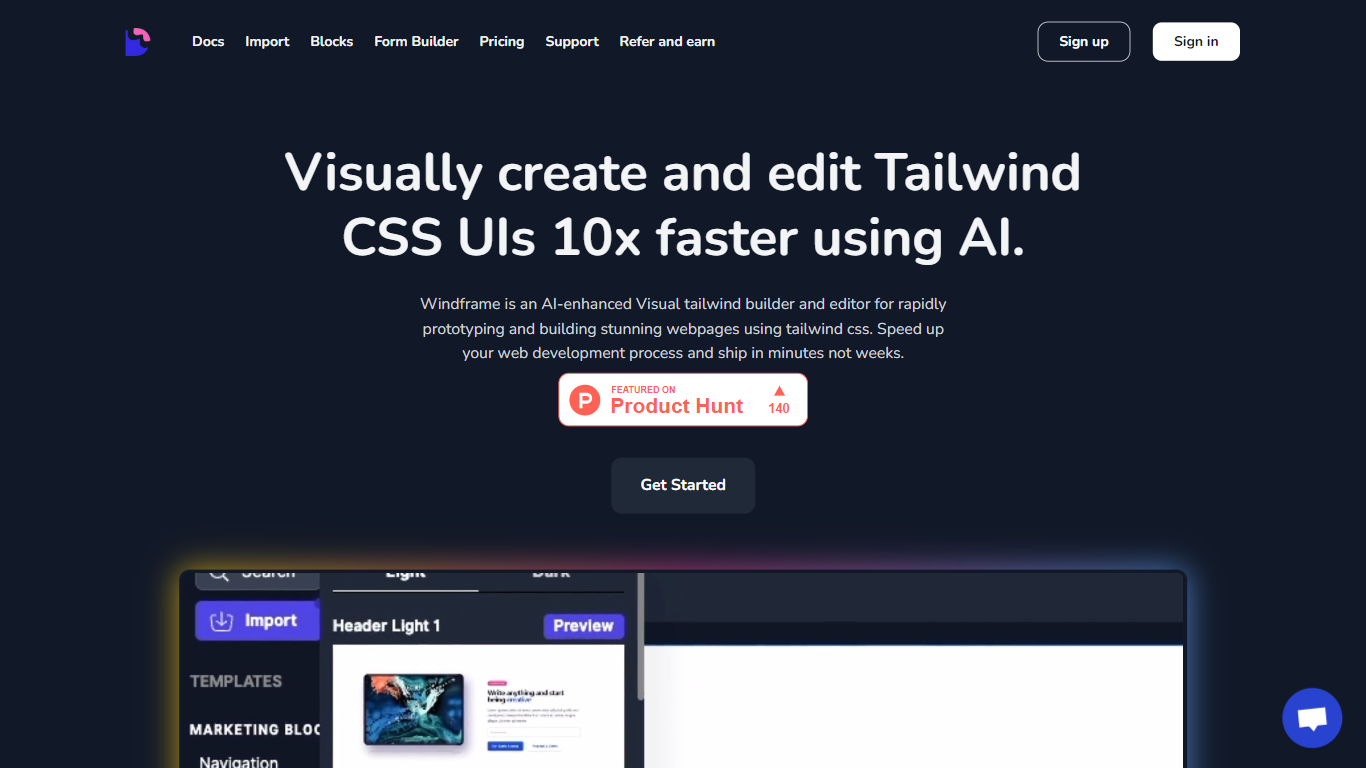
Windframe is a visual Tailwind CSS builder that turns layouts into production code for React, Vue, Svelte, and other frameworks. You start from AI prompts or 1,000+ prebuilt templates, refine everything in a drag-and-drop editor, and export clean utility classes without rewriting styles by hand. Screenshot-to-code and multi-page projects sit in the same workspace, so you can go from mockup to shippable front end in one tool.
Where prompt-only builders stop at generated snippets, Windframe keeps you in a full editor with version history, team sharing, and imports for your own Tailwind components. Its style guides borrow layout patterns from products like Linear and Apple, which gives AI output a more finished look than raw Tailwind guesses. A separate MCP server also feeds those design tokens straight into Cursor, Claude Code, and VS Code for agent-driven UI work.
Frontend developers, indie founders, and agencies use it to prototype landing pages, dashboards, and client sites without a dedicated design team. Backend-heavy teams let less technical members draft pages in the evening and hand off exportable code the next morning. The tool stays narrow on Tailwind CSS on purpose, which is why exported code drops into existing JavaScript stacks more cleanly than general site builders do.
Befront
What is Befront?
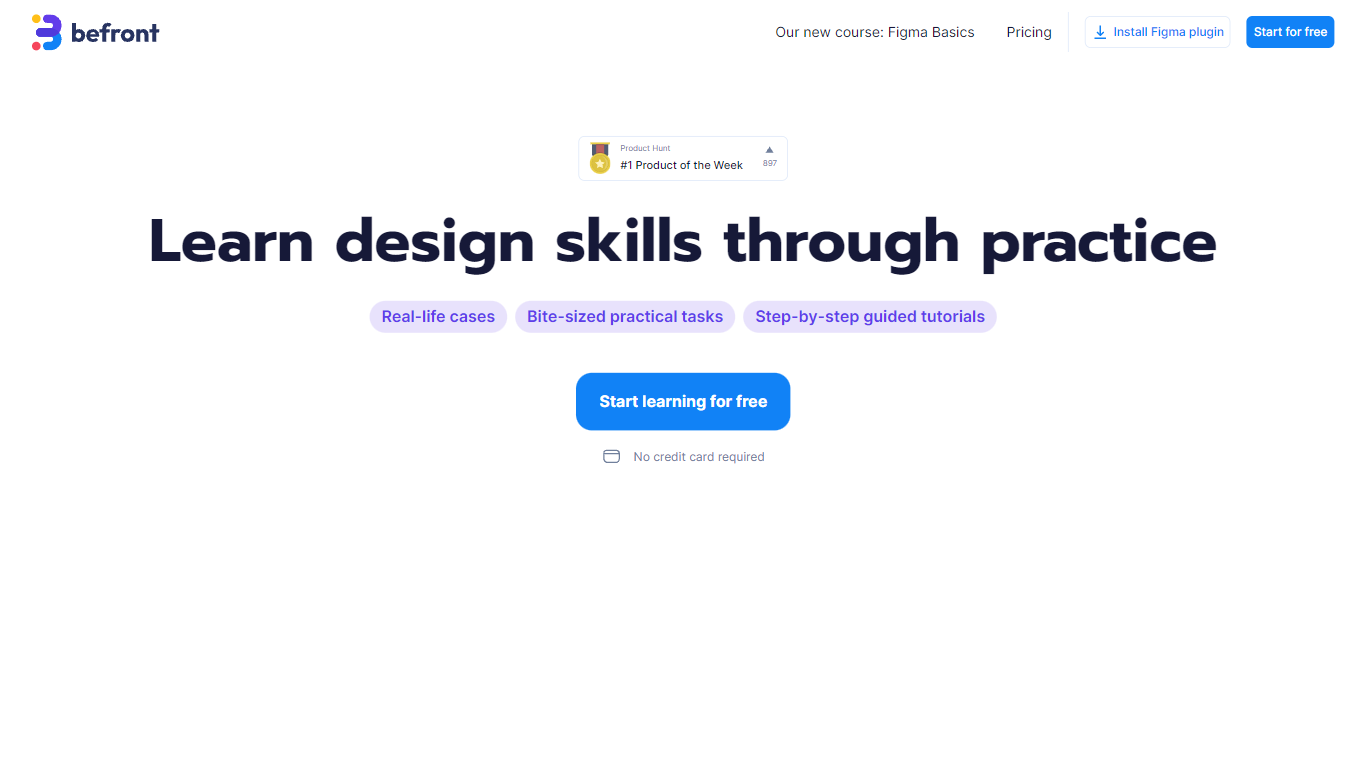
Befront is a Figma Community plugin that works as a hands-on design trainer. You install it in Figma, pick a skill to train, and complete short UI tasks on real interfaces with instant feedback as you work. It focuses on practical layout and component work rather than passive theory.
Most design courses lean on video lectures that are easy to watch and hard to retain. Befront runs short drills you can finish in about five minutes, with topic picks like Auto Layout and components instead of a fixed syllabus. That makes it closer to a daily gym routine than a semester-long course.
The homepage positions Befront for designers who feel stuck in Figma, working designers who want more speed, and career switchers learning UX/UI from scratch. Developers, product managers, founders, and marketers who need to work confidently in Figma are also called out in the FAQ.
You track progress over time, compete with other designers, and can try design mini-games for quick interactive practice. A free trial offers access to trial lessons, while paid plans start at $11 per week or $30 per month for full access.
Windframe Upvotes
Befront Upvotes
Windframe Top Features
1,000+ prebuilt Tailwind blocks for headers, heroes, pricing tables, dashboards, and full pages
Exports to React, Next.js, Vue, Nuxt, Angular, Svelte, Astro, SolidJS, Rails, and HTML
Pro Monthly plan includes 50 AI credits per month at $25; Annual plan includes 480 credits for $189
MCP server connects to Cursor, Claude Code, and VS Code with OAuth and 3 free trial calls
Screenshot-to-code converts uploaded mockups into editable Tailwind layouts
Built on Tailwind CSS v4 with curated style guides like Linear, Apple, and Notion
Befront Top Features
Daily drills you can finish in about five minutes with instant feedback inside Figma
Monthly plan at $30 per month or Weekly plan at $11 per week for full access to all content
Topic-specific training for Auto Layout, components, and other job-ready Figma skills
Design mini-games for quick interactive practice on real interfaces
Free Trial at $0 with access to trial lessons inside the Figma plugin
Windframe Category
- Design
Befront Category
- Design
Windframe Pricing Type
- Freemium
Befront Pricing Type
- Freemium