Zoviz vs Figflow
In the battle of Zoviz vs Figflow , which AI Design tool comes out on top? We compare reviews, pricing, alternatives, upvotes, features, and more.
Between Zoviz and Figflow , which one is superior?
Upon comparing Zoviz with Figflow , which are both AI-powered design tools, The upvote count reveals a draw, with both tools earning the same number of upvotes. You can help us determine the winner by casting your vote and tipping the scales in favor of one of the tools.
Want to flip the script? Upvote your favorite tool and change the game!
Zoviz
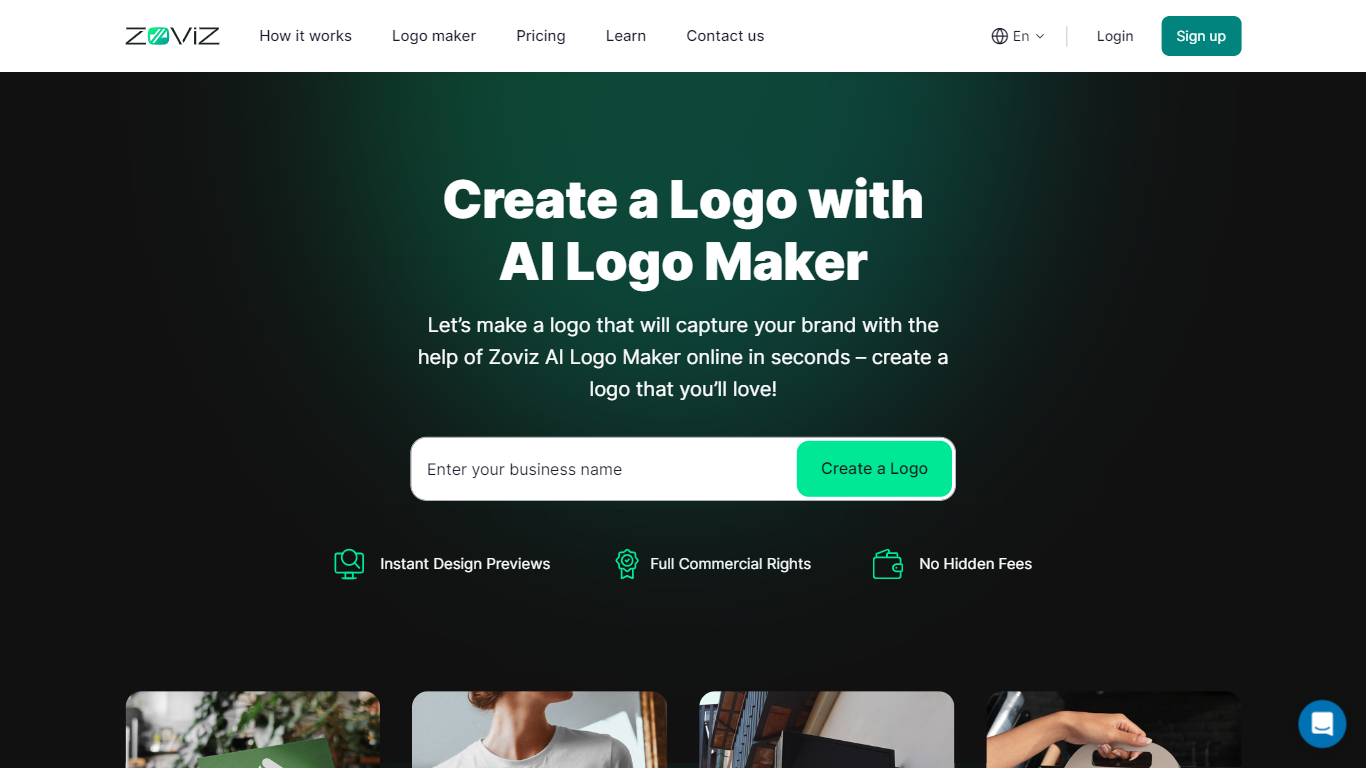

What is Zoviz?
Zoviz builds logos and matching brand kits from a business name, industry pick, and a few style keywords inside its online logo maker. You preview unlimited concepts for free, then customize fonts, colors, and icon placement before exporting SVG, PNG, PDF, and EPS files plus business cards, letterheads, email signatures, and social covers. Paid plans add 5,000-plus templates, AI marketing credits, link-in-bio pages, digital business cards, and a website builder that inherits your palette automatically.
Most logo generators recycle template libraries, but Zoviz generates each mark from your inputs and bundles 30-plus file types, favicons, and brand guidelines in one download flow. Subscription tiers also include background removal, text-to-image tools, and marketing automation that spends monthly AI credits on ads, Reels covers, and YouTube thumbnails styled to your brand. The pricing page claims Pro customers save about $1,400 versus buying a logo, templates, and site tools separately in year one.
Zoviz targets solopreneurs, startups, and agencies that need multiple brand profiles without hiring a studio. Starter covers one brand and 300 monthly AI credits, Pro supports five brands with 800 credits, and Business scales to 15 brands, 2,000 credits, and 50 team seats. Over one million users are cited on the logo maker page, with 4.9 out of 5 ratings from 12,000-plus reviews on pricing.
Figflow
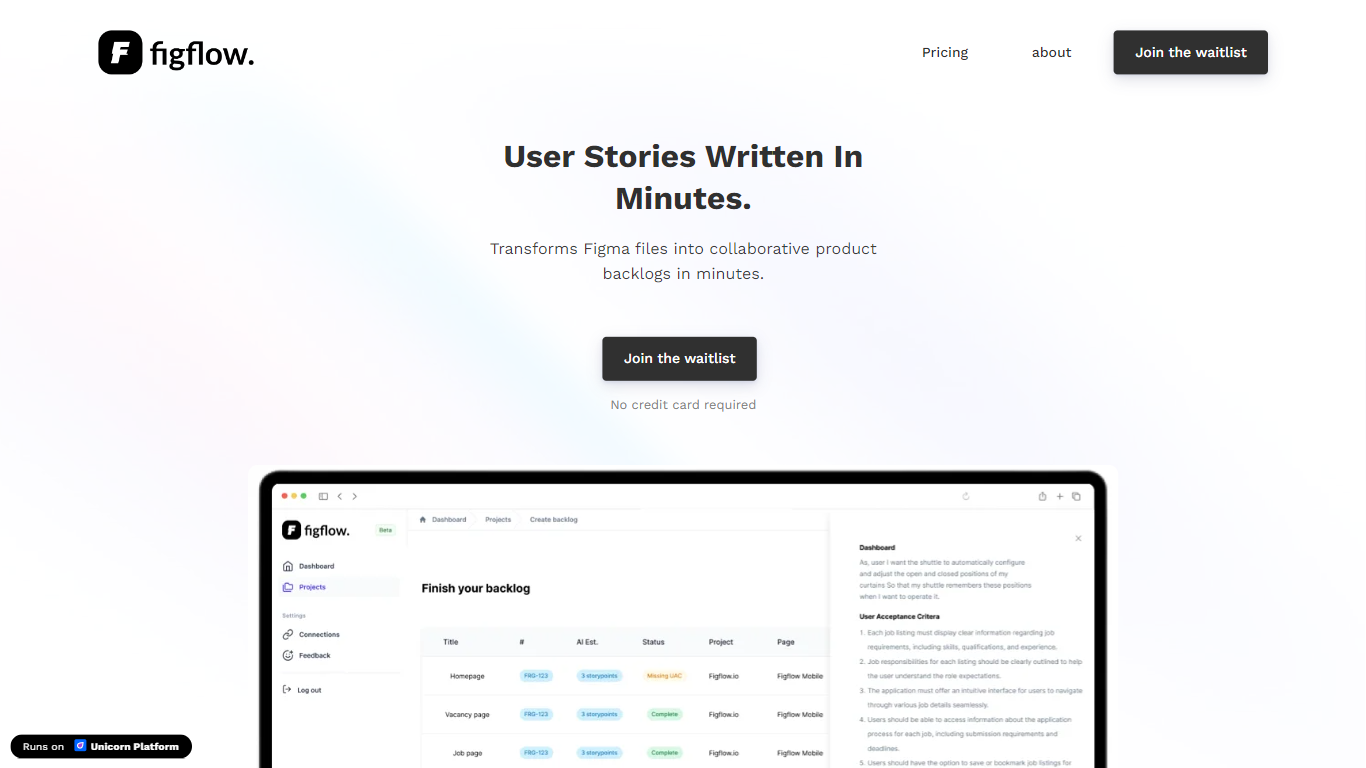
What is Figflow ?
Figflow turns Figma files into structured product backlogs with user stories, acceptance criteria, and story point estimates. You connect Figma through OAuth, upload frames, and Figflow drafts tickets from what is already on the canvas. It targets the handoff gap between design files and sprint-ready work.
Most backlog tools expect you to write stories from scratch. Figflow starts from your Figma screens, embeds design screenshots inside each story, and uses its AI assistant to shape voice and tone. The Professional plan at $9 per month removes the 250-interaction cap on the free Personal tier, which is the main reason teams outgrow the starter plan.
Product owners, product managers, and product designers use Figflow to cut manual story writing before refinement sessions. It fits teams that live in Figma and want a single workspace for multiple projects without exporting screens into a separate doc for every ticket.
Zoviz Upvotes
Figflow Upvotes
Zoviz Top Features
Preview and customize logos free before subscribing to download files
Exports 30-plus formats including SVG, PNG, PDF, and EPS with transparent variants
Starter plan is $29 per month with 300 AI marketing credits and 10 GB storage
Brand kit includes 5,000-plus templates for social posts, letterheads, and signatures
Pro plan supports five brands, 800 monthly credits, and a custom-domain website
Pricing page cites 4.9 out of 5 stars from 12,000-plus customer reviews
Figflow Top Features
OAuth Figma integration pulls projects without manual file exports
Personal plan includes 250 free AI interactions before paid upgrade
Professional plan at $9 per month unlocks unlimited AI interactions and projects
AI assistant drafts acceptance criteria from design frames and user stories
Design screenshots attach directly to user stories instead of separate exports
Supports 10 languages including English, Dutch, French, German, Spanish, and Japanese
Zoviz Category
- Design
Figflow Category
- Design
Zoviz Pricing Type
- Freemium
Figflow Pricing Type
- Freemium