
Last updated 07-27-2026
Category:
Reviews:
Join thousands of AI enthusiasts in the World of AI!
Corrector App
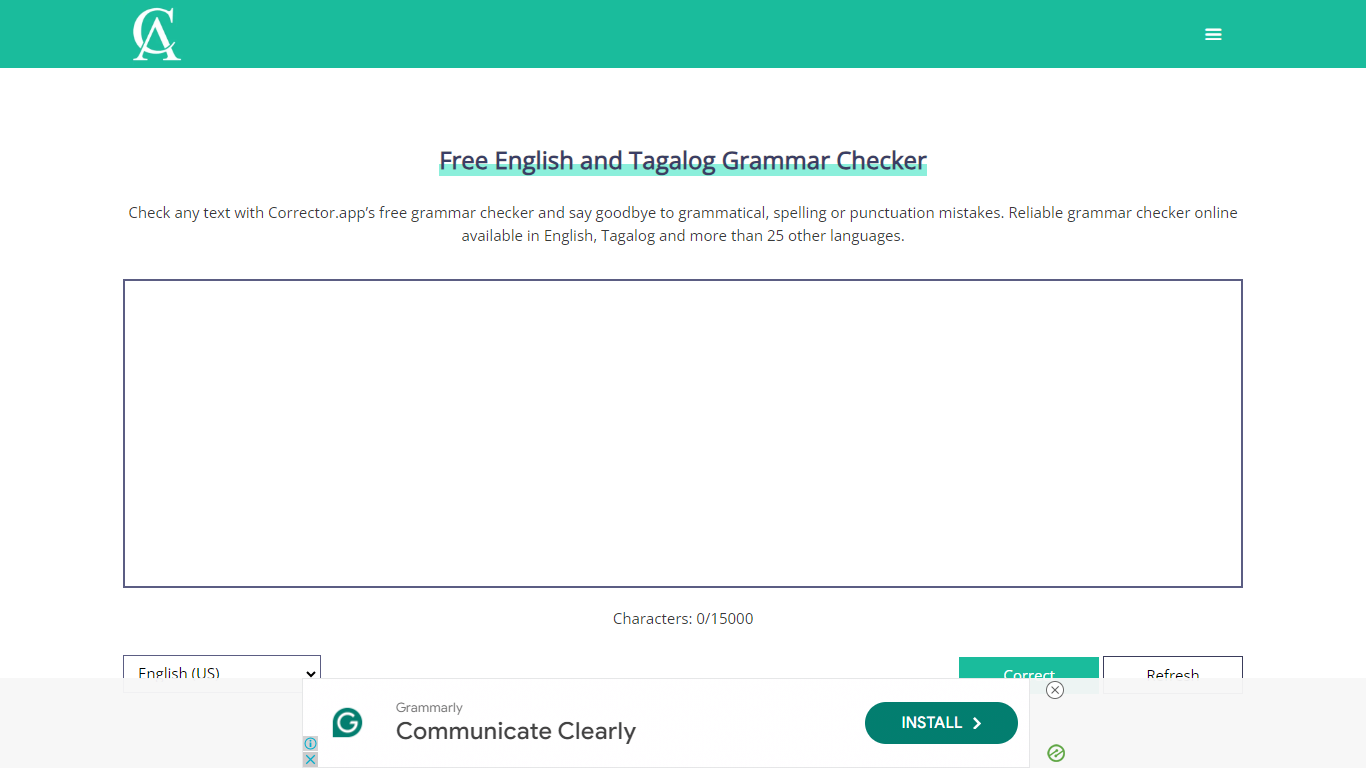
Corrector App checks and corrects grammar, spelling, and punctuation errors in text across more than 25 languages. It allows users to quickly improve their writing by identifying mistakes without requiring account creation or software downloads.
This tool stands out by combining multilingual support with an AI content detection feature that identifies AI-generated text. Unlike many grammar checkers, it also offers corrections tailored to multiple English variants, accommodating regional writing styles.
The interface is straightforward and user-friendly, enabling users to paste or type text and receive instant feedback. Corrector App is ideal for writers, students, professionals, and anyone aiming to enhance writing clarity and correctness in various languages and dialects.
🌐 Supports over 25 languages including English and Tagalog for diverse users
✍️ Detects and corrects spelling, grammar, and punctuation errors instantly
🤖 AI content detection to identify AI-generated text in your documents
📝 No account or software download needed for quick and easy access
🔄 Offers multiple English variants to match regional writing styles
Supports a wide range of languages beyond English and Tagalog
Includes AI content detection to spot AI-generated writing
Accessible without account creation or software installation
Handles multiple English dialects for tailored corrections
Simple interface suitable for all skill levels
Limited advanced writing style suggestions compared to premium tools
No mobile app available; fully web-based only
Can I use Corrector App without creating an account?
Yes, Corrector App allows you to check your text for errors without signing up or downloading any software.
Which languages does Corrector App support?
Corrector App supports over 25 languages, including English, Tagalog, and multiple English variants to suit different regions.
How does the AI content detection feature work?
Corrector App's AI content detection analyzes your text to identify if it was generated by AI, helping you verify originality.
Is there a limit to how much text I can check for free?
Corrector App's free version allows unlimited checks but may have some feature limitations compared to the Pro plan.
Can Corrector App help with professional documents?
Corrector App is suitable for proofreading emails, reports, essays, and other professional writing to ensure clarity and correctness.
Does Corrector App offer suggestions for different English dialects?
Corrector App supports multiple English variants, providing corrections tailored to regional spelling and grammar rules.
Is there a mobile app for Corrector App?
Corrector App is web-based and does not offer a dedicated mobile application.