
Last updated 07-30-2026
Category:
Reviews:
Join thousands of AI enthusiasts in the World of AI!
Crust AI
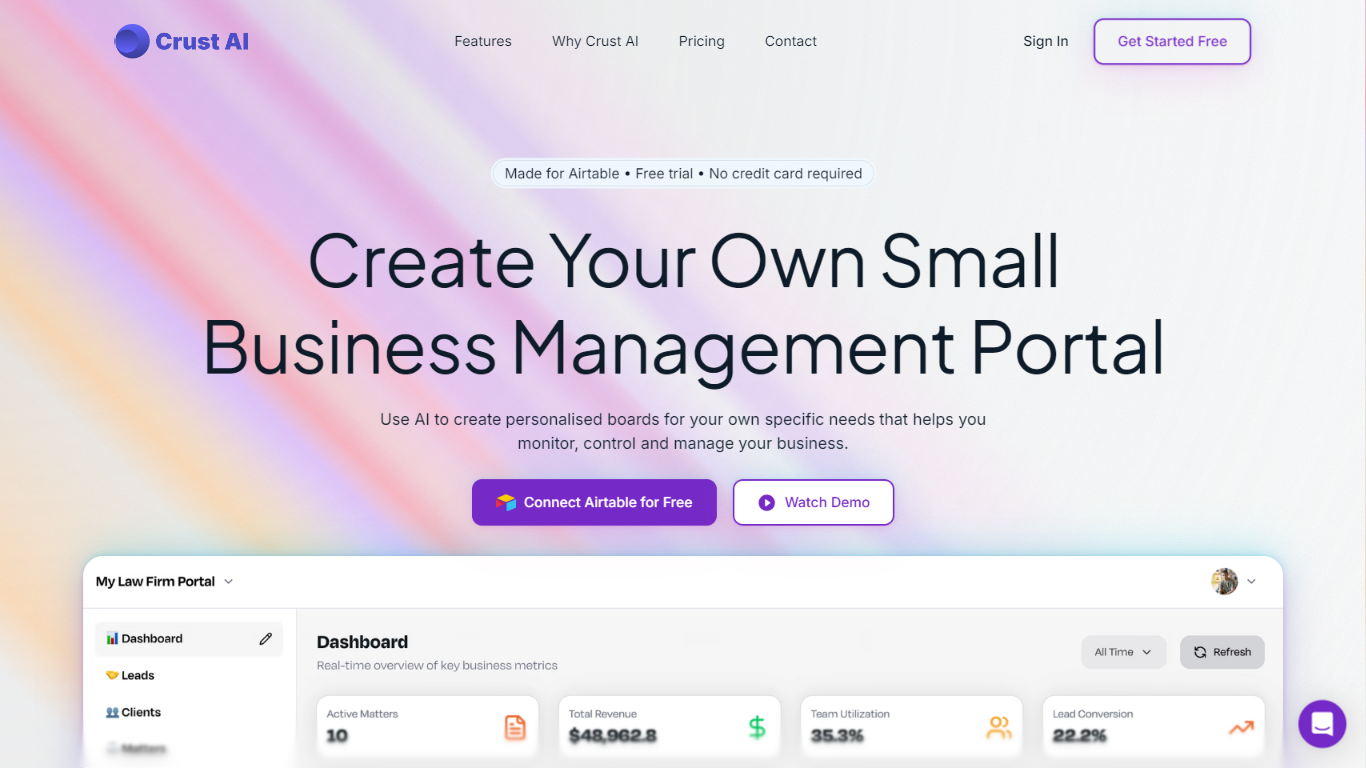
Crust AI turns rows in Airtable, Notion, Monday.com, or Google Sheets into shareable mini-apps called Snippets. Each Snippet is a focused, branded view of live project data that outside clients, vendors, or partners can open on any device without logging into your full workspace.
Most project management tools either keep data locked inside the team workspace or force you to export static reports. Crust AI sits on top of your existing tables and builds interactive Snippet views with list and detail layouts, user-based permissions, and two-way sync back to the source. One Snippet URL can show different records to different viewers when you pass a permission value like an email in the link.
Agencies, consultancies, and small teams use Crust AI for client portals, campaign dashboards, and field workflows where outsiders need a clean interface but not edit access to the whole base. Setup stays in the Snippet Builder at app.trycrust.ai, with natural-language prompts to adjust layout, hide fields, and wire buttons that trigger Make, Zapier, or native automations.
Connects Airtable, Notion, Monday.com, Google Sheets, and PostgreSQL as documented data sources
Single Item and Multiple Items Snippet types with list and detail views
Shareable URLs follow app.trycrust.ai/<snippet_id>/list or /detail with optional ?p= permission parameters
User-based permissions filter records by a field value such as client email without separate Snippet URLs
Two-way sync writes Snippet edits back to the connected table in real time
Natural-language AI Prompt in Step 3 adjusts colors, layout, field visibility, and interactive buttons
Snippet buttons can trigger Airtable, Notion, Monday, Make, Zapier, n8n, or custom webhook automations
Shares filtered live data without inviting outsiders into the full Airtable or Notion workspace.
One Multiple Items Snippet URL can personalize record lists per viewer through permission parameters.
Natural-language prompts adjust layout and styling without rebuilding the Snippet from scratch.
Published buttons can kick off Make, Zapier, or native automations through webhook-linked Button fields.
Requires an existing structured table in Airtable, Notion, Monday.com, Google Sheets, or PostgreSQL.
Complex automations still depend on Button fields and external tools outside the Snippet builder.
The public marketing site at trycrust.ai no longer loads, so onboarding starts from docs or the app subdomain.
What data sources does Crust AI support?
Crust AI connects to Airtable, Notion, Monday.com, Google Sheets, and PostgreSQL. You pick a table from your connected source, then Crust AI builds Snippets that stay live-synced with that data.
What is a Crust AI Snippet?
A Crust AI Snippet is an interactive mini-app generated from one table in your data source. It presents a curated, branded view with list or detail layouts, unique shareable URLs, and optional write-back to the source.
How does Crust AI user-based permission work?
Crust AI filters Multiple Items Snippets by matching a permission field in each record to a viewer identifier. The same base URL can include [email protected] so only records tied to that email appear.
Can Crust AI trigger automations from a Snippet?
Yes. Crust AI maps Snippet buttons to Button fields in your source table that open webhook URLs. That lets viewers fire Airtable, Notion, Monday, Make, Zapier, n8n, or custom workflows with one click.
What is the difference between Single and Multiple Items Snippets in Crust AI?
Crust AI Single Item Snippets show one fixed record in a detail view. Multiple Items Snippets open on a list view and let viewers click into per-record detail views filtered and sorted in the builder.
Does Crust AI require coding to customize Snippets?
No. Crust AI builds an initial layout from your table schema, then you refine it in Step 3 with plain-language AI Prompt instructions for styling, field visibility, and interactive elements.
How do Crust AI Snippets stay updated with source data?
Crust AI keeps Snippets live-synced with the connected table. Changes in Airtable, Notion, Monday.com, or Google Sheets appear in the published Snippet, and enabled interactive fields can write back to the source.