
Last updated 10-05-2026
Category:
Reviews:
Join thousands of AI enthusiasts in the World of AI!
Dawnwood
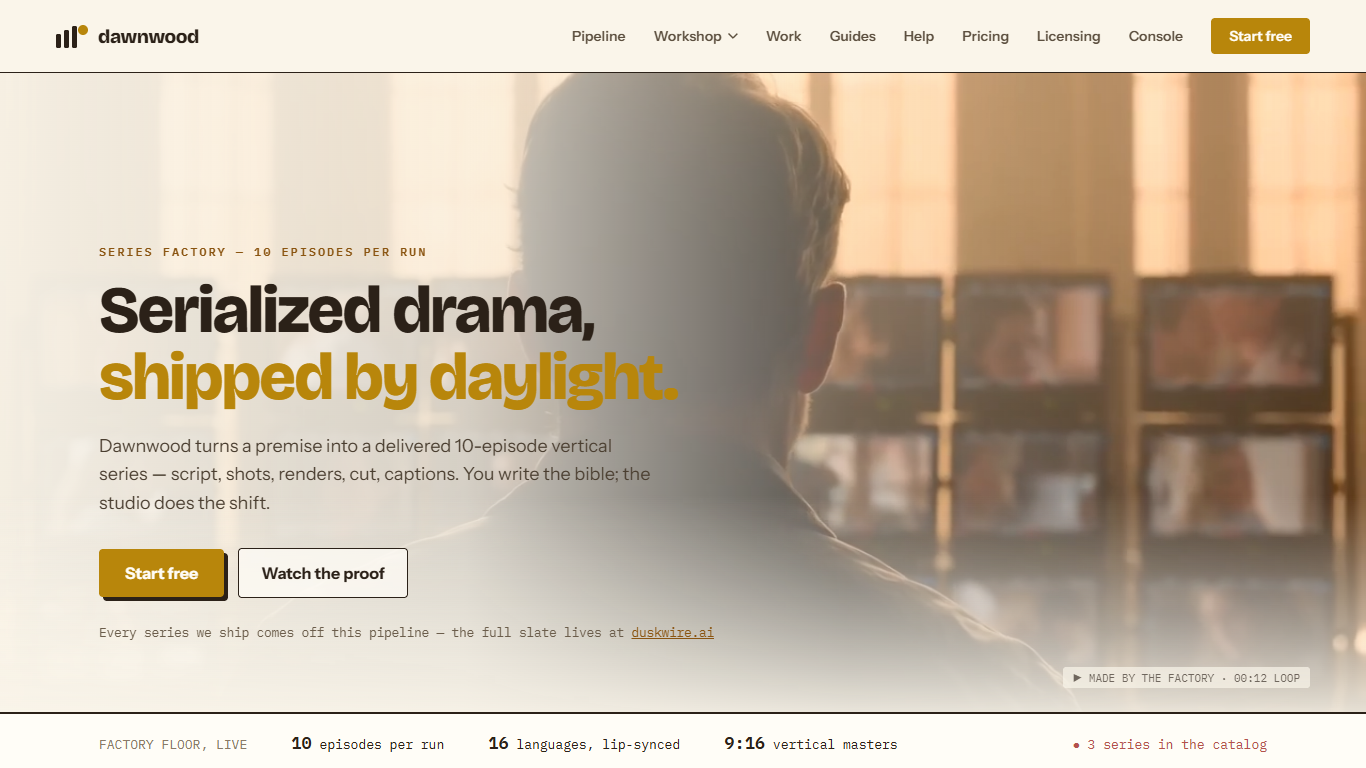
Dawnwood is built for serialized short drama, not one-off clips. You hand it a premise and it walks a seven-step run through a season bible, episode scripts, a locked cast, approved art, rendered segments, and a zipped delivery pack tuned for vertical feeds. Each factory run targets ten episodes in 9:16 with burned-in subtitles. The studio orchestration and QC sit on top of credit-based rendering, so you can write an entire season before spending on pixels.
Most video tools optimize for a single generation. Dawnwood locks face, wardrobe, and voice per character in a world pack so episode 1 and episode 10 share the same lead. That trade-off favors bingeable vertical series over quick memes, and the site contrasts this directly with clip-first tools that break down past roughly thirty seconds.
Short-form producers, drama studios, and teams already running agents in Claude Code or Cursor are the obvious fit. MCP access exposes twenty-nine tools across the same pipeline the browser console uses, with console deep links at every approval gate. Platforms that want a produced series under contract are pointed to the licensing page instead of the self-serve wizard.
Dawnwood's operators run their own catalog at duskwire.ai, including multi-episode seasons released on a schedule.
Ships ten 9:16 episodes per run with covers and metadata zipped for TikTok, Reels, and Douyin
Season bible co-writing and full-season scripts stay free on the $0 plan
Rendering bills 5 credits per output second, or 10 in Super mode
Language versions dub each character voice with lip-sync for 80 credits per episode
Twenty-nine MCP tools let Claude Code or Cursor drive the same pipeline as the console
Signup grants 500 credits once, valid 30 days, enough for your first rendered segment
Writing work stays free, so you can finish a season bible and every script before buying render credits.
World packs lock cast look and voice across ten episodes, which clip tools rarely hold together.
MCP and CLI access ships on the Free plan with no separate agent fee.
Failed renders are not charged, and each shot group includes one take with free trim and re-cut.
Credit burn scales with output seconds, so a full ten-episode season adds up fast at 5 to 10 credits per second.
Self-serve runs cap at one active world on Free, and Creator only raises that to three worlds.
Publishing and visual shot fixes still require the browser console even when you drive the run from an agent.
Does Dawnwood have a free plan?
Yes. Dawnwood Free plan is $0 and includes bible co-writing, full episode scripts, and one active world. You also get 500 signup credits once, valid for 30 days, which can cover your first rendered segment without a paid plan.
How much does rendering cost on Dawnwood?
Dawnwood charges credits only when pixels render. Standard output costs 5 credits per output second, Super mode costs 10, and failed renders are never charged. Paid plans bundle monthly credits, such as Creator at $29 per month with 380 credits.
Can Dawnwood keep characters consistent across episodes?
Yes. Dawnwood locks each character face, wardrobe, and voice in the world pack and holds that look across the whole season. The product page states the same lead should read as the same person in episode 1 and episode 10.
Does Dawnwood work with Claude Code or Cursor?
Yes. Dawnwood ships an MCP server and CLI with twenty-nine tools that mirror the console pipeline. Agent access is included on every plan, including Free, and you mint a personal access token from the console that expires after 90 days by default.
What languages does Dawnwood support for dialogue?
Dawnwood is native in English and Chinese for writing, and dialogue can use any BCP-47 language tag. Finished episodes can get dubbed language versions with lip-sync and burned-in subtitles for 80 credits per episode per language, with sixteen languages listed on the homepage.
How do I contact Dawnwood support?
Email [email protected] from the address on your Dawnwood account. The help guides ask you to include the series name, episode number, segment or group, what you clicked, and the exact error text or a screenshot when reporting a problem.