
Last updated 07-29-2026
Category:
Reviews:
Join thousands of AI enthusiasts in the World of AI!
Deepnote AI
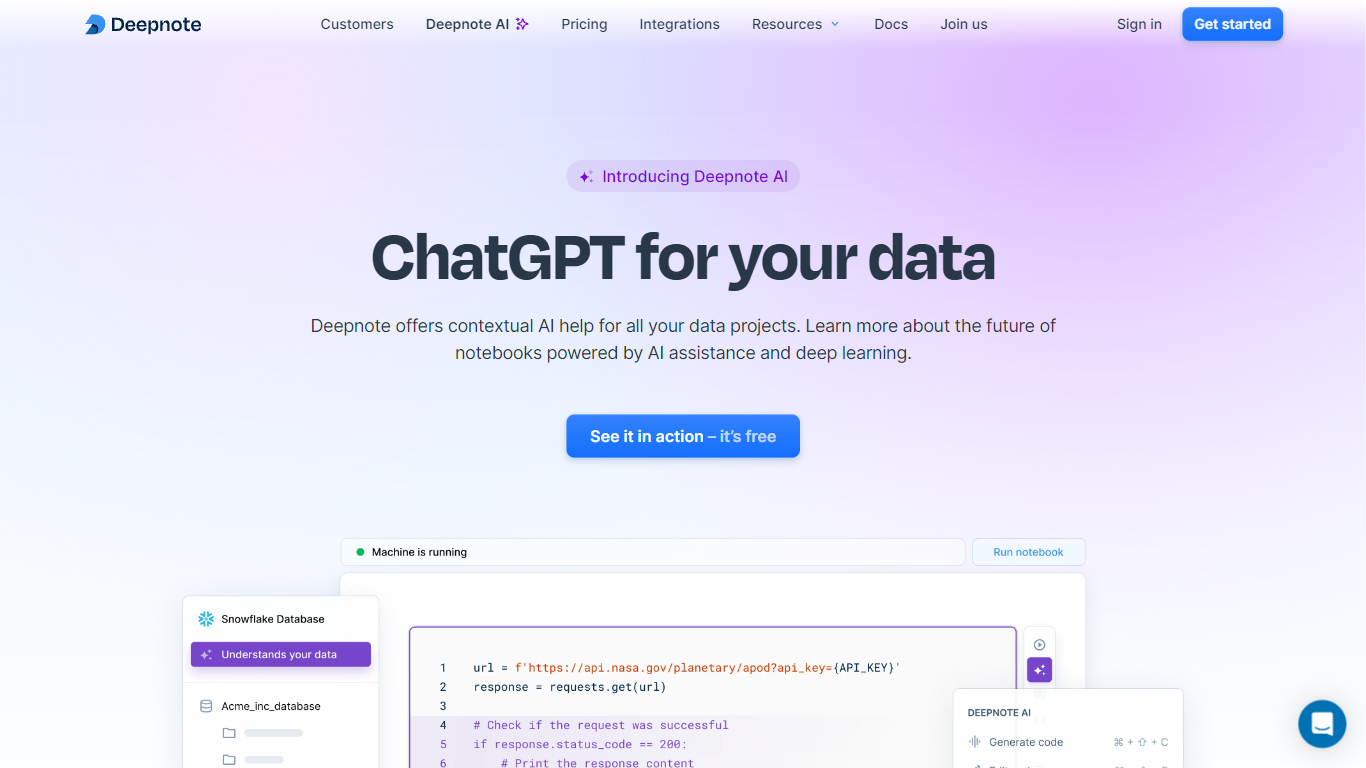
Deepnote AI is the assistant layer inside Deepnote, a collaborative data science notebook platform. It sits alongside your Python cells, SQL blocks, and charts, reading project context, connected warehouse metadata, and notebook history before suggesting code. You can ask in plain language, get full notebooks generated from a prompt, or fix a failing cell without leaving the workspace.
Most coding copilots treat each file as an island. Deepnote AI is built for notebooks tied to live data: its suggestions reference schemas from integrations you already connected, and auto-notebook generation can output runnable Python, SQL, and narrative text in one pass. That trade-off means it is not a general IDE plugin for arbitrary repos; it is narrowly focused on analysis workflows inside Deepnote.
Data scientists, analysts, and analytics engineers use it for exploratory analysis, query drafting, debugging pipeline cells, and turning notebook work into shareable data apps. Teams that already centralize work in Deepnote get the most value, especially when multiple editors collaborate on the same project with revision history and scheduled runs.
Free plan includes 10 AI code completions and 5 generate, edit, or explain calls per month
Team plan offers GPT-5.5 and Sonnet 4.6 access plus $39 in monthly AI credits per editor
Auto notebook generation builds runnable Python, SQL, and text blocks from a single prompt
Reads connected warehouse schemas and project metadata for context-aware suggestions
Supports 40+ integrations including Snowflake, BigQuery, PostgreSQL, and Databricks via SQL blocks
Workspace admins opt in to AI features; Deepnote holds SOC 2 Type II certification
Reads notebook context, warehouse schemas, and project metadata instead of isolated file snippets.
Can scaffold full notebooks with Python, SQL, and narrative text from a single prompt.
40+ native integrations with encrypted credential storage for Snowflake, BigQuery, and PostgreSQL.
Workspace-level opt-in for AI features with SOC 2 Type II compliance documented on the security site.
Real-time collaboration with unlimited viewers, comments, and revision history on paid plans.
Free tier caps AI at 10 completions and 5 calls per feature each month.
Full AI model selection and higher usage limits require a Team or Enterprise plan.
The assistant is tied to the Deepnote cloud workspace, not a general-purpose IDE copilot.
Is Deepnote AI free to use?
Deepnote AI is available on every Deepnote plan, but the Free tier limits you to 10 AI code completions and 5 calls per month for generate, edit, and explain features. The Team plan at $39 per editor per month (billed yearly) removes those caps and includes $39 in monthly AI credits.
What AI models does Deepnote AI use?
Deepnote AI is multi-provider. You can pick from models including Anthropic Claude and OpenAI GPT families using the model selector, or choose Automatic to let Deepnote select a model for the task. Team plans list GPT-5.5 and Sonnet 4.6 access.
Can Deepnote AI generate entire notebooks?
Yes. Deepnote AI's auto notebook feature takes a prompt, question, or instruction and materializes a full notebook with Python code, SQL queries, and explanatory text. The homepage shows an example prompt analyzing six months of sales data to find top customers.
What databases does Deepnote AI connect to?
Deepnote AI works inside notebooks that connect to integrations such as Snowflake, Google BigQuery, PostgreSQL, Amazon Redshift, Databricks, and MongoDB. Credentials are encrypted and stored at the workspace level, then reused across SQL blocks in any project.
How do I enable Deepnote AI?
A workspace admin must turn on Deepnote AI under Settings and Members, then AI. Once enabled, every editor and admin in that workspace can use code generation, editing, explanation, and debugging features inside notebooks.
Does Deepnote AI work outside Deepnote?
Deepnote AI runs inside the Deepnote cloud notebook platform, not as a standalone desktop app. Deepnote also offers a VS Code extension and open-source local setup, but the full AI assistant described on deepnote.com/ai is built for the hosted notebook workspace.