
Last updated 08-03-2026
Category:
Reviews:
Join thousands of AI enthusiasts in the World of AI!
DeVoice - Audio to Text
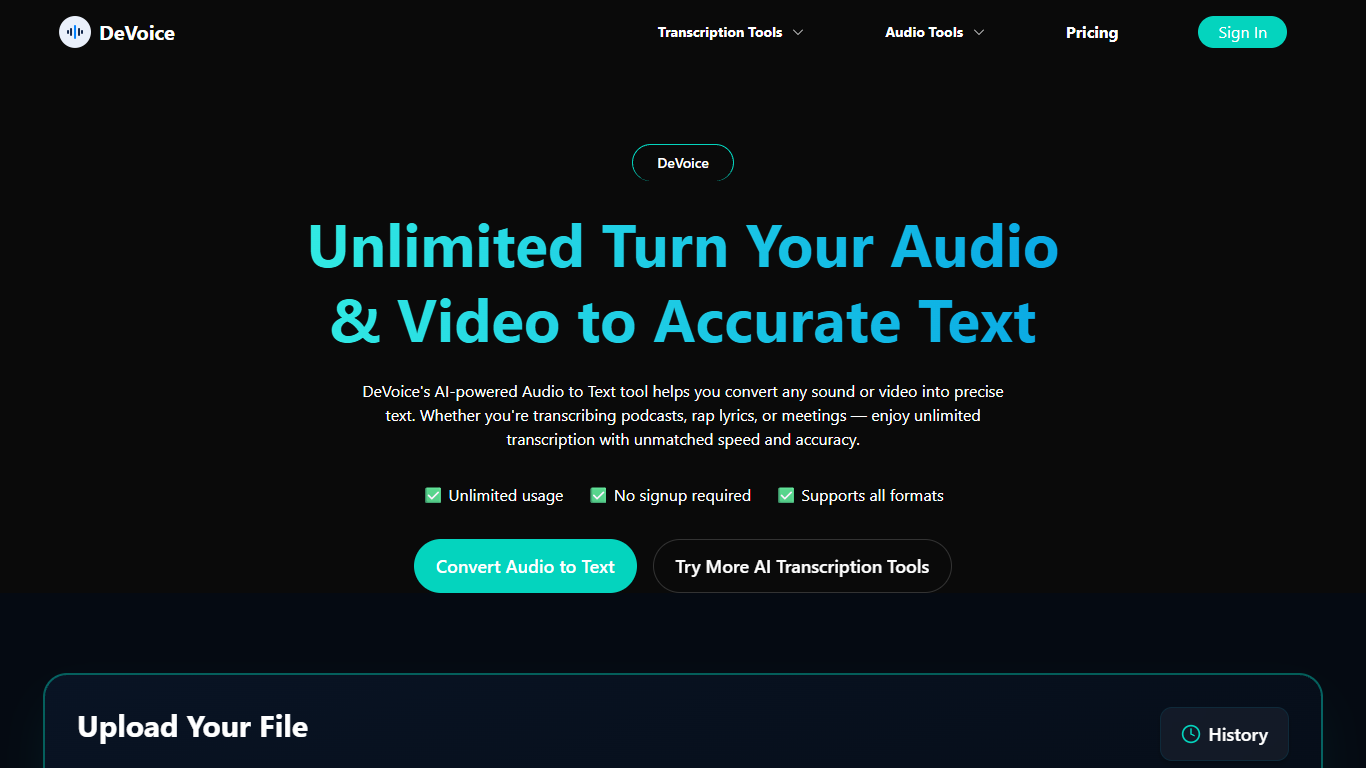
DeVoice turns uploaded audio, video, and YouTube links into editable transcripts from the browser. You drag in mp3, wav, mp4, mov, webm, or m4a files up to 500MB, or paste a YouTube URL, and get text with speaker labels, timestamps, and optional AI summaries. The site advertises 95.2% accuracy on clear speech and support for 100+ languages with auto-detect. Export options include TXT, SRT, VTT, DOCX, and CSV without installing desktop software.
Where Otter and Fireflies focus on live meeting bots, DeVoice is built around upload-first workflows with separate pages for podcasts, meeting recordings, and video clips. That matters when you already have a Zoom or Teams file and just want a transcript, not another app joining your calendar. The free tier gives you 3 transcriptions per day up to 5 minutes each with all export formats unlocked and no credit card. Pro summaries for meeting action items exist, but pricing is not published on the marketing site.
Podcast hosts use DeVoice to pull timestamped transcripts for show notes and blog posts. Managers and product teams upload call recordings from Meet, Teams, or Webex to get labeled speaker notes they can share as DOCX. Educators and creators repurpose lecture or tutorial audio into searchable text and subtitle files. DeVoice encrypts uploads, processes them on secure servers, and deletes files after processing per its privacy policy.
95.2% accuracy advertised on clear speech with speaker labels and timestamps on every transcription
Upload files up to 500MB in mp3, wav, mp4, mov, webm, or m4a, or paste a YouTube link
Free tier includes 3 transcriptions per day up to 5 minutes each with TXT, SRT, VTT, DOCX, and CSV export
Transcription supports 100+ languages with auto-detect for multilingual recordings
Separate workflows for podcasts, meeting recordings, and video clips share one engine
Pro AI summaries distill meeting decisions and action items from uploaded call recordings
Free tier includes all export formats without a credit card.
Upload-first workflow works with existing Zoom, Teams, or Webex recording files.
Separate podcast, meeting, and video pages tailor the workflow to each format.
Supports YouTube URL paste alongside direct file uploads up to 500MB.
Free tier caps at 3 transcriptions per day and 5 minutes per file.
No live or real-time transcription; you upload finished recordings.
Pro plan pricing is not listed on the public marketing site.
Is DeVoice free to use?
Yes. DeVoice is free to use with 3 transcriptions per day up to 5 minutes each. TXT, SRT, VTT, DOCX, and CSV export are all included, and signup does not require a credit card.
What file formats does DeVoice accept?
DeVoice accepts audio and video uploads including mp3, wav, m4a, mp4, mov, and webm up to 500MB per file. You can also paste a YouTube URL instead of uploading a local file.
How accurate is DeVoice transcription?
DeVoice advertises 95.2% accuracy on clear speech across its podcast, meeting, and audio-to-text pages. The engine is designed to handle accents, fast talkers, and light background noise.
What export formats does DeVoice support?
DeVoice lets you export transcripts as TXT, SRT, VTT, DOCX, and CSV. All five formats are included on the free tier for every user.
Does DeVoice label speakers in transcripts?
Yes. DeVoice automatically separates and labels speakers in transcripts, including on podcast and meeting recordings. Timestamps are included so you can jump to specific quotes or clips.
Does DeVoice work with Zoom or Teams recordings?
Yes. DeVoice transcribes uploaded call recordings from Zoom, Google Meet, Microsoft Teams, and Webex. You upload the mp3, wav, or m4a file rather than connecting a live meeting bot.
How many languages does DeVoice support?
DeVoice supports transcription in 100+ languages with auto-detect. English, Spanish, French, German, Japanese, and Chinese are among the languages listed on its product pages.