
Last updated 07-22-2026
Category:
Reviews:
Join thousands of AI enthusiasts in the World of AI!
Dial8
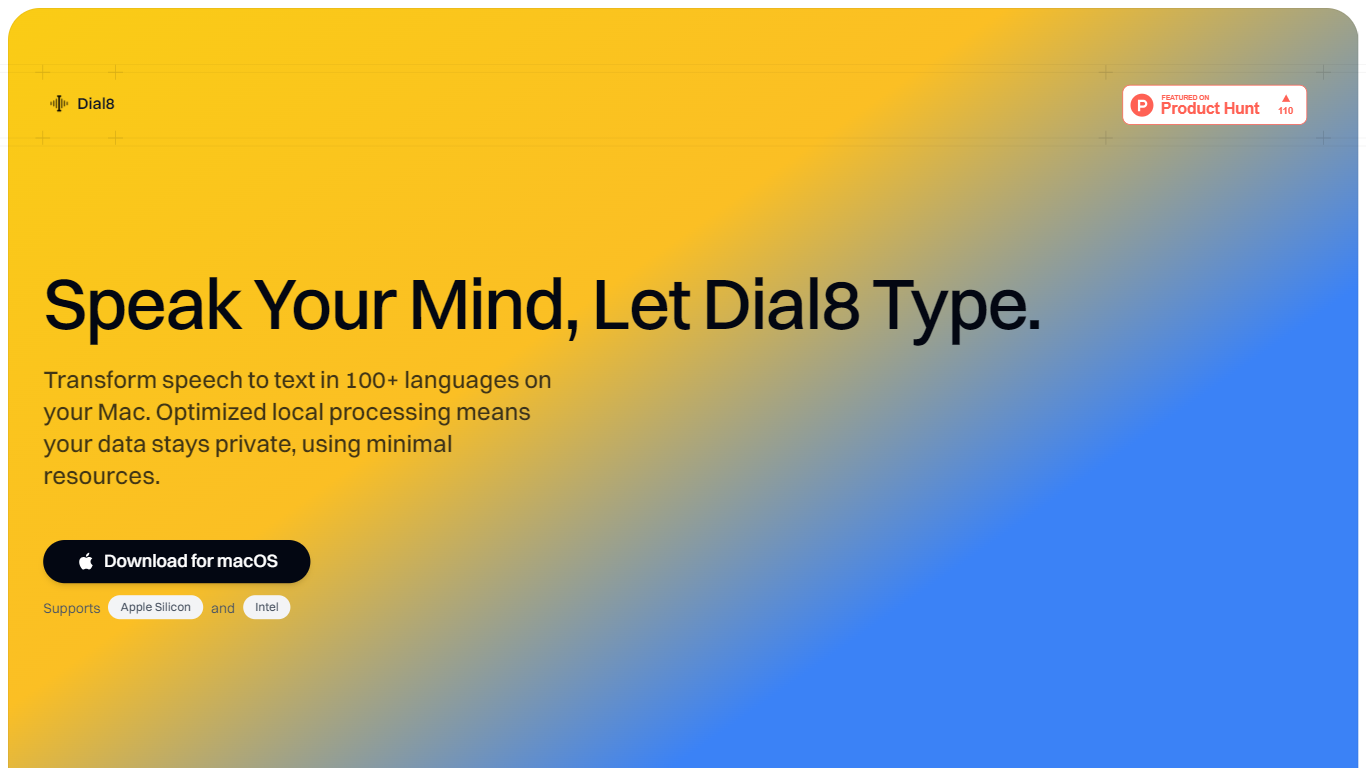
Dial8 is a macOS meeting intelligence workspace that records conversations without sending bots into calls, then turns what your team commits to into tracked action items with owners and context. It combines meeting capture, Linear-style project management, and CRM in one place, built for teams who lose follow-ups between the meeting ending and the ticket getting created.
Where most notetakers stop at a summary nobody opens again, Dial8 listens for the work. Live agents detect project mentions, extract action items with assignees and priority, and suggest status changes as the conversation unfolds. When it is time to execute, press Work on this and an agent picks up the task with full meeting context, including the decision behind it and who asked for it.
Product managers, engineering leads, and founders use Dial8 to keep initiatives, projects, and actions connected to the meetings that spawned them. Built by Bridgebound Studio in New York City, it targets teams that want a task tracker that fills itself in rather than one someone has to maintain after every standup or planning session.
Records meetings on your Mac without bots joining the call
Live agents extract action items with owners, priority, and due dates during the conversation
Linear-style boards, lists, and custom views for projects and initiatives
Press Work on this and agents write code, open pull requests, or draft documents
Built-in MCP servers connect agents to your tools and codebase
Integrates with GitHub, Google Calendar, Gmail, and Outlook out of the box
Records meetings locally on macOS without bots joining calls.
Action items arrive pre-filled with owners, context, and priority from conversations.
Agents can write code, open pull requests, and draft documents with full meeting context.
14-day free trial requires no credit card to start.
Native desktop app is macOS only; Windows is still on a waitlist.
Slack, HubSpot, Zapier, and Affinity integrations are marked coming soon.
GitHub integration and MCP server access require the Pro plan.
Does Dial8 have a free plan?
Dial8 offers a 14-day free trial with no credit card required. The trial includes meeting capture, transcription, action extraction, project management, and the AI assistant for up to 2 team members in 1 workspace.
Does Dial8 join meetings as a bot?
No. Dial8 records meetings locally on your Mac through its desktop app rather than sending a bot into Zoom, Google Meet, or other calls. The site describes this as recording without bots joining calls.
What platforms does Dial8 support?
Dial8 has a native macOS desktop app for automatic meeting detection and audio capture. A Windows version is listed as coming soon with a waitlist on the homepage. The web workspace works in the browser for sign-in, projects, and actions.
How much does Dial8 Pro cost?
Dial8 Pro is $14.99 per month according to the pricing page. Pro unlocks unlimited team members, 5 workspaces, voice identification, advanced AI models, GitHub integration, MCP server access, custom views, and workflows.
What integrations does Dial8 support?
Dial8 currently integrates with GitHub, Google Calendar, Gmail, and Outlook Calendar and Mail. Slack, HubSpot, Zapier, and Affinity are listed as coming soon on the homepage integrations section.
Does Dial8 support MCP?
Yes. Dial8 exposes its workspace via the Model Context Protocol and includes built-in MCP servers on Pro plans. Agents can link GitHub repos, create pull requests from actions, and connect to external tools through MCP.